

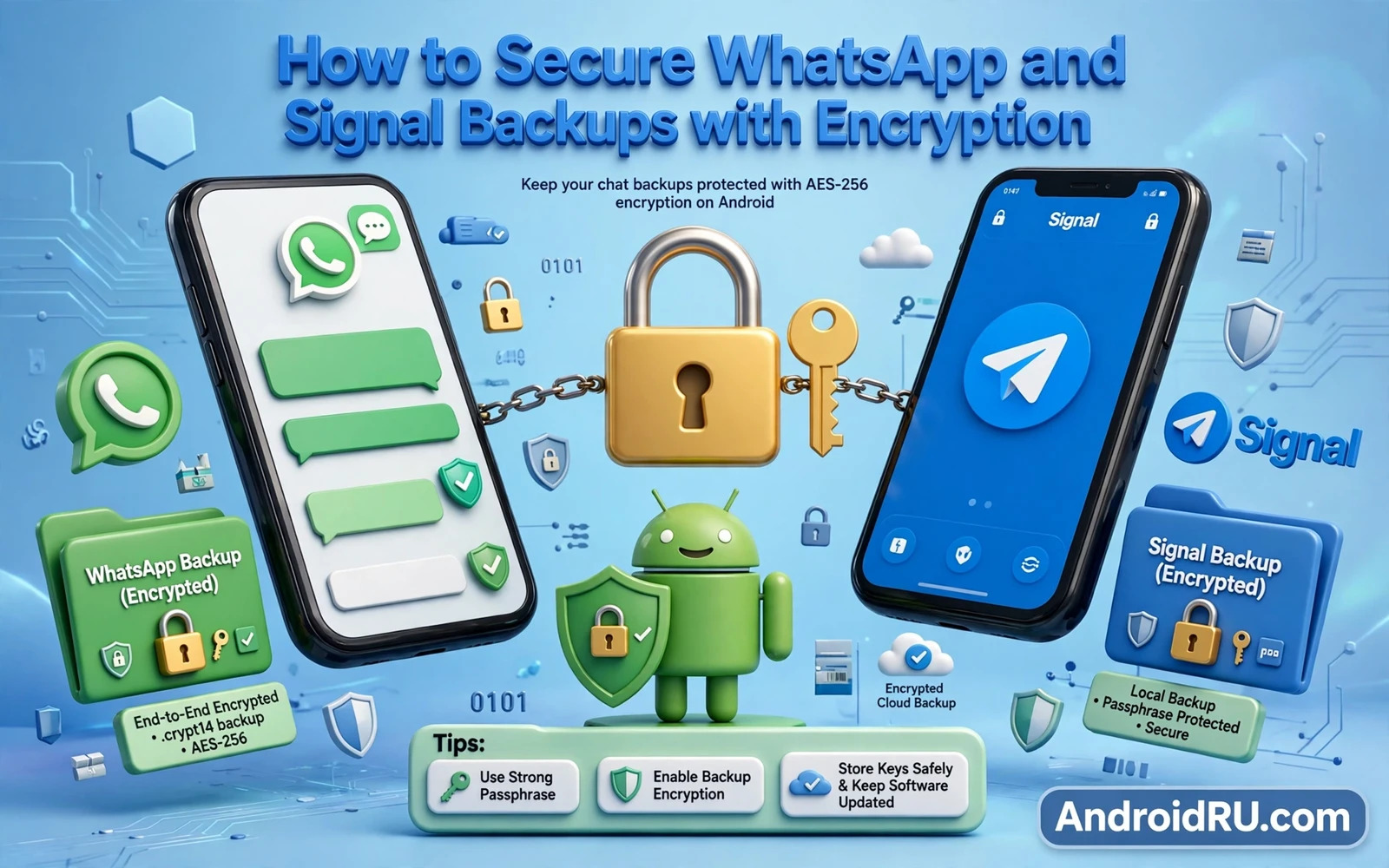
Messaging apps protect chats in transit with end to end encryption but backups create a second copy that may not enjoy the same protection. A backup stored in cloud storage without its own encryption can be read by anyone who gains access to that cloud account or to the backup file itself. Securing backups with encryption closes that gap. WhatsApp and Signal handle backup encryption differently and understanding each approach lets you choose settings that match your privacy needs.
WhatsApp backups can include chats and media and they can live in Google Drive when end to end encrypted backup is switched on. Without that setting a WhatsApp backup in cloud storage is protected only by your cloud account security. Signal backups live as an encrypted file that you control and move yourself. Signal backup encryption uses a passphrase that you must preserve because losing it makes the backup unreadable forever. Both systems protect data only when you switch the right setting on and preserve the right secret.
This guide walks through WhatsApp encrypted backup setup and Signal backup passphrase management and cloud account hardening and restore testing. Restore testing matters because an encrypted backup that you cannot restore is worse than useless. It creates false confidence while holding no recoverable data. Test every backup method before you rely on it.
WhatsApp End To End Encrypted Backup Explained
Open WhatsApp settings and then open Chats and then open Chat backup and look for the end to end encrypted backup option. Switching it on generates a unique encryption key or lets you create a password that protects the backup. WhatsApp encrypts the backup with that key before uploading it to cloud storage. Neither WhatsApp nor the cloud provider can read the encrypted backup without the key. That property is what makes end to end encrypted backup stronger than an ordinary cloud backup.
Choose between a generated key and a password based on your recovery habits. A generated 64 digit key offers strong security but it must be stored safely outside the phone. A password offers easier recall but it must be long and unique and stored in a password manager. Never use your lock screen PIN or your cloud account password as the backup password because a single leak would then unlock both the account and the backup. Write the choice down in your password manager immediately after setup while the key or password is still visible.
Signal Backup Passphrase And File Control
Open Signal settings and then open Chats and then open Chat backups and switch backups on to generate a local backup file protected by a passphrase. Signal displays a long passphrase that you must record exactly. The backup file lives on your device storage and you must copy it to a safe location yourself such as an encrypted USB drive or a trusted computer. Signal does not upload the backup to a cloud automatically which gives you control but also gives you full responsibility for safekeeping.
Store the Signal passphrase separately from the backup file itself. A passphrase stored beside the backup file defeats the purpose of encryption because anyone who finds both items can restore your chats. Store the passphrase in a password manager and store the backup file in an encrypted folder on a computer or drive. Test the backup file by checking its size and date after a backup completes. A zero size file or a stale date signals a failed backup that needs investigation before you rely on it.
Harden The Cloud Account Behind Backups
Encrypted backups still depend on cloud account security for availability and for metadata protection. Switch on strong two factor authentication for the cloud account that holds WhatsApp backups. Use a unique password for that cloud account and store it in a password manager. Review cloud account recovery options and remove old recovery emails or phone numbers that you no longer control. An attacker who controls your cloud account cannot read an end to end encrypted backup but can delete it or replace it with a useless file.
Review cloud storage sharing settings to ensure that backup folders are not shared with anyone else. A shared backup folder exposes encrypted files to additional accounts even when the files themselves remain encrypted. Check the cloud account device list and remove devices that you no longer own. A forgotten device with cloud access can download or delete backups long after you stopped using it. Cloud hygiene is backup hygiene because the two systems are linked.
Restore Testing Without Risking Live Chats
Test WhatsApp encrypted backup restore by checking the backup date and size inside chat backup settings and by confirming that the encryption indicator shows as switched on. A full restore test requires a second phone or a temporary reinstall which risks disrupting live chats. Perform a full restore test only when you have a spare device or during a planned phone migration. During migration restore from the encrypted backup on the new phone and verify that recent chats and media appear before wiping the old phone.
Test Signal restore during a planned migration in the same careful way. Copy the backup file to the new phone and enter the passphrase during Signal setup and verify that chats appear. Never wipe the old phone until the new phone shows restored chats correctly. Keep the old backup file until the new phone has created its own fresh backup. That overlap period protects you against a restore failure that would otherwise leave you with no working copy at all.
Media Backups And Message Disappearing Settings
Media backups deserve separate attention because photos and videos consume most backup space and often carry the most sensitive content. WhatsApp lets you choose whether videos are included in backups. Excluding videos reduces backup size and reduces exposure when a backup file leaks. Signal backup includes media that remains in chats unless disappearing messages removed it earlier. Review media inclusion settings against your privacy needs rather than accepting defaults blindly.
Disappearing messages reduce the amount of chat history that any backup can expose. A chat with a short disappearing timer leaves little history for a backup to capture. Use disappearing messages for sensitive conversations where long term retention serves no purpose. Remember that disappearing messages do not prevent screenshots or forwarding and they do not erase a backup created before the timer expired. Combine disappearing messages with encrypted backups rather than treating either feature as a complete solution on its own.
Backup encryption sits inside a wider backup routine so review backing up and restoring Android data safely and fully and protect stored media with hiding photos and videos behind encrypted lockers while enabling two-factor authentication across apps hardens the cloud accounts behind your backups.
- Switch on WhatsApp end to end encrypted backup and store its key or password safely
- Record the Signal backup passphrase exactly and store it separately from the backup file
- Harden the cloud account with strong two factor authentication and a unique password
- Verify backup dates and encryption indicators before relying on any backup
- Never wipe an old phone until the new phone shows restored chats correctly
Backup Security During Phone Migration
Phone migration is the moment when backup security matters most because old and new devices both hold copies of your chats at once. Start migration by confirming that encrypted backups are current on both WhatsApp and Signal. Check backup dates and encryption indicators before starting any transfer. Migrate WhatsApp first through its encrypted restore and verify recent chats on the new phone. Migrate Signal next through its passphrase restore and verify chats before touching the old phone again.
Keep the old phone untouched until the new phone has created its own fresh encrypted backup. That overlap protects against a restore that looks successful but missed recent media or missed a secondary chat. A fresh backup on the new phone proves that the new device can both restore and back up correctly. Only after that proof should you wipe the old phone. Wiping early to save time is the most common migration mistake and it turns a recoverable restore problem into permanent data loss.
Review backup settings on the new phone after migration as a final step. Confirm that WhatsApp encrypted backup remains switched on with the same key or password. Confirm that Signal backups remain switched on with a passphrase that you can still locate. Confirm that cloud account two factor authentication remains active. Migration changes many settings at once and a final backup review catches any setting that failed to transfer. That review takes minutes and it protects every future chat.
Messaging Backup Security For Work Chats
Work chats deserve backup attention separate from personal chats because work messages may contain confidential business information. Check whether your employer permits cloud backup for work messaging apps or whether work chats must stay local only. Some organisations prohibit cloud backup for work chats entirely and require a different retention policy. Follow employer policy for work chats even when personal backup habits differ. A personal backup setting applied blindly to work chats can violate a workplace rule.
Separate work and personal messaging backups where the apps allow it by using different backup settings or different devices for work communication. A work phone with encrypted backup and a personal phone with its own backup routine keeps the two domains cleanly separated. Review work backup settings after a job change because a new employer may impose different rules. Clean separation protects both your privacy and your employer interests and it simplifies device handover when employment ends.
Securing WhatsApp and Signal backups with encryption turns cloud copies from a weak link into a protected archive. Switch on WhatsApp encrypted backup and manage Signal passphrases carefully and harden the cloud account behind them and test restores during migration. Those steps preserve your chat history for legitimate recovery while keeping it unreadable to anyone who merely finds a backup file.

