

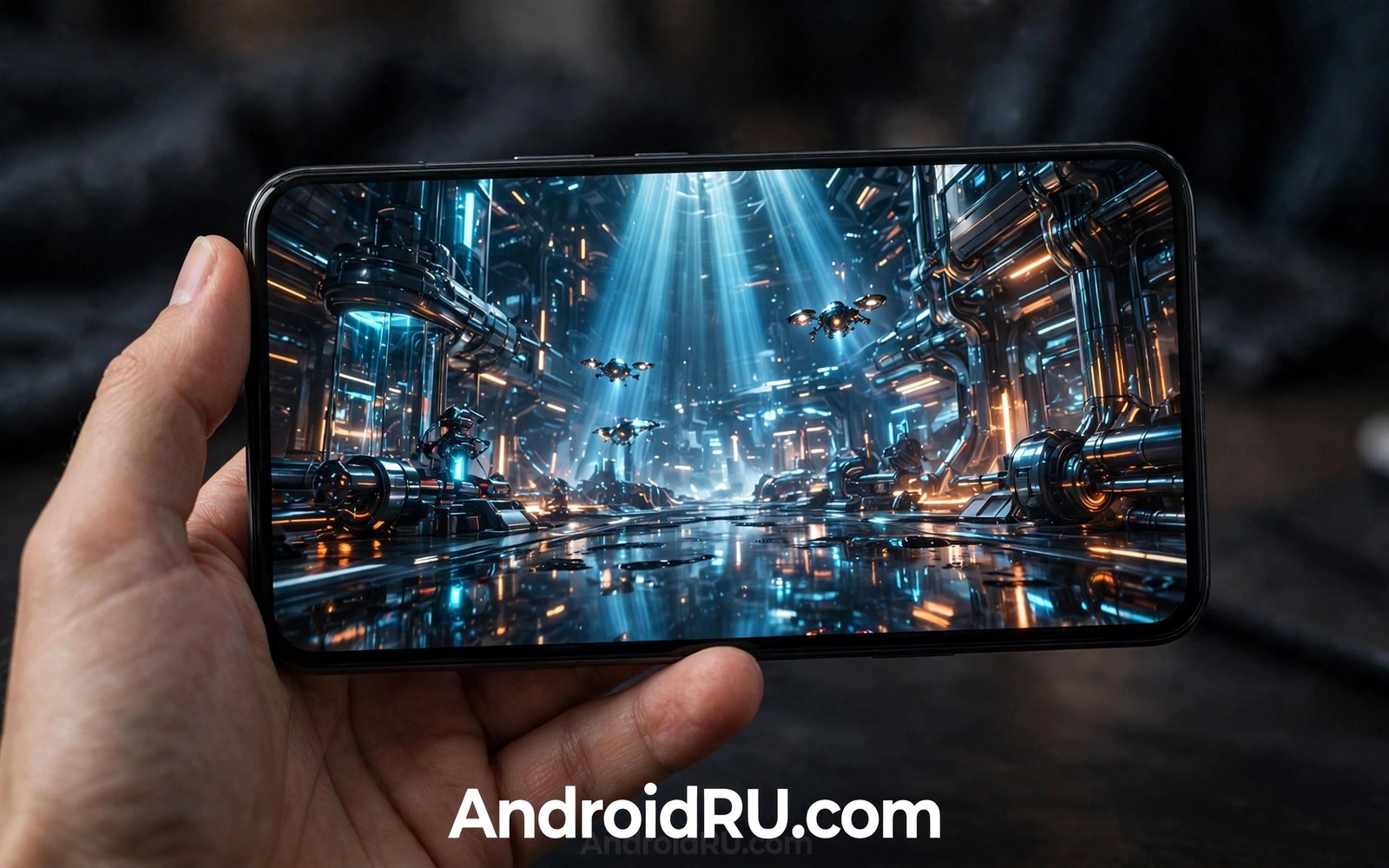
Ray tracing makes light behave more like light in the real world. Reflections show true objects rather than painted approximations. Shadows soften with distance. Glass and water react to their surroundings. On a PC these effects need powerful hardware. On a phone they need clever design to fit a small battery and a small cooling system.
Next generation mobile graphics processors add dedicated ray tracing units. These units handle ray calculations faster than general cores. They work alongside traditional rendering rather than replacing it. Games can use ray tracing for a few key effects while the rest of the scene uses older techniques. This hybrid approach is the practical path for phones.
The result will not match a high end PC at first. It does not need to. A phone screen is small and viewed at close range. Subtle reflections and better shadows can improve realism without a huge performance cost. The challenge is to deliver those gains without draining the battery in minutes.
What Ray Tracing Actually Changes
Traditional game graphics use tricks to fake light. A reflection may be a mirrored copy of a scene. A shadow may be a dark shape drawn under an object. These tricks are fast and they often look good. They fail in complex scenes where light bounces between many surfaces.
Ray tracing follows paths of light from a surface back toward a light source. It can find true reflections in a puddle. It can find true shadows behind a moving object. It can simulate light passing through glass with less guesswork. The image gains depth and consistency that tricks struggle to match.
On a phone the difference shows most in water and metal and glass. A wet street can reflect neon signs with correct colour. A car body can show its surroundings without distortion. A window can show both reflection and the room behind it. These details make a scene feel grounded rather than flat.
How Mobile GPUs Make It Feasible
Mobile GPUs use dedicated hardware for ray intersection tests. These tests ask whether a ray hits a triangle in a scene. Doing this on general cores is slow. Dedicated units answer many tests in parallel. This frees general cores for shading and other work.
Mobile designs also use lower ray counts than PC designs. A game may trace one ray per pixel for reflections rather than many rays for full global light. Denoising software then cleans the result. It borrows information from nearby pixels and previous frames. The final image looks smooth even though the raw ray count is low.
Variable rate shading helps further. It lets the GPU spend less effort on areas where detail matters less. A flat wall can use fewer shading samples than a detailed face. Combined with ray tracing this balance keeps frame rates playable. It also keeps heat under control during longer sessions.
Battery and Heat: The Real Limits
Ray tracing costs energy. Even efficient hardware draws more power when rays are active. A phone has a small battery and no fan. Sustained ray tracing can cause throttling after a few minutes. A game that starts at sixty frames may drop to a lower rate as heat builds.
Developers manage this with dynamic scaling. A game can reduce ray effects when the phone heats up. It can lower resolution slightly during heavy scenes. It can offer a quality mode for short sessions and a performance mode for long sessions. Users should expect these trade offs rather than constant maximum quality.
Cooling design matters too. A phone with a vapour chamber can sustain performance longer than a thin phone with no cooling path. A case that traps heat can shorten a session. For long gaming sessions a cooler environment and a lower brightness setting help more than a higher quality preset. This heat story connects with why smartphone battery technology is about to improve because larger and more efficient cells give ray tracing more headroom.
What Developers Need to Do
Developers cannot simply turn on PC ray tracing and expect it to work on a phone. They must choose which effects justify the cost. Reflections on water may be worth it in a driving game. Global light may be too costly for a fast action game. Careful selection keeps the game playable.
Testing across devices is also essential. Mobile GPUs vary widely in ray tracing power. A game must scale from a flagship with dedicated units to a mid range phone with weaker support. A good game offers clear quality tiers. A bad game forces one setting on all devices and frustrates half its players.
Tools are improving. Engines now offer mobile ray tracing presets and profiling tools. Developers can see which effect costs the most energy. They can tune scenes before release. This maturity will decide whether mobile ray tracing becomes a standard feature or a niche showcase.
Mode A: Performance - limited reflections
Mode B: Balanced - reflections and soft shadows
Mode C: Quality - fuller ray effects for short sessions
Rule: Drop one tier when heat rises for 5 minutes
Rule: Keep frame rate stable over maximum detail
The mode guide above is an original example written for this guide. It is not copied from a vendor document and it does not require a special app or a paid tool. Use it to judge whether a game handles ray tracing responsibly.
Common mistakes
One mistake is to judge ray tracing only from screenshots. A still image can hide frame drops and heat problems. Watch a full gameplay session at normal speed. Note whether the frame rate stays stable after ten minutes.
Another mistake is to enable maximum ray tracing on a mid range phone. The phone may run hot and throttle quickly. A balanced preset often looks nearly as good in motion. It also preserves battery for the rest of the day.
A third mistake is to ignore the game genre. Ray tracing helps slow and detailed scenes most. Fast competitive games benefit more from high frame rates than from reflections. Choose settings for the game you play rather than for a spec sheet.
A final mistake is to buy a phone only for ray tracing today. The library of mobile games with good ray tracing is still growing. A phone with a strong overall GPU and good cooling is a safer buy than a phone that markets one effect alone.
Frequently Asked Questions
Will mobile ray tracing match PC ray tracing?
Not in the near term. PC hardware has more power and cooling. Mobile ray tracing uses fewer rays and more denoising. The visual gap will shrink but it will not close soon.
Does ray tracing drain battery fast?
Yes it increases power use. The impact depends on the game and the setting. Balanced modes and dynamic scaling reduce the cost. Expect shorter sessions at maximum quality.
Do all new Android phones support ray tracing?
No. Support depends on the GPU and the game. Flagship chips lead the way. Mid range chips are adding support gradually. Check the specific chip and the game requirements before you buy.
Ray Tracing Beyond Games
Ray tracing will not stay confined to games. Design and architecture apps can use true reflections to preview a room with realistic light. Shopping apps can show a product in a real environment with correct shadows. Education apps can show how light passes through a lens or a prism. These uses need accuracy more than speed.
Augmented reality will benefit in a similar way. A virtual object placed on a real table should cast a shadow that matches the room light. It should reflect the floor and the nearby objects. Without those cues the virtual object looks pasted onto the scene. Ray tracing can ground virtual objects in a way that tricks cannot match.
Video creation may also gain from ray traced previews. A creator could preview a scene with realistic light before recording. A phone that previews light accurately helps a creator choose a better angle. These professional uses may arrive before mass market games fully embrace ray tracing. They show that graphics progress serves more than entertainment.
How to Spot Good Ray Tracing in a Demo
Demo videos for ray tracing often use slow camera movements and ideal lighting. Those conditions flatter any graphics technique. A good test uses fast movement and complex scenes. Watch a demo with a moving character near reflective water. Note whether reflections update smoothly or lag behind movement. Note whether shadows shift naturally as the character moves.
Look closely at glass and metal in the demo. A good ray traced window should show both reflection and the scene behind it. A poor implementation may show only a mirror image or only transparency. A good metal surface should reflect its surroundings with correct colour. A poor implementation may show a generic shine that ignores the environment.
Finally watch for frame stability in the demo. A demo that cuts quickly between scenes can hide frame drops. A long uncut gameplay segment reveals stability honestly. If a demo never shows a long uncut segment then be sceptical. Real games will expose any weakness that a short demo hides.
Frame Rates Versus Ray Tracing
Frame rate affects how a game feels more than ray tracing does for many players. A game at sixty frames feels responsive and smooth. A game at thirty frames with ray tracing can feel sluggish even when it looks better in a screenshot. Competitive players should prioritise frame rate above reflections.
Single player games offer a different trade off. A slow exploration game can benefit from ray traced light without harming gameplay. A player who explores a detailed world may value atmosphere over speed. A balanced preset can offer both reasonable frame rate and visible ray effects.
Dynamic resolution helps balance the two goals. A game can lower resolution slightly during heavy scenes to keep frame rate stable. The resolution drop is often invisible in motion. A stable frame rate with a small resolution drop beats a high resolution with frequent stutters.
Users should test both presets on their own phone. Play the same level with ray tracing on and off. Note frame stability and heat and battery use. Choose the preset that feels best after twenty minutes rather than the preset that looks best in a screenshot.
Future hardware will reduce this trade off. More efficient ray units and better cooling will allow higher frame rates with ray effects. Until then a thoughtful preset choice matters more than a maximum setting.
Conclusion
Next generation mobile GPUs bring PC style ray tracing to phones through dedicated units and hybrid rendering and smart denoising. The gains are real in reflections and shadows and glass. The limits are also real in battery and heat and game support. The best experience will come from careful developer choices rather than maximum settings.
Your concrete next step is to test one ray tracing game on your current phone with a balanced preset for twenty minutes. Note frame stability and heat and battery drop. That test tells you whether your next phone needs stronger graphics or simply better cooling. For related future hardware read about leaked hardware patent designs for next generation flagships and why 8K video claims need careful testing to keep hardware promises in perspective.

