

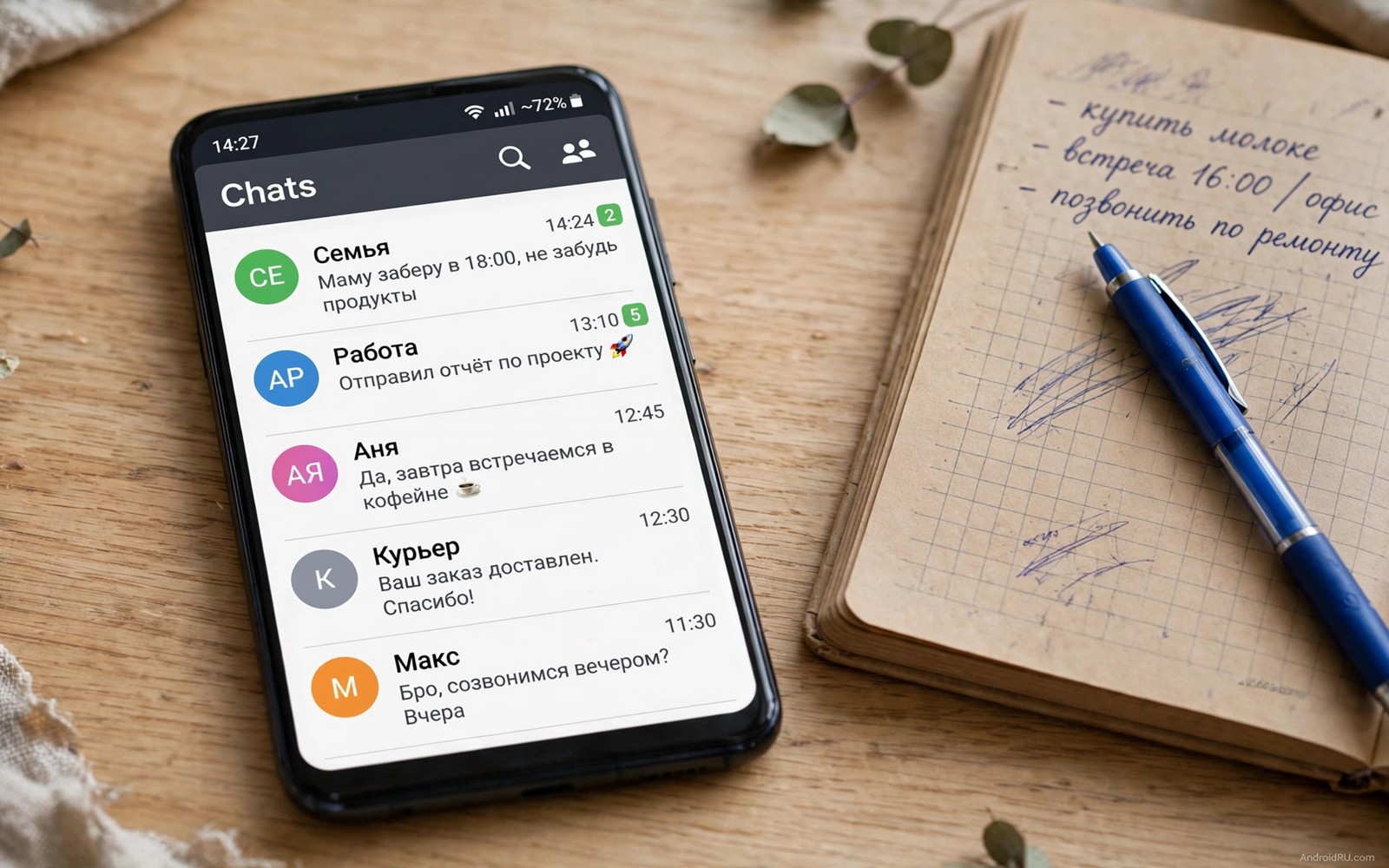
A message notification appears and then the sender deletes the message. Curiosity spikes instantly. What did it say and why was it removed. Android offers a few honest paths to recover such messages yet none of them works in every case. Understanding the limits matters as much as learning the methods.
Deleted messages disappear from the chat itself by design. Recovery relies on copies that existed elsewhere before deletion. Notification history holds a preview. A backup holds a snapshot from an earlier time. Each copy has strict conditions that decide whether recovery succeeds.
This guide covers only methods that respect the law and the privacy of others. Modified chat apps that promise full recovery often steal accounts or data. The honest methods below protect your account while recovering what legitimately reached your phone.
Method one: notification history preview
Notification history stores alerts for a day when enabled before the message arrived. Open Settings and then open Notifications and then open Notification history. Find the chat app entries and read the preview text of the deleted message.
History shows only the preview that appeared in the notification. Long messages truncate at the preview limit. Media attachments do not appear as viewable files in history. A short text message recovers fully while a long message recovers only partially.
History cannot help when it was off at arrival time. The log starts only after activation. Enable history today so future deleted messages leave a preview trail. Past messages from before activation are gone from this path permanently.
Method two: restore from a backup snapshot
Chat backups capture the conversation state at backup time. A message that existed at backup time and was deleted afterwards returns when you restore that backup. Uninstall and reinstall the chat app and choose restore when prompted.
Backup restore carries a serious cost. Messages received after the backup vanish during restore because the snapshot overwrites the current state. Back up the current chats first where the app allows export of recent conversations. Weigh the deleted message against newer messages before restoring.
Check backup dates before attempting restore. A backup from last night helps with a message deleted today. A backup from last month helps little and costs a month of newer chats. The date decides whether restore is wise or reckless.
Method three: ask the sender directly
The simplest method is also the most overlooked. Ask the sender what the deleted message said. Many deletions are typos or messages sent to the wrong chat. A direct question resolves curiosity without technical tricks.
Direct asking respects the sender intent too. A person who deleted a message may have regretted its wording. A polite question gives them a chance to rephrase rather than forcing recovery of words they withdrew.
Accept a refusal gracefully when it comes. A deleted message belongs partly to the sender choice to withdraw it. Technical recovery should serve genuine needs such as a lost address rather than surveillance of private second thoughts.
Why modified apps are dangerous
Modified chat apps promise to save every deleted message automatically. They achieve it by intercepting notifications or by running unofficial code with your account credentials. That interception creates a direct path for account theft.
Unofficial apps also risk permanent account bans. Chat services detect modified clients and suspend accounts that use them. Losing access to years of chats and contacts costs far more than any single deleted message.
Security updates stop for modified apps as well. A known vulnerability in an old modified build stays open indefinitely. Official apps receive patches that close holes quickly. The safety gap grows with every month on a modified client.
Notification listener apps and privacy
Notification listener apps save message previews automatically like built-in history but for longer periods. They need permission to read every notification from every app. That permission exposes banking codes and private messages to the listener app.
Choose such an app only with a clear need and a trusted developer. Read the privacy policy and confirm logs stay on the device. Delete the app when the need ends because permanent broad access serves no purpose for most owners.
Built-in history suits most owners better because it needs no extra app and keeps a one day window. Owners who manage alerts carefully also benefit from recovering dismissed alerts because the same history feature powers both recoveries.
Media messages and their limits
Deleted photos and videos rarely recover through notification history. History stores text previews rather than media files. A deleted photo that never downloaded fully leaves almost no trace on the phone.
Media that downloaded before deletion may remain in device storage or gallery trash. Check the chat media folder and the gallery trash before assuming total loss. Files in trash expire after a set period so act promptly.
Backup snapshots help with media when the media existed at backup time. A photo backed up last night returns with a restore. A photo received and deleted within the same day without a backup leaves no snapshot to restore.
Protect future messages with backup habits
Daily automatic backups give you the best honest recovery position. Enable daily backup over Wi-Fi in chat settings. A daily snapshot limits restore loss to at most one day of newer messages.
Include media in backups only when storage allows. Media backups grow large quickly and may exceed free cloud quotas. Text only backups still preserve the words that matter most in most recovery cases.
Verify backups monthly by checking the last backup date in chat settings. A backup that silently failed for weeks offers false comfort. A current date proves the safety net stands ready.
Check notification access state
The command below reports notification system information through a computer connection. It helps you confirm which services can read alerts on your phone. Run it after installing any listener app to audit access.
adb shell dumpsys notificationThe snippet above was written for this article as a read only notification diagnostic. It displays system state and it changes nothing on the phone. Look for listener services in the output and revoke access in Settings for any service you no longer trust.
Check chat export as a last record
Chat export creates a text file of a conversation up to the present moment. Export a chat before attempting a risky restore so newer messages survive outside the app. The export file preserves words even when restore overwrites the live conversation.
Export without media for a compact record that covers text fully. Media export balloons file size and slows the process. Text exports suit recovery planning because words carry the information most owners seek.
Store the export in a private folder rather than sharing it carelessly. A conversation export contains private words from both sides. Treat the file with the same discretion as the chat itself and delete it after the recovery decision.
Export also helps when switching phones. A text record travels across devices without restore risks. The live chat may transfer imperfectly yet the export guarantees the words remain readable somewhere safe.
Verify a restored message against context before acting on it. A backup snapshot may show a message that the sender later corrected in a follow-up text. The corrected version carries the true intent while the restored version preserves an outdated draft. Read the messages around the restored one to confirm which version the conversation actually followed.
Keep exports in a private folder and delete them after the recovery decision.
Common mistakes
The biggest mistake is restoring an old backup without considering newer messages. A restore that recovers one deleted message while erasing a week of newer chats is a poor trade. Compare backup date with message dates before restoring.
Another mistake is installing a modified chat app for curiosity. Account bans and data theft follow such installs more often than successful recovery. The official app plus history plus backups covers legitimate needs safely.
People also expect history to recover full media and long messages. History stores previews with limits. Setting honest expectations prevents disappointment and prevents risky attempts to force full recovery.
Finally avoid confronting senders aggressively over a recovered preview. A preview may lack context that changes meaning. Read the recovered text calmly and seek clarification before reacting.
Frequently asked questions
Can I recover a message deleted before I enabled history?
History cannot recover messages from before activation. A backup snapshot from before deletion may help instead. Without either copy the message is gone from your device.
Does the sender know I read a deleted message?
No notification tells the sender about history recovery. The sender sees only that the message was deleted. Recovery through your own notification log is invisible to the other side.
Is it legal to read a deleted message from history?
Reading a notification that arrived on your own device is normal use. Laws vary by region for other forms of interception. Stick to history and backups on your own phone and avoid tools that intercept other people’s devices.
Conclusion
Deleted messages recover honestly through notification previews and backup snapshots within clear limits. History covers short recent texts. Backups cover snapshots from before deletion at the cost of newer messages. Direct asking covers everything else with respect.
Your concrete next step is to enable notification history today if it is not already on. Then confirm daily chat backup is active in chat settings. Readers building a calmer notification system can continue with privacy switches for everyday safety and controlling automatic app updates as companion guides.

