

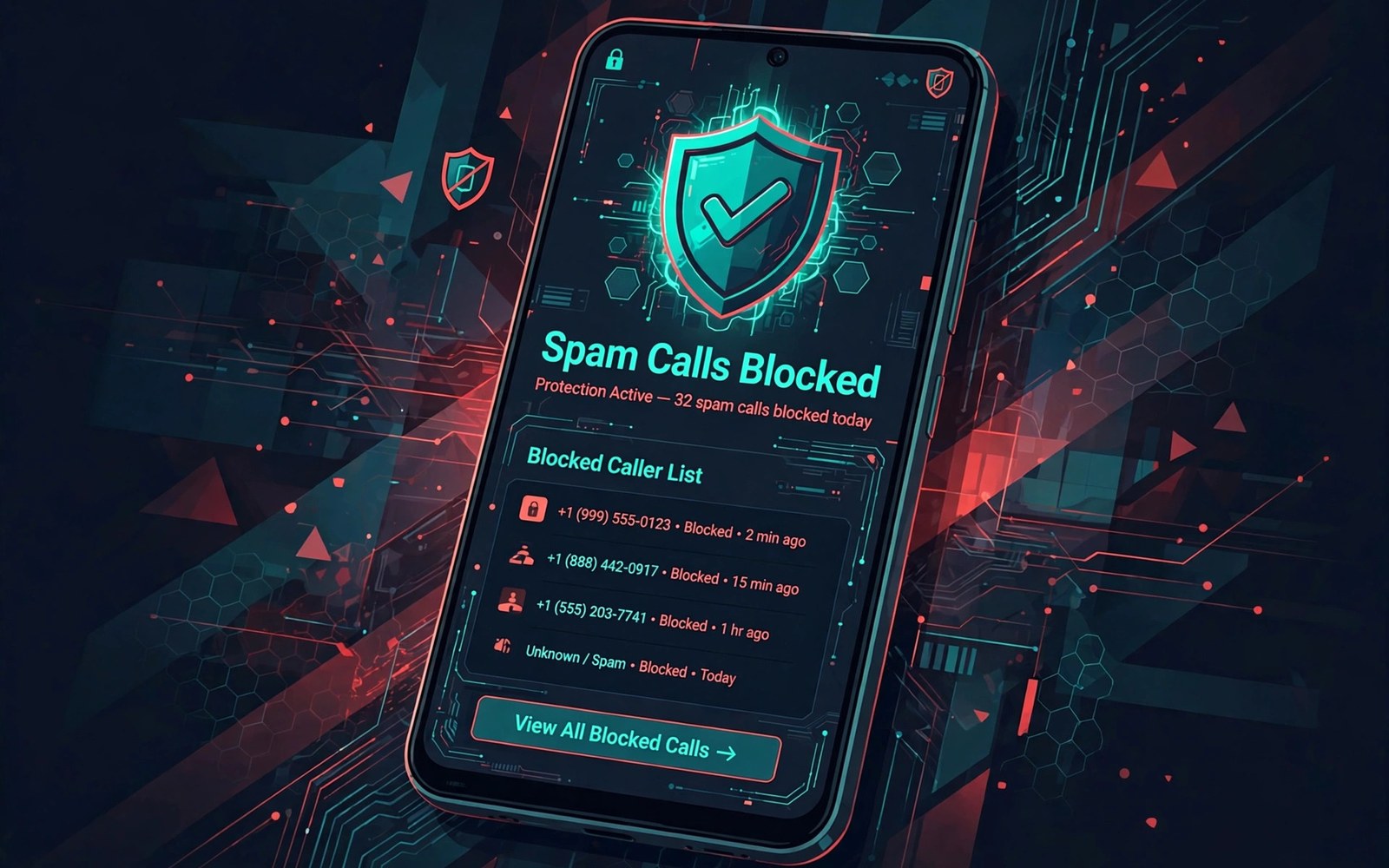
Spam calls and texts waste time and patience. They interrupt work and family time. Some carry scams that steal money or data. Android offers built-in tools to block them automatically. This guide shows how to turn those tools on.
Caller ID and spam protection work together on many phones. The phone checks incoming numbers against known spam lists. Suspected spam calls show a warning label. You can block them before they ring. Text spam filters move junk messages to a separate folder.
Blocking works best as a layered system. Built-in filters catch known spam. Manual blocking handles repeat offenders. Carrier tools add another layer. Together they cut most unwanted contact. This guide covers each layer in order.
Turn On Caller ID and Spam Protection
Open the Phone app and tap the three dot menu. Open Settings and look for Caller ID and spam. Turn on the spam protection switch. The phone will label suspected spam calls on arrival. It may also block the worst offenders automatically.
Some phones offer a separate filter for unknown callers. Turning it on silences calls from numbers not in contacts. Legitimate callers can leave a voicemail. Check voicemail regularly if you use this strict mode. Important calls from new numbers may need a callback.
Block a Number Manually
Open recent calls and tap the unwanted number. Choose Block or Report spam from the menu. Blocking stops future calls from that number. Reporting helps the spam database learn. The number moves to a blocked list you can review later.
Review the blocked list from time to time. A familiar number may have been blocked by mistake. Unblock it from the same list. Manual blocking suits repeat callers that filters miss. It works instantly without waiting for a database update.
adb shell settings put secure spam_protection 1
# spam controls live in the Phone app on most phones
Filter Spam Text Messages
Open the messaging app and open its Settings. Look for Spam protection or Spam blocking. Turn it on to filter known junk messages. Filtered messages move to a spam folder. They do not buzz your phone or fill the main inbox.
Check the spam folder weekly for false positives. A delivery message may land there by mistake. Move real messages back to the inbox. Reporting true spam improves the filter for everyone. Never tap links in messages that look like spam.
Silence Unknown Callers Safely
Silencing unknown callers cuts most robocalls at once. Open Phone settings and find the unknown caller control. Turn on silence for unknown numbers. Calls from contacts still ring normally. Calls from new numbers go quietly to voicemail.
This strict mode can hide wanted calls from clinics or couriers. Tell important contacts to leave a voicemail. Check voicemail at least once a day. Turn the mode off during a job search or a delivery week. Flexibility keeps the tool useful rather than risky.
Use Carrier Spam Tools
Many carriers offer free spam blocking services. Check the carrier app or account portal for a spam control. Some carriers label calls at the network level. Network labels appear before the phone filter runs. That early warning helps even on older phones.
Carrier tools may need activation in the carrier app. Follow the carrier prompts to enable them. Combine carrier tools with phone filters for best results. One layer catches what the other misses. No single tool blocks every spam call alone.
Report Spam and Scams
Report spam calls from the Phone app after blocking. Reporting sends the number to the spam database. It helps other users avoid the same caller. Report scam texts from the messaging app too. Do not reply to the sender before reporting.
Never call back an unknown number that rang once. One ring scams profit from callbacks. Never share codes or bank details with an unknown caller. Real banks never ask for full passwords by phone. Hang up and call the official number yourself when in doubt.
Stop Spam in Other Apps
Spam also arrives through messaging apps and social apps. Block and report senders inside each app. Most apps offer a block button on the profile page. Blocking stops messages and calls from that account. Reporting helps the platform remove abusive accounts.
Review app notification settings for unknown senders. Turn off message previews for untrusted apps. Limit who can message you in app privacy settings. Strangers should not reach your inbox freely. Tight privacy settings cut spam across many apps at once.
Review Blocks and Keep Filters Fresh
Update your phone system regularly for fresh spam data. Spam databases update through system and app updates. Check for Phone app updates in the app store. An outdated filter misses new spam campaigns. Updates take minutes and improve protection a lot.
Audit your blocked list every few months. Remove numbers you no longer need blocked. Keep the list focused on real offenders. A tidy list avoids confusion later. Fresh filters plus a tidy list give the best long term protection.
How Spam Callers Get Numbers
Spam callers often dial numbers in sequence automatically. They do not need a leaked list to reach you. Sequential dialling hits many numbers quickly. A single answered call marks the number as active. Active numbers receive more calls afterwards.
Data breaches also feed spam lists. A breached shop database may include phone numbers. Spammers buy or trade such lists cheaply. Limiting number sharing reduces exposure somewhat. Sequential dialling means no one is fully immune.
Why Answering Spam Makes It Worse
Answering a spam call confirms a human uses the number. Spammers log answered numbers as valuable. Those numbers get sold at higher prices. Future call volume rises after answering. Silence is a better response than arguing.
Pressing a key to opt out can also confirm activity. Robocall opt out prompts often lie. The safest action is hanging up without interaction. Block the number after hanging up. Report it through the phone app as well.
Spam Calls Targeting Older Users
Older users face targeted scam calls about taxes and tech support. Scammers use authority and urgency to pressure victims. They claim accounts will close immediately. Real organisations never demand instant payment by phone. Teach older relatives that warning sign clearly.
Set up spam protection on relatives phones during visits. Show them how to block and report. Encourage them to hang up on unknown callers. A simple rule protects better than complex advice. Hang up and call back on a known number.
Spam Through Messaging Apps
Messaging spam uses fake accounts and group invites. Scammers join groups to post malicious links. Block fake accounts immediately inside the app. Leave groups that turn spammy without hesitation. Report the group when the app offers that option.
Turn off group invites from strangers in app settings. Strangers should not add you to groups freely. Restrict invites to contacts only. That single setting cuts most messaging spam. Review it after app updates that reset privacy.
Legal Protections Against Spam
Many countries maintain do not call registries. Registering reduces legitimate marketing calls. It does not stop criminal scammers abroad. Registries help with lawful telemarketers mainly. Combine registration with phone filters for best results.
Report persistent illegal spam to telecom regulators. Reports help regulators track large campaigns. Include the number and time of calls. Regulators cannot act on vague complaints. Detailed reports support enforcement action over time.
Keeping Children Safe From Spam
Children with phones receive spam calls too. Teach children never to answer unknown numbers. Show them how to block a number safely. Encourage them to tell an adult about strange messages. A clear rule keeps children calm when spam arrives.
Set up spam filters on a child phone before handing it over. Silence unknown callers for younger children. Review blocked numbers together monthly. A monthly review turns spam into a teaching moment. Children learn safe habits through guided practice.
Spam Through Voicemail Messages
Spam can arrive as voicemail without ringing. Visual voicemail lists spam messages alongside real ones. Listen carefully before returning any voicemail call. Scammers leave urgent messages about fake debts. Real organisations send written notices for debts too.
Delete spam voicemails without calling back. Calling back confirms an active number to spammers. Block the number from the voicemail screen when offered. Reporting voicemail spam helps carrier filters learn. Voicemail hygiene mirrors call hygiene closely.
Spam Blocking Apps Versus Built-In Tools
Third party spam apps offer larger databases sometimes. They also request access to call logs and contacts. That access creates privacy trade-offs. Built-in tools use less personal data by comparison. Weigh database size against privacy cost carefully.
Try built-in tools first for several weeks. Measure spam reduction before adding another app. Add a third party app only when built-in tools fall short. Remove apps that show excessive ads. A spam tool should reduce annoyance rather than add it.
Spam Blocking Checklist
Set up these controls for quieter days.
- Turn on caller ID and spam protection.
- Block repeat offenders manually.
- Turn on spam filtering for messages.
- Silence unknown callers when appropriate.
- Activate carrier spam tools if offered.
- Report spam instead of replying to it.
This layered setup blocks most spam automatically. It leaves room for real calls to reach you. Review the settings after system updates.
Spam control pairs well with private sharing. Learn how to set up guest mode to share your phone safely when lending your device to others.
For related call controls see how to change default app assignments for calls and messages and how to silence your phone automatically during meetings.
The steps above follow the approach described in the official developer documentation for Android devices. The documentation covers call screening and spam protection behaviour in general terms. Phone brands and carriers add their own filter menus on top of that shared system.
Spam blocking works best in layers. Turn on built-in filters and carrier tools. Block repeat offenders manually. Report scams instead of engaging with them. With those layers your phone stays quieter and safer every day.

