

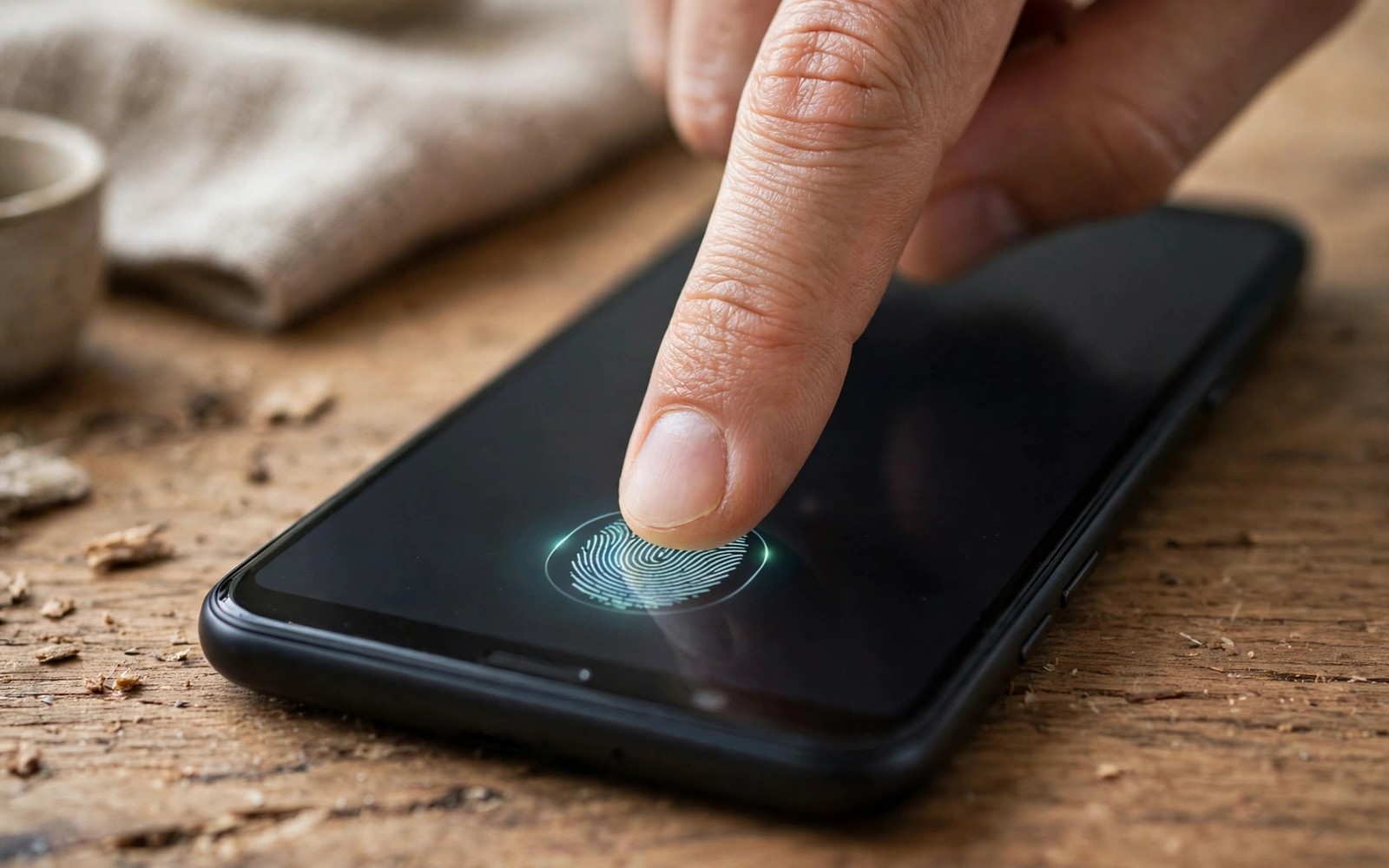
Biometrics unlock your phone dozens of times daily. A faulty fingerprint reader frustrates every unlock. A faulty face system forces PIN entry constantly. Used phones often hide biometric faults. Screen replacements can damage sensors. This guide shows how to test every biometric method.
Test biometrics before you test anything else cosmetic. Cosmetic flaws are visible and easy to price. Biometric faults hide until you enroll a finger. Enroll during inspection whenever the seller allows it. A seller who blocks enrollment hides a risk.
Test Fingerprint Enrollment Fully
Delete existing fingerprints if the seller allows it. Enroll your own finger slowly and completely. Follow the on screen prompts for edge coverage. A good sensor enrolls within a few touches. A weak sensor demands many retries.
Lock the phone and unlock it ten times. Vary finger angle slightly each time. Note any failures honestly. One failure in ten is acceptable. Three failures in ten signals a problem.
Enroll a second finger as well. Test both fingers after a short wait. Test with slightly damp hands if realistic. Test after applying your own screen protector when possible. Protectors can reduce optical sensor accuracy.
Optical Versus Ultrasonic Sensors
Optical sensors photograph your fingerprint through light. They can struggle with thick protectors. They can struggle with wet fingers. Ultrasonic sensors use sound waves instead. They usually work better with protectors and moisture.
Find which sensor type your model uses. Maker specs list the sensor type. Test accordingly during inspection. Optical sensor faults often follow screen replacement. A non genuine screen can block light badly.
Ask whether the screen was replaced. A replaced screen may need sensor recalibration. Some makers require special tools for calibration. The repair clues in refurbished phone warranties help you judge screen history. A cheap screen plus a weak sensor is a poor combination.
Test Face Unlock And Iris Systems
Enroll your face in normal indoor light. Test unlock in bright light and dim light. Test unlock with glasses on and off. Note speed and failure rate honestly. Face systems should unlock in about one second.
Test face unlock at different angles. Hold the phone low and then high. A good system tolerates natural angles. A weak system demands perfect positioning. Test after a short walk outdoors. Sunlight can confuse weaker systems.
Check for attention requirements in settings. Some systems demand open eyes. Others allow unlock with closed eyes. Know which behavior your model offers. Security preferences vary by user.
Common Causes Of Biometric Failure
Worn sensors lose sensitivity over time. Scratches over the sensor area reduce accuracy. Moisture under a protector creates false readings. Software bugs can also break enrollment temporarily. A reset sometimes fixes software faults.
Hardware faults rarely fix themselves. A sensor that fails repeatedly needs repair. Repair cost varies by model greatly. In-display sensor repair often requires screen work. Get a repair quote before negotiating.
Check for error messages during enrollment. Repeated timeout errors suggest hardware faults. Intermittent errors suggest protector or dirt issues. Clean the sensor area gently and retest. The cleaning methods in cleaning a pre-owned phone apply to sensor areas too. Never use harsh chemicals on sensors.
- Enroll: your own finger with full edge coverage.
- Repeat: ten unlock attempts with varied angles.
- Protector: test with your own protector fitted.
- Face: bright and dim light plus glasses tests.
- History: ask about screen replacement directly.
- Quote: repair cost before price negotiation.
Biometric test log
- Finger 1: successes out of 10
- Finger 2: successes out of 10
- Face bright: pass or fail
- Face dim: pass or fail
- Screen replaced: yes or no
This log turns subjective impressions into clear numbers. Sellers accept failure counts better than vague complaints. Keep the log with your other inspection notes.
Decide And Negotiate
Accept minor biometric quirks only with a discount. Reject phones with frequent unlock failures. Daily unlock pain outweighs small savings. A phone you cannot unlock quickly wastes time daily.
Use your test log as negotiation evidence. A failing sensor justifies a repair sized discount. A perfect sensor supports the asking price. The warranty terms in used phone scam prevention may cover sensor defects later. Buy biometrics that work every time without thought.
Biometric Security Trade Offs
Fingerprint unlock balances convenience and security well. It resists casual snooping effectively. It cannot match a strong PIN against determined attackers. Face unlock varies more by implementation. Basic face unlock can be fooled by photos. Advanced depth sensing resists photo attacks better. Know which system your model uses before relying on it.
Biometric data stays on the device in modern phones. It does not upload to maker servers normally. A used phone should be reset before your enrollment. Reset removes previous biometric templates. Never enroll biometrics before a full reset. Previous templates could allow old owner access in rare cases.
Some users cannot use fingerprints reliably. Worn fingerprints from manual work reduce accuracy. Dry skin reduces optical sensor accuracy. Face unlock serves these users better. Test the biometric method that suits your hands and face. A phone that works for others may fail for you personally.
Biometric failures increase with screen protector changes. Thick protectors block optical sensors more. Tempered glass protectors affect ultrasonic sensors less. Test after fitting your preferred protector. A protector that breaks biometrics is a poor protector. Choose protectors rated for your sensor type.
When Biometric Repair Makes Sense
Sensor repair makes sense when the phone is otherwise excellent. A flagship with a failing sensor may still be worth repairing. Repair cost should stay below one third of phone value. Above that threshold replacement becomes smarter. Get quotes from two shops before deciding. Quotes vary widely for sensor work.
Sensor repair often requires screen replacement on in-display models. Screen replacement adds cost and risk. A poor screen replacement can worsen sensor accuracy. Choose shops with sensor calibration experience. Ask whether calibration is included in the quote. Calibration separates professional shops from careless shops.
Software fixes should be tried before hardware repair. Update the system and clear biometric data. Re-enroll fingers in good lighting. Remove the protector and retest. Software steps cost nothing and solve many faults. Hardware repair follows only after software steps fail.
Biometrics And Privacy Considerations
Biometric templates live in secure hardware on modern phones. Secure hardware isolates templates from apps. Apps receive only match results. They never receive raw fingerprint images. This design protects privacy effectively. A reset wipes templates from secure hardware. Always reset before enrolling your own biometrics.
Law enforcement access differs for biometrics and PINs. Legal rules vary by country greatly. Some jurisdictions compel fingerprint unlocks. Others protect biometric unlocks like PINs. Users with high privacy needs should research local rules. A strong PIN may suit high risk users better. Biometric convenience trades against legal nuances.
Children and family members can unlock face systems sometimes. Similar faces may fool basic face unlock. Siblings and twins pose higher risks. Advanced depth systems resist family resemblance better. Test family unlock risks when sharing households. A system that unlocks for siblings needs a PIN instead. Household realities shape biometric safety.
Biometric sensors collect no health data normally. Fingerprint sensors measure ridges only. Face systems measure geometry only. They do not diagnose health conditions. Privacy concerns focus on template storage rather than health. Secure hardware storage addresses those concerns well. Reset devices fully before resale to protect templates.
Workplace biometric policies may restrict phone biometrics. Some employers require PIN only devices. Others allow biometrics with management profiles. Check workplace rules before relying on biometrics. Management profiles can disable biometric options. A phone that works at home may behave differently at work. Policy checks prevent workplace surprises.
Future Of Phone Biometrics
Under display sensors improve with each generation. Larger sensor areas enroll faster. They tolerate protector variations better. They work with wet fingers more reliably. Older sensors lag in all these areas. Used buyers should test sensor generations carefully. Sensor generation affects daily unlock success greatly.
Face systems move toward depth sensing standards. Depth sensing resists photo attacks effectively. It works in darkness reliably. Older photo based systems struggle in dim light. They also face higher spoof risks. Depth capability justifies premiums for security conscious buyers. Check depth support in maker specifications.
Voice biometrics remain niche for phone unlock. They suit hands free scenarios. They struggle in noisy environments. They also face recording attack risks. Voice unlock complements rather than replaces fingerprints. Do not rely on voice alone for primary security. Fingerprint and face systems remain primary methods.
Multi biometric phones offer fallback flexibility. A phone with fingerprint and face covers more situations. Wet hands favor face unlock. Dark rooms favor fingerprint unlock. Masks favor fingerprint unlock. Flexibility improves daily experience noticeably. Used buyers should value dual biometric phones highly.
Quick Reference Checklist
- Delete existing fingerprints when the seller allows it.
- Enroll your own finger slowly with full edge coverage.
- Lock and unlock the phone ten times with varied angles.
- Enroll a second finger and test it repeatedly.
- Test with slightly damp hands when realistic.
- Test after fitting your own screen protector.
- Identify whether the sensor is optical or ultrasonic.
- Ask whether the screen was ever replaced.
- Ask whether sensor recalibration followed any repair.
- Enroll your face in normal indoor light.
- Test face unlock in bright light and dim light.
- Test face unlock with glasses on and off.
- Test face unlock at low and high holding angles.
- Check attention requirements in face unlock settings.
- Clean the sensor area gently and retest after failures.
- Note error messages and timeouts during enrollment.
- Get a sensor repair quote before negotiating price.
- Test biometrics after any system update promptly.
- Prefer dual biometric phones for fallback flexibility.
- Reject phones with frequent unlock failures outright.

