

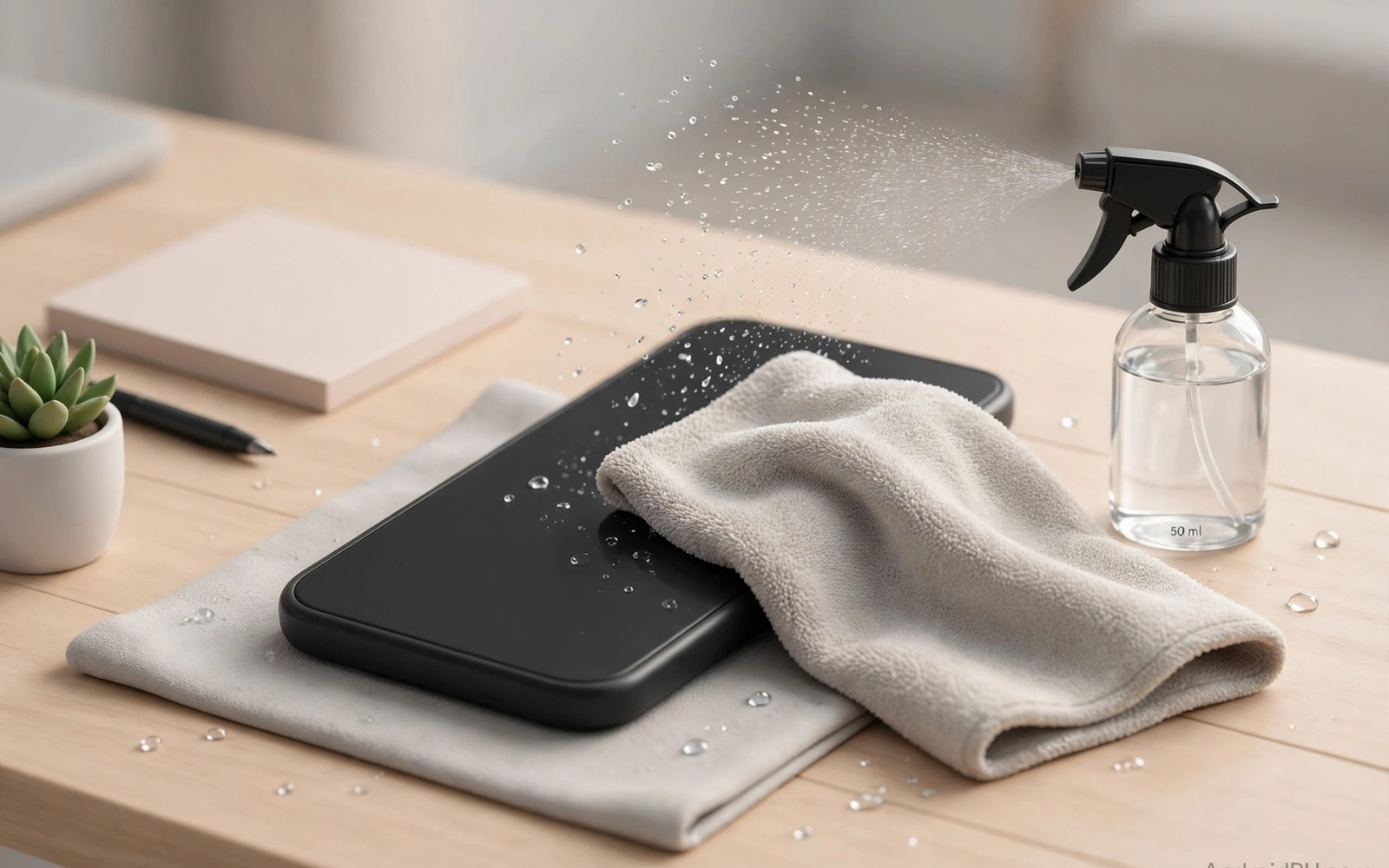
A pre-owned phone carries germs from its previous life. It also carries dust and skin oils in every seam. Cleaning restores hygiene and appearance. Harsh cleaning damages coatings and speakers. Gentle methods clean safely without harm. This guide covers every surface step by step.
Power off the phone before deep cleaning. Remove the case and any accessories. Work on a clean soft surface. Wash and dry your hands first. These simple steps prevent new dirt during cleaning.
Safe Tools And Liquids
Use a soft lint free microfiber cloth. Use a soft brush for ports and grilles. Use cotton swabs for tight corners. Use plain water lightly dampened on cloth. Use mild soap only when needed for cases.
Avoid bleach and harsh solvents entirely. Avoid abrasive pads and paper towels. Avoid spraying liquid directly onto the phone. Liquid in ports causes corrosion. Damp cloth cleaning is always safer than wet cleaning.
Maker guidance allows gentle disinfectant wipes on many models. Check your model guidance first. Use wipes without bleach. Wring excess liquid from wipes before use. Dry the phone fully after wiping.
Clean The Screen Correctly
Wipe the screen with a dry microfiber cloth first. This step removes dust without scratching. Dampen a corner of the cloth slightly next. Wipe in straight lines across the screen. Dry immediately with the dry part of the cloth.
Remove fingerprints with gentle repeated wipes. Do not press hard on the screen. Hard pressure can damage panels over time. Avoid cleaning under a lifted screen edge. Lifted edges need repair rather than cleaning.
Apply a fresh screen protector after cleaning. A protector guards against future scratches. It also makes future cleaning easier. The screen evaluation in used phone scam prevention helps you judge protector quality. Clean screens look better and respond better to touch.
Clean Body Ports And Speakers
Wipe the frame and back panel with a damp cloth. Dry all surfaces right away. Clean the charging port with a soft wooden pick. Remove lint gently without scraping metal contacts. Stop if you meet strong resistance.
Clean speaker grilles with a soft dry brush. Brush outward away from the grille holes. Never poke sharp metal into speaker holes. Compressed air at low pressure can help. Hold the can upright and keep distance.
Clean the SIM tray area with a dry swab. Check the tray seal for dirt and damage. Replace a damaged seal when possible. A clean seal preserves dust resistance better.
Clean Cases And Accessories
Wash silicone cases with warm soapy water. Rinse fully and dry before refitting. Wipe leather cases with a barely damp cloth. Condition leather only with maker approved products. Clean clear cases with mild soap to reduce yellowing.
Wipe cables with a damp cloth. Check cables for cuts and fraying. Replace damaged cables rather than cleaning them. Damaged cables risk short circuits. Clean chargers with a dry cloth only.
Sanitize accessories that touch skin often. Earphones need gentle wipe cleaning. Avoid liquid in earphone drivers. The accessory checklist in OLED burn-in evaluation lists what should arrive with a phone. Clean accessories complete the fresh start feeling.
- Cloth: soft lint free microfiber only.
- Liquid: damp cloth never direct spray.
- Ports: soft pick without metal scraping.
- Speakers: dry brush outward only.
- Cases: soap wash for silicone cases.
- Dry: full drying before powering on.
Cleaning routine
1. Power off and remove case
2. Dry wipe to remove dust
3. Damp wipe screen and body
4. Brush ports and grilles gently
5. Dry fully before power on
This routine takes ten minutes and suits weekly cleaning too. Regular gentle cleaning prevents buildup in ports. It also keeps coatings intact far longer than harsh methods.
What Never To Do
Never submerge a used phone in water. Never use steam cleaners on phones. Never use sandpaper or abrasive cleaners. Never insert needles into ports or speakers. Never charge a wet phone.
A clean phone feels new and works reliably. Gentle habits protect coatings and seals. Repeat light cleaning weekly for best results. The scam safety notes in older flagship cameras help you buy clean phones initially. Start clean and stay clean with simple care.
Deep Cleaning Neglected Phones
Neglected phones carry grime in every seam. Start deep cleaning with dry removal first. Brush loose dust from ports and grilles. Wipe surfaces with a dry cloth. Dry steps prevent mud from wet dust. Wet cleaning follows only after dry dust is gone.
Use wooden picks for hardened grime in ports. Work gently and stop at resistance. Metal picks scratch contacts and cause shorts. A soft brush handles speaker grilles better than picks. Patience protects delicate parts during deep cleaning. Rushing deep cleaning causes the damage you wanted to remove.
Disinfect after physical cleaning rather than before. Physical cleaning removes dirt that shields germs. Disinfectant then contacts surfaces directly. Wipe with a lightly dampened disinfectant cloth. Dry fully before powering on. This order maximizes hygiene with minimal liquid exposure.
Inspect seals after deep cleaning. Look for lifted edges and cracked gaskets. Cleaning can reveal seal damage hidden by grime. Damaged seals reduce dust and splash resistance. Note seal condition for future care. A phone with damaged seals needs gentler handling in rain.
Cleaning Frequency For Daily Health
Light cleaning weekly keeps phones hygienic. Wipe the screen and back with a microfiber cloth. Brush ports monthly to prevent lint buildup. Deep clean quarterly for heavy users. Regular light cleaning prevents grime hardening. Hardened grime needs riskier cleaning methods.
Clean immediately after exposure to dirt or liquids. Rain exposure deserves prompt drying. Beach sand deserves prompt brushing. Gym sweat deserves prompt wiping. Prompt cleaning prevents corrosion and staining. Delayed cleaning lets contaminants bond to surfaces.
Replace cleaning cloths regularly. Dirty cloths spread grime rather than removing it. Wash microfiber cloths without fabric softener. Softener reduces cloth effectiveness. Keep a dedicated phone cloth separate from household cloths. Dedicated tools keep cleaning consistent and safe.
Sanitizing Without Damaging Coatings
Modern screens carry oleophobic coatings. These coatings repel fingerprints and oils. Harsh chemicals strip coatings quickly. Alcohol wipes in moderation usually preserve coatings. Daily alcohol use degrades coatings gradually. Gentle soap and water preserve coatings best. Balance hygiene needs against coating longevity.
Coating wear shows as uneven fingerprint patterns. Worn areas attract fingerprints heavily. Intact areas repel them visibly. Worn coatings still allow normal touch function. They simply look dirtier faster. Screen protectors restore smooth feel over worn coatings. Protectors offer a practical coating replacement.
Camera lens coatings need gentle care too. Lens coatings reduce flare and reflections. Abrasive cleaning scratches coatings permanently. Scratched coatings increase flare in photos. Clean lenses with microfiber only. Blow dust away before wiping. Dust particles scratch coatings during wiping.
Body coatings vary by material type. Matte finishes show wear as shiny patches. Glossy finishes show scratches readily. Metal bodies tolerate gentle cleaning well. Plastic bodies scratch with abrasive cloths. Match cleaning pressure to body material. Gentle methods suit all materials safely.
Disinfectant choice affects coatings differently. Bleach destroys coatings and seals rapidly. Hydrogen peroxide can damage some finishes. Diluted soap offers the safest disinfection balance. Maker approved wipes offer tested safety. When in doubt choose the gentlest effective method. Gentle cleaning repeated beats harsh cleaning once.
Hygiene Habits For Shared Phones
Shared family phones need more frequent cleaning. Different hands introduce varied germs. Clean shared phones daily with gentle wipes. Dry fully before the next user. Daily cleaning prevents germ buildup effectively. It also keeps screens pleasant for everyone. Shared use demands shared hygiene responsibility.
Work phones shared across shifts need cleaning protocols. Wipe devices between shifts consistently. Provide microfiber cloths at handover points. Log cleaning for accountability in sensitive workplaces. Healthcare and food workplaces need stricter protocols. Workplace hygiene protects staff and customers alike.
Children phones need cleaning after outdoor play. Dirt and food residue accumulate quickly. Wipe cases and screens after play sessions. Check ports for sand and food particles. Prompt cleaning prevents port blockages. It also prevents germ transfer to faces. Child phone hygiene deserves parental routine.
Travel phones encounter varied germs across regions. Clean phones after flights and public transport. Wipe surfaces that touched trays and seats. Sanitize after handling by security staff. Travel cleaning reduces illness risks measurably. A small cloth in travel kits serves this purpose well.
Cleaning After Repairs And Screen Replacement
New screens need gentle cleaning during the first weeks. Fresh adhesive cures slowly after replacement. Avoid pressing screen edges hard during curing. Avoid wet cleaning near edges for several days. Dry wiping suffices during the curing period. Gentle care protects the new seal fully.
New batteries also benefit from gentle first cycles. Avoid fast charging for the first few charges. Avoid draining the new battery to zero early. Moderate charging helps calibration settle accurately. After several cycles normal charging resumes safely. A careful start extends replacement part life.
Replacement parts may use different coatings than originals. Third party screens may lack oleophobic coatings. They may attract fingerprints more readily. Microfiber wiping handles this difference well. Screen protectors restore smooth feel when coatings differ. Protectors also guard fresh screens against scratches.
Keep repair receipts with cleaning notes after service. Receipts support warranty claims on replaced parts. Notes record cleaning methods used after repair. Repair shops appreciate clear maintenance histories. Clear histories speed warranty decisions greatly. Good records protect every repair investment.
Quick Reference Checklist
- Power off the phone before starting deep cleaning.
- Remove the case and accessories before cleaning.
- Wash and dry your hands before handling the phone.
- Use a soft lint free microfiber cloth only.
- Remove dust with a dry cloth before any damp wiping.
- Dampen cloth corners lightly never soak the cloth.
- Never spray liquid directly onto the phone.
- Avoid bleach and harsh solvents completely.
- Avoid abrasive pads and rough paper towels.
- Wipe screens in straight lines and dry immediately.
- Do not press hard on screens during cleaning.
- Clean charging ports with a soft wooden pick.
- Never scrape metal contacts inside ports.
- Brush speaker grilles outward with a dry soft brush.
- Never poke sharp metal into speaker holes.
- Clean SIM tray areas with a dry cotton swab.
- Wash silicone cases with warm soapy water.
- Wipe leather cases with a barely damp cloth.
- Replace frayed cables instead of cleaning them.
- Dry the phone fully before powering on again.

