

OLED screens can retain ghost images over time. Static icons and navigation bars burn into pixels. Burn-in grows slowly and never heals. A used OLED phone may carry visible ghosts. You must test for burn-in before paying. This guide shows reliable test methods.
Burn-in differs from temporary image retention. Retention fades after minutes. Burn-in persists across all content. Test under controlled conditions for accuracy. Bright rooms hide faint burn-in. Dim rooms reveal it better.
What Causes OLED Burn-In
OLED pixels dim with use. Pixels that stay bright age faster. Static elements age some pixels more than others. Navigation bars and status icons age unevenly. High brightness speeds the aging process. Years of static content create visible ghosts.
Modern OLED panels resist burn-in better than old panels. Pixel shifting moves static elements slightly. Screen savers reduce static exposure. These protections slow burn-in but cannot stop it fully. Heavy static use still leaves marks.
Burn-in rarely affects phone function. It affects visual quality instead. Ghosts appear over videos and photos. They distract during reading and browsing. Severe burn-in lowers resale value sharply.
Test With Solid Colors
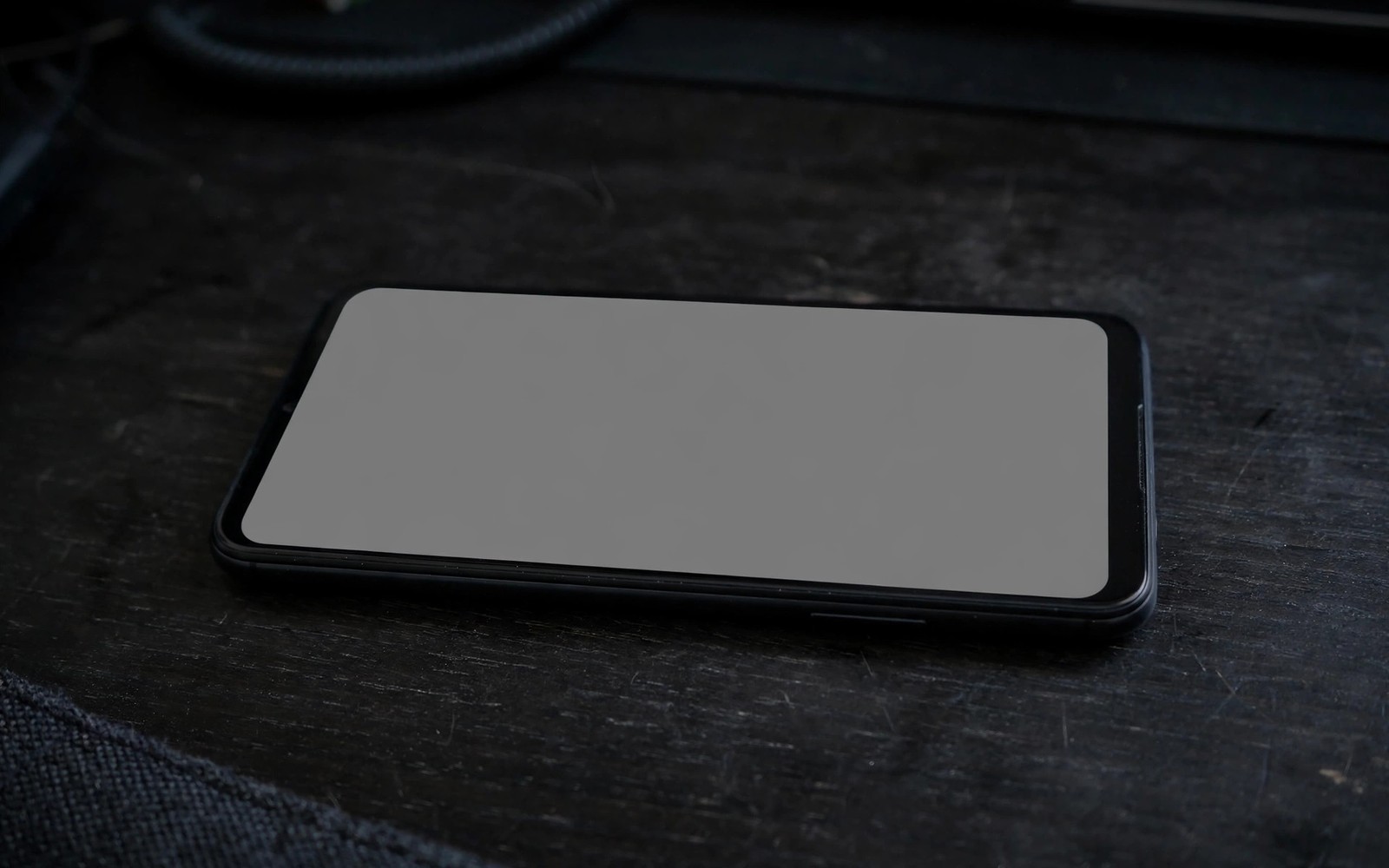
Open a solid grey image at medium brightness. Grey reveals burn-in better than white or black. Look for faint outlines of icons and bars. Move your eyes slowly across the screen. Ghosts often sit at top and bottom edges.
Repeat the test with solid red and solid green. Different colors reveal different pixel wear. Repeat with solid blue as well. Note every ghost location honestly. Photograph ghosts when lighting allows.
Test in a dim room for faint ghosts. Test at low brightness and medium brightness. High brightness can mask faint ghosts. The general hardware checks in older flagship cameras include these color tests. Combine burn-in tests with touch tests for full screen judgement.
Test With Real Content
Play a video with bright moving scenes. Watch for static ghosts over motion. Open a photo gallery with varied images. Ghosts persist across different photos. Open a reading app with a plain background. Text areas reveal status bar ghosts clearly.
Check the keyboard area for ghost outlines. Check the video player controls area. Check the social app navigation area. These zones suffer static exposure most. Ghosts in several zones signal heavy past use.
Ask the seller about past brightness habits. Always on display use increases burn-in risk. Navigation heavy use increases bottom bar ghosts. Honest answers help you interpret test results.
Grade Severity And Price Impact
Faint ghosts visible only on grey slides are mild. Mild burn-in suits a discounted purchase. Visible ghosts on normal content are moderate. Moderate burn-in deserves a large discount. Ghosts visible in bright rooms are severe.
Severe burn-in should end most deals. Screen replacement costs a large sum. Replacement may also affect fingerprint sensors. A cheap phone with severe burn-in is rarely cheap after repair.
Compare burn-in severity across listings. A clean screen justifies a higher price. A ghosted screen justifies a lower price. The value logic in sensor test codes helps you price screen faults. Do not pay clean screen prices for ghosted screens.
- Grey: solid grey slide at medium brightness.
- Colors: red and green and blue slides.
- Room: dim room reveals faint ghosts.
- Video: moving scenes expose static ghosts.
- Zones: top bar and bottom bar checked.
- Grade: mild moderate or severe recorded.
Burn-in report
- Grey slide ghosts: locations noted
- Red slide ghosts: locations noted
- Video test ghosts: visible or hidden
- Severity grade: mild or moderate or severe
- Price adjustment: amount recorded
This report makes screen condition easy to compare across phones. It also supports price negotiation with clear evidence. Keep the report with your inspection photos.
Prevent Future Burn-In
Use moderate brightness on your new used phone. Enable dark mode where you like it. Hide navigation bars when possible. Vary your content and avoid static screens for hours. These habits slow further aging greatly.
A careful burn-in test protects your viewing pleasure. Screens dominate daily phone use. Ghosts distract every day after purchase. The camera strengths in maximum trade-in value matter less on a ghosted screen. Test screens patiently and buy clean panels.
Burn-In Versus Other Screen Faults
Burn-in differs from dead pixels and backlight bleed. Dead pixels appear as tiny black dots. Backlight bleed appears as bright edges on dark screens. Burn-in appears as ghost shapes matching static content. Correct diagnosis guides correct negotiation. Each fault type carries different repair costs.
Temporary retention mimics burn-in briefly. Retention fades within minutes after content changes. Burn-in persists for hours and days. Test persistence by displaying varied content for ten minutes. Ghosts that remain are burn-in. Ghosts that fade are retention. Retention needs no discount.
Screen tint shifts can accompany burn-in. Aging pixels shift color unevenly. White screens may look patchy rather than uniform. Tint shifts bother users during reading. They matter less during video playback. Judge tint on white slides in dim rooms. Patchy whites justify discounts similar to mild burn-in.
Touch faults sometimes accompany screen aging. Burn-in itself does not cause touch faults. Drops that cause burn-in risk can also damage touch layers. Test touch fully alongside burn-in tests. A screen with burn-in plus touch faults needs replacement. Replacement cost should drive negotiation strongly.
Buying OLED Phones With Confidence
Prefer OLED phones from careful previous owners. Ask about brightness habits and always on display use. Low brightness users preserve panels better. Ask about navigation bar hiding habits. Users who hide bars reduce bottom ghosts. Honest habit answers predict panel condition well.
Inspect OLED phones in dim rooms whenever possible. Dim rooms reveal faint ghosts clearly. Bright showrooms hide early burn-in. Bring a grey test image on another device. Display it fullscreen during inspection. A prepared buyer tests better than an unprepared buyer.
Price mild burn-in fairly rather than rejecting automatically. Mild ghosts invisible in normal use deserve small discounts. Moderate ghosts visible in videos deserve larger discounts. Severe ghosts deserve rejection or screen replacement pricing. Fair grading keeps good deals alive. Overreaction loses good phones unnecessarily.
OLED Care For New Owners
OLED owners should vary content regularly. Static navigation bars age pixels unevenly. Hide bars when apps allow. Rotate wallpapers frequently. Use dark mode to reduce pixel load. Dark pixels rest while bright pixels work. Balanced pixel use extends panel life noticeably.
Brightness management protects OLED panels greatly. High brightness accelerates pixel aging. Auto brightness adapts to environments efficiently. Manual maximum brightness should stay occasional. Outdoor use needs brightness but limit duration. Shade reduces brightness needs outdoors. Thoughtful brightness habits preserve panels for years.
Always on display features consume pixel life slowly. Clock displays move slightly to distribute wear. Still they age central pixels faster. Disable always on display when battery matters. Enable it only when convenience outweighs wear. Informed choices balance convenience and longevity. Panel care is a series of small choices.
Screen timeout settings affect static exposure. Short timeouts turn screens off sooner. Shorter static time means slower burn-in. Set timeout to thirty seconds or one minute. Short timeouts also save battery. Small settings changes deliver double benefits. Panel longevity rewards attentive settings.
Gaming sessions need burn-in awareness. Game interfaces show static health bars. Long sessions age those zones faster. Take breaks during marathon gaming. Vary games to change static layouts. Breaks protect panels and eyes together. Gaming care extends both device and player health.
OLED Versus LCD For Used Buyers
LCD screens never suffer burn-in. Their backlights age uniformly instead. Used LCD phones avoid ghost risks entirely. LCD contrast lags behind OLED though. Blacks look grey on LCD panels. Video lovers prefer OLED contrast despite risks. Risk tolerance decides panel preference.
LCD screens tolerate static content better. Navigation heavy users benefit from LCD durability. Delivery drivers and map users show static content constantly. LCD panels suit static heavy use cases. OLED panels suit media heavy use cases. Match panel type to usage patterns honestly.
LCD repair costs often run lower than OLED. OLED panels cost more to replace. Burn-in on OLED may force expensive replacement. LCD faults rarely force panel replacement. Total ownership cost favors LCD for rough use. Media quality favors OLED for careful users. Cost and quality tradeoffs shape panel choices.
Color accuracy varies by panel quality rather than type alone. High quality LCD beats poor OLED in accuracy. Flagship OLED beats budget LCD clearly. Judge individual panels through tests. Panel type alone never decides quality. Test results decide panel value in used purchases.
Quick Reference Checklist
- Test burn-in in a dim room for faint ghosts.
- Open a solid grey image at medium brightness first.
- Look for icon and navigation bar ghost outlines.
- Repeat tests with solid red images next.
- Repeat tests with solid green images next.
- Repeat tests with solid blue images next.
- Test at low brightness and medium brightness.
- Photograph ghost locations when lighting allows.
- Play bright moving video and watch for static ghosts.
- Open varied photos and check for persistent ghosts.
- Open a reading app with a plain background.
- Check keyboard areas for ghost outlines.
- Check video control areas for ghost outlines.
- Check social navigation areas for ghost outlines.
- Ask about always on display use history.
- Ask about brightness habits of the previous owner.
- Grade severity as mild moderate or severe honestly.
- Price mild burn-in with a small discount only.
- Reject severe burn-in visible in bright rooms.
- Use moderate brightness to slow future burn-in.

