

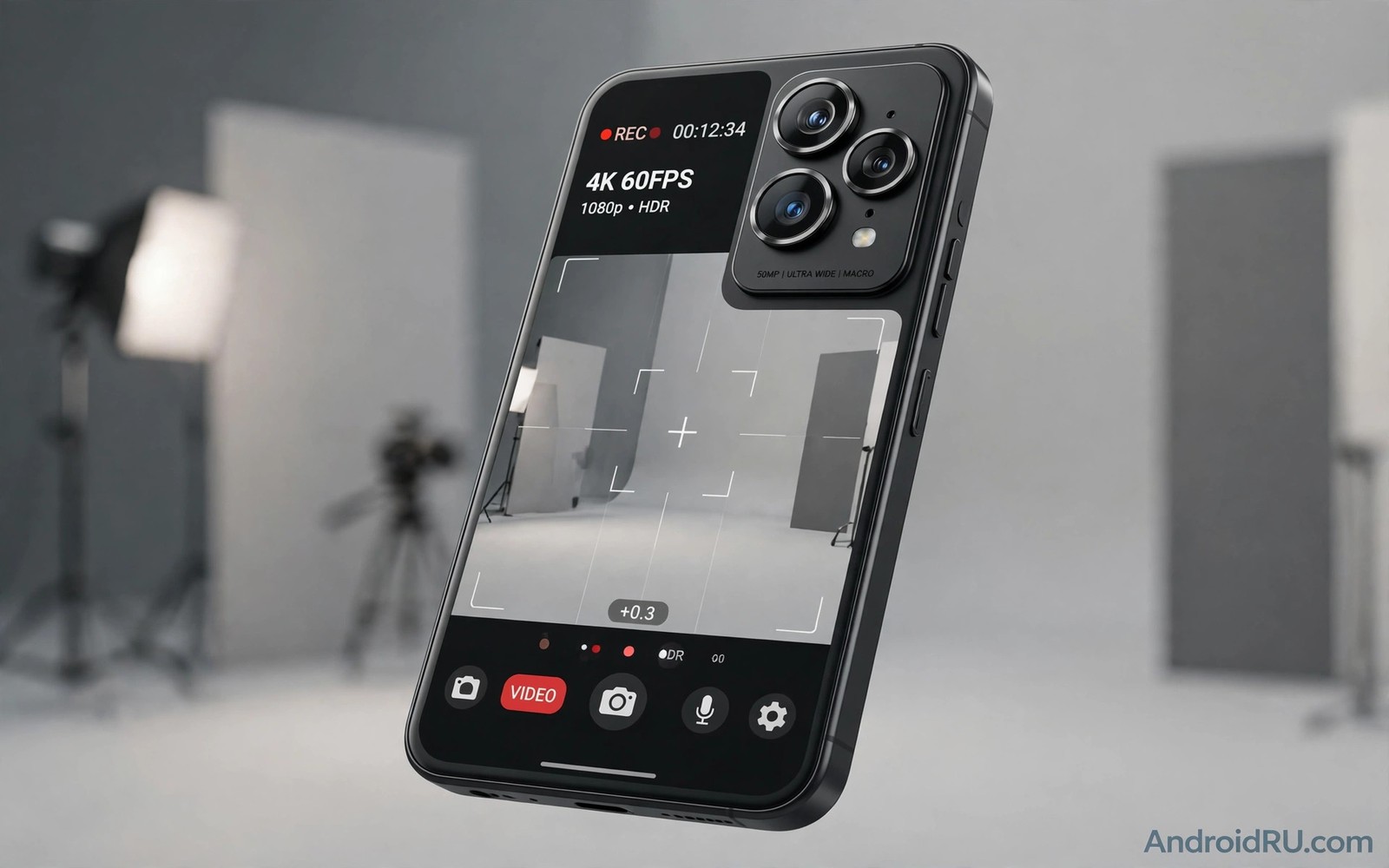
Eight thousand pixels across sounds like a revolution. A phone that records in 8K promises cinema quality in your pocket. The reality is more modest. Most phone 8K video is limited by sensor size and heat and storage and editing workflow. The number on the spec sheet outruns the experience in daily use.
Resolution is only one part of video quality. Dynamic range and colour accuracy and stabilisation and audio matter just as much. A sharp 8K clip with poor dynamic range can look worse than a clean 4K clip with good light handling. A shaky 8K clip is still a shaky clip. Viewers notice motion and light before they notice pixel count.
Most people also watch video on small screens or compressed streaming platforms. A streaming service will compress an 8K upload heavily. A phone screen cannot show full 8K detail at normal viewing distance. A television that supports 8K is still rare in homes. The chain from capture to viewing rarely preserves the full benefit.
Sensor and Lens Limits
Phone sensors are small. A small sensor gathers less light per pixel than a large camera sensor. Packing more pixels onto a small sensor makes each pixel smaller. Smaller pixels gather less light and produce more noise in dim conditions. An 8K phone sensor must work hard to match a 4K sensor in low light.
Lenses also limit detail. A tiny phone lens cannot resolve the same fine detail as a large camera lens. Optical limits mean that extra pixels may capture blur rather than true detail. Software sharpening can create a sense of detail. It cannot invent information that the lens did not capture.
Pixel binning helps in some modes. A sensor can combine several pixels into one larger pixel for better light handling. That mode often outputs a lower resolution with better quality. An 8K mode that disables binning trades light performance for pixel count. In bright daylight the trade may be acceptable. In dim light it usually is not.
Heat Storage and Battery Costs
Recording 8K video generates large files and large heat. A minute of 8K video can use hundreds of megabytes depending on compression. A ten minute clip can fill a significant part of storage. Cloud backup of such files takes time and data. Many users delete 8K clips after a short test because storage pressure grows fast.
Heat is a harder limit. Processing 8K frames continuously warms the processor and sensor. Many phones limit 8K recording time to a few minutes before they stop to cool. A phone that stops mid clip is frustrating for a creator. A 4K clip that records for an hour is more useful than an 8K clip that stops after five minutes.
Battery drain also rises sharply. The processor and sensor and storage all work harder for 8K. A phone that records 8K for a long session will need charging sooner. For travel and events this trade off matters. A dead battery ends all recording regardless of resolution.
Editing and Sharing Reality
Editing 8K video needs a powerful computer and fast storage. A phone editor can trim an 8K clip but complex editing will lag. A desktop editor needs a strong processor and graphics card to preview smoothly. Many creators downscale 8K footage to 4K for editing. Downscaling can improve detail through oversampling. It also means the final delivery is rarely 8K.
Sharing platforms compress video aggressively. A social platform will reduce an 8K upload to a lower resolution for most viewers. A streaming service may offer 8K only on select devices and connections. The audience rarely sees the original file. A creator who shoots in 8K for a social post gains little visible benefit.
There are valid uses for 8K capture. Cropping a wide shot into a tighter frame benefits from extra pixels. Archiving a special event in maximum detail can be worthwhile. Professional creators who deliver to large screens may also benefit. These uses are real but they are niche rather than everyday. This niche view aligns with how next generation mobile graphics plan to bring ray tracing to phones where a headline capability needs a full workflow to matter.
A Practical Test for Your Own Use
Shoot the same scene in 8K and in 4K. Use the same light and the same movement. Watch both clips on your largest screen at normal distance. Note whether you can see a clear difference without zooming. Check file sizes and heat and recording time for each mode.
Repeat the test in dim light. Note noise and colour in both modes. Repeat the test while walking. Note stabilisation in both modes. The mode that wins in your real conditions is the mode you should use. Marketing numbers should not override your own eyes.
Test 1: Same scene in 8K and 4K in daylight
Test 2: Same scene in dim indoor light
Test 3: Walking test for stabilisation
Test 4: File size and heat after 5 minutes
Verdict: Use the mode that wins on your largest screen
The test list above is an original example written for this guide. It is not copied from a vendor document and it does not require a special app or a paid tool. Use it before you commit storage to 8K recording.
Common mistakes
One mistake is to buy a phone only for 8K recording. Camera quality depends on sensor and lens and software together. A phone with excellent 4K video often beats a phone with mediocre 8K video in daily use. Judge the whole camera system.
Another mistake is to record everything in 8K by default. Storage fills fast and backups become slow. Reserve 8K for special scenes where cropping or archiving matters. Use 4K for everyday clips.
A third mistake is to ignore audio. Viewers forgive lower resolution more easily than bad audio. Wind noise and echo ruin a clip regardless of pixel count. Use a good microphone position and reduce wind exposure when recording outdoors.
A final mistake is to assume that 8K today guarantees 8K delivery tomorrow. Platforms and displays change slowly. A well shot 4K clip with good light and stable motion will age better than a noisy 8K clip. Quality fundamentals outlast resolution trends.
Frequently Asked Questions
Is 8K video useless on a phone?
No. It has niche uses for cropping and archiving and large screen delivery. It is not a general upgrade for everyday clips. Most users will benefit more from better 4K quality.
Why do phones limit 8K recording time?
Heat and storage and processing limits force a cap. Continuous 8K processing warms the device quickly. A time limit protects the phone and prevents a sudden shutdown during recording.
Will 8K become practical soon?
It will improve as sensors and processors and cooling improve. Storage and editing workflows also need to catch up. Practical everyday 8K is still several generations away for most phones.
When 8K Actually Makes Sense
There are specific cases where 8K capture is worthwhile. A wide landscape shot that you plan to crop into several tighter shots benefits from extra pixels. Each crop retains enough detail for a large display. A single wide capture can produce multiple usable frames for a project.
Archiving a once in a lifetime event is another valid case. A wedding or a graduation deserves maximum detail even if current displays cannot show it fully. Future displays and future editing tools may reveal detail that today looks wasted. Archiving is a long term investment rather than a daily habit.
Professional delivery to a large screen is a third case. A creator who delivers to a cinema or a large exhibition screen needs every pixel. A creator who delivers to social platforms does not. Match the capture resolution to the delivery screen. That simple rule prevents wasted storage and heat.
Even in these cases plan for storage and editing. Transfer 8K files to a computer promptly. Edit on a machine that can preview smoothly. Keep a 4K proxy for quick sharing. A workflow that handles 8K cleanly makes the feature useful rather than frustrating.
Storage Planning for High Resolution Video
High resolution video needs a storage plan before you start recording. Check free storage before an event. A long event in 8K can fill a phone quickly. Transfer older clips to a computer or to cloud storage before the event. Free space prevents a recording from stopping at a critical moment.
Backup speed also matters for high resolution files. Uploading an 8K clip over a slow connection can take hours. A wired transfer to a computer is usually faster. Plan a transfer routine for after the event. A clip that stays only on a phone is vulnerable to loss or damage.
Editing storage needs a separate plan. An editing project with 8K source files needs fast storage and a powerful computer. A project that uses 4K proxies for editing and 8K only for final export is more efficient. Proxies let you edit smoothly without a top end machine. Final export can then use the full resolution source.
Choosing Between 4K and 8K for Each Project
Choose 4K for everyday projects such as family videos and social posts. A 4K project edits smoothly on most computers. A 4K project shares quickly on most platforms. A 4K project uses storage efficiently. Everyday projects gain little from 8K resolution.
Choose 8K for a project where cropping is essential. A wide event shot that must become several close shots benefits from 8K source. A project that will be shown on a very large screen also benefits. In those cases the extra pixels serve a clear purpose.
Choose 4K when battery and heat are concerns. A long outdoor shoot in warm weather will stress a phone in 8K mode. A 4K mode will record longer and cooler. A completed 4K recording is better than an 8K recording that stops early due to heat.
Choose 8K when archiving a unique event. A unique event cannot be reshot later. Maximum detail preserves options for future editing and future displays. Archiving justifies the storage and heat costs that everyday projects do not.
For mixed projects record the key moments in 8K and the rest in 4K. A mixed approach balances quality and practicality. It also keeps the editing project manageable. A clear plan before shooting prevents storage surprises during the event.
Conclusion
Eight thousand pixels on a phone spec sheet promise more than current sensors and heat and storage and sharing can deliver. Resolution matters but it is not the main driver of video quality. Light handling and stabilisation and audio and editing workflow matter more for most viewers. Until those factors improve together 8K will remain a niche feature rather than a daily standard.
Your concrete next step is to run the four part comparison test above this week. Shoot in both modes and watch on your largest screen. If 8K does not win clearly then set your camera to high quality 4K as the default. That single change saves storage and battery while it improves reliability. For related hardware reality checks read about future AI capabilities coming to camera software and why smartphone battery technology is about to improve to see which camera gains are more practical than raw resolution.

