

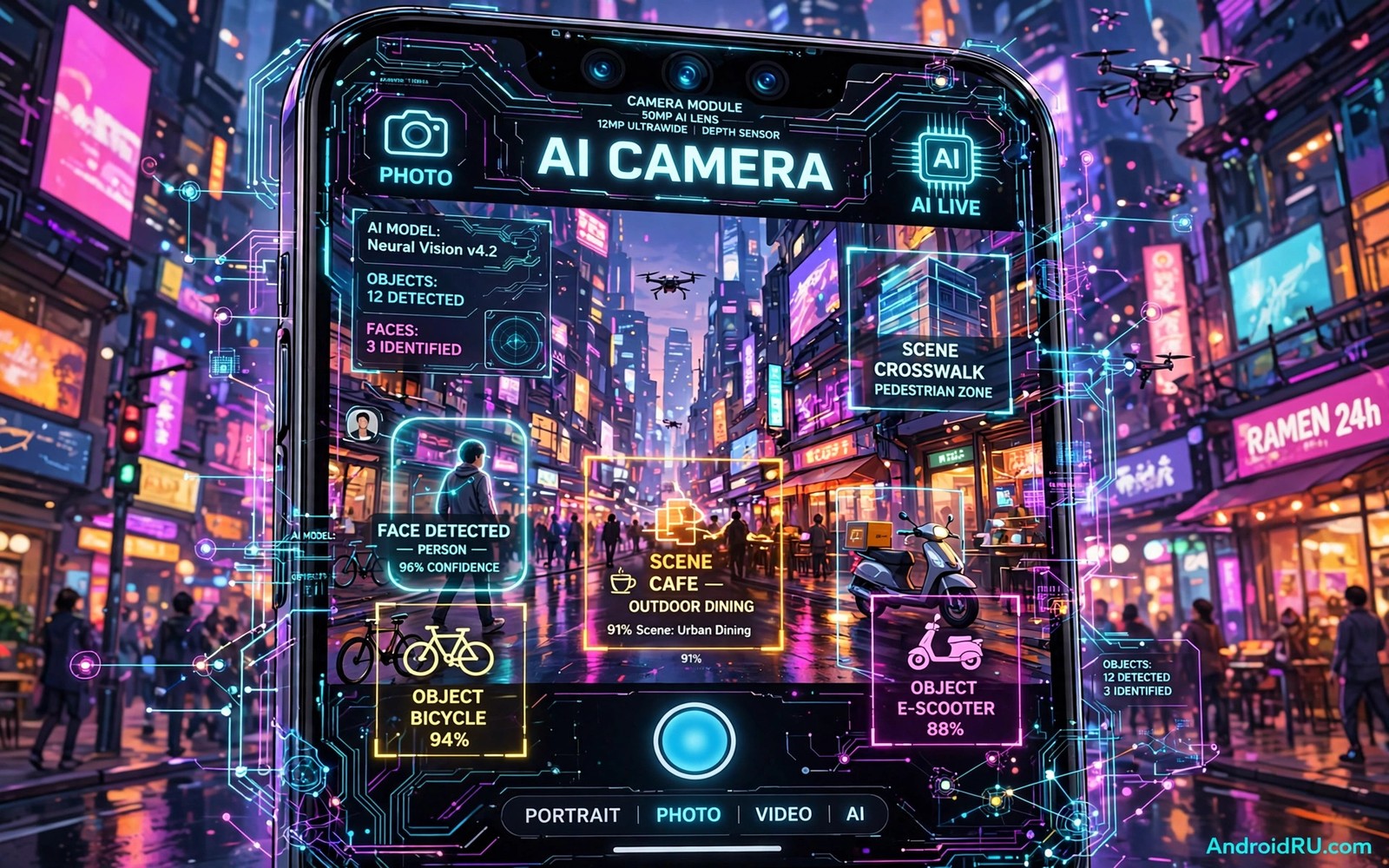
Camera software used to be a simple shutter and a filter. Today it is a small computer that reads a scene before you press the button. It finds faces and measures light and guesses depth and cleans noise. The next wave goes further. It will understand intent and context and motion in ways that feel less like a filter and more like a skilled assistant.
The key shift is from correction to understanding. Older software fixed a photo after it was taken. Newer software plans the photo before the shutter fires. It can choose focus and exposure for each subject in the frame. It can track a child running across a park. It can keep a pet sharp while the background stays soft. These choices once required manual skill. They are becoming automatic and fast.
Not every promise will arrive at once. Some features will reach flagship phones first. Others will reach mid range phones through lighter models and cloud help. The list below separates realistic near term gains from distant ideas. It also explains what each capability means for a normal photo or video.
1. Scene Understanding That Follows Intent
Future camera software will read more than brightness and colour. It will recognise a birthday table and a street market and a quiet landscape as different tasks. Each task needs a different balance of sharpness and colour and motion handling. A birthday shot needs faces and warm light. A street shot needs fast focus and deep depth. A landscape shot needs fine detail across the frame.
This understanding will also respect what you point at. If you frame a single person then the software can prioritise that person over a busy background. If you frame a group then it can balance exposure across many faces. If you frame text then it can prioritise legibility over mood. The result should be fewer missed shots and fewer trips into manual mode.
2. Low Light Without the Plastic Look
Low light photos often look smooth in a bad way. Skin loses texture and hair turns into a flat shape. Future models aim to keep texture while they remove noise. They learn the difference between true detail and random grain. They can restore fabric and foliage and skin pores without inventing false patterns.
Video will benefit too. Night video is harder than night photos because each frame has less time to gather light. Smarter temporal models can borrow detail from nearby frames. They can stabilise brightness without flicker. The goal is a night clip that looks natural on a large screen rather than only on a small phone display.
3. Motion Prediction and Better Action Shots
Action shots fail when focus lags behind movement. Future camera software will predict where a subject will be in the next fraction of a second. It can use motion history and body pose and speed to pre focus the right zone. This helps with sports and pets and children and vehicles.
Prediction also helps with shutter timing. The software can capture a short burst around the press and pick the frame with open eyes and sharp motion. You still control the moment. The system simply widens the window around it so a small delay does not ruin the shot. This approach connects with why high resolution video claims need careful testing because sharp motion matters more than raw pixel count in real clips.
4. Smarter Portraits and Depth
Portrait mode will move beyond a simple blur circle. Future depth models will understand hair edges and glasses and transparent objects. They will keep a strand of hair sharp while the background melts away. They will handle a person behind a fence or a window with less confusion.
Depth will also become useful for editing. A photo with a true depth map can be relit after capture. You can shift focus from one person to another. You can adjust background blur without cutting out the subject by hand. This turns a single capture into a flexible starting point rather than a fixed result.
5. Real Time Translation and Recognition in the Viewfinder
The viewfinder will become an information layer. Point at a sign and the software can translate it in place. Point at a plant or a landmark and it can name it without leaving the camera. Point at a product and it can show basic facts that help you decide in a shop.
This capability raises a privacy question. Recognition should run on device when possible. On device work keeps images local and avoids a server round trip. When a task needs a server then the software should say so clearly. Users should be able to turn recognition off for sensitive places such as schools and hospitals.
6. Cleaner Zoom Through Multi Frame Fusion
Digital zoom often destroys detail. Future software will fuse many frames at different exposures and focus points. It can rebuild texture that a single frame cannot capture. It can also use short sensor shifts to gather extra detail without a larger lens.
This will not replace optical zoom. A real lens still gathers more light and more true detail. Fusion simply makes the range between optical steps more usable. A three times zoom that looks clean is more useful than a ten times zoom that looks like a painting. The same balance applies to next generation mobile graphics processing only when the result survives a close look on a large display.
7. Video That Understands Story and Sound
Future video software will track subjects across cuts and keep exposure stable when light changes. It will reduce wind noise while it keeps voices clear. It will suggest a clean cut point when a scene changes. These tools help a casual creator produce a watchable clip without a desktop editor.
Audio will matter as much as image. A phone can already separate speech from background noise in a basic way. Stronger models will keep a single voice clear in a crowd. They will also reduce echo in a large room. Good audio makes a simple video feel professional even when the image is modest.
A Practical Way to Test a New Camera Feature
Marketing videos use ideal light and slow subjects. Your own test should use harder cases. Shoot a moving pet in dim light. Shoot a backlit group at sunset. Shoot text on a sign from a few steps away. Compare the result on a large screen rather than only on the phone.
Test 1: Moving subject in low light
Test 2: Backlit group at sunset
Test 3: Small text from three metres away
Test 4: Same scene with AI help on and off
Note the sharpest frame and the most natural skin tone
The test list above is an original example written for this guide. It is not copied from a vendor document and it does not require a special app or a paid tool. Use it whenever a new camera update claims a major improvement.
Common mistakes
One mistake is to judge a camera only by megapixels. More pixels do not guarantee better focus or better colour. Sensor size and lens quality and software processing matter more in daily use. A balanced phone often beats a high pixel phone in low light.
Another mistake is to leave every AI feature on at full strength. Strong beautification can erase texture. Strong sharpening can create halos around edges. Try a middle setting first and compare it with the raw result. Keep the setting that looks natural after a week rather than the one that looks striking for a minute.
A third mistake is to trust a single sample photo. Sample photos are shot by experts in ideal light. Your photos will include motion and mixed light and clutter. Test the features you will actually use in the places you actually visit. That test tells you more than any launch video.
Frequently Asked Questions
Will AI cameras replace skill completely?
No. AI handles focus and exposure and noise well. It does not choose a story or a moment or a composition for you. Framing and timing and subject choice still come from the photographer. AI simply reduces technical failures.
Do AI camera features need an internet connection?
Many core features now run on device. Translation and recognition may need a connection for rare cases. Check the setting for each feature. On device mode is the better choice when privacy matters.
Will older phones get these features?
Some features will arrive through software updates. Others need newer processors and sensors. Lighter models may bring a basic version to older phones. Flagship features that need heavy compute will stay on newer hardware for a time.
Where Camera AI Goes After These Seven Capabilities
The next step after scene understanding is editing transparency. Future camera software may label which parts of a photo were generated or heavily altered. A portrait with a rebuilt background should not pretend to be an untouched capture. A clear label helps viewers trust photos in news and in personal memories. Transparency will become a feature rather than a footnote.
Another step is personal style learning. A camera could learn that you prefer cooler colours or stronger contrast. It could apply that style consistently without turning every photo into a filter. The risk is a style that drifts too far from reality. A good system will let you set a style strength and preview it before you save.
Finally camera AI will need to handle consent better. A camera that recognises people should offer a simple way to exclude strangers from recognition. A group photo tool should not tag people who have not agreed to be tagged. Privacy controls for recognition will matter as much as image quality in the coming years.
Privacy and Consent in Camera AI
Camera AI that recognises people raises consent questions that older cameras did not face. A camera that tags faces automatically creates data about other people. A group photo can become a database entry for everyone in the frame. Users should be able to turn face recognition off for shared photos. They should also be able to delete recognition data without deleting the photo itself.
Children deserve special care in this area. A camera that recognises a child in a school photo should not share that recognition with a cloud service by default. Parents and schools need clear controls for recognition in photos of minors. A system that defaults to local processing for recognition is safer for families. A system that uploads faces silently is not acceptable even if it offers convenience.
Public photography also needs clear norms. A camera that identifies strangers in a street scene crosses a line for many people. Future camera software should distinguish between recognising a subject you photographed intentionally and identifying bystanders in the background. That distinction will shape trust in camera AI. Users who value privacy will choose phones that make the distinction clear.
Conclusion
The future of Android camera software is less about filters and more about understanding. Scene intent and motion prediction and depth and audio will shape the next generation of photos and videos. The best features will be the ones that fail less often in hard light and fast motion. They will also be the ones that respect privacy by working on device when possible.
Your concrete next step is to run the four part test above on your current phone this week. Save the results and note where your phone struggles most. That list becomes your buying guide for the next phone. It also helps you judge whether a new AI claim solves your real problem. For a broader view of platform direction read about how on device machine learning enhances daily mobile tasks and see how camera work fits into that larger shift.

