

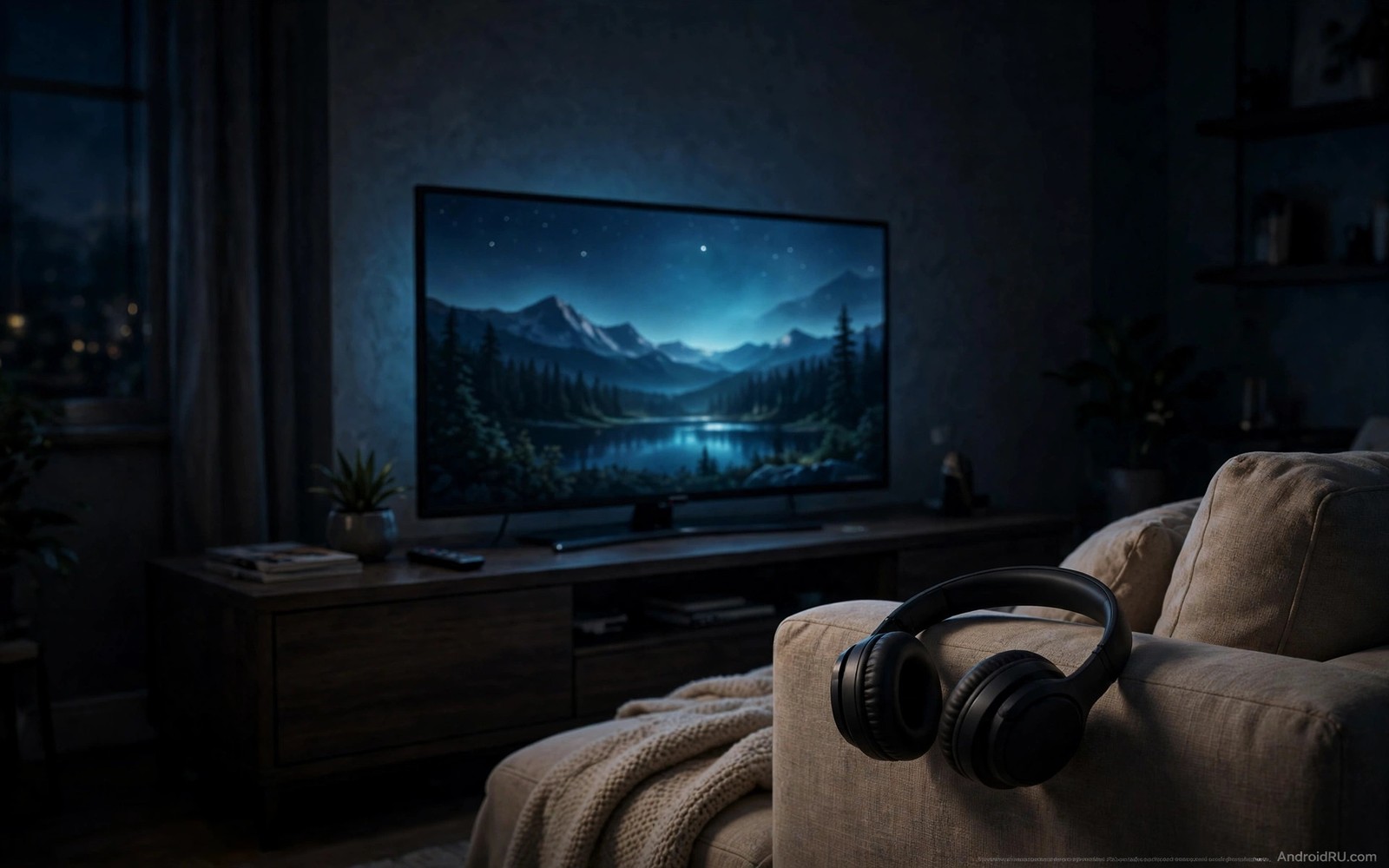
Private listening solves a simple household problem. One person wants to watch a late show and everyone else wants to sleep. Television speakers force a choice between entertainment and quiet. Bluetooth headphones remove that choice entirely. Sound goes straight to the listener and the room stays silent. The setup looks simple but many televisions hide the headphone option behind several menus.
Start by checking that your television actually supports Bluetooth audio output. Most Android TV devices support it but some older boxes support Bluetooth only for remotes and game controllers. Open settings and look for a Bluetooth or accessories section. If you see an option to pair audio devices then private listening will work. If you see only remote pairing then you may need a Bluetooth transmitter instead. The audio fix guide in how to fix sound delays on soundbars helps when headphone sound arrives out of sync after pairing.
Pair headphones the right way
Put the headphones into pairing mode before you open television settings. Pairing mode usually means holding the power button until a light flashes. Open television Bluetooth settings and wait for the headphones to appear in the device list. Select them and confirm pairing. The television should show the headphones as connected for audio.
Test pairing with a short clip before a full movie. A short clip reveals volume problems and sync problems early. If sound still comes from television speakers then check the audio output setting. Some televisions keep speakers active until you explicitly switch output to Bluetooth. That switch lives in sound settings rather than Bluetooth settings on many devices.
Keep the headphones charged and nearby for the next session. A television remembers paired headphones and reconnects faster when they are powered on. Turn headphones on before you open the show you want to watch. That order avoids a mid show scramble for the remote.
Fix volume and sync problems
Bluetooth headphone volume sometimes stays low even at maximum television volume. Check the headphone volume controls separately because many headphones have their own volume buttons. Television volume and headphone volume stack together. Raising both to a comfortable level gives the best result. A single volume control at maximum while the other stays low produces weak sound.
Audio delay troubles Bluetooth listening more than wired listening. Bluetooth encodes sound and the headphones decode it. That round trip adds a small delay. Use headphones that support a low latency codec when your television supports one too. Low latency codecs shrink the delay enough that lip sync looks natural. Without them a small delay may remain visible on close up dialogue.
Move closer to the television when sound stutters. Bluetooth range drops through walls and furniture. A clear line of sight between headphones and television gives the most stable link. A stuttering link often means distance or interference rather than a broken headphone. A Wi-Fi router sitting next to the television can also interfere on crowded channels.
Share private listening with two headphones
Some televisions support only one Bluetooth audio device at a time. That limit frustrates couples who want to watch together quietly. A Bluetooth splitter or dual transmitter solves the limit by sending sound to two headphones from one output. Plug the transmitter into the television audio output and pair both headphones to it. Both listeners then hear the same show in private.
Check whether your television supports dual audio before buying a splitter. A few newer devices support two Bluetooth audio outputs natively. Native dual audio avoids extra hardware and keeps sync tighter. When native support is missing a hardware splitter remains the reliable path.
Balance volume separately when two people share a show. One listener may prefer louder sound than the other. A splitter with independent volume controls helps. Without independent controls the quieter listener may struggle while the louder listener feels overwhelmed. Small volume differences matter a lot with headphones.
Keep private listening convenient
Create a simple nightly routine for private listening. Turn on headphones and switch audio output and start the show. A routine that takes three steps feels easy. A routine that takes ten steps feels like a chore and people will skip it. Write the steps on a card near the remote for the first week until the routine becomes habit.
Store headphones in the same place every night. A charging stand near the sofa works well. Headphones left in random rooms get lost exactly when a late show starts. A fixed home for headphones makes private listening a pleasure rather than a search mission.
Turn off Bluetooth audio output when you finish watching. The television will return to speakers for the next viewer automatically on many devices. On other devices you must switch output back manually. Forgetting that switch confuses the next person who turns on the television and hears nothing from speakers.
adb shell dumpsys bluetooth_manager | grep -i connected
adb shell settings get global bluetooth_audio_output
The snippet above was written for this article to show how advanced users inspect Bluetooth connection state through a computer connection. It prints Bluetooth manager details and it reads an audio output value when the device exposes one. Use it only for diagnosis on a device you own. The everyday pairing path stays inside television Bluetooth settings.
Choose headphones for television use
Headphones designed for music do not always suit television viewing. Music headphones prioritise bass and style over latency. Television headphones need low latency and clear dialogue first. Check latency specifications before buying headphones for television. A headphone with a low latency codec keeps dialogue natural. A headphone without it may lag visibly on every show.
Comfort matters more for television than for short music sessions. A movie lasts two hours and a series binge lasts far longer. Heavy headphones cause neck strain over long sessions. Light headphones with soft ear pads stay comfortable through a full evening. Test comfort for at least an hour before committing to a pair for television use.
Battery life shapes late night viewing freedom. Headphones that die mid movie ruin the ending. A pair with long battery life survives several evenings without charging. A charging stand near the sofa keeps them ready. Check battery level before a long movie night as a simple habit.
Noise isolation helps private listening in a busy house. Closed back headphones block room noise better than open back models. Isolation lets you hear dialogue at lower volume. Lower volume protects hearing over long sessions. Choose isolation level based on how much room noise you need to block while still hearing a doorbell or a child calling.
Store and charge headphones properly
Headphone storage shapes how often private listening actually happens. A dedicated stand near the sofa makes headphones easy to grab. Headphones stored in another room get forgotten during a late show. A visible stand invites use. An invisible drawer invites neglect. Place the stand where viewing happens.
Charge headphones after each long session rather than waiting for a low battery warning. A habit of charging after use guarantees readiness for the next session. A habit of waiting for warnings guarantees a dead battery at the worst moment. Small charging habits make private listening reliable.
Clean ear pads occasionally for comfort and hygiene. Shared household headphones collect sweat and dust over time. A gentle wipe keeps pads fresh and comfortable. Fresh pads also seal better for sound isolation. Clean headphones last longer and feel better every night.
Protect hearing during long sessions
Headphone volume creeps upward during long viewing sessions without notice. A show that starts comfortable can end too loud as ears adapt. Check volume halfway through a long movie and reset it to a comfortable level. Regular volume checks protect hearing over years of private listening. They also prevent fatigue that makes dialogue harder to follow.
Take short breaks during very long binge sessions. A ten minute break every two hours rests ears and eyes together. Breaks also let you check on the household quietly. Rested ears hear dialogue more clearly after a break. That clarity reduces the temptation to raise volume further.
Common mistakes
The biggest mistake is pairing headphones in the wrong mode. Headphones in normal mode will not appear in the television device list. Headphones in pairing mode appear quickly. Check the headphone light pattern to confirm pairing mode before you blame the television.
Another mistake is leaving television speakers on alongside headphones. Dual output creates echo in the room and it defeats private listening. Switch audio output fully to Bluetooth for a truly quiet room. Check sound settings when you hear both speakers and headphones at once.
A third mistake is buying cheap headphones with high latency for television use. Music headphones tolerate delay well because lip sync does not matter for music. Television headphones need low latency to keep dialogue natural. Check latency support before you buy headphones for television viewing.
Frequently asked questions
Can I use any Bluetooth headphones with Android TV?
Most standard Bluetooth headphones work when the television supports Bluetooth audio output. Check the television settings first. A television that supports only remote Bluetooth needs a separate transmitter for headphone audio.
Why is Bluetooth headphone sound delayed?
Bluetooth encoding and decoding adds delay. Low latency codecs reduce that delay sharply. Move closer to the television and use a low latency headphone when delay remains visible.
Can two people listen privately at once?
Yes with dual audio support or a Bluetooth splitter. Native dual audio works best when available. A splitter works on almost any television with an audio output port.
Conclusion
Private Bluetooth listening turns late night television into a quiet pleasure. Pair headphones correctly and fix volume and sync early and store headphones in one place. Your concrete next step is to put your headphones into pairing mode tonight and connect them in television Bluetooth settings and play a five minute talking scene. If lips and sound match then private listening is ready for a full movie. If delay appears then try a low latency headphone or move closer to the television. The soundbar sync ideas in how to fix sound delays on soundbars and the headphone friendly setup in voice commands to control Android TV will help you refine the setup after the first test. As a related next step, explore 5 custom launchers that make Android TV look clean and ad-free to extend what you set up here.

