

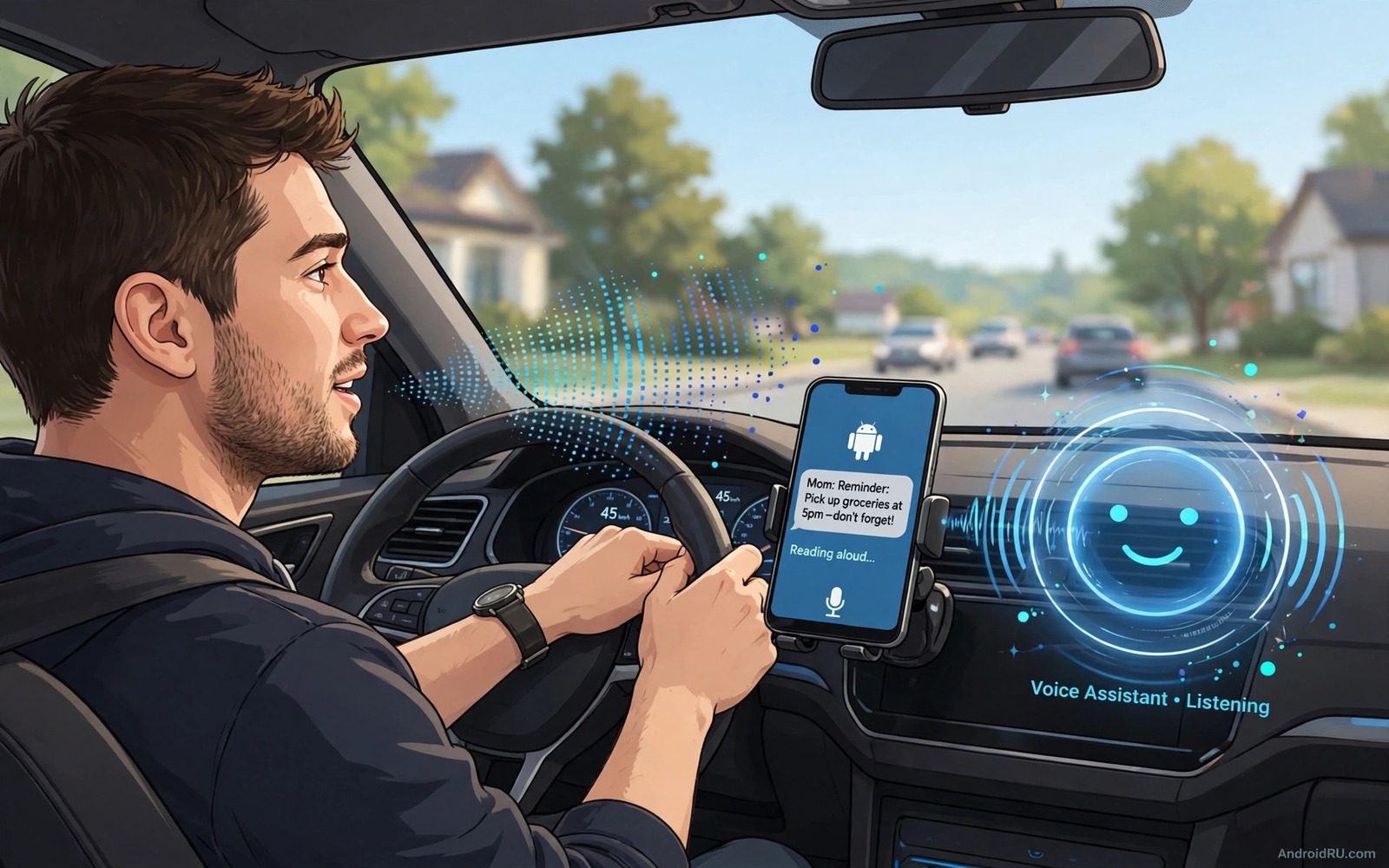
A new message can pull your eyes away from the road at the worst moment. A spoken readout solves that problem because your hands stay on the wheel and your eyes stay on traffic. Android can read a text aloud as soon as it arrives and it can do this through the car speaker or through a headset. The setup takes only a few minutes and it works with the built in tools on most modern phones. This guide shows a safe setup and it shows how to tune it so it reads only what you want it to read.
The key idea is simple. The phone watches for a new message and it speaks the sender name and the message text. You can answer by voice when the road allows it and you can ignore the message when traffic needs your full attention. A good setup never forces a reply and it never reads a long thread while you merge or turn. It gives you the core fact and it lets you decide later whether a reply can wait until you park.
Safety comes first in every part of this setup. A readout is useful only when it reduces distraction rather than adding to it. Pair it with a driving routine that silences the rest of the phone and keeps the road as the main task. automation routines for a calmer driving day can help here because they can switch modes when you start to drive. The goal is a phone that speaks briefly and then goes quiet again.
Choose The Right Read Aloud Method
Start with the built in assistant on your phone. Say the wake phrase or press the assistant button and ask it to read your messages. The assistant can read unread texts and it can send a voice reply when you ask it to do so. This method needs no extra app and it works well for a short test. Try it while parked so you can hear the voice level and the speed and the way it handles names that look unusual.
If you want automatic readout then look for a driving mode or a read aloud setting in your assistant app. Some phones offer a driving mode that starts when the phone connects to car Bluetooth. That mode can read messages aloud and it can keep other alerts quiet. Check the exact name on your phone because brands use different labels for the same idea. A car Bluetooth trigger is usually the most reliable trigger because it matches the moment that you actually start to drive.
Set Up A Safe Driving Profile
Open your assistant settings and turn on message readout for driving. Limit the readout to short messages at first and turn off readout for group chats if the option exists. Group chats can flood a drive with rapid alerts and they can break your focus even when each message is short. Set the voice speed to a natural pace and set the volume to a level that you can hear over road noise without shouting over music. Test the profile with a message from a friend while parked.
Add a Bluetooth rule so the profile starts on its own. When the phone connects to your car it should switch to driving mode and when it disconnects it should return to normal mode. This automatic switch removes one more manual step at the start of a trip. It also prevents a readout from starting at home when a message arrives while you sit near a speaker. Test the rule by starting the car and sending a test message from another device.
A Simple Test Script For Developers
The code below is a small example for a developer who wants to check how a text to speech engine sounds. It creates a speech engine and it speaks a short test phrase. It does not read real messages and it does not replace the built in driving mode. Use it only as a learning tool while you explore voice output in an app project. Keep the test phrase short and keep the volume low during a first run.
TextToSpeech tts = new TextToSpeech(context, status -> {
  if (status == TextToSpeech.SUCCESS) {
    tts.speak("New message received", TextToSpeech.QUEUE_FLUSH, null, "msg1");
  }
});
Attribution: the code above is an original example written for this guide. It follows the standard command interface shipped with the Android platform tools and it uses only public commands that work on a normal developer setup.
After the test you can think about real message handling with care. A real app needs message permission and it needs a clear privacy policy and it needs a way for the user to stop readout at once. Never build a readout that reads private codes aloud in a car full of passengers. A code or a bank alert should stay silent or should show only a short notice that a sensitive message arrived. Privacy matters just as much as convenience in a shared car.
Handle Replies And Privacy On The Road
A spoken reply should stay short and simple. A short reply such as a confirmation or a time works well by voice. A long reply with names and numbers and addresses does not work well because the speech engine may mishear a detail. Save long replies for a parked stop and send only the core fact while driving. Tell regular contacts that you use a driving mode so they expect short answers during a trip. That expectation removes pressure to write a full message at speed.
Privacy needs a plan for passengers. A message from a doctor or a bank or a family member may contain details that you do not want spoken aloud. Turn off readout for sensitive apps and let those messages wait in silence. A generic alert that a message arrived is enough for those cases. You can check the full text after you park. This rule protects both you and the sender and it keeps the car conversation comfortable.
Tune Voice Speed Volume And Interruptions
Voice speed matters more than most drivers expect. A fast voice can rush through a name and a slow voice can drag a short message into a long distraction. Start at the default speed and adjust one step at a time during a parked test. Volume matters in the same way because road noise changes with speed. A volume that works in town may vanish on a highway. Test both speeds on a quiet road first and then on a faster road when you feel ready. A calm setup also pairs with other location rules and a macro that turns off Wi-Fi when leaving home shows how a phone can switch modes without manual taps.
Interruptions from music and navigation can clash with a readout. Set navigation prompts to pause music briefly and let the message speak in the gap. If two voices overlap then lower the music volume for driving mode or turn music off for short trips. A clear single voice is easier to follow than two voices at once. That clarity is the whole point of a spoken readout and it is worth a few minutes of tuning.
Use Driving Mode Beyond Messages
A good driving mode can do more than read messages. It can silence calls from unknown numbers and it can send a simple auto reply that you are driving. It can also keep navigation prompts clear while music stays low. Set those options together so the phone behaves as one driving system rather than a set of random toggles. A single system is easier to trust and easier to turn off when you park.
Test the full driving mode on a short trip to a familiar place. Drive a route that you know well so navigation needs little attention. Listen for message readout and watch for unwanted alerts that break through the mode. Note each alert that should have stayed silent and fix its setting after you park. A short familiar trip gives you a safe test without adding navigation stress to the experiment.
Teach passengers how the mode works so they do not try to fix it mid trip. A passenger who taps the phone to silence a readout can turn off the whole driving mode by accident. A short explanation before the trip prevents that tap. Tell them that messages will speak briefly and that long replies will wait until a stop. That shared understanding keeps the car calm and it keeps the driver focused on the road ahead.
Common Mistakes
One common mistake is to enable readout for every app at once. Social apps and shopping apps can then speak through a whole drive and the noise soon feels worse than silence. Start with messages only and add one app at a time if you truly need it. Another mistake is to set the voice volume too low and then lean toward the phone to hear it. That lean is itself a distraction and it defeats the purpose of the setup. A third mistake is to reply by voice in heavy traffic. A reply can wait and a safe driver knows when to let a message sit. Good automation also helps outside the car and auto mute that silences a phone at work shows how a location rule can protect focus in a different setting.
A further mistake is to test the setup for the first time on a busy road. A first test belongs in a parked car or on a quiet street. Parked testing lets you adjust speed and volume and sender handling without risk. Once the parked test sounds right you can try a short quiet drive and then a normal trip. That staged approach keeps the learning curve safe.
Frequently Asked Questions
Will the phone read every message aloud automatically?
It reads only the apps that you enable for readout. Start with your main messaging app and leave other apps off. You can add or remove an app at any time from the assistant or driving mode settings on your phone.
Can I reply by voice while driving?
Yes in many setups. The assistant can take a spoken reply and send it as a text. Use this only on a straight quiet road and skip it in heavy traffic or bad weather. A delayed reply is always safer than a rushed reply.
Does readout work with a headset instead of a car speaker?
Yes. A Bluetooth headset can carry the spoken message in private. This option works well on a bike or on foot or in a car without a good speaker link. Keep one ear free when local rules or safety demand it.
Conclusion
Set up driving readout today while your car is parked. Enable message readout for one app and connect your car Bluetooth and send yourself a short test message. Listen to the voice and adjust the speed and volume until it sounds clear. That one parked test gives you a safer drive tomorrow and it gives you a setup that you can trust on a longer trip.
After the first trip review the settings once more and note any alert that spoke when it should have stayed silent. Fix that one alert before the next trip and keep the rest of the setup unchanged. A setup that improves by one fix at a time soon feels natural and it stays safe because each change gets a real test on the road.

