

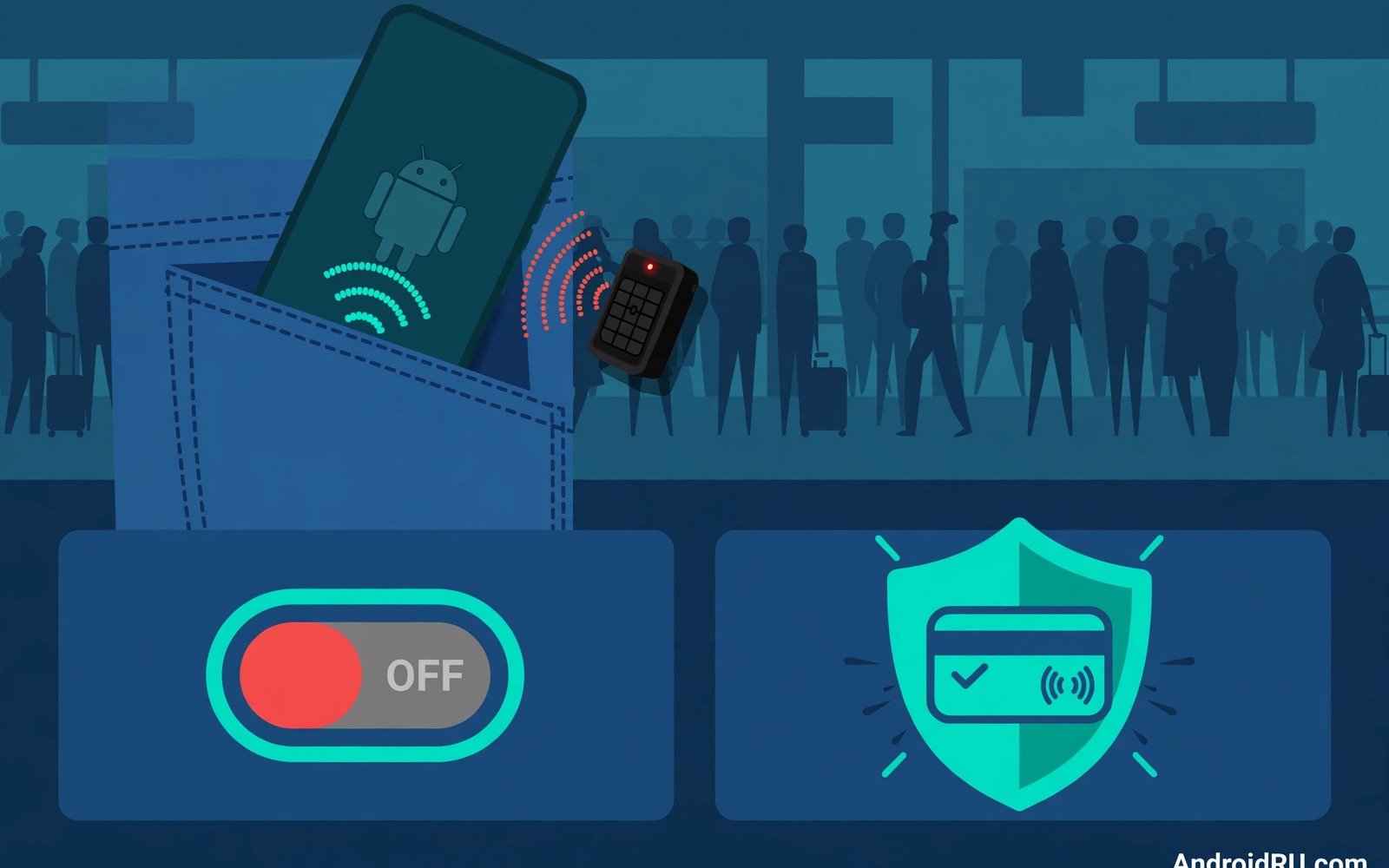
NFC lets your phone pay and share data with a simple tap yet that convenience stays active even when you are not using it. A wireless pickpocket can exploit an always on NFC radio in a crowded place. The attack does not need your phone unlocked in every case and it can happen without you noticing.
Real NFC theft is rarer than scary headlines suggest yet the risk grows in busy stations and markets and queues. A reader hidden near a pocket or a bag can attempt a small payment or can read an unprotected tag. Turning NFC off when you do not need it removes that opportunity completely.
This guide explains how NFC attacks work and how to control the radio with simple habits. You will learn when NFC should stay on and when it should stay off and how to protect cards linked to your phone. A small toggle habit gives you most of the protection. The same close-range caution applies to Bluetooth visibility risks, since a radio left discoverable can invite probing from nearby strangers just as an always-on NFC radio can.
Understand what NFC can and cannot do
NFC works only over a very short distance which limits an attack to a close physical approach. A reader must sit within a few centimetres of your phone to interact with it. That range makes crowded places the main risk zone rather than an open street.
Payment apps add their own protection through tokenisation and transaction limits and authentication. A small contactless payment may still succeed without a fingerprint on some cards. That small payment risk is the main reason to switch NFC off in a crowd.
NFC tags in posters and products can also trigger actions when your phone taps them by accident. A malicious tag can open a web page or a download prompt without your intent. Disabling NFC stops tag reads until you choose to enable the radio again.
Turn NFC off as a daily habit
Open Settings and open Connected devices and find the NFC toggle. Switch it off after you finish a payment so the radio does not stay live all day. The toggle takes seconds and it becomes automatic after a week of practice.
Add an NFC tile to Quick Settings when your phone supports that tile. A tile lets you switch the radio on for a payment and off again in two taps. That convenience removes the excuse that the settings menu feels too far away.
Create a simple rule for yourself about NFC use in public. Turn NFC on only at a checkout and turn it off before you leave the counter. A clear rule beats vague intentions because it gives you an exact moment to act.
Protect cards linked to tap to pay
Open your wallet app and review every card linked to tap to pay. Remove cards you no longer use because each linked card expands the surface for a wireless attempt. A smaller card list means fewer accounts to watch after a suspicious transaction.
Turn on transaction notifications for every linked card so a small payment alerts you at once. A notification gives you a chance to freeze a card before further attempts occur. Check notifications after any crowded journey as a quick routine.
Consider requiring authentication for every tap payment when your wallet app offers that option. Authentication adds a fingerprint step yet it removes the risk of a silent small payment. The extra tap is worth the protection in busy public places.
Use NFC safely when you need it
Hold the phone close to the terminal only when you intend to pay and pull it away right after the confirmation. A short exposure window gives a nearby reader less time to attempt a second interaction. Do not wave the phone around a terminal while you wait.
Avoid tapping unknown tags on posters or on products in a shop. A tag that promises a discount can hide a malicious link. Type a shop address yourself when you want to visit a site rather than trusting a tag.
Readers who want to hide sensitive apps from view will also like how to hide secure apps from the launcher drawer because a wallet app that does not draw attention is harder to target. Hidden apps and a disabled radio together reduce both visibility and opportunity for a wireless thief.
A small code check for NFC state
A quick command can show the NFC state on a phone with debugging enabled. Connect the phone and run the command below once to confirm whether the radio is on or off. The output helps you verify the toggle after a system update.
adb shell settings get secure nfc_on
adb shell dumpsys nfc
The snippet above was written for this article to show a safe read only check for NFC state. It changes no NFC setting while it reports the radio state. You can run it again after an update to confirm that NFC remains off when you want it off. Keep a note of the output when you compare settings across phones.
Check tap to pay limits in your wallet
Tap to pay limits vary by card and by wallet app and by country. Open wallet settings to see the limit for a contactless payment without authentication. A low limit reduces the damage from a single wireless attempt.
Set a lower limit when your wallet app allows a custom threshold. A custom limit trades a little convenience for stronger protection in crowds. A lower limit still covers most small daily purchases.
Review the limit after a card replacement because a new card may reset the limit to a default value. A replacement card can silently restore a higher limit. A quick check after replacement prevents a surprise.
Use a shielded wallet for cards and phone
A shielded wallet or sleeve blocks NFC signals when the phone or card sits inside it. A shielded sleeve adds physical protection in a crowded station or market. That protection works even when you forget to switch NFC off.
Test a shielded sleeve by trying a tap payment while the phone stays inside it. A good sleeve should block the payment attempt completely. A sleeve that still allows payment offers little protection and should be replaced.
Combine a shielded sleeve with the NFC off habit for layered defence. A sleeve protects during travel and a toggle protects during daily use. Two layers together cover forgetfulness and physical proximity.
Report a suspicious tap payment at once
A suspicious small payment should trigger a card freeze within minutes. Open the bank app and freeze the card as soon as a notification looks wrong. A fast freeze stops further attempts before they add up.
Keep the transaction details for the bank report including time and amount and location. Details help the bank distinguish fraud from a legitimate purchase. A clear report speeds up a refund decision.
Review other linked cards after a suspicious payment on one card. An attacker who succeeded once may try other cards linked to the same phone. A review of all cards catches a pattern early. Readers who want a full lockdown will benefit from a complete mobile privacy blueprint for Android because NFC control is one part of a wider plan.
Protect transit cards linked to NFC
Transit cards stored on a phone use NFC for quick entry at gates. A transit card that stays active can be read by a nearby reader in a crowded station. Turn off NFC when you are not passing through a gate to reduce that exposure. A toggle habit protects transit credit as well as payment cards.
Check transit card balance after a crowded journey to spot an unexpected deduction. A small unexpected deduction can signal a wireless read that you did not intend. Report the deduction to the transit provider promptly with time and location details. A prompt report helps the provider trace the transaction.
Use a separate transit app balance rather than linking a main bank card directly when possible. A separate balance limits loss to the transit amount rather than a bank account. That limit makes a wireless theft far less damaging. A prepaid transit balance is a simple risk control.
Remove old transit cards from the wallet app when you move to a new city. An old card that stays linked can still be read by a compatible reader. A clean wallet list reduces the number of cards a reader could target. Review wallet cards after every move.
Review NFC settings after travel
Travel through busy stations and airports increases NFC exposure for several days in a row. Review NFC settings after a trip to confirm the radio returns to your normal off habit. A post travel check takes seconds and restores the protection you set before departure. Remove any transit card that you added only for the trip when you no longer need it. A clean wallet after travel reduces future wireless risk.
Common mistakes
The biggest mistake is leaving NFC on permanently because turning it off feels inconvenient. A permanent radio gives a thief a permanent opportunity in every crowd you enter. A Quick Settings tile removes the inconvenience and makes the habit easy.
Another mistake is assuming that a locked screen always blocks NFC payments. Some small payments can succeed without unlock depending on card and wallet settings. Check your wallet settings rather than assuming the lock screen covers every case.
People also forget to check transaction notifications after a busy day. A small fraudulent payment can hide among legitimate purchases when you never review alerts. A quick notification review after travel catches a problem early.
Frequently asked questions
Can someone steal my card by walking past me?
A reader must get very close to your phone and the payment amount is usually limited for contactless taps. The risk is real yet small and it drops to zero when NFC is off. Turning the radio off in crowds removes the opportunity entirely.
Does turning off NFC break tap to pay forever?
No. You can switch NFC back on in seconds when you reach a checkout. The toggle is reversible and it does not remove your cards or your wallet setup. Treat NFC as a tool you enable for a payment rather than a permanent radio.
Should I disable NFC on a phone without tap to pay?
Yes when you never use NFC tags or sharing. A radio you never use offers no benefit and only adds risk. Switch it off and enable it later only when a specific NFC feature becomes useful.
Conclusion
NFC pickpocket scams depend on an always on radio and a crowded moment. A short range and a small payment limit reduce the risk yet they do not remove it. Turning NFC off after each payment and protecting linked cards together close the main gap.
Your concrete next step is to add the NFC tile to Quick Settings today and switch NFC off after your next payment. Check your wallet app for unused cards and turn on transaction alerts. Readers who want a full privacy plan will benefit from a complete mobile privacy blueprint for Android as a next read.

