

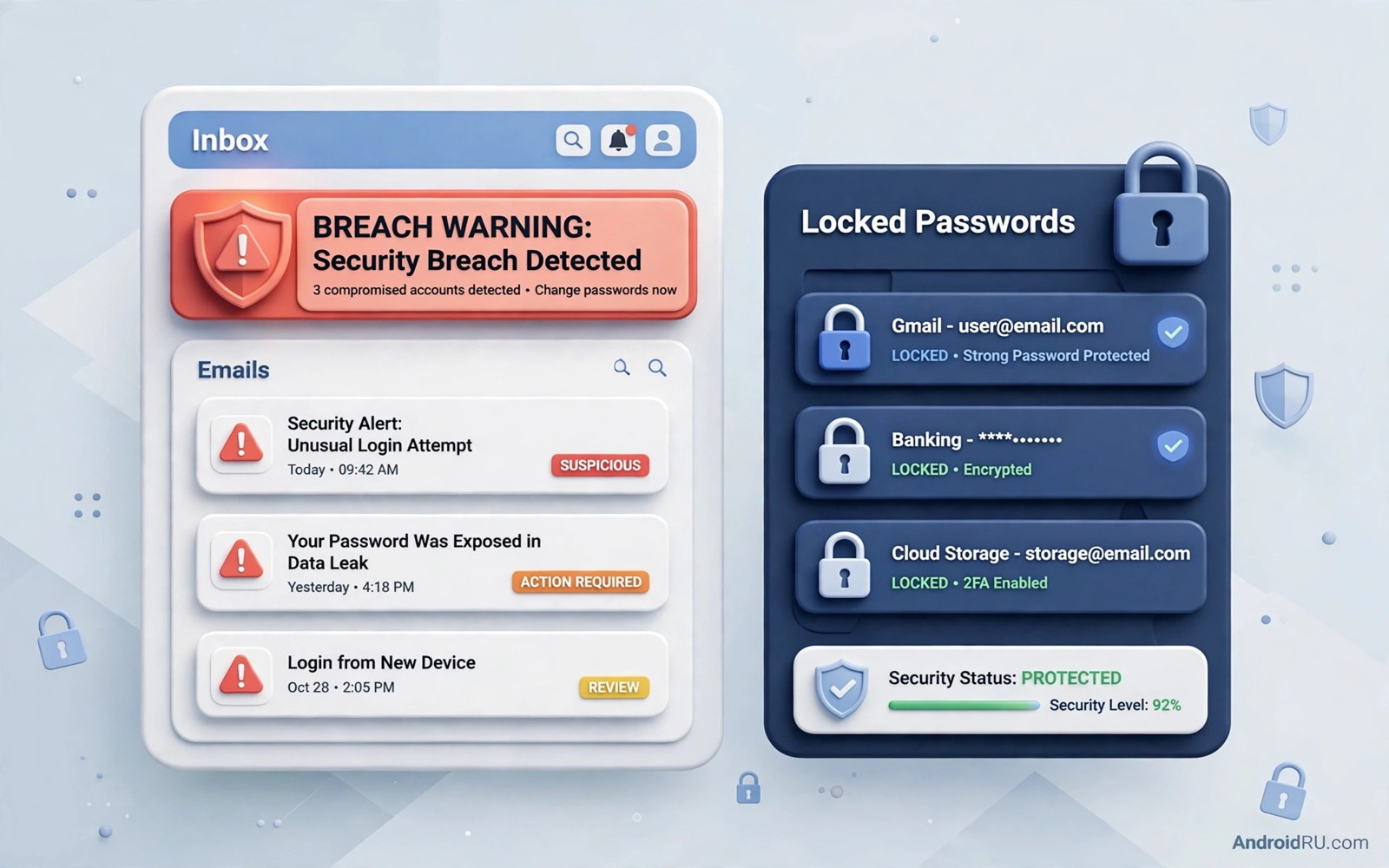
Data breaches expose email addresses and passwords from services you may have used years ago. Attackers collect those lists and test them against other services. A password that leaked in one breach can therefore unlock a different account today. Checking whether your email appears in a breach is a simple step that reveals a hidden risk.
Many people assume that a breach only matters if the service tells them directly. Services often discover breaches late or notify only a subset of users. Public breach databases collect reports from many sources and they can reveal a leak that the original service never mentioned to you. A check through a reputable database fills that gap.
This guide shows how to check your email and passwords safely without handing them to a shady site. It explains which tools to trust and how to act on a match. It also shows how to prevent future breaches from turning into account takeovers.
Use a reputable breach checker
Choose a well known breach checking service with a transparent history and a clear privacy policy. The service should let you search by email address without requiring you to create an account. It should also explain where its data comes from and how often it updates. A reputable checker never asks for your full password in plain text to run a basic email check.
Enter each email address that you use for important accounts. Include old addresses that you still use for password resets even when you rarely open them. An old address that forwards to your main inbox can still be used for resets. Checking only your main address leaves those secondary routes unexamined.
Read the result carefully and note which breaches include passwords and which include only email addresses. A breach with passwords is far more serious than a breach with email addresses alone. Prioritise password changes for services where the breach included credentials. That order ensures that the most dangerous exposures get fixed first.
Check passwords without exposing them
Some services offer a password check that uses a privacy preserving method. Your device sends only a partial hash of the password and the service returns a list of possible matches. Your full password never leaves your device in that design. Use that method when you want to test a specific password that you still use.
Never type a current important password into a random website that claims to check breaches. A fake checker can harvest the very passwords it claims to protect. Stick to well known services and to password manager tools that you already trust. A password manager can often check all of your saved passwords against breach data in one secure scan.
If a check shows that a password appeared in a breach then change it immediately everywhere you used it. Do not simply add a number to the end of the old password. Create a completely new long password through your manager. A small tweak to a leaked password remains guessable because attackers try common variations automatically.
Act on a breach match step by step
Start with the breached service itself and change its password from a clean device. Then check whether you reused that password anywhere else and change those accounts next. Work in order of importance with email and banking first. A methodical order prevents a missed account from undermining the whole cleanup.
Review the security settings of each affected account after the password change. Check recovery email and phone number and trusted devices and third party access. Attackers sometimes change recovery details during a breach window so that they retain access after a password reset. Restoring those details to your own values closes that backdoor.
Turn on two factor authentication for every affected account that supports it. A second factor blocks most reuse attacks even when a new breach occurs later. An authenticator app is stronger than text codes for this purpose. That setup is covered in how to enable two factor authentication apps for maximum protection and it should follow every breach cleanup.
Prevent the next breach from hurting you
Use a unique password for every service so that a future breach harms only that one service. A password manager makes uniqueness practical because you do not need to remember each password yourself. Generate long random passwords for new accounts from the start. That habit turns future breach notices into minor chores rather than emergencies.
Reduce the number of accounts that hold sensitive data. Delete old accounts that you no longer use instead of leaving them dormant with old passwords. A dormant account is a forgotten target that attackers can exploit through a breach. Deleting it removes the target entirely.
Sign up for breach alerts from a reputable service so that you learn about new leaks quickly. An alert gives you a head start on password changes before attackers exploit the data widely. Combine alerts with a quarterly manual check of your main email addresses. That combination catches both fast moving breaches and slow disclosures.
adb shell pm list packages | grep password
# List password related packages on your own device
# Confirm that only your chosen manager is installed
# Remove any unknown password tool before trusting it
The commands above are an original example written for this guide to help you verify password tools on your own phone. They list packages whose names mention password tools so that you can spot an unfamiliar manager before you enter credentials into it. Trust only a manager that you deliberately installed from a reputable source.
Old forum accounts often hold the same email and password combination that a later breach exposes. Those accounts feel unimportant because you stopped visiting them years ago. Attackers value them precisely because owners forget them and never change their passwords. Deleting dormant forum accounts removes a forgotten entry point into your digital life.
Breach data often appears first in security researcher collections before it reaches a public checker database. That delay means that a recent breach may not show up on your first check. Repeat the check after a few weeks when news of a major incident spreads. A second check catches database updates that the first check missed and it confirms that your password changes took effect.
Workplace email addresses need a separate check because a corporate breach may affect a personal password reused at work. Check a work address only through an employer approved tool and report a match to your IT team promptly. A corporate match can affect more than one person when shared systems use similar credentials. Early reporting protects colleagues as well as yourself.
Common mistakes
One common mistake is checking only one email address and missing breaches tied to older addresses. Another mistake is changing a password on the breached service but keeping the same password on other services. A third mistake is entering passwords into unverified checker sites that may harvest them. Each of these errors leaves a clear path open for attackers.
People also panic after a breach notice and change passwords in a rush without checking recovery settings. A rushed change that leaves an attacker recovery email in place does not secure the account. Slow down and review recovery details and sessions after each change. A calm cleanup beats a fast but incomplete one.
Another error is ignoring breach notices for services that seem unimportant such as a forum or a shopping site. An unimportant service may share your password with an important one through reuse. Treat every breach as a signal to check for reuse everywhere. That discipline also supports avoiding password mistakes that put your Google account at risk as a central habit.
FAQ
Does appearing in a breach mean my account is hacked?
Appearing in a breach means that your data was exposed in that incident. It does not prove that an attacker used it against your account specifically. Treat exposure as a risk that requires action rather than as proof of a successful takeover. Change the password and review the account for signs of unauthorised access.
Look for sign-in alerts and new devices and changed settings after a breach match. Those signs indicate active misuse rather than mere exposure. If you find such signs then change passwords for linked accounts as well and consider a security review of your whole digital footprint.
How often should I check for breaches?
Check your main email addresses at least once a quarter and immediately after news of a major breach involving a service you use. Breach alerts from a reputable service can automate much of that monitoring. A quarterly check catches slow disclosures that alerts might miss. A check after major news catches fast moving exposures.
Password managers that offer breach monitoring can check continuously in the background. Enable that feature if your manager provides it and review its alerts promptly. Continuous monitoring reduces the gap between a leak and your response to days rather than months.
Should I use a different email for important accounts?
Using a separate email for banking and for password resets can limit damage from a breach on a casual service. That separation means that a forum breach does not expose the email tied to your bank. It also makes phishing harder because attackers must guess which address belongs to which service. Keep the important email private and do not use it for newsletters or forums.
A separate email adds management overhead because you must monitor two inboxes. That overhead is worth it for high value accounts. Use an alias or a second mailbox that forwards to a secure inbox you check daily. That setup gives you separation without missing important alerts and it pairs well with auto filtering suspicious SMS phishing scams for the other channel attackers use.
Conclusion
Breach checks turn an invisible risk into a visible action list. A match tells you exactly which passwords to change and which accounts to review. Unique passwords and second factors then ensure that the next breach causes far less damage. The whole process takes less time than recovering from a single takeover.
Your concrete next step is to check your main email address in a reputable breach database tonight. Change any leaked password immediately and start with your email account. Then enable breach alerts so that the next leak reaches you within days rather than months.

