

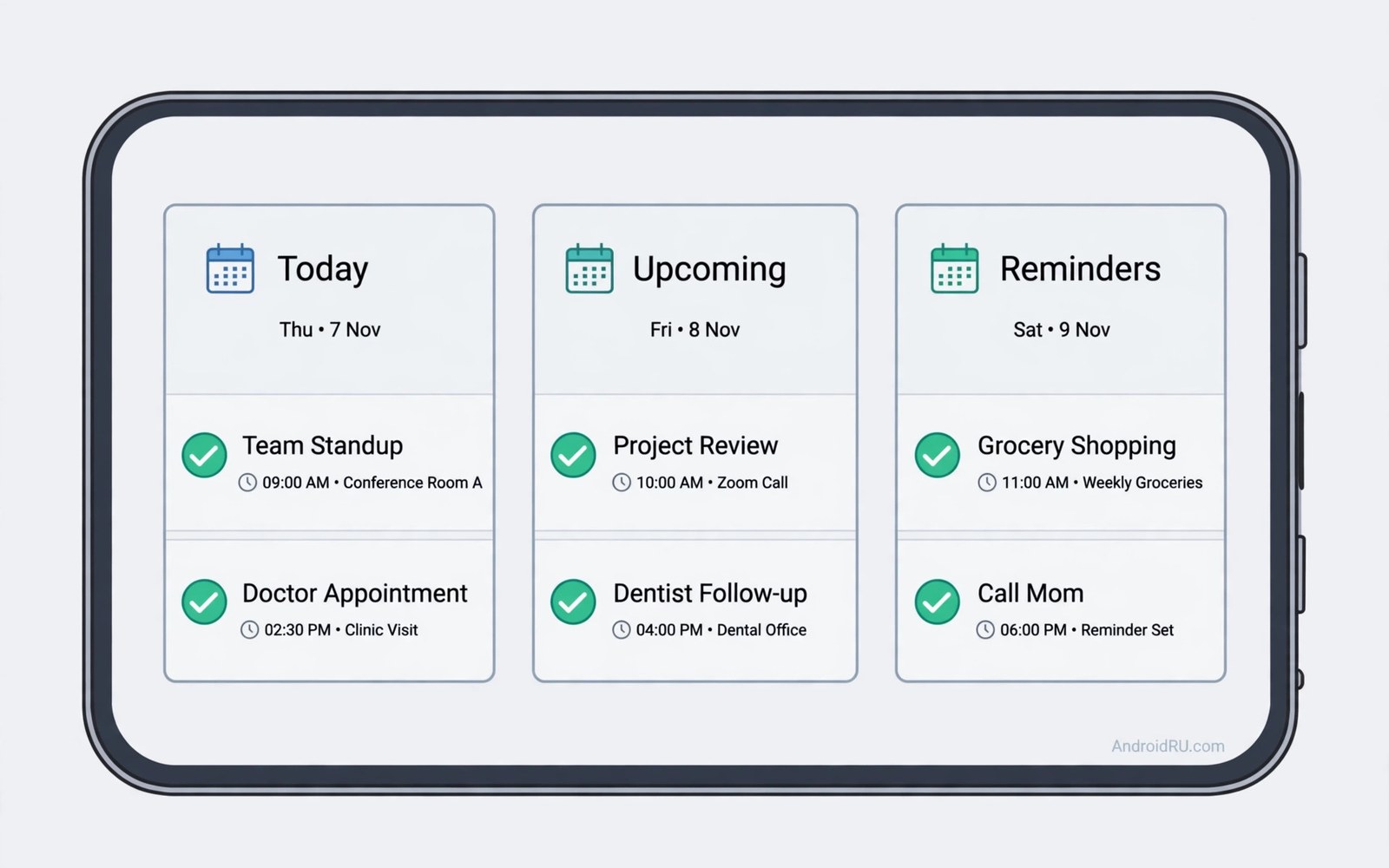
You miss a dentist appointment you swore you would remember. The reminder fired while you were driving and by the time you parked it had vanished from your mind. Missing appointments rarely comes from carelessness. It comes from a system that reminds you once at the wrong moment and then goes quiet.
A good calendar app fixes this with layers of reminders and smart scheduling. It nudges you the day before and again an hour before and again when it is time to leave. It accounts for travel time and it lets other people book time with you without endless messages. The right app turns appointments from a memory test into a reliable routine.
This guide compares three strong calendar approaches for Android. You will see how each handles reminders and sharing and natural language entry. You will also learn the setup habits that matter more than the app choice itself. By the end you will pick one app with confidence and stop missing the moments that matter.
What actually stops a missed appointment
Multiple reminders beat a single reminder every time. A day before reminder lets you prepare documents or reschedule early. An hour before reminder lets you wrap up current work. A leave now reminder based on travel time gets you out the door. One reminder cannot do all three jobs.
Location aware reminders add a layer that time alone cannot provide. An app that knows the clinic address can warn you when traffic is heavy. It can suggest leaving fifteen minutes earlier on a bad traffic day. That advice feels almost human because it adapts to the real world instead of a fixed clock.
Easy entry decides whether you record the appointment at all. If adding an event takes eight taps you will postpone it and then forget it. Natural language entry lets you type dinner with Ana tomorrow at seven and the app fills every field. Low friction entry is the most underrated feature in any calendar.
Shared calendars prevent the classic double booking at home. When partners or colleagues see your free time they stop proposing clashes. A shared family calendar shows school events and work trips in one view. Visibility prevents more missed appointments than any alarm ever will.
App one: the simple ecosystem calendar
The first approach is the calendar tied to a major ecosystem most people already use. It syncs instantly across phone and web and tablet. Events created on the computer appear on the phone within seconds. That reliability matters when you book appointments from different devices all day.
Its reminder system is solid and familiar. You can set several notifications per event and choose email or push for each. Travel time appears when you add a location. The interface stays clean and fast even with years of events loaded. Simplicity is its strength and its limit at once.
Sharing works smoothly with anyone on the same ecosystem. You can share a whole calendar or a single event with a link. Guests can respond with yes or no or maybe. The weakness shows when your contacts use a different ecosystem because sharing then needs extra steps. Most families work around this with a shared account.
This app suits people who want reliability over novelty. If your work and personal life already live in one ecosystem then this choice adds no friction. Set it up once and it quietly does its job. You will rarely think about it and that is the point.
App two: the smart scheduling assistant
The second approach focuses on scheduling with other people. It offers booking links that let clients pick a free slot without messaging you. You define your working hours and break times once. The app then guards those boundaries automatically. Back and forth scheduling emails disappear.
Its agenda view shines for busy days with many meetings. A single scroll shows your day as a timeline with travel gaps highlighted. You can drag an event to a new time and the app warns you about clashes at once. That visual clarity helps you protect focus time between meetings.
Natural language entry is strong here too. You can paste a meeting invite text and the app extracts date and time and location. That trick saves real time when invitations arrive as plain messages. Few users discover it without reading the tips but those who do rarely go back.
This app suits freelancers and managers who schedule with outsiders often. The booking link alone can save an hour a week of coordination. If you mostly manage personal appointments then its power may feel like overkill. Match the tool to the scheduling load you actually carry.
App three: the visual planner for busy lives
The third approach wins on visual planning and habit integration. It shows your week as colour coded blocks that make busy and free time obvious. Work blocks and family blocks and personal blocks each carry a colour. A glance tells you whether the week is balanced or overloaded.
Its task integration sets it apart from pure calendars. Tasks with due dates sit beside events in the same view. A task that becomes an appointment moves with one drag. That blend suits people whose days mix meetings and errands and deadlines. One view replaces two apps for many users.
Widgets are a genuine strength here. A large home screen widget shows today and tomorrow without opening the app. Glancing at the widget each morning builds a habit that no notification can replace. The best reminder is often the one you see while unlocking your phone.
This app suits visual thinkers and busy parents juggling many roles. The colour system rewards ten minutes of setup with months of clarity. If you dislike customisation then the options may feel like clutter. Start with three colours and add more only when a category truly needs one.
Set up any calendar so it cannot fail you
Choose one primary calendar and put every appointment there without exception. A second calendar for work and a third for family is fine as long as all three show in one app view. What fails is an appointment recorded only in a chat message or a paper note. One system of record beats three partial systems.
Set default reminders to two alerts for every new event. A day before alert plus an hour before alert covers most cases. Add a leave time alert for events with a location far from home. Defaults matter because you will forget to set reminders on a rushed entry. Let the default do the remembering.
Review tomorrow every evening for two minutes. Open the agenda view and read each event aloud in your head. That tiny ritual catches missing addresses and wrong times before they become missed appointments. It also prepares your mind for the next day so mornings feel calmer.
Protect the system from battery optimisation that kills reminders. Exclude your calendar app from aggressive battery saving in Settings. A reminder that never fires is worse than no reminder because it creates false confidence. Test a reminder after any phone update to confirm it still works.
Good habits compound across tools. A reliable calendar pairs well with clipboard managers that keep copied text forever for saving addresses you paste into events. Small tools that respect your attention build a day with fewer surprises.
BEGIN:VCALENDAR
VERSION:2.0
BEGIN:VEVENT
UID:dentist-2026@example
DTSTART:20260310T090000Z
SUMMARY:Dentist appointment
DESCRIPTION:Bring insurance card
BEGIN:VALARM
TRIGGER:-PT60M
ACTION:DISPLAY
END:VALARM
END:VEVENT
END:VCALENDAR
The code block above is an original example written for this article. It shows a calendar event file with a one hour reminder built in. You can import such a file into most calendar apps to create an event with its alert attached. It is a learning aid that reveals how reminders travel with events behind the scenes.
Time blocking turns a calendar from a list of obligations into a plan for the day. Reserve blocks for deep work and for errands and for rest just as you would for meetings. A block without a specific appointment still guards that time from random requests. Colleagues who see a busy block propose another time instead of grabbing the hour. Protecting focus time reduces the rushed feeling that causes missed appointments.
Weekly reviews catch problems that daily glances miss. Spend ten minutes each Sunday reading the next seven days as a whole. Look for days with three heavy events stacked together and spread them out early. Check travel gaps between far apart locations before the week starts. A Sunday review feels like work but it buys a calm week.
Common mistakes
The first mistake is relying on a single reminder at the event time. By then it is too late to prepare or travel. Set a day before reminder and an hour before reminder as defaults. Two alerts cost nothing and save appointments.
The second mistake is recording appointments in chat messages instead of the calendar. A message scrolls away and hides. An event in the calendar stays visible and reminds you. Move every commitment to the calendar within a minute of agreeing to it.
The third mistake is letting battery optimisation silence your calendar. Check the battery settings after every major phone update. An update can reset exclusions without telling you. A quick test reminder after an update catches the problem early.
The fourth mistake is overloading one day because the calendar accepted it. A calendar that accepts ten meetings does not make them possible. Leave travel gaps and lunch breaks as real events. Protecting white space is part of keeping appointments.
Frequently asked questions
Which calendar app is best for a busy family?
A shared ecosystem calendar usually wins for families because everyone can view and edit it. Colour coding helps children and partners read it at a glance. Add a shared widget on each phone so the day plan stays visible. Consistency matters more than advanced features here.
How many reminders should I set per event?
Two reminders suit most events with a third for travel heavy appointments. A day before reminder handles preparation. An hour before reminder handles departure. More than three reminders trains you to ignore them all.
Can a calendar app book meetings for me?
Scheduling focused apps offer booking links that let others pick free slots. You set working hours once and the app enforces them. That feature suits freelancers and teams best. Personal users may prefer simple shared calendars instead.
Conclusion
Missing appointments is a system failure and not a character flaw. Pick one of the three approaches that fits your life and set two default reminders and review tomorrow each evening. Shared visibility and travel aware alerts handle the rest. Your calendar will soon feel like a trusted assistant instead of a noisy list.
Your concrete next step is to open your calendar tonight and set two default reminders for all new events. Then review tomorrow events for two minutes before bed. Do that for seven nights and count how many appointments you catch early. For a broader daily system explore how to extract APK files from installed apps in 5 seconds and 20 free apps that will upgrade your smartphone experience today as next toolkit upgrades.

