

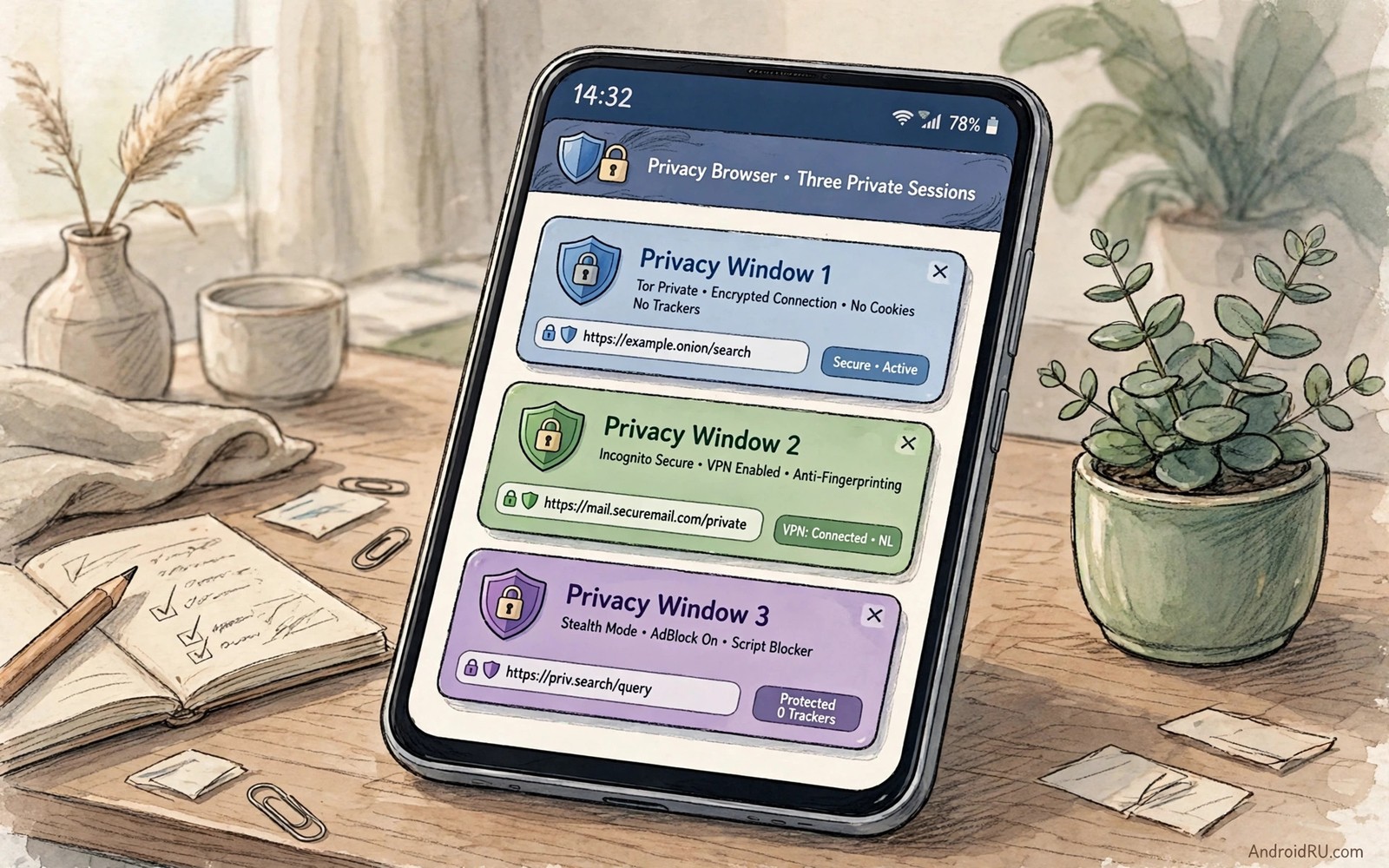
Chrome feels fast because it is already on your phone and already signed in everywhere. That convenience hides a steady stream of tracking and ad profiling behind every page you open. A privacy browser changes that bargain by blocking trackers before they load. It also changes how much data a page can collect about your habits. This guide compares three privacy-focused options in plain terms.
Start by naming what you want a browser to stop. Some people want fewer ads on news pages. Some people want to stop cross site trackers that follow them across shops. Some people want a search engine that does not build a profile from queries. Each goal points to a different set of settings. A browser that only blocks ads will not fix a tracking problem on its own.
A good privacy browser should feel normal on a daily news site and a shopping site. Pages should load without broken layouts or missing buttons. Videos should play without a constant fight with the player. Login forms should work without a loop of failed attempts. If a browser breaks half the web then you will abandon it within a week. Privacy that you stop using helps nobody.
Think about sync as a separate decision from browsing. A browser that syncs bookmarks through an encrypted account can help across devices. A browser that syncs nothing keeps your history on one device only. Both choices are valid for different people. Pick the sync model that matches how many devices you actually use each day.
What makes a browser privacy-focused
Tracker blocking sits at the core of the claim. A tracker is a small script that records which pages you visit and builds a profile over time. A privacy browser blocks known tracker domains before they run. It also limits fingerprinting tricks that identify a device from screen size and fonts and settings. Those two defences reduce profiling even when a page still loads its main content.
Cookie handling is the second layer. First party cookies keep you logged in to a site you chose. Third party cookies let another company follow you across many sites. A privacy browser can block third party cookies by default while keeping logins working. It can also clear cookies when you close a tab. That separation keeps convenience for sites you trust and removes the silent trail across sites you never chose.
Search choice matters more than most people expect. A default search engine shapes what results you see and what data leaves the phone. A privacy browser often offers a search engine that does not store personal queries. Switching the default takes less than a minute in settings. It changes every search that follows for the rest of the year.
Three privacy browsers compared in practice
The first type is a hardened mainstream browser with strong shields built in. It blocks ads and trackers on every page without an extension. It offers a private mode that forgets history when the tab closes. It also offers a fingerprinting defence that makes your device look less unique. This type suits a person who wants Chrome-like speed with far less tracking.
The second type is a lightweight browser built for speed on weak hardware. It loads pages with less data and fewer background scripts. It suits an older phone or a limited data plan. It may lack deep extension support or advanced sync. That trade can be worth it when every megabyte and every second counts on a slow connection.
The third type is a browser built around a private search engine and a strict tracker policy. It shows a privacy grade for each site so you can see what was blocked. It makes it easy to clear all data for one site without clearing everything else. This type suits a person who wants clear feedback on every page. The grade turns an abstract promise into a visible result.
Do not judge a browser by one page alone. Test it on a news site and a shop and a video site and a login page. Note which pages break and which settings fix them. A browser that needs one small exception for a bank site is still a good browser. A browser that breaks your work tools every day is not a good fit no matter how strong its privacy claim sounds.
Setting up a privacy browser without breaking the web
Install the new browser beside Chrome for a week instead of replacing it at once. Import bookmarks only and leave history behind. Set the new browser as default only after you trust it on your daily sites. Keep Chrome for the one site that truly refuses to work elsewhere. A gradual switch avoids a frustrating day of broken logins.
Turn on tracker blocking and fingerprinting protection in the main settings panel. Turn off personalised ads if the browser offers that toggle. Set cookies to clear on exit for sites you do not trust. Keep an exception list short and review it once a month. A short exception list is easier to audit than a long list you forgot you created.
adb shell pm list packages | grep -i browserThis brief command was included to illustrate a browser check on a connected device. It shows a simple command that lists browser packages on a connected device. You can use the output to check which browsers are installed before you change the default.
A related habit helps across the whole phone. When you review what you install you also review what tracks you in the background. That is why a guide to apps that secretly track you pairs well with a browser switch. A private browser cannot fix an app that reports location in the background. Both layers need attention for a real privacy gain.
A one week browser switch that avoids frustration
Start the switch on a quiet weekend rather than on a busy work morning. Install the new browser and import only bookmarks so history and old cookies stay behind. Open your five most visited sites and test login and video and checkout flows one by one. Note any site that breaks and try a single shield adjustment before you declare the browser unusable. A calm first test prevents a rushed return to the old browser on day one.
Midweek testing should cover the sites that matter for work and banking and shopping. A bank site may need a fingerprinting exception to recognise your device. A shop site may need a cookie exception to keep a basket across pages. Keep those exceptions in a short written list so you can review them later. A short exception list is easy to audit while a long forgotten list quietly weakens privacy every day.
End the week by comparing page load times and data use between the old browser and the new one. Open the same news article in both browsers and notice how many trackers each one blocks. A privacy browser that blocks dozens of trackers often loads the article faster despite stronger protection. That visible result makes the switch feel rewarding rather than restrictive. Keep the old browser only for the single site that truly refuses to work elsewhere.
Long term privacy habits beyond the browser
A browser switch alone cannot fix tracking that happens inside other apps. A social app can report location in the background while the browser stays clean. A shopping app can sync contacts while you browse privately. Review app permissions with the same care you gave to browser shields. Privacy works as a system where every layer matters and no single tool carries the whole burden.
Search habits deserve a second look after the browser feels settled. A private search engine that stores no personal query history changes every search that follows. Set that search engine as the default in the new browser and test it for a week on normal questions. If results feel weaker for local queries then adjust with a site specific search rather than returning to a profiling engine for everything. A small compromise on rare queries preserves privacy on the hundreds of routine queries each month.
Broader app choices support the same privacy goal in daily life. A phone full of useful but respectful tools reduces the need for trackers in the first place. That is why a review of must-have Android apps helps you judge new tools by permission and offline behaviour. A browser that blocks trackers pairs well with apps that never created a tracker trail at all.
Choosing between privacy and convenience
Privacy and convenience often pull in opposite directions on a browser. A browser that blocks every tracker can break a site that relies on a tracker for login. A browser that allows everything loads smoothly but profiles every visit. The best balance sits between those extremes for most daily browsing. Start with strong default shields and add exceptions only for sites you trust and use often. That middle path keeps most tracking blocked while daily sites keep working.
Convenience features such as saved passwords and autofill deserve a separate decision from tracker blocking. A password manager built into the browser can save time on every login. A password manager that syncs through an encrypted account can help across devices. Test autofill on a few sites before you rely on it for banking or shopping. A convenience feature that works well on daily sites earns its place even in a privacy focused setup.
Consider how a browser choice interacts with the wider app collection on the phone. A browser that respects privacy pairs well with apps that ask for little data in the first place. That is why a survey of the best open-source apps helps you judge whether a new tool matches the privacy standard you set in the browser. When browser and apps share the same standard then privacy stops feeling like a single app feature and starts feeling like a phone habit.
Common mistakes
The biggest mistake is enabling every shield at maximum strength and then blaming the browser for broken pages. Maximum blocking breaks video players and payment forms and login flows. Start with the default shields and raise them only for sites that still track heavily. A working browser you keep beats a perfect browser you delete.
Another mistake is thinking a private tab hides you from your network or your employer. A private tab only forgets local history on the device. It does not hide traffic from a network administrator or a site that logs your address. Use a private tab for local privacy and understand its limits before you rely on it for anything sensitive.
Frequently asked questions
Will a privacy browser slow down my phone?
No. Blocking trackers often makes pages load faster because fewer scripts run. A light browser can feel faster than a heavy default on an older phone.
Can I keep my bookmarks when I switch?
Yes. Most browsers import bookmarks in a few taps. Export a copy first so you have a backup if the import misses a folder.
Do I still need to clear cookies by hand?
Not often. Set the browser to clear third party cookies on exit. Clear all data by hand only when a site behaves oddly after an update.
Conclusion
Install one privacy browser today and use it as your default for a full week. Test it on news and shopping and video and login pages before you judge it. Keep the exception list short and keep Chrome only for the site that truly needs it.

