

Sunlight feels good on a beach day. It feels terrible for a phone battery. Air conditioning feels good indoors. It can also stress a phone through rapid temperature swings. Both extremes share one mechanism. Heat accelerates chemical aging. Cold shocks cause voltage sag and charging risks. A phone moving between a hot car and a cold room experiences both. That swing is worse than steady warmth. This guide explains sun and air conditioning effects separately. It also explains their interaction. It gives practical protection for summer travel and office life. Heat control is not just about gaming. Daily environment matters just as much.
How sun heat damages a battery
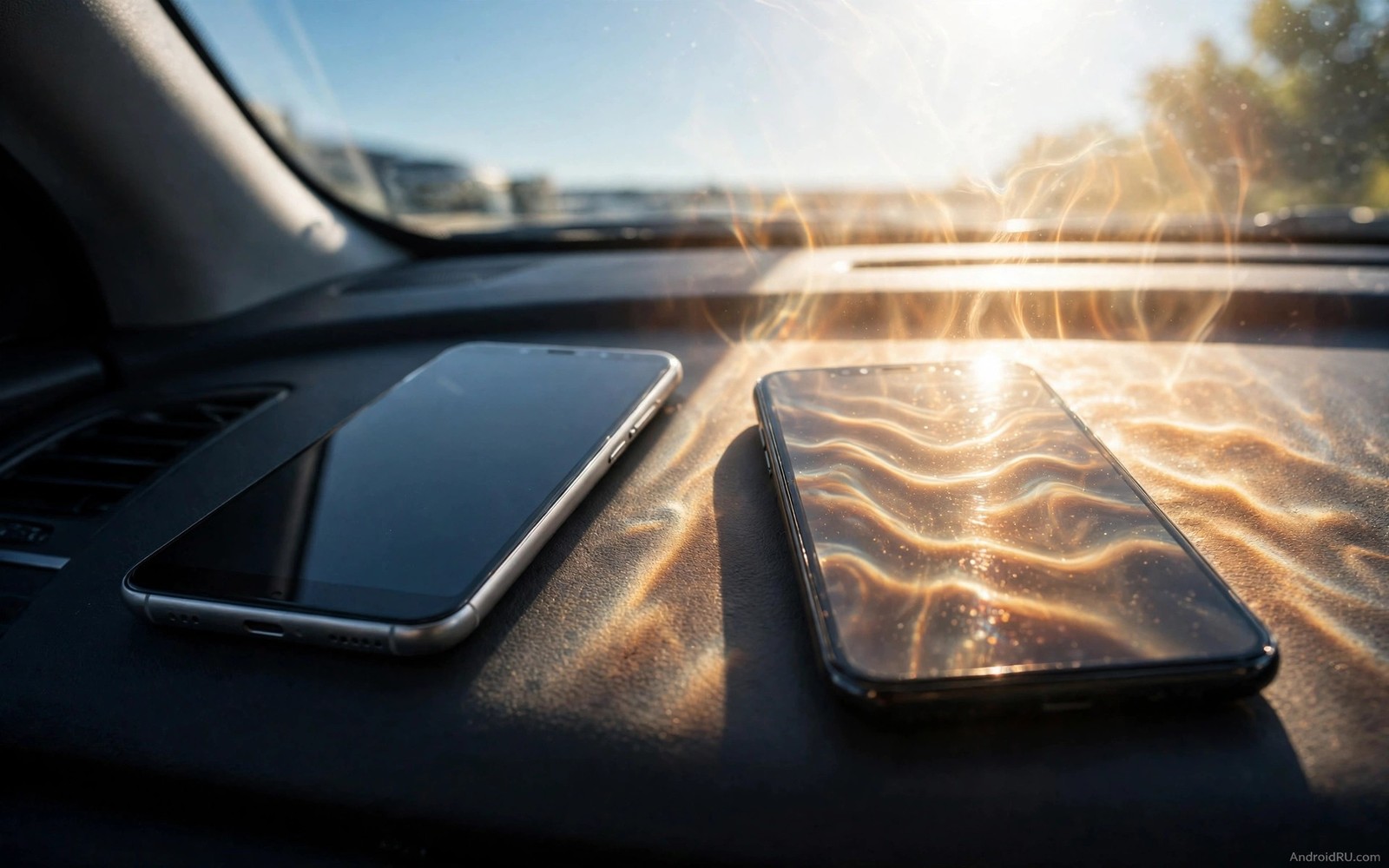
Direct sunlight heats a phone far above air temperature. A phone on a dashboard in summer can reach 50 degrees in minutes. A phone on a beach towel can reach similar temperatures. Dark phone bodies absorb more heat. Glass backs trap heat. The battery inside heats with the body. Chemical reactions inside the cell speed up dramatically at high temperature. Capacity loss that would take months at room temperature can happen in a single hot afternoon. That afternoon does not show immediately as a dead battery. It shows months later as faster drain. The damage is cumulative and invisible at first. Owners blame age. The real cause was a few extreme heat events.
Sunlight while charging is the worst combination. Charging already generates heat. Sunlight adds heat from outside. The phone may throttle charging to protect itself. It may pause charging entirely. That pause is a safety feature. It does not undo the heat exposure. The cell already spent time at high temperature. Repeated sun charging events compound. A phone used as a navigation device on a sunny dashboard faces this daily. A vent mount with airflow helps. A shade helps more. A phone in a pocket while walking in sun also heats. Body heat plus sun heat plus screen brightness combine. That triple heats the phone steadily. Shade and lower brightness break the triple.
How air conditioning creates a different stress
Air conditioning itself does not damage a battery directly. Cold air is generally good for a warm phone. The problem is rapid change and condensation. A phone coming from a hot street into a cold office cools quickly. Internal components contract at different rates. That contraction is usually harmless. Repeated rapid cycles stress seals and solder over years. More important is condensation. Warm humid air inside a phone can condense when the phone cools suddenly. Moisture on circuits risks corrosion. Corrosion increases resistance. Higher resistance causes heat during use. That indirect path links air conditioning to battery problems. The risk is small per event. It grows with humidity and frequency.
Charging a cold phone is the bigger air conditioning risk. A phone chilled by strong air conditioning may be below ideal charging temperature. Charging a cold lithium-ion cell causes plating. Plating is lithium metal depositing on the anode. Plated lithium reduces capacity permanently. It also creates safety risks in severe cases. A phone that sat under a cold vent for hours should warm to room temperature before charging. That waiting period is easy to forget in an office. Plug in immediately and the cell charges cold. The damage is silent. It accumulates over a winter of cold office charging. Warm the phone first. That patience protects capacity.
Air conditioning vents also create uneven cooling. A phone directly under a vent cools on one side only. Uneven temperature stresses the battery pack. Battery packs contain multiple cells or sections. Uneven temperature causes uneven aging. One section ages faster than another. The pack then behaves inconsistently. The meter may show jumps. Runtime may vary. Avoid placing a phone directly under a strong vent for hours. Place it on a desk away from direct airflow. Indirect cool air is fine. Direct blast cooling is unnecessary. A phone does not need a vent. It needs a stable moderate temperature. Stability matters more than coldness.
The hot to cold swing problem
The swing from hot outdoors to cold indoors is common in summer. A commuter walks in 35 degree heat. They enter a 20 degree office. The phone drops 15 degrees in minutes. That drop causes voltage changes. It also causes condensation risk if humidity is high. The phone may show a sudden percent change. That change reflects voltage shift not real charge loss. Owners may panic and charge immediately. Charging a rapidly cooling phone adds another variable. Wait for temperature stability before charging. Let the phone sit for twenty minutes indoors. Let it reach room temperature naturally. Then charge if needed. That waiting habit prevents cold charging damage. It also gives an accurate percent reading.
Repeated swings over a summer add up. A delivery driver faces swings many times daily. A tourist faces swings between beach and hotel. Those users need extra care. Keep the phone shaded outdoors. Keep it in a bag rather than a pocket in extreme heat. A bag insulates slightly. It also shields from direct sun. Indoors let it stabilize before charging. Those two habits cut swing damage sharply. They do not eliminate swings. They reduce extremes. Reducing extremes is enough. Battery aging responds to peak temperatures most. Lower peaks mean slower aging even if swings remain.
Protection for cars and outdoor use
Cars are the most dangerous heat environment. Never leave a phone in a parked car in summer. Interior temperatures can exceed 60 degrees. That temperature damages batteries and screens and adhesives. It can also warp the phone body. If you must leave a phone in a car then place it in the trunk away from sun. Trunk temperatures are lower than cabin temperatures. Still avoid long periods. Take the phone with you when possible. That habit alone prevents the worst heat events. A phone in your pocket in shade is safer than a phone on a car seat in sun. Shade is the simplest protection. Use it always.
Navigation in a car needs a mount strategy. Use a vent mount that blows cool air across the phone. That airflow counters sun heat through the windshield. Use a sunshade on the windshield when parked. It lowers cabin temperature significantly. Lower brightness while navigating in sun. High brightness adds display heat. A moderate brightness with a clear voice guide works well. Close unnecessary apps during navigation. Background apps add processor heat. Navigation already uses GPS and screen and radio. Adding more load pushes temperature higher. A lean navigation setup stays cooler. Cooler operation preserves battery and prevents throttling.
Outdoor activities need similar planning. Hiking with a phone in a pocket heats it through body and sun. Use a backpack pocket with shade. Check the phone periodically by touch. If it feels hot then move it to shade. Let it cool before using the camera heavily. Camera use adds processor heat. A hot phone plus camera use can trigger shutdown. That shutdown protects the battery. It also ruins a photo moment. Prevention beats protection shutdowns. Shade and rest keep the phone usable. A cool phone takes better photos anyway because it does not throttle the camera processor.
Office and home temperature habits
Home and office temperatures are usually safe. Problems arise from placement. Do not charge a phone on a sunny windowsill. Sun through glass heats the phone even in a cool room. Do not charge on top of a warm laptop. Laptop heat transfers to the phone. Do not charge under a pillow or blanket. Trapped heat builds quickly. Charge on a hard desk surface away from sun and vents. That placement is stable and cool. It allows airflow around the phone. Airflow carries heat away. A desk is the ideal charging location. It is boring and effective. Boring locations protect batteries best.
Air conditioning settings matter for comfort and phones. A room at 24 degrees is ideal for both. A room at 18 degrees with a direct vent on the phone is less ideal. The phone does not need arctic air. It needs stable moderate air. Adjust vents away from the desk if possible. If vents cannot move then move the phone. A small shift of half a meter can remove direct blast. That shift costs nothing. It prevents uneven cooling. It also prevents condensation from humid air hitting a very cold phone surface. Stable placement is a habit. Build it once. Keep it daily.
Seasonal transitions deserve attention too. Spring and autumn bring variable temperatures. A phone may face warm days and cold nights. Charging habits should adapt. Warm a cold morning phone before charging. Cool a hot afternoon phone before charging. Those waits are short. They protect the cell. You can link temperature habits to broader heat knowledge in thermal tricks that stop gaming drain and in urgent steps for overheating warnings. Temperature is a whole life factor. Gaming is one heat source. Environment is another. Both need control.
A temperature log for summer
Log hot events for one summer week. Note location and phone feel. Note whether charging was involved. Patterns will emerge. You may find the car is the main heat source. You may find a sunny windowsill is the culprit. Fix the top pattern first. A log turns vague heat worry into a specific fix. It also shows whether air conditioning swings are frequent. Frequent swings need a stabilization habit. Infrequent swings need less worry. Data guides effort. Effort focused on the main source gives the largest benefit. A week log is enough to identify that source.
Temperature event log
Day 1 car dashboard sun: phone very hot, charging paused
Day 2 office vent direct: phone cold, waited before charge
Day 3 beach towel sun: phone hot, moved to shade bag
Reading: car and sun are main risks here
The log above follows a simple event tracking pattern used by many Android power users to find heat sources without any paid tool. It records only location and feel and action. It reveals the worst environment quickly. It also records protective actions. Actions that work should repeat. Actions that fail should change. Review the log weekly in summer. Fix one environment per week. Car shade this week. Desk placement next week. Small fixes compound into a cooler phone life.
Common mistakes
Many owners leave phones in cars because it is convenient. Convenience costs battery life. Many owners charge on sunny windowsills because the charger is there. Move the charger. Many owners place phones under direct air conditioning vents for cooling. Direct blast causes uneven cooling and condensation risk. Many owners charge a freezing phone immediately after coming indoors. Wait for room temperature. Many owners ignore a hot phone warning and keep using it. Warnings exist to prevent damage. Stop and cool down. Many owners think air conditioning always helps batteries. Stable moderate temperature helps. Rapid swings do not.
Another mistake is blaming battery age for heat damage. Heat damage looks like age. It is actually environment damage. Fixing environment prevents further loss. It does not restore lost capacity. Accept that loss and protect what remains. Pair environment habits with monitoring degradation over time to see if heat fixes slow the decline. A slowing decline proves the fix worked. A continued fast decline points at another cause. Data plus environment control gives a complete strategy.
FAQ
Does air conditioning damage phone batteries? Direct cold air itself does not damage much. Rapid swings and cold charging cause the risk. Stable moderate temperature is ideal. Avoid direct vent blasts and cold charging.
How hot is too hot for a phone? Sustained temperatures above 40 degrees accelerate aging. Above 50 degrees risks shutdown and damage. Keep the phone below 40 degrees during normal use when possible.
Should I cool a hot phone in a fridge? No. Rapid cooling in a fridge causes condensation. Let a hot phone cool naturally in shade. Natural cooling is slower and safer for circuits.
Conclusion
Sun heat ages batteries through sustained high temperature. Air conditioning stresses through rapid swings and cold charging. Avoid cars in summer sun. Shade the phone outdoors. Let it stabilize indoors before charging. Move it away from direct vents. Charge on a cool desk away from sun. Log hot events for one week this summer. Fix the worst environment first. Those habits protect capacity far more than any app. Start by moving your charger off the windowsill today.

