

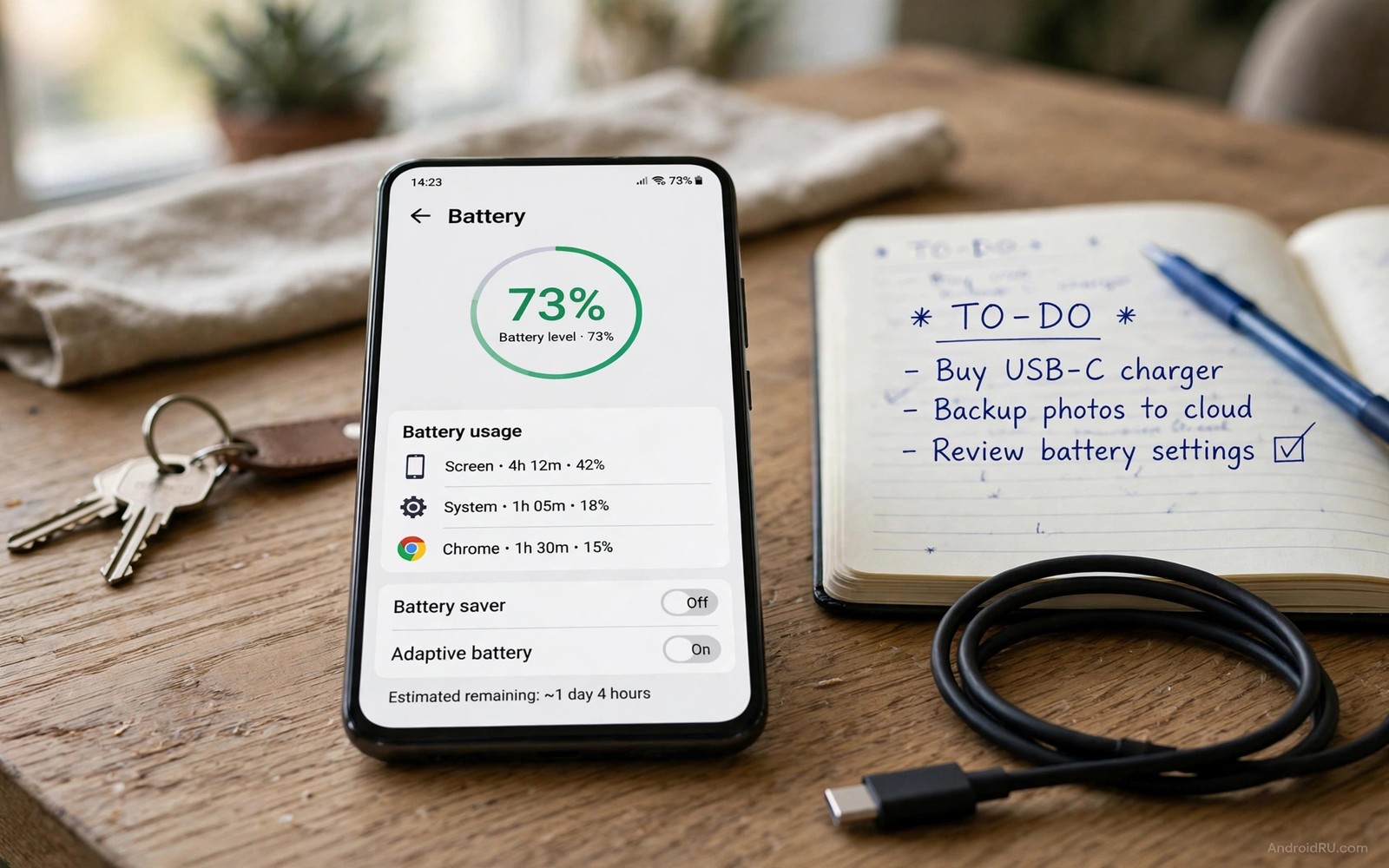
Your phone says 30 percent. Five minutes later it says 4 percent. You did nothing dramatic in between. The meter is lying. Or more precisely the meter is guessing badly. Android estimates charge from voltage and past use. That estimate drifts over time. Partial charges confuse it. Updates reset its learning. Age changes the cell it measures. Calibration teaches the meter the true endpoints again. It does not heal the battery. It does not add capacity. It makes the display honest. This guide shows a safe calibration method. It also shows when calibration is pointless. Knowing that difference saves time and battery wear.
What calibration actually fixes
Calibration fixes the fuel gauge. The fuel gauge is software. It tracks charge in and charge out. It compares voltage against a stored curve. That curve assumes a certain cell capacity. Real capacity falls with age. The gauge may still assume the original capacity. It then overestimates remaining charge. It may show 30 percent when true charge is 15 percent. A full charge and full discharge cycle teaches it the new endpoints. It learns where full truly sits. It learns where empty truly sits. Future estimates improve. The battery itself does not change. Only the measurement changes. That distinction is crucial. Many guides promise restored life from calibration. That promise is false. Calibration restores accuracy. Accuracy helps planning. It does not restore chemistry.
Calibration helps in specific cases. It helps after a system update that changed battery code. It helps when the meter jumps in large steps. It helps when the phone dies at 20 percent repeatedly at the same point. It helps when a new battery was fitted but the meter still behaves like the old one. Those patterns point at a confused gauge. Calibration helps less when drain is steady but fast. Steady fast drain points at apps or wear. Calibration helps not at all when the battery swells. Swelling is hardware failure. No software cycle fixes swelling. Diagnose first. Calibrate only when the symptom matches a meter error.
Signs you need calibration versus a new battery
Look for jump patterns. A meter error jumps at a consistent point. It may always drop from 25 to 5 percent. It may always stick at 100 percent for an hour. It may always stick at 1 percent for a long time. Consistency points at the gauge. Wear shows variable behaviour. One day the phone lasts hours from 20 percent. The next day it dies in minutes. That variance points at resistance and capacity loss. Check reported capacity if your phone shows it. A capacity near 90 percent with jumpy readings suggests calibration. A capacity near 75 percent with fast drain suggests replacement. Both can coexist. An old phone may need both calibration and eventual replacement. Calibration first is cheap. Replacement second is honest if calibration fails.
Check charging jumps too. A meter error may jump from 85 to 100 percent in minutes. A worn cell may do the same because real capacity is smaller. The difference lies in total runtime. A calibrated phone with a healthy cell gives normal runtime after calibration. A worn phone gives short runtime even with an honest meter. Measure runtime after calibration. A full charge should give roughly the expected screen time for that model. If it gives half then capacity is gone. No further calibration will change that. Accept the result. Plan replacement or upgrade. Chasing calibration repeatedly wastes cycles. Each full cycle adds wear. Repeated calibration for a worn cell accelerates the decline it tries to measure.
The safe calibration method step by step
Start with a normal charge to 100 percent. Use the phone charger you trust. Let it reach full without interruption. Keep charging for 30 minutes after it reports full. That extra time lets the cell truly top up. The meter may report full before the cell is fully balanced. Extra time helps alignment. Do not use the phone heavily during this top-up. Heavy use adds heat and confuses the endpoint. Let it sit cool and plugged in. That calm state gives a clean full point. Note the time you finish. You will need it for the next phase.
Now use the phone normally until it shuts down on its own. Do not force heavy gaming to speed this up. Normal use gives a natural discharge curve. Heavy load causes voltage sag. Sag can trigger early shutdown. Early shutdown teaches a false empty point. Light to moderate use is best. Browse and message and watch video normally. Let the battery fall naturally. When it reaches low battery warnings then continue lightly. Let it shut down by itself. Do not restart it repeatedly after shutdown. Repeated restarts drain the last reserve. They also stress the cell. One shutdown is enough. That shutdown marks the empty endpoint.
Leave the phone off and unplugged for 30 minutes after shutdown. This rest lets voltage settle. It lets temperature settle. A hot cell reads differently from a cool cell. Rest gives a stable baseline. After the rest then charge fully without interruption. Do not unplug mid-charge. Do not use the phone heavily during this charge. Let it reach 100 percent and stay plugged for another 30 minutes. That second full charge completes the learning cycle. The gauge now knows both endpoints from a clean run. Restart the phone after charging. Use it normally for two days. Judge the meter over those days. A single day may still show learning adjustments. Two days give a fair verdict.
What to do after calibration
Watch for steadier drops after calibration. Percent should fall in smaller steps. It should not jump 20 points at once. It may still fall faster at the bottom. That bottom steepness is normal chemistry. It should be less dramatic than before. Note runtime from full to shutdown. Compare it with runtime before calibration. Runtime should stay similar. Only the display should improve. If runtime is much shorter than expected then capacity is the issue. If jumps persist then the gauge may need a repair shop check. Some phones store gauge data in a chip. That chip may need professional reset. Do not attempt chip level resets at home. They risk bricking battery management. A shop can test the cell directly. That test gives a definitive capacity number.
Return to healthy charging habits after calibration. Use the 20 to 80 band for daily use. That band protects the cell you just measured. Calibration used a full cycle. Full cycles are stressful. Do not repeat them weekly. Repeat calibration only when jumps return. A good interval is every three to six months. Some owners never need it again. Others need it after each major update. Let symptoms guide you. Symptom driven calibration beats calendar driven calibration. You can pair this with why the percentage drops fast from 20 percent to zero to understand bottom end behaviour. You can also pair it with correct charging habits after calibration. Measurement plus habit gives the best result.
Calibration without root and without apps
You do not need root for calibration. The method above uses only normal charging and discharging. You do not need a calibration app. Most calibration apps simply delete a system file. Android recreates that file on boot. Deleting it does not teach the gauge anything useful. Some apps claim to reset capacity. They cannot change hardware capacity. They may show a fake improvement. That fake improvement hides a real problem. Avoid apps that promise battery repair. They often run background services. Those services drain power themselves. They also request broad permissions. The manual method is slower. It is also honest and safe. It works on every Android phone. It needs no special access.
Some brands offer a built in battery test in diagnostics. Use it if available. It may report capacity and cycle count. Those numbers help diagnosis. They do not replace calibration. A diagnostic test reads the cell. Calibration teaches the gauge. Use both together when possible. Run diagnostics before calibration. Note capacity. Run calibration. Note runtime after. That pair tells a complete story. A phone with good capacity and bad jumps needs calibration only. A phone with poor capacity needs replacement regardless of jumps. Data from both tools prevents wasted effort. It also prevents buying a new phone when only the meter was confused.
A calibration log
Record the calibration run. Note start time and full time. Note shutdown time. Note second full time. Note runtime over the next two days. That log proves whether calibration helped. It also prevents repeating calibration blindly. If jumps return in a month then something else may be wrong. A failing cell can confuse the gauge repeatedly. A log shows that pattern. Share the log with a repair shop if you escalate. It speeds their diagnosis. It also protects you from unnecessary part replacement. A shop that sees a clean calibration log will test the cell directly. That test is the next logical step.
Calibration log
Full charge: 08:00, plus 30 min top-up
Shutdown: 19:40 during normal use
Rest: 30 min off and unplugged
Second full: 23:10, plus 30 min top-up
Day 1 after: drops steady, no 20 point jump
Day 2 after: runtime normal for this model
The log above follows a simple tracking pattern used by many Android power users to judge calibration without any paid tool. It records only endpoints and outcomes. It avoids technical jargon. It focuses on jump behaviour and runtime. A steady drop after calibration means success. A persistent jump means deeper trouble. A short runtime means capacity loss. Those three outcomes guide the next step clearly. Keep the log for future reference. It will help you decide if calibration is needed again months later.
Common mistakes
Many owners calibrate weekly. Weekly full cycles accelerate wear. Many owners use heavy gaming to drain fast. Heavy load creates a false empty point. Many owners restart repeatedly after shutdown. That habit drains reserve and stresses the cell. Many owners interrupt the final charge to use the phone. Interruption breaks endpoint learning. Many owners trust a calibration app to restore capacity. No app restores chemistry. Many owners calibrate a swollen battery. Swelling needs repair not calibration. Many owners calibrate when the real problem is a draining app. App drain shows steady fast loss. It does not show consistent jumps. Diagnose before calibrating.
Another mistake is expecting calibration to extend battery life. It extends usable planning. It does not extend chemical life. A phone with 75 percent capacity will still die sooner than when new. Calibration simply tells you that truth more accurately. Accept that truth. Plan charging around it. Consider monitoring degradation cycles without root for a longer term view. That view shows capacity trends over months. Calibration shows meter accuracy today. Together they give a full health picture. Do not confuse one for the other.
FAQ
How often should I calibrate my Android battery? Only when the meter jumps or sticks consistently. Every three to six months at most. Many phones never need it. Symptom driven timing beats a fixed schedule.
Do I need root to calibrate? No. Normal full charge and discharge teaches the gauge. Root apps that delete system files do not restore capacity. The manual method works on all phones.
Will calibration make my battery last longer? No. It makes the percentage display more accurate. Runtime stays tied to real capacity. Accurate display helps you plan charging better. It does not add capacity.
Conclusion
Calibration is a measurement fix. It is not a battery repair. Use it when the meter jumps at a consistent point or sticks at full. Charge fully with a 30 minute top-up. Use the phone normally until shutdown. Rest for 30 minutes. Charge fully again without interruption. Watch the meter for two days. Steady drops mean success. Persistent jumps or short runtime mean capacity loss. Return to a 20 to 80 charging routine after calibration. Repeat only if jumps return. Start the process tonight if your meter has been jumping this week.

