

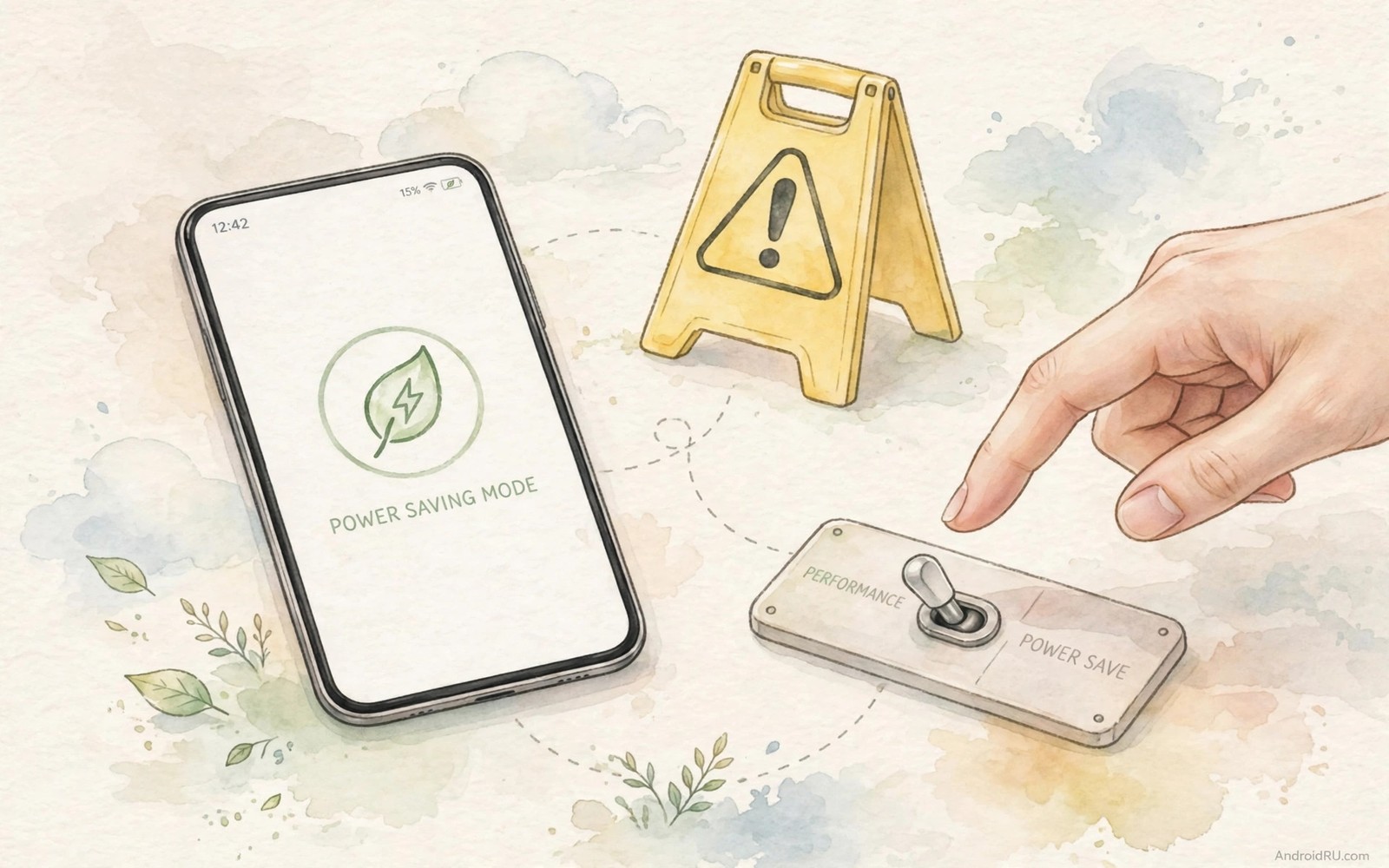
Battery saver mode promises rescue when power runs low. One toggle extends hours. The screen dims. Background work pauses. Vibration softens. The phone survives until evening. The rescue carries hidden costs that owners discover too late. Messages arrive late. Navigation stutters. Alarms behave oddly. The saver saved power by breaking promises.
This guide explains what saver mode actually restricts. It covers the trade-offs by feature. It covers the situations where saver mode genuinely helps. It covers the situations where it harms more than it helps. You will finish knowing when to toggle it and when to leave it off.
Saver behaviour varies by phone brand. Core restrictions stay similar across brands. Background sync and location and visual effects take the first cuts. Performance limits follow. Read your phone saver description screen before relying on it in a critical moment.
What saver mode restricts first
Background data is the first restriction on most phones. Apps stop syncing mail and messages on their own schedule. Updates arrive when you open the app rather than when they happen. The delay saves radio power. The delay also hides urgent messages until your next manual check.
Location services face limits next. Background location updates slow or stop. Navigation apps may lose precision when saver mode throttles GPS. A delivery driver relying on live tracking suffers most. A pedestrian checking maps occasionally notices little. Context decides whether the restriction matters.
Delayed messages and missed alerts
Messaging apps under saver mode may delay notifications by minutes or longer. A work message sent at noon may surface at one. A security code may arrive after its expiry window. The phone saved power by sleeping the radio between sync windows. The user paid with timeliness.
Exempt essential apps from saver restrictions in battery settings. Messaging and banking and authenticator apps deserve exemption. Test exemptions with a message from a friend while saver mode runs. Confirm the alert arrives promptly. An untested exemption is a hope rather than a fix.
Performance and display trade-offs
Saver mode often caps processor speed and limits refresh rate. Animations stutter. Games drop frames. Scrolling feels less smooth. The phone feels older than it is. The slowdown saves power by doing less work per second. Heavy users notice it immediately.
Screen brightness caps and dark themes accompany many saver modes. A dim screen outdoors becomes unreadable. A capped refresh rate makes maps panning feel choppy. These visual costs matter during navigation and photography. Disable saver mode for tasks that need a bright responsive screen.
When saver mode genuinely helps
Saver mode shines during long waits with no charger in sight. A travel day with a delayed flight is a perfect case. The phone needs to last for calls and boarding passes. Message delays matter less than survival. Toggle saver mode early rather than at five percent.
Saver mode helps overnight standby too. A phone at twenty percent before bed survives to morning with saver mode on. Morning alarms still fire because alarms bypass most restrictions. The phone wakes with enough power for the morning routine.
Use extreme saver only as a last resort
Extreme saver mode restricts the phone to a handful of essential apps. Most apps disappear from the launcher. The phone becomes a calls and messages device. Battery life stretches dramatically. Usability collapses equally dramatically.
Reserve extreme saver for emergencies with no charger for many hours. A hiking trip gone long is a valid case. Daily use under extreme saver wastes the smartphone you paid for. Toggle it off the moment a charger becomes available.
Build a manual low power routine
A manual routine can beat saver mode without its side effects. Lower brightness manually when power runs low. Restrict background apps manually for the afternoon. Disable location scanning manually until charging. Manual steps target waste precisely.
Manual routines preserve message timeliness unlike blanket saver mode. Messaging apps stay optimised while entertainment apps get restricted. Timely delivery survives because restrictions stay selective. Selectivity is the advantage of manual control.
Write the manual routine as a short checklist. Brightness and background and scanning fit three lines. Follow the checklist when battery drops below thirty percent. A written routine executes faster than improvised toggling. Checklists beat memory under pressure.
Practise the routine twice before relying on it. Practise reveals menu paths that memory misremembers. Two rehearsals make the routine fast enough for real low battery moments. Rehearsal turns a plan into a reflex.
Exempt apps correctly
Exemption lists decide which apps survive saver mode. Open battery saver settings and find the exemption section. Add messaging apps first for timely communication. Add banking apps second for security codes. Add authenticator apps third for login codes.
Test each exemption with a real message while saver mode runs. A message arriving promptly confirms the exemption works. A delayed message reveals a missed setting. Testing converts hope into proof. Untested exemptions fail quietly.
Review exemptions after major system updates. Updates sometimes reset exemption lists silently. A reset exemption list delays messages without warning. Post-update review takes two minutes. Two minutes prevent a week of missed messages.
Remove exemptions for apps that no longer matter. An old work app needs no exemption after a job change. Stale exemptions drain power for dead purposes. Quarterly exemption pruning keeps the list honest. Honest lists save power.
Use saver mode on travel days
Travel days present the strongest legitimate case for battery saver mode. Long days without reliable charging demand maximum endurance above all else. Message delays matter less than phone survival for boarding passes and maps. Saver mode trade-offs become acceptable when the alternative is a dead phone. Travel justifies restrictions that daily life should reject.
Enable saver mode early on travel days rather than waiting for low battery warnings. Early activation spreads savings across the whole day. Late activation at five percent saves little because most power already drained. Proactive saver use preserves a usable reserve for evening needs. Timing determines whether saver mode helps meaningfully.
Exempt travel essential apps before enabling saver mode on a trip. Maps and messaging and boarding pass apps need timely updates during travel. Exempting them preserves travel functionality while other apps stay restricted. A prepared exemption list makes travel saver mode practical. Unprepared saver mode can strand a traveller without live navigation.
Disable saver mode immediately upon reaching a reliable charger at the destination. Continued saver use at a hotel wastes the phone capabilities needed for evening plans. A charger removes the endurance justification completely. Prompt disabling restores full performance for the rest of the trip. Saver mode should end exactly when its reason ends.
Review travel day battery results after returning home to refine future trips. Note whether saver mode actually extended endurance meaningfully. Note which exemptions proved essential during the trip. Travel lessons improve every subsequent journey. Documented travel experience beats repeated guesswork across many trips.
adb shell settings get global low_power
adb shell dumpsys deviceidle | grep -i whitelist
adb shell cmd appops get --uid com.example.app RUN_IN_BACKGROUND
The commands above are a generic illustration for reading saver state and exemption lists from a computer. They show the kind of values a technician reviews when alerts arrive late. Everyday users should use the on-screen battery saver settings instead.
Quick battery life fixes often beat permanent saver mode for daily efficiency. Power hungry settings cause the drain that saver mode merely hides. Dark mode battery tests show a gentler saving path than aggressive throttling.
Common mistakes
The classic mistake is leaving saver mode on permanently. Permanent saver mode turns a flagship into a sluggish phone with delayed messages. The battery lasts longer because the phone does less. A phone that does less is not a better phone. Toggle saver mode for need rather than habit.
Another mistake is enabling saver mode during navigation. GPS throttling and screen dimming hurt navigation exactly when accuracy matters. Disable saver mode before a drive. Re-enable it after arrival when the phone can rest.
A third mistake is trusting saver mode to fix a worn battery. Saver mode masks wear by throttling everything. The cell keeps degrading underneath. Diagnose wear honestly and replace the battery when evidence demands it.
FAQ
Does battery saver mode damage the battery?
No and saver mode reduces load which generally helps the cell. The damage is functional rather than chemical. Delayed messages and sluggish performance are the real costs. Battery health does not suffer from saver mode use.
Why are my notifications late in saver mode?
Saver mode restricts background data and sync to save power. Apps fetch updates on a delayed schedule instead of instantly. Exempt messaging apps from restrictions to restore prompt delivery while keeping other savings.
Should I use saver mode every day?
No and daily saver mode sacrifices too much responsiveness for power most days do not need. Fix background drain and brightness instead for daily life. Reserve saver mode for genuinely long days without charging access.
Conclusion
Open battery saver settings now and check which apps are exempt. Add messaging and banking and authenticator apps to the exemption list. Test one message while saver mode runs to confirm prompt delivery.
Use saver mode as a tool for long days rather than a permanent state. Toggle it early on travel days. Toggle it off when a charger appears. Your phone will last when it must and perform when it should. That balance is the warning in one sentence. Review the exemption list again after the first travel day.

