

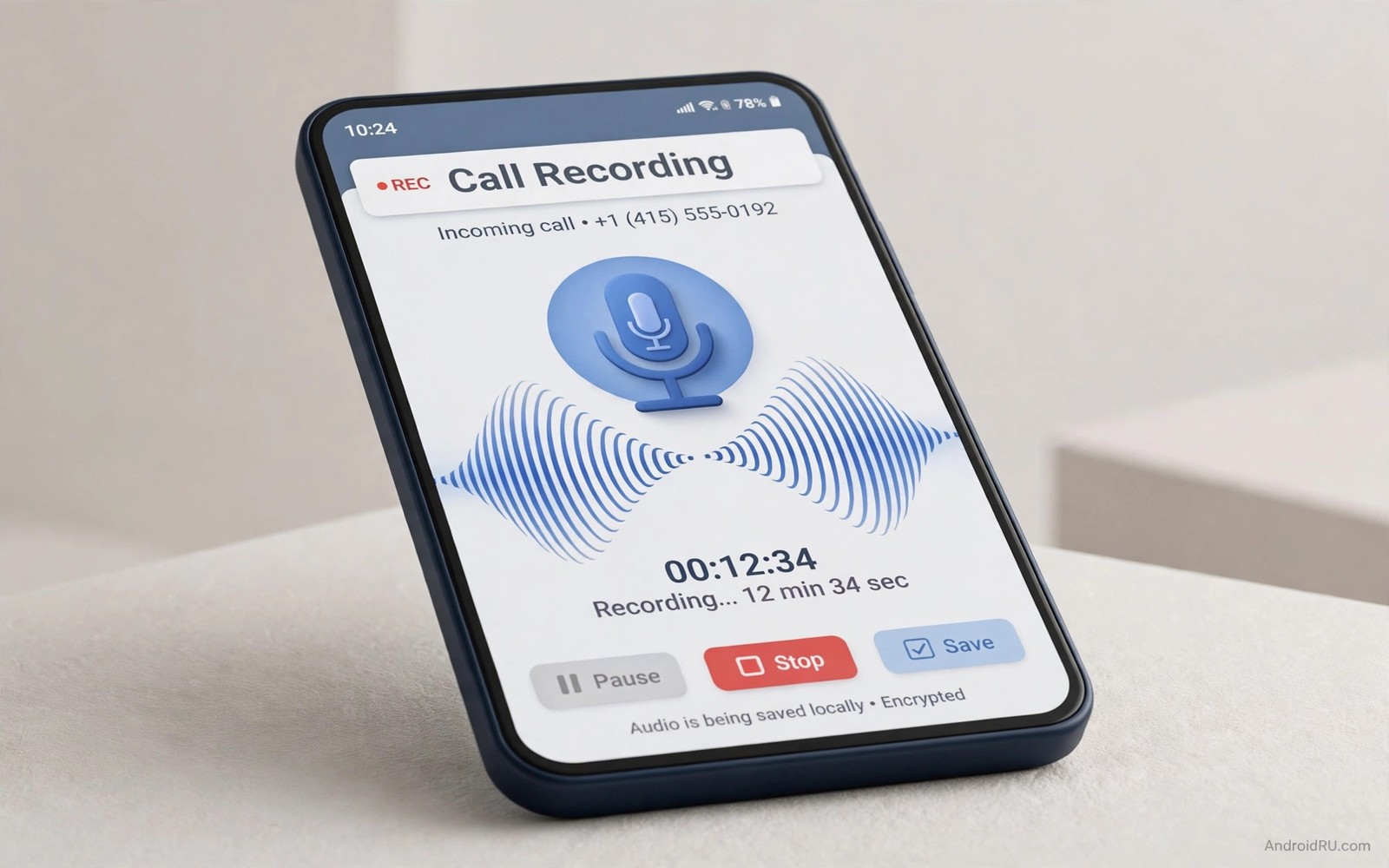
Recording a call can protect an important agreement. It can capture exact instructions from a client. It can preserve an interview for accurate notes. Android recording rules differ by phone and by region. Some phones play a warning tone by design. Others block recording entirely for privacy reasons. Understanding the legal and technical limits comes before any setup.
Consent law is the first issue to check. Some regions require consent from all parties on a call. Other regions require consent from only one party. A few regions restrict recording in specific settings. You must know the rule where you and the other person live. When in doubt tell the other person that you are recording. Clear consent protects both sides and keeps the recording usable.
This guide focuses on lawful uses with consent. Business calls and interviews and customer support calls are common examples. Personal safety calls may have different rules in your region. Check local law before recording any call. Do not use recording to spy on private conversations. Do not share a recording without permission from the people on it.
Check your phone and region first
Open the Phone app and look for a record button during a call. Some brands include a built in recorder in the dialer. Others remove it due to regional rules. A missing button usually means the feature is disabled for your region. A system update can also change recording behaviour. Check after each major update if the button disappears.
Google Phone app behaviour varies by country and carrier. Some versions announce recording to all parties. That announcement is a privacy protection. It cannot be removed by a normal setting on those versions. Trying to silence it with a modified app can break the dialer. It can also violate store policies and local rules.
Test recording with a consenting friend before a real call. Call your friend and explain the test. Start recording and check the audio quality. Listen for your voice and the other voice clearly. Check that the file saves to a known folder. A test call prevents a lost interview or agreement later.
Use built in recording where available
Built in recording is the safest method when your phone offers it. Start a call and tap Record if the button appears. Stop recording before ending the call to save the file cleanly. Find the file in the Phone app call history or the recorder folder. Rename the file at once with date and caller name. A clear name makes later retrieval easy.
Set recording quality and storage in Phone app settings. Choose a format that plays on other devices. Keep recordings in a folder that backs up if they matter. Delete old recordings that no longer serve a purpose. Stored calls contain sensitive personal data. Treat them with the same care as private documents.
Some phones allow automatic recording for selected contacts. Enable it only for business contacts with consent. Automatic recording for every call creates a large privacy risk. It also fills storage quickly. Review automatic recordings weekly and delete unneeded files. A small curated set beats a huge unreviewed archive.
Recording consent also relates to broader privacy habits. Learning about settings you must turn off for maximum privacy helps you control microphone and data access. A recorder app should not gain broad permissions beyond calls. Review permissions after installing any recording tool.
Consider lawful alternatives when recording is blocked
When built in recording is blocked use a lawful alternative. Ask the other person to confirm key points by email after the call. Send a written summary and ask for a reply confirming it. That email becomes a clear record without audio. It also gives the other person a chance to correct errors. Written confirmation often works better than audio for business.
Use speakerphone with a separate recorder only where law allows it. Tell the other person that a recorder is running. Place the recorder close enough for clear audio. Test the setup with a friend first. Poor audio from a distant recorder wastes effort. A clear written note may beat a muffled recording.
Conference tools offer recording with visible notices. Video meeting apps record with clear on screen indicators. Participants can see the recording state at all times. Use those tools for interviews and remote meetings. They provide consent signals by design. They also store files in a managed workspace.
Store and share recordings safely
Recordings deserve encryption and access control. Move important recordings to a locked folder or encrypted storage. Do not leave them in a shared gallery folder. Do not upload them to a public cloud folder by accident. Check sharing settings before sending any file. A recording sent to the wrong person cannot be recalled.
Transcribe key parts rather than sharing full audio when possible. A short transcript protects privacy better than a full call. It also makes the key agreement easy to find. Store the transcript beside the original file. Delete the original when the transcript fully serves the purpose. Short retention reduces risk over time.
Business users should follow company policy on recordings. Some companies forbid personal recording tools. Others require storage in a company system. Ask your manager or legal team before recording work calls. A company policy can be stricter than local law. Following it protects your job as well as the recording.
Phone app > Call > Record button > Stop before hang up
Phone app > Settings > Call recording > Quality
Files > Recordings > Rename with date and caller
Files > Recordings > Move to locked folder
This snippet shows a standard Android settings path pattern for call recording care. It lists recording controls before storage steps. Use it as a checklist while you test lawful recording. Menu names can differ slightly by phone brand. The core ideas stay the same across Android devices.
After a test recording listen to the full file once. Check both voices for clarity and volume. Check that no warning tone drowned out speech. Check file size for long calls. A one hour call can use significant storage. Plan storage before a long interview or meeting.
Privacy tools help you manage sensitive files after recording. Learning about how to lock any app without third party apps adds protection to a recorder or files app. A locked files app keeps recordings private on a shared phone. That lock matters when others borrow your device.
Plan recording for interviews and meetings
A good recording starts before the call begins. Prepare questions and topics in advance. Charge the phone fully before a long interview. Close unnecessary apps to reduce interruptions. Test recording with a short call first. A prepared setup produces a clean usable file. An unprepared setup produces a stressful scramble.
Inform all participants at the start of the call. State the purpose of the recording clearly. State how long you will keep the file. State who will hear it. Clear statements build trust and meet consent needs. Note consent in your written notes with time and names. A consent note protects you if the recording is questioned later.
Take written notes during the recording as a backup. Note timestamps for key answers. Note names and numbers spoken during the call. Written notes help you find key moments fast later. They also save the interview if audio fails. A recording plus notes beats either alone for accuracy.
Transcribe promptly after the call while memory is fresh. Listen once and type key sections verbatim. Paraphrase less important sections briefly. Mark unclear audio with a timestamp for rechecking. Prompt transcription reduces errors from forgotten context. It also lets you delete the original sooner.
Store interview files under a clear naming system. Use date and participant name and topic in the file name. Store files in a dedicated interview folder. Back up that folder to encrypted storage. Delete files after the project ends or retention expires. A clear system prevents sensitive files from lingering forgotten.
Device recovery matters for important recordings. Learning about the setting you must enable before your phone gets lost protects a phone holding interview files. A lost phone with recordings is a serious privacy risk. Lock and finding tools reduce that risk greatly. Combine recording care with device protection for full safety.
- Prepare questions and charge fully before interviews.
- State purpose and retention at the start of calls.
- Take timestamped notes during every recording.
- Transcribe promptly while memory stays fresh.
- Delete originals after retention expires.
Common mistakes
- Recording a call without checking consent law first.
- Using a modified dialer to silence a legal warning tone.
- Storing sensitive recordings in a public gallery folder.
- Sharing a full recording when a short transcript would do.
- Enabling automatic recording for every contact without review.
- Trusting a test never done before an important interview.
FAQ
Why does my phone play a warning tone?
Some regions require a tone or announcement for recording. The tone protects privacy for all parties. It cannot be removed by a normal setting there. Use written confirmation when a tone disrupts a call.
Is one party consent enough everywhere?
No consent rules differ by region and by call type. Some places need all party consent. Others allow one party consent. Check the rule where both callers live before recording.
Can I record a call for my own notes?
Personal notes do not override consent law. Tell the other person when law requires it. A written summary after the call is a safe alternative. Keep recordings only as long as needed.
Quick check before you finish
Make a test call with a consenting friend and record it if your phone allows. Listen to the full recording once for clarity. Check that both voices are audible and balanced. Check the file location and name it clearly. If recording is blocked then write a summary template instead. A tested method beats an assumed method before any important call.
Conclusion
Call recording is useful only when it is lawful and clear. Check consent law before you press record. Use built in tools where your phone offers them. Use written confirmation when recording is blocked. Store files securely and delete them when done. Consent and care make a recording trustworthy rather than risky.
Your concrete next step is to make a test call with a consenting friend today. Record it with your built in tool if available. Listen to the file and check clarity and storage location. If recording is blocked then draft a written summary template for future calls.

