

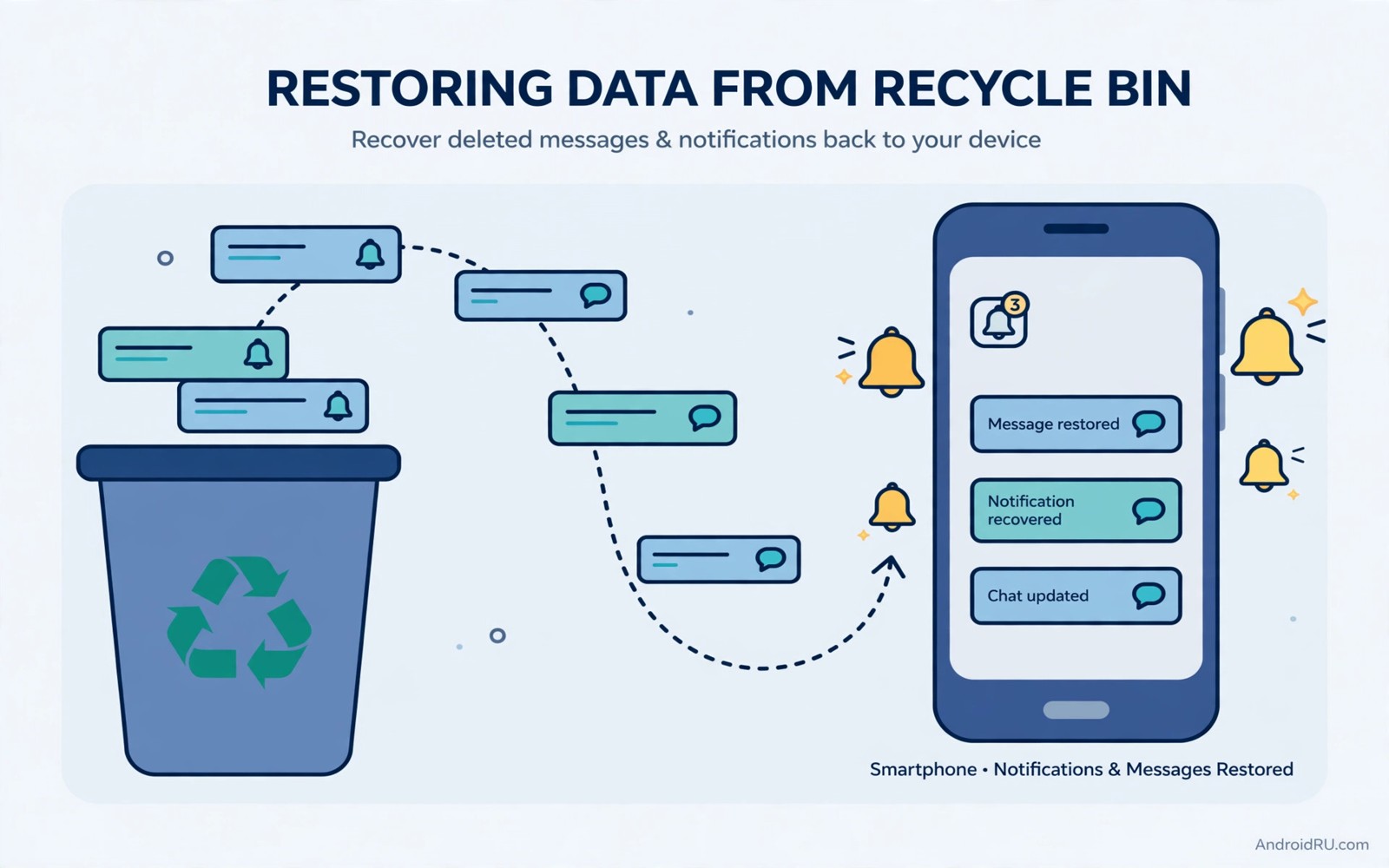
A single careless swipe can erase the only trace of an important message. A delivery notice vanishes. A bank alert disappears. A friend reply hides before you read it. The panic that follows feels worse than the loss itself because the phone offers no obvious undo button.
Android does keep a safety net called notification history. When enabled it stores dismissed alerts for a day in a searchable log. The log cannot recover alerts from before activation yet it protects every alert after you turn it on. That single switch turns a swipe mistake from a crisis into a minor detour.
This guide shows you how to enable history and how to read the log and what to do when history was off. You will also learn gentler notification habits so fewer alerts need recovery in the first place.
Enable notification history today
Open Settings and then open Notifications. Find Notification history near the top of the screen. Turn the switch on and confirm the permission prompt that follows. The phone begins logging dismissed alerts from that moment forward.
Test the feature at once with a harmless notification. Send yourself a message from another device or trigger a reminder. Dismiss the alert and then open the history log to confirm it appears. A successful test proves the safety net works before a real alert depends on it.
History stores alerts for twenty four hours on most phones. Older entries expire automatically which keeps the log manageable. The short window suits urgent recovery while limiting how much notification data accumulates.
Read the history log when an alert vanishes
Open Settings and then open Notifications and then open Notification history. The log groups alerts by app with the most recent first. Tap an entry to jump to the source app or to read the full text where the app supports it.
Search the log by app when you know which service sent the alert. A bank alert hides among banking entries rather than among social noise. A delivery notice sits with shopping apps. Grouping by app makes a day of alerts scannable in under a minute.
Act on the recovered alert promptly. Open the source app and complete the task the alert described. A recovered delivery notice still needs a pickup decision. A recovered message still deserves a reply. History shows you the alert but only you can finish the job behind it.
What to do when history was off
History cannot recover alerts that arrived before activation. The log starts empty and fills only with future alerts. Accept that limit quickly and move to alternative recovery paths rather than hunting for a magic restore button.
Open the source app directly and check its internal inbox. Messaging apps keep conversations even when notifications vanish. Banking apps keep transaction lists. Delivery apps keep order tracking pages. The app itself usually holds the information behind the lost alert.
Check email for a duplicate of the alert when the service sends both push and mail. Many banks and shops send an email copy of important events. A quick inbox search for the sender name often recovers the details within minutes.
Prevent the next accidental swipe
Accidental swipes happen most on crowded notification panels. Reduce panel noise by muting promotional categories across apps. A shorter panel means fewer chances to dismiss the wrong alert while clearing junk.
Use notification snoozing for alerts you cannot handle at once. Snoozing hides an alert for an hour and returns it later instead of deleting it. The feature suits messages that need a thoughtful reply rather than a quick glance.
Bundle notifications by app where your phone offers grouping. Grouped alerts expand on tap and dismiss as a set only when you choose. Grouping adds a small barrier that prevents single swipe accidents during hurried clearing.
Third party notification log apps
Third party apps promise longer history than the built in one day log. They work by reading every notification through an accessibility permission. That broad access creates a privacy trade because the app sees message previews and codes from many services.
Choose a log app only if you truly need history beyond a day. Read its privacy policy and check whether it stores data on a server. Prefer apps that keep logs on the device and offer export to a local file. Delete the app when the special need ends.
Most owners never need a third party log. The built in history plus app inboxes covers nearly every real case. Extra logging adds battery use and privacy risk for a benefit that rarely materialises. Readers who value quieter phones also enjoy features most owners miss because history is one of several underused tools.
Per-app notification control
History works best alongside strict per-app control. Open notification settings for each noisy app and disable categories that add no value. Promotions and suggestions and social nudges can go while messages and security alerts stay fully active.
Set important apps to override do not disturb where the phone offers that choice. Calls from family and alerts from banks deserve breakthrough permission. Promotional noise never deserves it. A clear hierarchy means urgent alerts stand out even on a busy day.
Review notification settings after installing a new app. New apps often enable every category by default. A thirty second review at install time prevents weeks of noise and accidental dismissals later.
Check which listeners can read notifications
The command below lists notification listener services through a computer connection. It helps you audit which apps can read your alerts. Run it after installing a log app to confirm exactly what access you granted.
adb shell settings get secure enabled_notification_listenersThe snippet above was written for this article as a read only access audit. It displays service names and it changes nothing on the phone. Revoke listener access in Settings for any service you no longer trust. An audit once a quarter keeps notification access honest.
Recover alerts on a smartwatch or paired device
A paired smartwatch often keeps a copy of recent notifications even after you dismiss them on the phone. Open the watch notification list and scroll back through the day. A message dismissed in haste on the phone may still sit readable on your wrist.
Wearable apps on the phone also mirror alerts in their own history views. Check the companion app for a notification log when the phone log comes up empty. The mirror is not perfect yet it rescues alerts in many real cases where the phone log was off.
Keep the watch paired during important days such as delivery days or travel days. A second screen holding the same alerts doubles your chance of recovery. The redundancy costs nothing once pairing is already part of your routine.
Keep a daily alert journal for critical services
Critical services deserve a backup beyond any log. Banks and delivery firms and medical portals send alerts that affect money and health. Note the key details of such alerts in a private note at the end of each day when they matter.
A journal sounds old fashioned yet it survives every log limit and every accidental swipe. A single line per alert with the sender and the action needed is enough. The habit takes two minutes and it protects the alerts that truly cannot wait.
Review the journal every Sunday and delete lines for alerts already handled. A journal that grows without pruning becomes as noisy as the notification panel it replaces. Keep only unresolved items and a short record of the week behind you. The weekly review closes the loop between noticing an alert and finishing the task behind it.
A journal also helps during travel when notification history expires faster than you can act. Note flight and hotel alerts in a note before boarding so a dead battery cannot erase them.
Common mistakes
The biggest mistake is enabling history after losing an important alert and expecting recovery. History protects the future rather than the past. Enable it today during a calm moment so it stands ready for the next accident.
Another mistake is clearing all notifications in a rush every morning. Bulk clearing defeats the purpose of a careful panel. Clear by app group and pause on groups that may hide important alerts.
People also grant notification access to every app that asks. A game has no need to read your alerts. Grant listener access only to tools with a clear purpose such as a trusted log app or a wearable companion.
Finally avoid disabling notifications entirely after a bad experience. Silence creates missed messages that history cannot fully fix. Prefer categories and snoozing over total silence for apps that matter.
Frequently asked questions
How long does notification history keep alerts?
Most phones keep history for twenty four hours. Entries expire automatically after that window. Third party log apps can extend the window at the cost of broader access and extra battery use.
Can history recover a message I deleted inside an app?
No. History stores the notification preview rather than the full app data. Deleting a conversation inside an app removes the content itself. History helps you notice the alert but it cannot restore deleted app content.
Does notification history drain battery?
The drain is negligible because the system already processes every notification. Logging adds only a small storage write per alert. The feature costs far less than a third party log app running constantly.
Conclusion
A dismissed alert no longer means a lost alert once history is on. The log gives you a day to recover bank notices and delivery updates and messages that a swipe erased. Prevention through muting and snoozing and grouping reduces how often you need the log at all.
Your concrete next step is to enable notification history right now and test it with a harmless alert. The whole setup takes under two minutes. After that review one noisy app and mute its promotional categories. Owners building calmer phones can continue with privacy switches for everyday safety and the gesture that changes mobile multitasking as natural follow-ups.

