

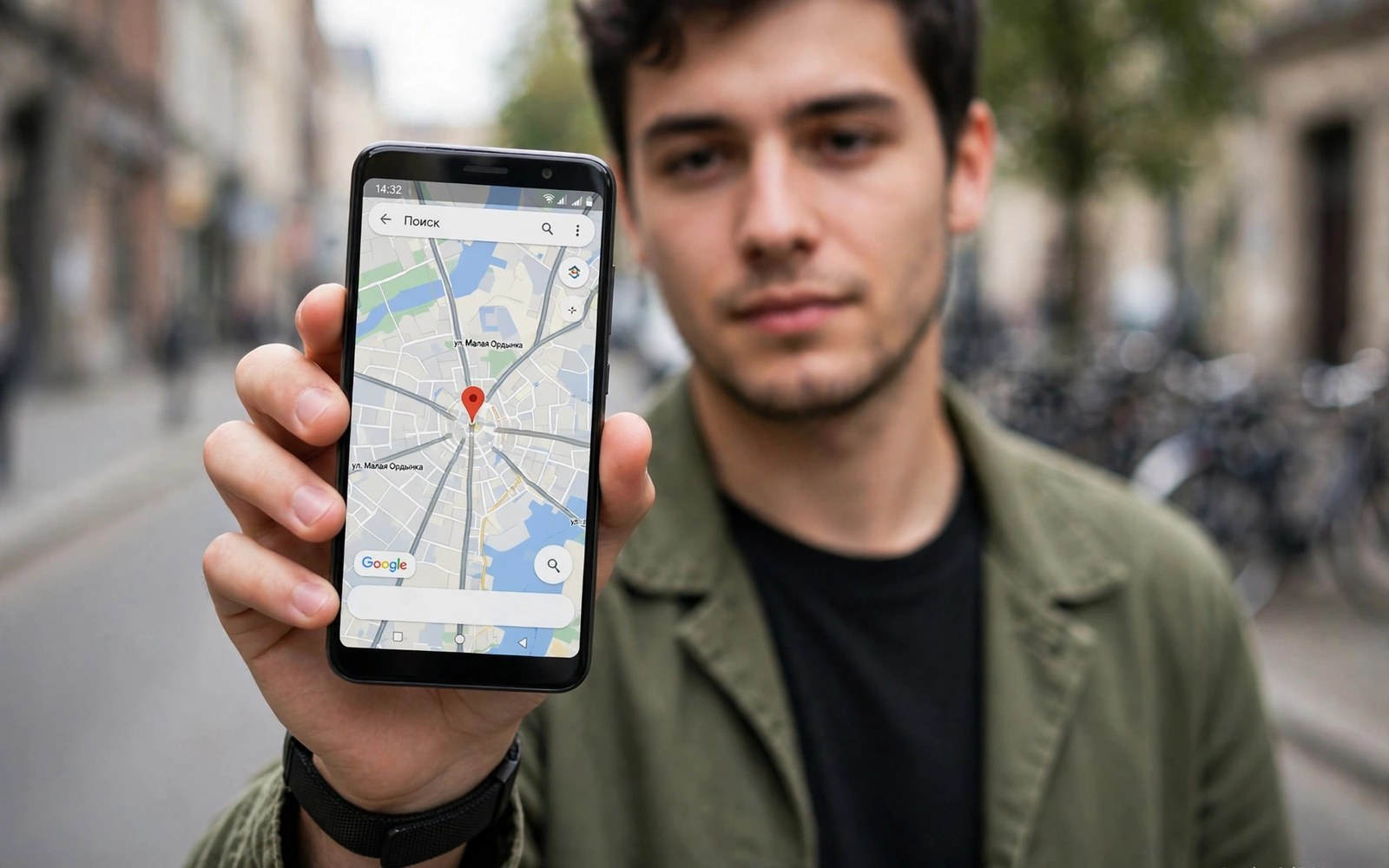
Mock location modules change the coordinates that an app receives from the system. The phone may sit on a desk in one city. The app may believe it sits in another city entirely. This trick serves development and testing workflows. A developer can test map features without traveling. A tester can verify region behavior from one desk. The technique works by intercepting location delivery inside the target app. It does not move the physical device. It changes the data that the app observes. That distinction shapes both its uses and its limits.
Android location flows through a system service that gathers sensor data. GPS satellites and Wi-Fi signals and cell towers all feed that service. The service fuses those inputs into a location estimate. Apps request updates through location APIs. The system delivers coordinates and accuracy values to the app. A framework level mock intercepts that delivery inside the app process. It replaces the true coordinates with test coordinates. The app logic then runs as if the device had moved. Other apps outside the scope keep receiving true location. That per app isolation is essential for safe testing.
Mock location differs from the built in developer option in important ways. The developer option lets a test app supply mock locations system wide. Apps can detect that developer mocking is active. Many apps refuse location features when they detect it. A framework module can hide the mocking signal inside the target app. It can present test coordinates as if they were genuine. That stealth is what makes framework mocking attractive for testing. It is also what makes misuse possible. The same stealth can deceive services that depend on true location. Responsible use stays inside testing boundaries.
How Location Delivery Works Normally
Normal location delivery starts with provider selection. The system chooses GPS for outdoor accuracy. It chooses network providers for indoor speed. It fuses both into a best estimate over time. Each location object carries latitude and longitude. It carries accuracy in meters and a timestamp. It may carry speed and bearing when the device moves. Apps use accuracy to judge trust in a fix. A high accuracy value means a tight estimate. A low accuracy value means a rough estimate. Good mock modules replicate this structure fully. They supply plausible accuracy and timestamps alongside coordinates.
Location updates arrive as a stream rather than a single point. An app tracking movement receives updates every few seconds. Each update should show a plausible step from the previous one. A jump of hundreds of kilometers in one second looks impossible. Careful apps flag such jumps as suspicious. Good mock modules move coordinates gradually along a path. They simulate walking or driving speed realistically. They update bearing to match the direction of travel. Realistic movement is what separates a useful test from an obvious fake. Teleporting across a map fails most validation checks.
Background location adds another layer of complexity. An app may request location while it runs in the background. The system throttles background updates to save battery. A mock module must respect that throttling pattern. Updates that arrive too often in background look artificial. Updates that ignore battery optimization may also drain power. Test background behavior separately from foreground behavior. A mock that works in foreground may fail in background. Both modes matter for apps that track trips or deliveries.
Framework Interception Points For Location
Framework mocking hooks the location APIs inside the target app process. Common points include the location manager callback and the fused provider callback. A hook can replace coordinates in the callback object before app code reads it. It can also replace the last known location that an app reads on launch. Covering both points matters because apps use both paths. An app may read last known location first for a fast display. It may then wait for fresh updates for accuracy. A module that covers only fresh updates leaves a stale true location visible at launch. That inconsistency can confuse test results.
Some apps read location through high level libraries rather than raw APIs. A library may cache location or add its own validation. A hook at the raw API level still feeds that library. The library then processes the mocked values normally. Validation inside the library may still flag the mock. Libraries often check speed and accuracy consistency. A well crafted mock passes those checks by staying realistic. A crude mock fails them by teleporting or freezing timestamps. Module quality shows in how it handles library validation. Test with the actual library stack that the target app uses.
Native location readers form a boundary for Java hooks. Some apps read sensor data directly through native code. A Java hook cannot see that native path. Those apps may show true location despite a Java mock. Users should test whether their target app responds to the module at all. Open a map screen and confirm the mocked pin appears. Move the mock along a path and confirm the pin follows. If the pin stays true then the app uses a path the module cannot reach. Do not assume coverage from a module description alone. Verify with a live map test.
Setting Up A Realistic Mock Route
A realistic mock route starts with a plausible start point. Choose a street location rather than a remote field. Set an accuracy value that matches the environment. Urban GPS accuracy often sits within tens of meters. Rural accuracy may be wider. Set speed to match the travel mode you simulate. Walking speed differs greatly from driving speed. Update coordinates at intervals that match that speed. A walking route needs small steps every few seconds. A driving route needs larger steps at similar intervals. These details make the mock believable to app logic.
Route planning tools inside mock modules help build such paths. Some modules let users drop waypoints on a map. The module then moves the mock along the path between them. Other modules accept a recorded track file for playback. Recorded tracks carry realistic speed and timing from a real trip. Playback of a real track is often more convincing than hand drawn points. Use recorded tracks for serious testing when possible. They encode natural pauses at traffic lights and turns. Those pauses matter for apps that detect stops and starts.
Related device trickery concepts appear in material on device specification spoofing for single apps. That topic shows how per app values differ from system truth. Location mocking follows the same principle for coordinates. Both tricks need consistency across related fields. A location mock with impossible speed fails like a device profile with mismatched fields. Consistency is the shared lesson across both categories.
Detection Methods Apps Use
Apps detect mocking through several signals. They check whether the system mock setting is active. They check location object flags that mark a fix as mocked. They check speed and jump plausibility across updates. They check whether GPS and network providers agree on position. A framework module can hide the first two signals inside the app. It cannot easily fake agreement between independent providers. An app that compares GPS and network fixes may spot a mismatch. A mock that feeds only one provider path leaves the other path true. That split reveals the test to a careful app.
Server side detection adds a stronger layer. A server can compare reported location with IP address region. It can compare movement speed with time between reports. It can compare location with past behavior for the account. Client side mocking cannot control those server signals. An account that teleports between continents will trigger flags. Repeated flags may lead to restrictions on that account. Test accounts protect main accounts from this risk. Use a test account for any mock experiment that touches a service. Never mock against a main account that you value.
- Choose a plausible street start point for every mock route.
- Set accuracy values that match the simulated environment.
- Move coordinates gradually at realistic walking or driving speed.
- Cover last known location as well as fresh location updates.
- Test map display and movement tracking separately.
- Use a test account for any service that validates location.
- Remove the mock when testing ends to restore true location.
- Keep notes on routes used for repeatable test runs.
Safe Testing Workflows
Safe testing starts with a test app or a test account. Never test mocking against a production service with a main account. Create a dedicated test account for the service in question. Use a test device or a secondary profile when possible. Scope the module to the test app only. Set the mock route before launching the app. Verify the map display before running the full test flow. Record results with screenshots or notes for repeatability. Remove the mock and restart the app after testing ends. Confirm true location returns before normal use resumes.
Team testing needs shared route definitions for consistency. All testers should use the same start point and speed. They should use the same waypoint list for a given scenario. Shared routes make bug reports comparable across testers. A bug that appears on one route but not another may be route specific. Shared definitions isolate app bugs from route artifacts. Store route files alongside test cases in the project. Version them like other test data. That discipline turns mocking into a professional test tool.
Mock location test routine
Scope: test app only, test account only
Route: plausible start, realistic speed, gradual steps
Verify: map pin follows route, last known location mocked
Run: full app flow with mocked movement
Cleanup: mock removed, app restarted, true location confirmed
Notes: route file stored with test case
Misuse Risks And Service Terms
Misuse of mock location can harm services and other users. Faking location to claim a regional reward breaks service fairness. Faking location to bypass a geographic restriction breaks licensing terms. Faking location in a delivery or ride app can mislead drivers and customers. Faking location in a game can gain an unfair advantage over honest players. Each misuse erodes trust in location based features. Services respond with stricter checks that burden honest users too. A single misuse case can tighten rules for everyone. Responsible testers avoid contributing to that cycle.
Account consequences follow misuse in many services. A flagged account may lose access to location features. It may face a temporary suspension or a permanent ban. Appeals rarely succeed when logs show impossible movement. The service holds server side evidence beyond the client mock. Users cannot erase that evidence by removing the module. The flag remains in server records. That permanence is why test accounts matter so much. A test account flag costs little. A main account flag can cost years of history and purchases.
The steps above follow the approach described in the official developer documentation for the framework and its module system. That material explains scope and process loading in general terms. It also describes how modules attach to app processes at startup. Readers who want deeper detail can consult the same documentation directly. The guidance here adds location specific realism and safety habits. It does not replace module specific instructions from each author. Always read those instructions before mocking a route.
When Mock Location Is The Right Tool
Mock location fits development and quality testing best. It fits map feature tests and region logic tests. It fits travel app tests that need many cities quickly. It fits accessibility tests for location prompts in different areas. These uses involve test data and test accounts. They improve app quality for all users. They do not deceive a live service for personal gain. That boundary defines legitimate mocking clearly. Testing improves the product. Deception exploits the product. Keep the two apart in every decision.
Mock location fits poorly for everyday personal use. Daily apps should receive true location for safety and accuracy. Emergency services and navigation depend on true position. A forgotten mock can misdirect a ride or an emergency response. That risk outweighs any novelty from a fake pin. Remove mocks after testing without exception. Confirm true location before driving or traveling. A short confirmation step prevents serious real world confusion. The phone should tell the truth about where it is during normal life.
For neighboring per app topics explore granular permission tuning with LSPosed and privacy control through tracking API interception. Those topics show how location permission and tracking control interact with mocking. A complete location strategy covers permission and privacy as well as test values. Test values alone do not make a good location setup. Permissions and honesty complete the picture for daily use.

