

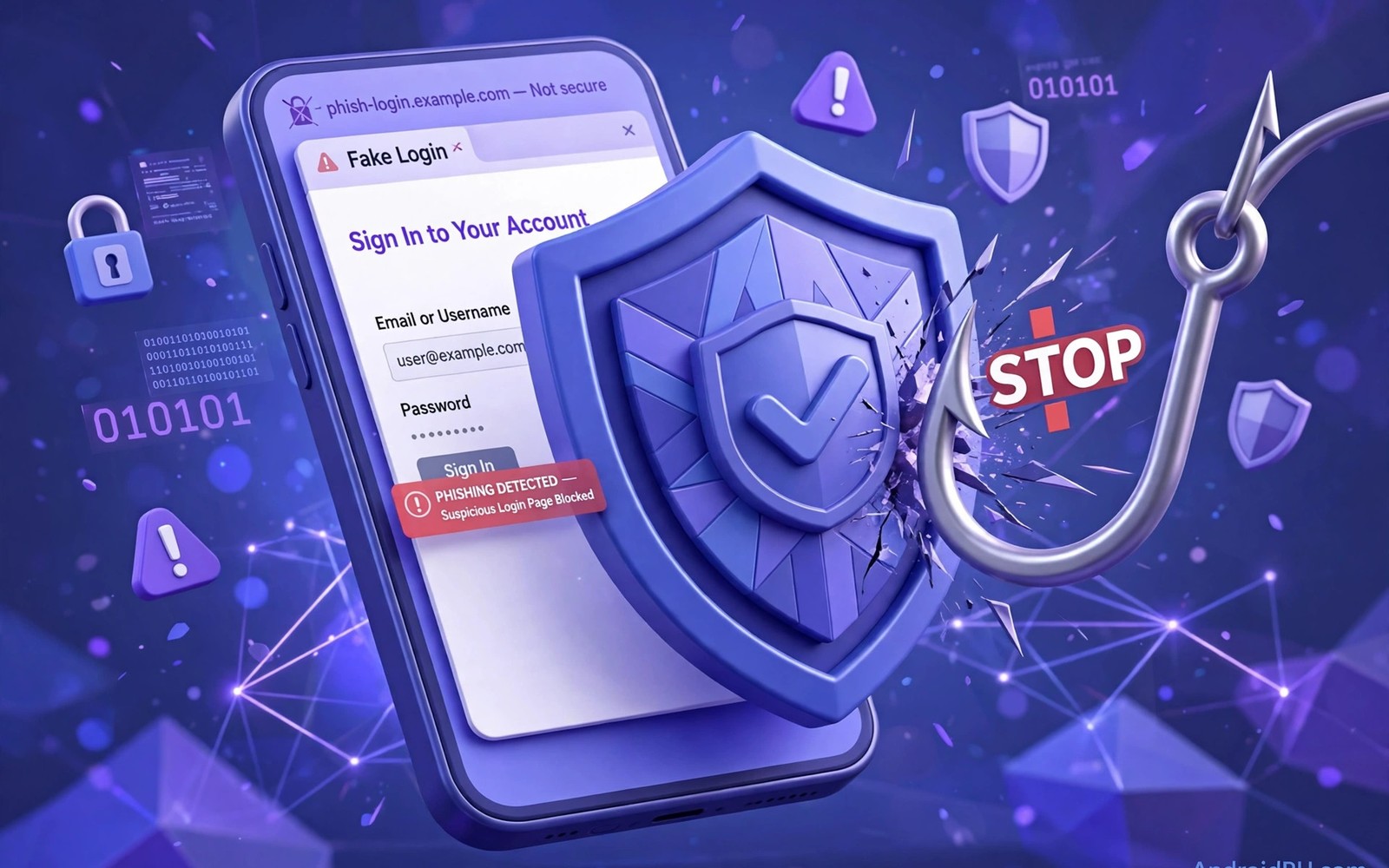
Phishing pages copy real login screens to steal passwords. They arrive through messages and emails and ads. Mobile screens hide many clues that desktop screens show. Short URLs and small address bars help attackers. Careful habits close most of that gap.
This guide teaches practical checks for every link you open. It covers address checks and warning pages and safe habits. It also covers what to do after a risky click. Readers who install apps from links should also read checking files before you install them.
How Mobile Phishing Works
Attackers send urgent messages about locked accounts. The message links to a page that looks official. The page asks for a password or a payment card. Stolen details go straight to the attacker server. The real service never learns about the theft.
Some pages show a fake warning about viruses. Others promise a prize or a refund to lure a tap. Urgency is the main weapon in both cases. A calm pause breaks the trick more often than any tool. Slow down whenever a message demands instant action.
Check The Address Before You Trust It
Tap the address bar to reveal the full address. Look for misspellings and extra words and odd endings. A trusted brand name inside a longer odd domain is a trap. Secure pages show a lock icon beside the address. A lock proves encryption but not honesty.
Attackers can buy encrypted fake pages too. Never trust a page from its lock alone. Compare the domain with the real service domain you know. Type the real address yourself for sensitive logins. Bookmarks for banks remove the need to trust links.
Use Browser Safety Features
Modern browsers warn about known dangerous pages. Keep safe browsing features turned on always. Do not bypass a full-page warning to reach a link. A warning means the page matched known threat data. A second warning after a bypass attempt is a hard stop.
Keep the browser updated for fresh warning data. Updates also patch flaws that fake pages exploit. Turn on enhanced protection if your browser offers it. That mode checks pages and downloads more deeply. It may send page data for checks so read its note first.
- Keep safe browsing warnings turned on.
- Block pop-ups and deceptive notifications.
- Deny notification permission for unknown sites.
- Clear site data for pages you distrust.
- Update the browser as soon as updates appear.
Handle Links In Messages Safely
Treat links in unexpected messages as untrusted by default. A message from a bank should never need a link tap. Open the official app or type the address yourself. That habit defeats most message phishing at once. It also works for delivery and tax scams.
Preview a link destination before you tap it when possible. Long-press a link to reveal its true target. Short links deserve extra suspicion on mobile. If the preview looks odd then delete the message. Report phishing messages through your messaging app.
Safe link routine
1. Pause on urgent messages
2. Long-press the link to preview it
3. Compare the domain with the real one
4. Open the official app instead
5. Never enter codes on a linked page
Protect Passwords And Codes
A password manager fills logins only on real domains. That behaviour blocks many fake pages automatically. The manager refuses to fill on a lookalike domain. Use that refusal as a warning sign. Type passwords manually only on addresses you verified.
Never share login codes with callers or chat contacts. Real support staff never ask for those codes. A caller asking for a code is running a scam. Hang up and contact the service through its app. Readers who want stronger account defence can review stronger sign-in checks for safer methods.
After A Risky Click
Close the tab at once if a page looks fake. Do not enter any details or download any file. Clear recent browsing data for that site. Change passwords for accounts you may have exposed. Start with email since it resets other accounts.
Check bank statements and account activity for a few days. Report the fake page through the browser menu. A report helps warn other visitors quickly. Scan the phone for new apps you did not install. Early action limits the damage from one bad tap.
Phishing succeeds through haste and trust in familiar brands. Slow checks and typed addresses defeat most attempts. Browser warnings add a useful second layer. Password managers add a third layer of defence. Together they keep mobile browsing far safer.
Phishing Channels Beyond Email
Phishing reaches phones through many channels besides email. Text messages carry fake delivery and bank alerts. Social posts carry shortened links to fake pages. Ads inside apps can lead to phishing sites. QR codes in public places can hide malicious links. Each channel uses urgency to force fast taps. Treat every unexpected link with the same suspicion. The channel does not change the verification rule. Open official apps instead of following links. That single rule defeats most channel tricks. Readers who judge new apps from links should also use spotting risky apps before installing anything. Links are the delivery vehicle for many mobile threats.
Voice phishing adds a human layer to the attack. Callers claim to be bank staff or support agents. They request codes or remote access politely. A calm voice can feel more trustworthy than text. Real support never asks for login codes. Hang up and call the official number yourself. Use the number inside the official app. Never use a number given by the caller. Report the call through carrier spam tools. A reported number helps protect other targets.
Search result phishing targets users seeking help. Fake support pages buy ads for popular queries. A user searching for help may click the top ad. The fake page then harvests login details. Scroll past ads to organic results with care. Better yet open the official app directly. Bookmarks for key services remove search risk. Create bookmarks for banks and email providers. Use those bookmarks for every sensitive login. Bookmarks are a simple and powerful defence.
Social media phishing exploits trust in friends. Hacked accounts message contacts with tempting links. A link from a friend feels safe by default. Verify surprising links with the friend directly. Use a different channel for that verification. A quick call can confirm a hacked account. Warn the friend if their account is compromised. Report the malicious message through the platform. Shared vigilance protects whole friend groups. Trust but verify remains the right motto.
Building A Phishing-Resistant Routine
Password managers change phishing economics for users. A manager fills credentials only on true domains. A fake domain receives no autofill at all. That refusal acts as an automatic warning. Users should treat autofill refusal seriously. Never type the password manually after a refusal. Close the page and open the official app. That habit alone blocks many credential thefts. Managers also generate unique passwords per site. Unique passwords limit damage from any single breach.
Hardware keys add phishing resistance for key accounts. A key verifies the real site before signing. A fake site cannot complete the key challenge. That cryptographic check beats human vigilance. Keys cost money but last for years. Register a key for email and banking first. Keep a backup key in a safe place. A backup key prevents lockout if one is lost. Keys suit high-value accounts best of all. They are the strongest widely available defence.
Security checkups reveal phishing exposure early. Review account activity monthly for unknown sign-ins. Check connected apps and sessions for strangers. Remove access for apps you no longer use. Change passwords after any suspicious activity. Enable alerts for new device sign-ins everywhere. Alerts turn silent breaches into visible events. Act on every alert without delay. A fast response limits attacker dwell time. Monthly checkups catch slow attacks early.
Teaching phishing awareness works best with examples. Show family members a real fake page screenshot. Point out the odd domain and urgency wording. Show them the lock icon does not prove honesty. Practice the pause habit together on sample messages. Ask them what they would do before explaining. Active practice sticks better than lectures. Repeat the exercise every few months. New scam styles appear constantly over time. Ongoing practice keeps awareness fresh and useful.
Phishing Tests And Training
Simulated phishing tests teach recognition safely. Tests send fake phishing messages internally. Users who tap receive coaching immediately. Coaching explains the warning signs missed. Repeated tests improve recognition steadily. Organisations use tests for staff training. Families can run informal tests too. Send a fake suspicious message to relatives. Discuss the signs together afterwards. Practice beats warnings for lasting learning.
Warning sign checklists help during real attacks. A checklist slows impulsive tapping usefully. List urgency wording as a warning sign. List mismatched domains as another sign. List unexpected attachments as a third sign. Keep the checklist near the phone initially. Mental checklists replace paper ones eventually. Internalised checklists work under time pressure. Pressure is when checklists matter most. Build checklists through repeated practice.
Browser warning pages deserve respect always. Warnings indicate known threat data matches. Bypassing warnings invites known dangers. Users sometimes bypass warnings for work needs. Work needs rarely justify known threats. Find alternative sources instead of bypassing. Alternatives exist for most legitimate needs. A bypass habit spreads to personal browsing. Personal browsing then faces the same risks. Respect warnings in every context consistently.
Link preview tools help verify destinations safely. Long-press previews reveal true targets. Preview services expand shortened links safely. Expanded links reveal odd domains clearly. Use previews for all shortened links. Shortened links hide destinations by design. Hiding destinations serves attackers well. Previewing removes the hiding advantage. A few seconds of preview prevents breaches. Seconds spent previewing save hours recovering.
Password reuse amplifies phishing damage greatly. A phished password unlocks many accounts. Unique passwords limit damage to one account. Password managers generate unique passwords easily. Managers remember passwords so users need not. Adoption of managers is a key defence. Encourage manager use among family members. Help relatives set up managers patiently. Patient help overcomes initial resistance. Resistance fades once convenience appears.
Incident reporting improves phishing defences collectively. Report phishing messages to carriers promptly. Report fake pages through browser menus. Reports feed blocklists for other users. Blocklists protect users who never report. Reporting is a civic security act. A minute of reporting helps thousands. Teach reporting alongside recognition skills. Recognition without reporting helps only oneself. Reporting helps whole communities stay safe.
The steps above follow the approach described in the official developer documentation for Android security and privacy. That documentation explains the same controls in general terms for phone owners who want a safer device.

