

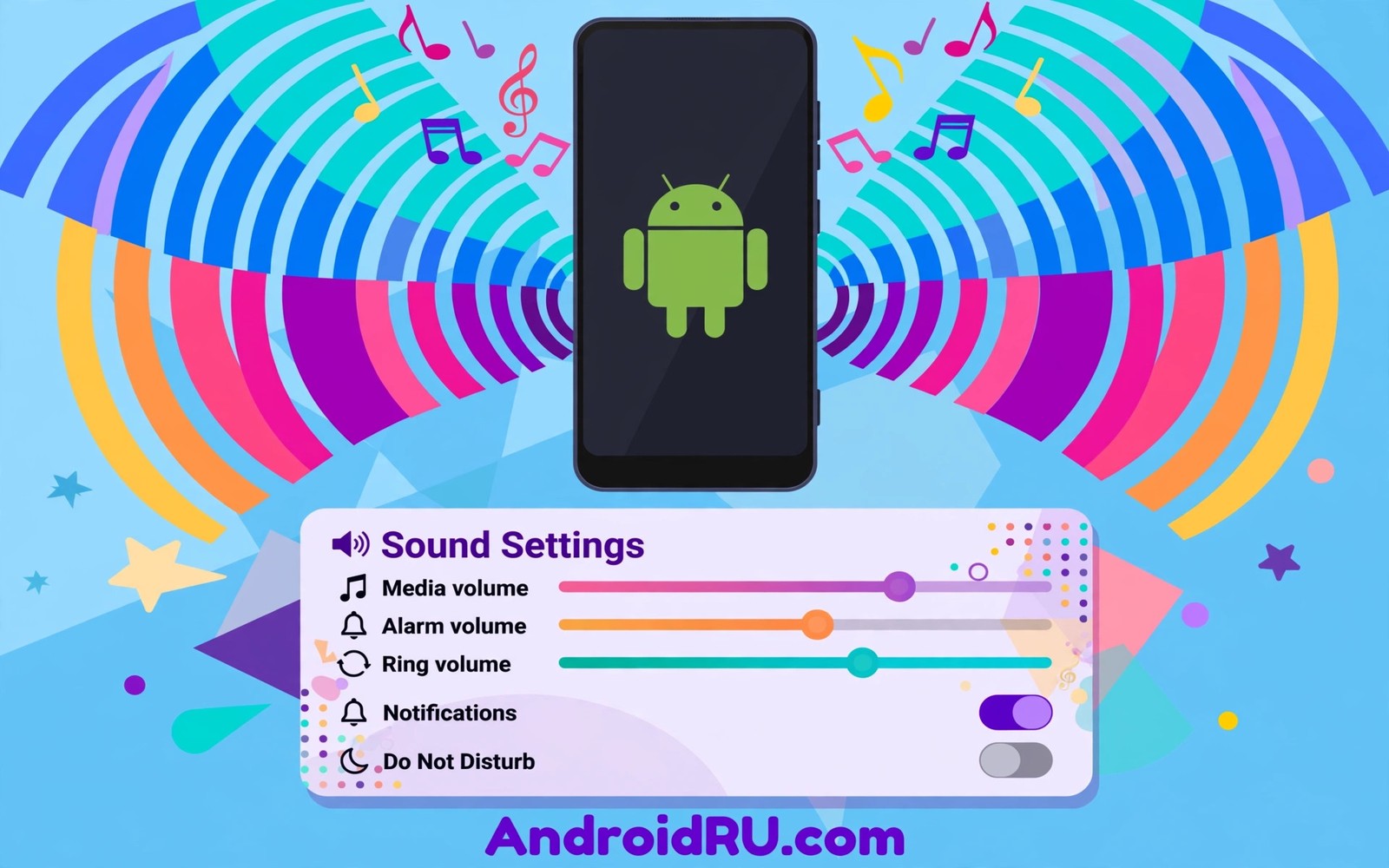
System sound schemes shape how your phone speaks to you across the day. A calm notification tone keeps focus during work. A distinct message tone tells you who needs attention without looking. A harsh default tone for every app trains you to ignore all of them. Sound design is attention design.
This guide shows how to customize system sounds and notification tones with purpose. You will learn default tones and per app tones and Do Not Disturb rules. You will also learn how to balance volumes so alerts inform without startling. If you want the visual side of the same calm system then read about light and dark theme behavior because calm visuals plus calm sounds reinforce each other.
Sound schemes work best when they encode meaning. One tone for people and one tone for systems and silence for everything else is a strong scheme. A phone where every app shouts with the same loud tone encodes nothing. Design the scheme around who and what deserves an interruption.
Default tones versus per app tones
Default tones set the baseline for every app that does not define its own sound. A gentle default tone keeps unknown alerts from startling you. A loud default tone makes every minor app feel urgent. Pick a default that you can hear in a quiet room without flinching.
Per app tones add meaning on top of the baseline for the apps that matter most. Messages from close contacts deserve a distinct tone that you recognize instantly. System alerts deserve a neutral tone that informs without demanding action. News and shopping apps deserve silence or a soft tone because their alerts rarely need instant action.
Notification channels split one app into separate sound streams for separate jobs. A mail app can sound different for primary mail and for promotions. A chat app can sound different for direct messages and for group chatter. Channel level control is the most powerful sound tool on modern Android and many users never open it.
Build a calm sound scheme
Work from the default outward so the scheme stays coherent instead of becoming a patchwork.
- Open Settings and then Sound and vibration and pick a gentle default notification tone.
- Set a distinct ringtone for calls that you recognize within two seconds.
- Set an alarm tone that wakes you firmly without a harsh start.
- Open the notification settings for your messaging app and set a people tone.
- Open notification channels in that app and silence low value channels.
- Silence shopping and news apps entirely or give them the softest tone.
- Set Do Not Disturb rules for sleep hours with starred contacts allowed through.
- Test the scheme for one day and demote any tone that interrupted focus needlessly.
Practical tips for sound balance
Keep volumes balanced across contexts because a tone tuned at home may vanish outdoors or blast in a meeting. Test the default tone at home volume and at street volume. A tone that works in both contexts is a keeper. You can also explore Quick Settings efficiency tips because a Do Not Disturb tile gives fast manual control when a schedule rule does not fit the moment.
Use vibration as a second channel for important alerts when sound must stay off. A distinct vibration pattern for messages can replace a tone in quiet rooms. Keep vibration patterns simple because complex patterns blur into generic buzz. One short pattern for people and one long pattern for alarms covers most needs.
Review sound permissions after installing new apps because new apps often enable noisy defaults. A weekly glance at notification settings catches chatty newcomers early. Silence the newcomer before its tones train you to ignore the whole phone.
// Notification channel sound concept in Kotlin
val channel = NotificationChannel("messages", "Messages", IMPORTANCE_DEFAULT)
channel.setSound(customToneUri, audioAttributes)
// Each channel can carry its own tone and importance.
The snippet above follows the pattern shown in the official Android developer documentation for notification channels and in the Material Design guidelines for sound design. It shows how one channel carries its own tone and you should respect user volume settings rather than forcing loud tones in code.
Common mistakes
Sound schemes fail when every app gets equal loudness and equal urgency.
- Leaving the loud default for all apps. One loud tone for everything teaches the brain to ignore all alerts. Set a gentle default first.
- Ignoring notification channels. App level sound hides the channel power inside. Open channels and silence low value streams directly.
- Giving shopping apps urgent tones. Promotions do not deserve instant attention. Silence them or use the softest tone available.
- Forgetting Do Not Disturb exceptions. A strict schedule that blocks family calls creates anxiety. Allow starred contacts through sleep rules.
- Never testing outdoors. A tone tuned indoors may vanish on a street. Test volumes in real environments before you trust them.
FAQ
Can I set different tones for different contacts?
Many messaging and phone apps support per contact tones through their own settings. Check the contact or conversation settings inside the app.
Why does an app ignore my custom tone?
The app may use its own channel sound that overrides the system default. Open that channel in system settings and set the tone there.
Does Do Not Disturb block alarms?
Alarms normally bypass Do Not Disturb by design. Check the schedule exceptions if an alarm ever fails to sound.
A seven day routine
Sound schemes settle when you track interruptions for a week instead of trusting first impressions.
- Day one: set a gentle default tone and note every interruption you hear.
- Day two: silence the two noisiest low value apps from day one notes.
- Day three: set a distinct people tone for close contacts only.
- Day four: split one busy app into channels and silence low value streams.
- Day five: set sleep Do Not Disturb rules with starred contacts allowed.
- Day six: test tones outdoors to check audibility in street noise.
- Day seven: demote any tone that interrupted focus without real value.
Troubleshooting quick answers
Sound annoyance usually means urgency is misassigned rather than volume being wrong.
- Every alert sounds urgent. One loud default trains the brain to ignore all alerts. Set a gentle default and distinct people tones.
- Channel tone ignored. The app may override channel sound internally. Set the tone inside the channel settings directly.
- Do Not Disturb blocks family. Starred contacts may not be allowed through. Check exception lists in the schedule rules.
- Tone inaudible outdoors. A soft tone tuned indoors vanishes on streets. Test volumes in real environments before trusting them.
Putting it all together
Sound design is attention design and attention is the scarcest resource on a phone. Every tone spends a little attention and tones should earn that spend. People tones earn it through relationships. System tones earn it through genuine need. Promotions rarely earn it at all.
Silence is a valid sound choice and often the best one for low value streams. A silenced shopping app still shows a badge when you choose to look. The badge respects your timing while the tone steals it. Prefer badges over tones for everything non urgent.
Review sound rules quarterly because apps change defaults and life changes priorities. A quarterly glance catches chatty newcomers and stale exceptions. The review takes minutes and it protects focus for months. Treat it like clearing a desk.
Real world scenarios
A manager sets a distinct tone for direct messages from the team. Group chatter stays silent while direct messages alert clearly. Focus survives the workday because urgency is encoded honestly. The phone informs without interrupting constantly.
A parent sets sleep rules with starred family contacts allowed through. Night calls from family ring while promotions stay silent. Sleep stays protected without anxiety about emergencies. Exceptions make strict rules livable.
A traveler silences shopping apps before a trip and keeps transit alerts loud. Flight updates break through while sale alerts wait silently. The scheme adapts to travel priorities for the week. Context aware sound beats one static scheme.
Checklist before you finish
A sound scheme is calm when every point below is true.
- Default notification tone is gentle enough for quiet rooms.
- People tone is distinct and recognizable within two seconds.
- Shopping and news apps are silenced or given the softest tone.
- Notification channels were opened to silence low value streams.
- Sleep Do Not Disturb rules allow starred contacts through.
- Alarm tone wakes firmly without a harsh start.
- Tones were tested outdoors for audibility in street noise.
- New app notification defaults were reviewed after each install.
What changes after a month
After a month a calm sound scheme protects attention so effectively that noise feels shocking. A stray loud alert from a new app stands out immediately. The contrast reveals how peaceful the scheme had become. Peace becomes the baseline rather than the exception.
Relationships benefit because people tones signal who needs attention instantly. A partner tone and a team tone carry different urgency clearly. The phone respects social priorities through sound design. Sound becomes a social tool rather than a noise source.
Sleep quality improves subtly when night rules block non urgent alerts reliably. Morning routines start without overnight interruption debt. The benefit compounds across weeks of protected sleep. Sound rules are sleep hygiene in digital form.
Quarterly sound reviews catch drift from new apps and changed priorities. A review takes minutes and restores months of calm. Drift is inevitable because apps constantly request attention. Reviews are the maintenance that keeps calm durable.
Looking further ahead
Sound research shows that unpredictable alerts raise stress more than predictable ones even at equal volume. A phone that alerts randomly trains vigilance and anxiety throughout the day. A phone with meaningful tones and clear rules lets the mind relax between alerts. Sound design is therefore a wellbeing intervention disguised as a settings menu. Calm schemes protect mental health in ways that users feel but rarely attribute to tones.
Workplace etiquette increasingly expects phones to stay silent during meetings and shared spaces. A well tuned scheme with vibration for people and silence for systems respects colleagues automatically. Manual silencing before every meeting is error prone and forgettable. Scheduled rules and thoughtful defaults remove the burden of remembering. Good sound design is good manners encoded into software.
Conclusion
A calm sound scheme encodes meaning with few tones and clear rules. People tones deserve distinction and system tones deserve neutrality and promotions deserve silence. The phone then informs without demanding constant attention. You may also enjoy dynamic color engine basics when you want another angle on the same theme.
Your next step is to set a gentle default tone and silence two noisy apps today. Add a Do Not Disturb sleep rule tonight with starred contacts allowed. Test the scheme tomorrow and demote any tone that still interrupts focus.

