

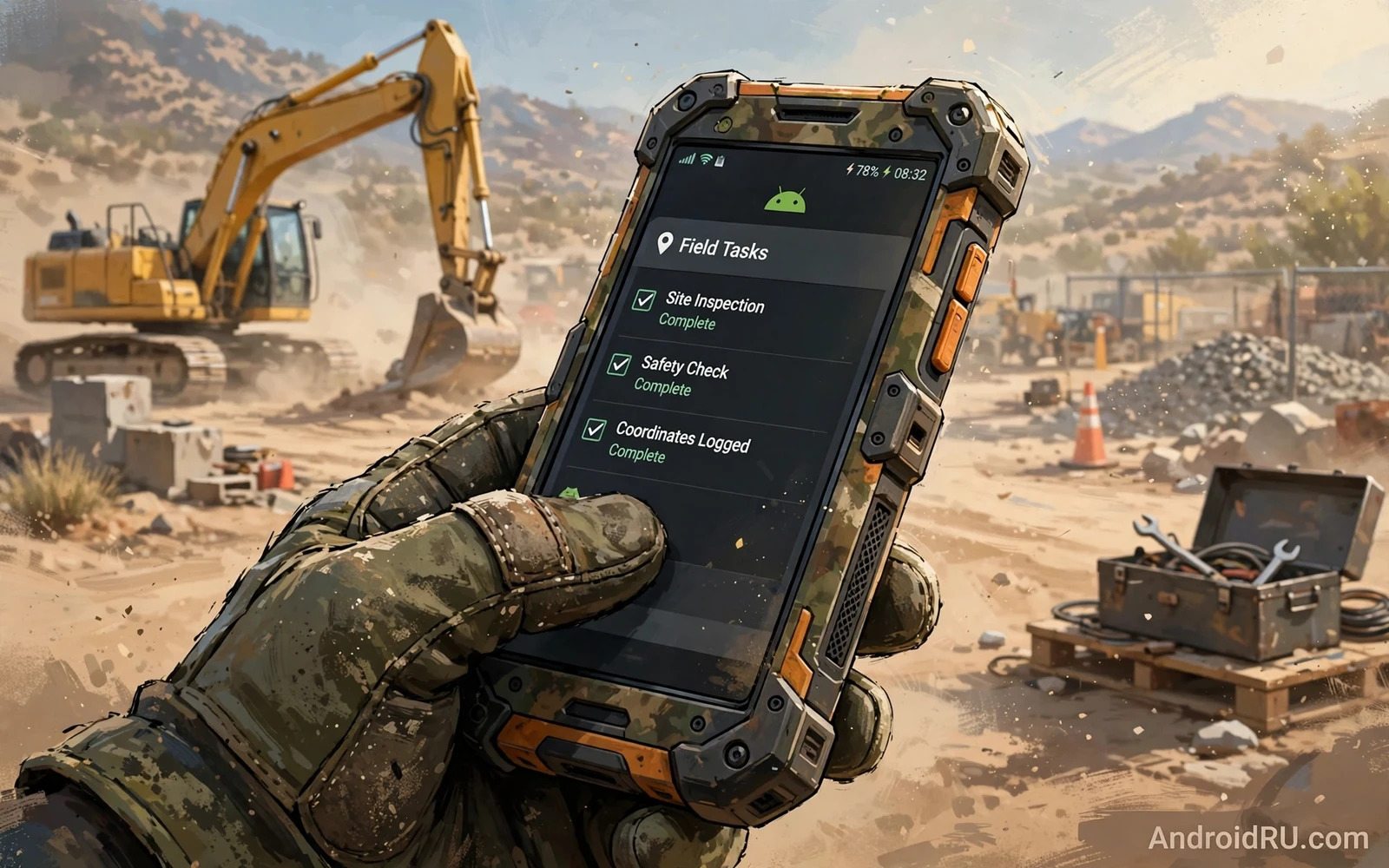
What Tough Really Means On Site
Outdoor work creates phone damage that office use never produces. Dust enters ports during a windy day on a construction site. Rain soaks a phone during a survey walk. A phone falls from a scaffold platform onto concrete. Gloves make touchscreens hard to use. Glare makes screens hard to read. Battery anxiety grows when a shift lasts twelve hours far from a charger. A phone for outdoor work must survive all of these pressures at once rather than excelling at only one of them.
Marketing labels alone do not guarantee site survival. Water resistance ratings and drop test standards help but they describe lab conditions. Real sites add mud and vibration and temperature swings and chemical exposure. A genuinely tough phone pairs a sealed body with a strong frame and a screen that tolerates grit. It also pairs that hardware with software that stays usable with gloves and in bright light. This guide weighs all of those factors together.
Ingress Protection In Plain Terms
Ingress protection ratings use two digits. The first digit rates dust protection and the second digit rates water protection. A rating of 6 for dust means the body resists dust entry strongly. A rating of 7 for water means the phone survives immersion at shallow depth for a short time. A rating of 8 for water means deeper or longer immersion under maker specified conditions. Higher numbers help but they do not make a phone indestructible. Seals age and drops can damage seals without visible cracks.
Workers should treat ratings as a safety margin rather than permission to abuse the phone. Rinse a muddy phone with clean water when the maker allows it and dry ports before charging. Avoid charging a wet phone because moisture in the port can corrode contacts over time. Check port covers on rugged phones because a loose cover defeats the seal. A phone that survives rain today can still fail months later when a seal wears out from daily grit exposure.
Drop Survival And Frame Design
Drop survival depends on frame material and on corner design and on screen glass. Metal frames resist bending but they transmit shock to the screen. Reinforced plastic frames absorb shock better but they can scuff faster. Raised corners and raised screen edges keep the glass from striking flat concrete first. A good rugged phone uses these details deliberately rather than relying on a thick case alone.
Cases still help enormously. A rugged case adds corner air cushions and grip texture and port covers. It also adds bulk that can hinder pocket use. Workers who climb or crawl may prefer a slimmer rugged phone with a moderate case over a huge phone with a huge case. Test the combination in work gloves before committing. A case that blocks the fingerprint sensor or the side buttons will frustrate you daily even when it protects perfectly. Cover glass toughness also shapes drop outcomes and the Gorilla Glass versus sapphire comparison explains which glass traits matter for scratches and for impacts.
Battery Life Across Long Shifts
Battery life decides whether a tough phone actually lasts a shift. Large batteries help but efficiency matters equally. A bright screen at full brightness in sunlight drains power fast. Weak signal areas force the radio to work harder and drain power faster. GPS tracking for site navigation adds steady drain. A phone that lasts two days for an office user may last barely one shift for a field worker using maps and camera and calls all day.
Carry strategy matters as much as battery size. A power bank in a tool bag rescues a long day. A vehicle charger rescues a driving route. A charging routine at lunch prevents afternoon anxiety. Check charging speed too because a short lunch break only helps when the phone refills quickly. Battery endurance rankings help narrow choices and the longest battery runtime comparison shows which phones sustain heavy use rather than light use.
Gloves Bright Sunlight And Touch
Glove mode is a feature worth testing in person. Some phones offer a glove sensitivity setting that improves touch response through thin gloves. Thick work gloves still defeat most capacitive screens. A phone with programmable physical buttons helps because you can answer calls or launch a camera or trigger a torch without touching the screen. Side buttons that work with gloves deserve real weight in your decision.
Sunlight readability depends on peak brightness and on anti reflective coating. A screen that looks vivid indoors can wash out outdoors. Matte screen protectors reduce glare but they can soften sharpness slightly. Test the screen outdoors at midday when possible rather than trusting a brightness number alone. Text size and contrast settings also help because larger text stays readable when glare competes with the display.
Camera For Site Documentation
Site cameras document progress and defects and deliveries. A good outdoor work camera focuses fast and captures sharp images in dusty light. It handles high contrast scenes where bright sky meets shadowed ground. It records stable video while walking across uneven ground. It does not need artistic portrait modes or extreme zoom. It needs reliability and speed and accurate colour for defect photos that may support a later claim.
Storage for site photos grows quickly. A phone with expandable memory or a large internal tier avoids constant cleanup during a busy week. Cloud backup over weak site internet can lag so local space matters more for field workers than for office users. Organise photos by project folders or by date so a later search finds a specific defect photo without scrolling through months of images. A rugged phone that pairs with a durable case and a lanyard also survives the moments when documentation happens at height.
Connectivity In Remote Areas
Remote sites test connectivity harshly. Signal strength varies by carrier and by terrain and by building materials. A phone with strong antenna design holds calls where a weaker phone drops them. Dual SIM support helps when one carrier covers a site better than another. Offline maps help when data disappears entirely. Download maps and project documents before leaving base so a signal gap never blocks essential work.
Bluetooth accessories extend a tough phone further. A rugged headset lets you take calls with gloves on. A Bluetooth barcode scanner speeds inventory work. A vehicle mount keeps navigation visible without holding the phone. Each accessory should tolerate the same dust and rain as the phone itself. An accessory that fails in the first storm adds frustration rather than capability. Material choices for the phone body also affect grip and longevity and the plastic versus glass versus eco leather materials comparison covers how back materials age under rough handling.
Choosing By Job Type
- Construction workers need drop protection and dust sealing and glove friendly controls
- Surveyors need GPS accuracy and sunlight readability and long battery life
- Delivery drivers need vehicle charging and loud speakers and reliable navigation
- Agricultural workers need rain resistance and mud tolerance and simple durable controls
- Field technicians need camera reliability and offline documents and strong signal holding
- Every outdoor worker needs a backup plan for charging during long shifts
Final Verdict
The best outdoor phone balances sealing and drop design and battery and sunlight readability rather than chasing one extreme rating. A moderately rugged phone with a good case and a power bank often beats an extremely rugged phone with a dim screen and a slow processor. Test glove use and outdoor readability before you buy when possible. Protect the phone with sensible habits such as drying ports and backing up site photos. Tough conditions reward preparation as much as hardware and a well chosen phone plus a good routine will survive seasons of hard work.
Winter Cold And Summer Heat Extremes
Temperature extremes punish phones in ways that lab tests rarely capture fully. Cold weather reduces battery chemistry efficiency so a phone that lasts a full shift in mild weather may die hours early in freezing conditions. Screens respond slower in cold and touch accuracy can drop when fingers numb. Condensation forms when a cold phone enters a warm vehicle or building which can fog cameras and dampen ports. Workers in cold climates should keep phones in an inner pocket close to body heat between uses rather than in an outer tool pouch exposed to wind.
Summer heat punishes phones through a different mechanism. Direct sun on a dashboard or on a scaffold can push a phone into thermal protection where it dims the screen and slows the processor and pauses charging. That protection preserves hardware but it frustrates navigation and camera use at the worst moment. Shade and airflow help enormously. A phone mounted in a shaded vehicle holder lasts longer than a phone baking on a dashboard. Avoid charging a hot phone in direct sun because charging adds heat to an already stressed battery.
Gloves change with seasons as well. Thin summer gloves may work with glove mode while thick winter gloves defeat most touchscreens. Physical buttons and voice commands become essential in deep winter. Voice commands need a headset that works in wind and cold because built in microphones struggle in storms. A rugged headset with a boom microphone often outperforms earbuds in harsh weather. Plan the accessory chain for the worst season rather than for mild days when everything works easily.
Seasonal maintenance extends tough phone life meaningfully. Clean ports after dusty summer work and after salty winter road exposure. Inspect seals after temperature swings because repeated expansion and contraction stress gaskets over time. Replace a worn case before a busy season rather than during it. Back up site photos more often during extreme weather projects because a weather related phone failure during a critical project phase hurts more than the same failure during routine work. Preparation for extremes is part of toughness rather than an optional extra.

