

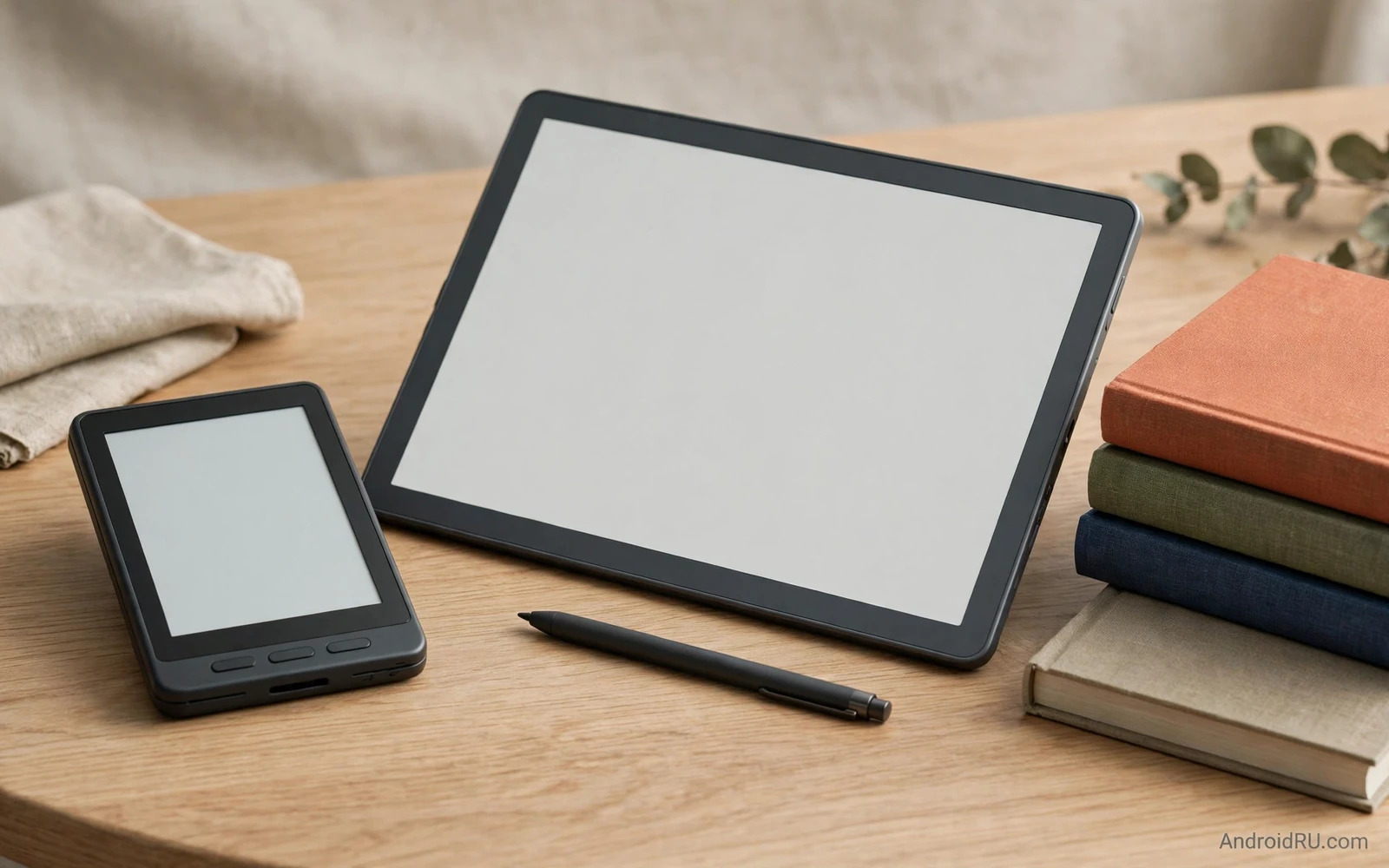
Two Ways To Read On E-Ink
E-ink screens look like paper because they reflect light rather than emitting it toward the eyes. That paper like look reduces glare in bright rooms and outdoors. It also uses power only when the page changes. A device can hold a page for days without draining the battery. Readers who finish books in sunlight love that calm display. Readers who read before sleep love the low glare and the warm front light options on many models.
A dedicated e-book reader is built for one job and it does that job with focus. It opens a book fast. It holds a charge for weeks. It weighs little and fits in a coat pocket or a small bag. It distracts less because it lacks a full app store and a colourful feed. A reader who wants to finish more books often benefits from that focus. The device invites reading and little else. That simplicity is a feature rather than a limitation for many buyers.
An e-ink Android tablet keeps the paper like screen yet it adds a full Android system. It runs reading apps and note apps and a browser and cloud storage. It often adds a stylus for handwriting and annotation. It usually has a larger screen than a dedicated reader. It trades some battery life and some simplicity for flexibility. A student or a professional who reads and annotates and reviews documents may gain more from that flexibility than from pure focus.
Screen Size And Reading Comfort
Dedicated readers usually use a six inch or seven inch screen. That size suits novels and short articles. It fits one hand for long sessions. It travels easily on trains and planes. A larger e-ink tablet often uses a ten inch screen. That size suits textbooks and PDFs and sheet music and comics. It shows a full document page without constant zooming. It also weighs more and needs two hands or a desk for long use.
Front lighting changes comfort at night. Most modern e-ink devices include a warm front light that can shift colour temperature. A warm light reduces blue light at bedtime. A dedicated reader often tunes that light for long night sessions. An e-ink tablet offers similar lighting yet its larger screen can show uneven lighting at the edges on cheaper models. Buyers should test lighting in a dark room before committing to a larger panel.
Refresh behaviour shapes the reading feel. E-ink pages turn with a brief flash or a subtle ghost image on older panels. Modern panels refresh faster and ghost less. A dedicated reader optimises page turns for books. An e-ink tablet must also handle scrolling and handwriting and app interfaces on the same slow panel. That extra work can make an e-ink tablet feel slower than a dedicated reader for pure page turning. Buyers who read fast may notice the difference within a chapter.
Books Stores And File Freedom
A dedicated reader usually ties closely to one book store. That store offers a huge catalogue and seamless sync across devices. It also limits file freedom in practice. Books bought in that store may not move easily to another brand. A reader who already owns many books in one store gains convenience by staying in that ecosystem. A reader who values open files may feel constrained by that lock in over years of purchases.
An e-ink Android tablet opens many stores and many file types through Android apps. It can run several reading apps side by side. It can open library books and PDFs and EPUB files and comics through different apps. It can sync notes to cloud storage. That freedom suits readers with books scattered across stores and formats. It also demands more setup and more decisions. A buyer must choose apps and manage storage and updates like any Android device owner.
File transfer differs too. A dedicated reader often syncs through its store and a cable. An e-ink tablet can use Android file transfer and cloud apps and a browser download. That flexibility helps professionals who receive PDFs by email and by cloud links. It also adds complexity for a reader who wants only to open a book and read. Simplicity and freedom pull in opposite directions here and buyers should weigh which pull matters more in daily life.
Notes Handwriting And Study
A stylus transforms an e-ink tablet into a notebook. Students can annotate PDFs in the margin. Professionals can mark contracts and reports. Writers can draft by hand and convert notes later. A larger screen gives room for a full page plus a margin. A dedicated reader with a stylus exists yet the note software is usually simpler and the screen is smaller. Serious note takers gain more from a tablet sized e-ink device with mature note software.
Handwriting feel depends on the stylus and the screen texture. A matte screen texture gives friction similar to paper. A smooth glass feel can make handwriting slide. Latency matters too because a lagging stroke breaks the writing flow. Modern e-ink tablets reduce latency well yet they still lag behind a normal LCD tablet for fast writing. Buyers who write long notes should test handwriting in a shop with a real pen and a real document rather than trusting a spec sheet.
Tablets for artists and note takers in Android tablets for digital artists and note takers show how a larger Android tablet system handles notes and documents even though a normal display lacks the paper like calm of e-ink. An e-ink tablet borrows that Android flexibility while keeping eye comfort. A buyer should decide whether eye comfort or speed matters more for note sessions that last hours.
Battery Life And Portability
A dedicated reader wins battery life by a wide margin. Weeks of reading on one charge is normal for a light reader. A heavy reader still gets many days. An e-ink Android tablet lasts days rather than weeks for most users because Android runs background services and a larger screen draws more power on refresh. A tablet that also runs a browser and cloud sync will drain faster than a tablet used only for books. Battery expectations should follow actual use rather than a headline claim.
Weight and pocket fit favour the dedicated reader. A six inch reader slips into a jacket pocket. A ten inch tablet needs a bag. Commuters who read standing on a train will favour the smaller device. Desk readers and students will accept the larger device for the bigger page. Travel packing also differs because a tablet often needs a folio case and a stylus holder. A reader needs only a slim cover.
Charging habits differ as well. A reader can be charged rarely and forgotten between trips. A tablet needs a more regular charging routine like a phone. A buyer who dislikes charging should lean toward the dedicated reader. A buyer who already charges a phone and a tablet daily will barely notice the e-ink tablet routine. Daily habit fit matters more than a single battery number.
Apps Distraction And Focus
A dedicated reader protects focus by design. It lacks social feeds and video apps and colourful notifications. A reader can still get distracted by a large book library yet the device does not push alerts. That calm environment helps readers who struggle to finish books. It also helps children and students who need a device that does not invite games during study time.
An e-ink Android tablet invites distraction through its app freedom. A browser and a messaging app can interrupt reading. A buyer can reduce that risk by disabling notifications and by keeping only reading and note apps on the home screen. That self control works for disciplined users yet it fails for users who want the device itself to enforce focus. Honest self assessment helps here. A buyer who knows they will open social apps should choose the focused device for reading time.
Student tablets in Android tablets for students with specs and note features balance apps and study tools on a normal display yet they lack the eye comfort that makes long e-ink sessions pleasant. An e-ink Android tablet sits between those two worlds. It offers student apps on a calm screen. It cannot match a normal tablet for video or for fast web browsing. Buyers should accept that trade before paying a tablet price for an e-ink device.
Choosing By Reading Life
A novel lover who reads one book at a time should choose a dedicated reader. The device is lighter and cheaper and lasts longer per charge. The reading experience is smoother for page turns. The library sync is simple. The lack of apps is a benefit rather than a drawback. That buyer will finish more books with less friction.
A student or a professional who reads PDFs and annotates documents should choose an e-ink Android tablet. The larger screen shows full pages. The stylus enables margin notes. Android apps open many file types and stores. The extra cost buys flexibility that a dedicated reader cannot match. That buyer should accept shorter battery life and a slower interface as the price of flexibility.
A comics and magazine reader should test panel size carefully. Small panels on a six inch reader can feel cramped. A ten inch e-ink tablet shows comics far better. Colour comics still suffer on greyscale e-ink. A colour e-ink tablet improves comics yet colour e-ink remains softer than a normal display. A buyer who reads mostly colour comics may prefer a normal tablet despite eye comfort trade offs.
Tablet screen size guidance in guidance on choosing the right Android tablet screen size applies to e-ink tablets too because hand size and bag size and desk space shape comfort as much as the display technology itself. A screen that is too large for a commute will stay at home. A screen that is too small for PDFs will frustrate study sessions. Size fit should be tested with real books and real documents before purchase.
Practical Buying Checks
Test page turn speed with a real book. Test PDF zoom and pan with a real document. Test handwriting with a real stylus if notes matter. Test front light warmth in a dark room. Test weight in one hand for ten minutes. Those five tests reveal more than a feature list. They also reveal whether a larger e-ink tablet feels like a tool or a burden in daily use.
Check storage and expandability for large libraries. Check cloud sync for notes and highlights. Check whether the device supports the stores and libraries you already use. Check repair and accessory availability for cases and styluses. A reading device lives for years. Accessory and store support over that period matters more than a launch feature that fades quickly.
PDF readers on Android in PDF reader and annotation apps for Android tablets show the app ecosystem that an e-ink Android tablet can borrow because the same apps run on both normal tablets and e-ink tablets with different speed and comfort. A buyer should confirm that a favourite PDF app works acceptably on e-ink before buying. Some apps assume fast scrolling and bright colour and feel awkward on a slow greyscale panel.
Verdict For Readers
Choose a dedicated e-book reader for pure reading focus and maximum battery life and minimum weight. Choose an e-ink Android tablet for documents and notes and multiple stores on a paper like screen. Both devices beat a phone for long reading sessions because the larger calm display reduces eye strain and distraction. The right choice follows your reading life rather than a single spec. A novel reader and a student reader need different tools even though both love books.

