

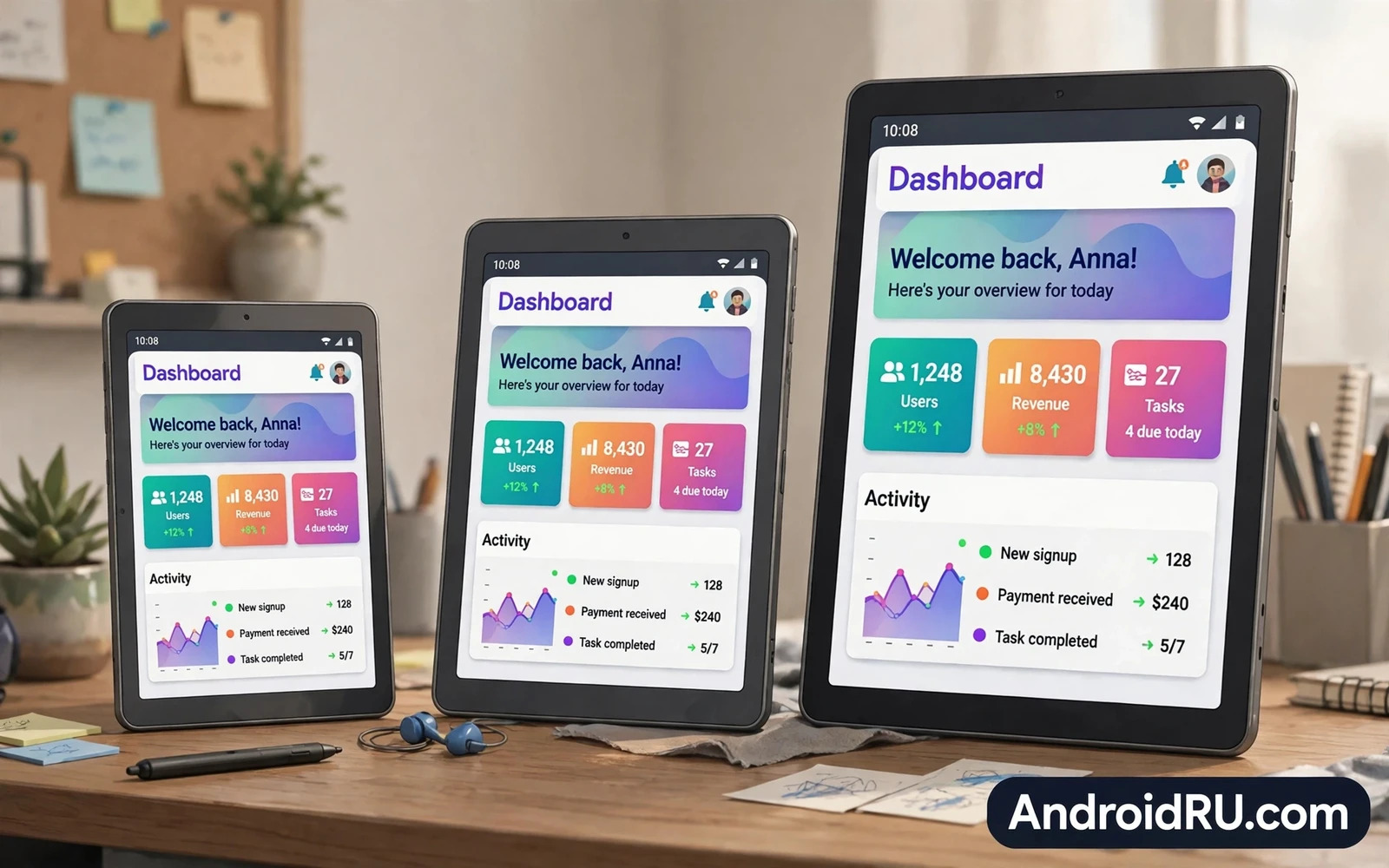
Size Is A Daily Comfort Decision
Tablet screen size is not a specification to maximise blindly because the largest screen is not always the best screen. A tablet lives in your hands and your bag and your lap for hours at a time. A screen that feels glorious on a desk can feel burdensome on a crowded train. A screen that feels perfect for travel can feel cramped for split-screen work. The right size matches your body and your bag and your most frequent task. Buyers who start from daily life rather than from a size chart usually end up happier with their choice.
Weight grows with screen size and weight shapes comfort more than many buyers expect. A large tablet with a keyboard case can approach laptop weight and it needs a table for comfortable long use. A small tablet can be held in one hand for reading yet it may frustrate drawing or document work. A medium tablet balances both worlds and it suits the widest range of buyers. That balance explains why medium sizes dominate sales. They are large enough for real work and small enough for relaxed reading without fatigue.
Small Tablets For Reading And Travel
Small tablets suit readers and travellers and casual media watchers beautifully. A compact tablet slips into a small bag and it rests comfortably in one hand during a long reading session. E-books and articles and comics feel natural on a small screen because the device mimics a paperback in the hand. Video watching remains enjoyable at close distance even though the picture is smaller than on a large tablet. Battery life often benefits because a smaller display needs less power at the same brightness.
Small tablets have clear limits that buyers should accept before purchase. Split-screen multitasking feels tight because two apps share a narrow canvas. Detailed drawing requires frequent zooming. Spreadsheet work and document editing feel cramped when toolbars consume much of the screen. A small tablet works best as a companion device alongside a phone or a laptop rather than as a sole computer. Buyers who want one device for everything should look larger unless travel weight is their absolute priority.
Creative buyers can see pen-friendly hardware in action in the tablets for artists and note-takers which focuses on tablets built for artists and note-takers. Folding screens offer another kind of large canvas and the flip versus foldable comparison weighs flip and foldable shapes against everyday practicality. Stylus phones provide a pocketable alternative and the stylus phone guide explains built-in pens and add-on pens for note taking on the go.
Medium Tablets The Balanced Middle
Medium tablets offer the most versatile size for the majority of buyers. The screen is large enough for comfortable video and for side-by-side apps during study or work. Reading feels spacious without demanding two hands for long periods. Drawing becomes practical with a stylus because strokes have room to breathe. A medium tablet still fits in most bags and it remains portable enough for daily commuting. That versatility makes medium size the safest recommendation when a buyer is unsure about priorities.
Accessories expand medium tablet usefulness dramatically. A keyboard case turns a medium tablet into a capable writing machine for notes and emails. A stylus unlocks annotation and sketching. A hub adds ports for storage and external displays. Readers who want to see how tablets serve creative work can look at tablets designed for artists and note-takers and how screen size affects drawing comfort. The accessory ecosystem around a medium tablet often matters as much as the tablet itself because it decides whether the device grows with your needs.
Large Tablets For Work And Creation
Large tablets suit professionals and creators who treat the tablet as a primary work device. A large canvas shows full documents without constant scrolling. Split-screen work feels like a desktop because each app gets a generous window. Drawing and photo editing benefit from fine detail visible at once. Video editing timelines become usable rather than cramped. A large tablet can replace a laptop for many workflows when paired with a keyboard and a hub. That replacement power is the main reason large tablets command premium prices.
Large tablets demand honest thinking about portability and ergonomics. Holding a large tablet for long reading sessions tires the arms and wrists. A stand or a case with a kickstand becomes essential rather than optional. Travel weight rises and small bags may no longer fit the device. Buyers who mainly read in bed may find a large tablet less comfortable than a medium one despite the bigger picture. A large tablet shines on a desk or a lap with support. It struggles as a handheld device for hours of unaided holding.
Aspect Ratio And Display Quality
Aspect ratio shapes how a given size feels in practice because a tall narrow screen and a wide screen of the same diagonal behave differently. A wider screen suits video and split-screen work. A taller screen suits reading and web browsing in portrait orientation. Buyers should consider their dominant orientation before choosing. A video lover benefits from a wider ratio. A reader benefits from a ratio closer to a book page. No ratio wins universally and the wrong ratio can make a well sized tablet feel awkward.
Display quality matters as much as size because a large dim screen disappoints more than a small bright one. Resolution should keep text sharp at your normal viewing distance. Brightness should handle outdoor use if you read outside. Colour accuracy matters for photo editing and drawing. Refresh rate smoothness helps scrolling and pen work. A buyer should judge display quality in person when possible because numbers alone hide differences in coating and viewing angles. A beautiful display makes any size feel more premium.
Matching Size To Your Main Task
Match size to task with a simple rule. Choose small when reading and travel dominate your tablet life. Choose medium when you mix media and study and light work. Choose large when the tablet is your main work or creation device. Test that rule against your bag and your hands and your desk. A student who carries many books may still prefer a medium tablet for note taking despite travel. A traveller who watches video on flights may prefer a medium tablet for a better picture despite extra weight. Personal context always refines the simple rule.
Household sharing also affects size choice because a tablet shared by family members must suit many hands. Children benefit from a medium tablet that is not too heavy to hold. Older users benefit from larger text and a larger screen that reduces eye strain. A shared tablet therefore often lands in the medium range as a compromise. A dedicated personal tablet can specialise more boldly toward small or large. Knowing who will use the tablet prevents a size choice that pleases one person and frustrates everyone else.
Final Size Checklist Before You Buy
Run a short checklist before you spend money on any tablet size. Hold the tablet for several minutes in your normal reading posture. Open your most used apps and test split-screen if you plan to multitask. Check whether the tablet fits your everyday bag with its case fitted. Check accessory availability for the size you choose because a great tablet with poor keyboard options disappoints. Check weight with the case because the bare tablet weight hides the real carrying weight. These checks take minutes in a store and they prevent months of regret.
The right Android tablet screen size is the one that disappears into your routine rather than fighting it. A small tablet should feel like a book. A medium tablet should feel like a versatile companion. A large tablet should feel like a portable workstation. When a tablet matches your tasks and your bag and your hands it becomes a device you reach for daily. When it mismatches any of those three it becomes a device that stays on a shelf. Choose with your life in mind and the size decision will take care of itself.
Tablet Longevity And Software Support
Tablet longevity depends heavily on software support because a tablet often serves for more years than a phone. A tablet that stops receiving security updates becomes risky for banking and shopping even when its hardware still works. Buyers should check the maker update promise before choosing a size because a well supported medium tablet beats a neglected large tablet over time. Storage size also affects longevity because apps and media grow steadily. A tablet with expandable storage or generous internal storage ages more gracefully than a cramped model.
Accessory longevity matters too because a keyboard case or pen for a discontinued size may become hard to replace. Popular sizes enjoy wider accessory ranges and longer third-party support. A medium tablet benefits from the largest accessory market while unusual sizes may leave owners hunting for cases. Buyers who plan to keep a tablet for five years should favour a popular size with a strong accessory ecosystem. That ecosystem keeps the tablet productive long after newer models arrive.
Parents choosing a tablet for children should weigh durability and parental controls alongside size. A medium tablet with a sturdy case survives drops better than a large thin tablet. Screen time controls and content filters matter more than raw size for young users. A shared family tablet should also offer multiple user profiles so each child keeps separate apps and progress. Size remains important yet safety and durability decide whether the tablet survives family life.
Screen brightness outdoors deserves a store test because a tablet used on a balcony or in a park needs strong brightness to stay readable. A dim tablet forces squinting and it drains battery faster at maximum brightness. Hold the demo tablet near a bright window and open a text page to judge glare and readability. A tablet that stays readable outdoors will serve travel and garden reading far better than a brighter-on-paper rival with a reflective coating.

