

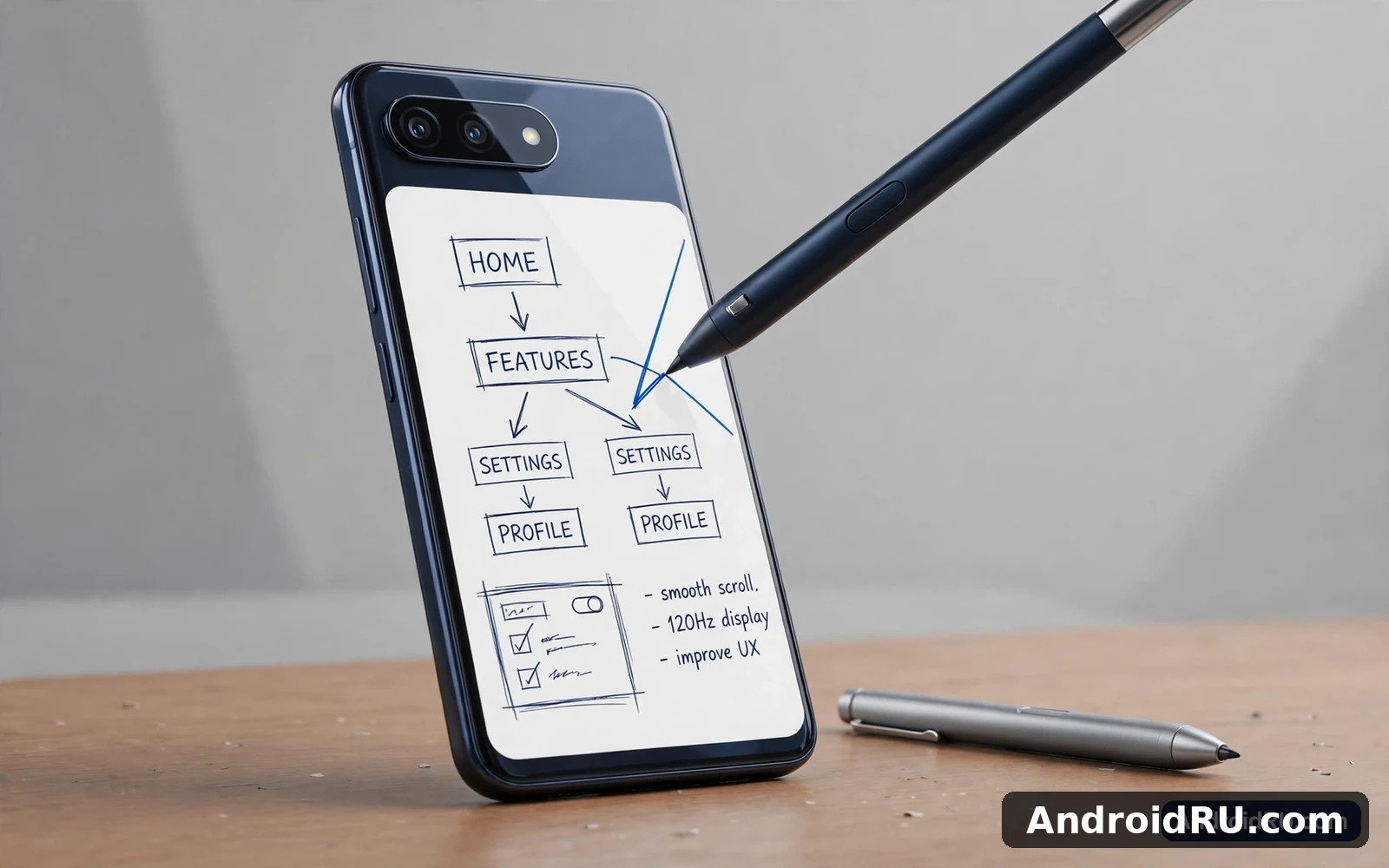
Why A Pen Still Belongs On A Phone
A stylus turns vague finger taps into precise lines and selections. Signing a document feels natural with a pen and annotating a photo becomes quick rather than clumsy. Handwritten notes capture ideas faster than typing for many people because handwriting follows thought without keyboard friction. Sketching benefits even more because pressure sensitivity lets a line grow thick or thin with the force of your hand. A phone with stylus support therefore serves students and professionals and artists in ways that a finger-only phone cannot fully match.
Built-in pens differ from separate active pens in a practical way. A built-in pen lives inside the phone body and it is always there when inspiration strikes. A separate active pen must be carried and charged and remembered yet it often offers better ergonomics and more buttons. Capacitive pens without electronics work on any screen yet they lack pressure sensitivity and palm rejection. Buyers should decide which pen style fits their routine before they fall in love with a phone model. A pen that stays at home cannot help during a meeting or a lecture.
Built-In Pens Versus Add-On Styluses
Built-in pen phones integrate the pen into the software at a deep level. Removing the pen can open a notes app automatically and the phone can offer quick tools for screen capture and annotation. Palm rejection works reliably because the phone knows when the pen is active and it ignores accidental palm touches. Pressure levels feel consistent across first-party apps. That integration is the reason built-in pen phones remain popular despite their premium price. The pen feels like part of the phone rather than an accessory bolted on afterward.
Add-on active pens expand stylus support to many more phones yet the experience varies by model. Some phones support active pens through a digitiser layer hidden under the display. Other phones only support basic capacitive pens with no pressure data. Buyers must verify active pen compatibility for the exact phone because marketing language often blurs this distinction. A phone that merely works with a capacitive stick is not a true stylus phone. Readers who also draw on larger screens can explore tablets built for artists and note-takers and how a bigger canvas changes pen work. The tablet comparison clarifies when a phone pen suffices and when a larger device wins.
Artists who need a bigger canvas should look at the tablets for artists and note-takers where tablets for drawing and note taking are judged by pen feel and screen size. Choosing that canvas wisely matters and the tablet screen size guide explains how small medium and large tablets suit different kinds of work. Everyday buyers who want a pocketable pen phone without a tablet can return to the compact phone guide for grip and comfort tests.
Note Taking That Actually Works
Note taking is the most common reason buyers choose a stylus phone and the workflow matters more than pen specifications. A good notes app syncs handwriting across devices and it lets you search handwritten words later. It should export notes as common file types so that your work survives a phone change. It should handle long documents without lag and it should keep ink smooth during fast writing. A phone that meets those tests becomes a daily notebook rather than a novelty. A phone that fails them will see its pen gather dust inside its slot within weeks.
Organisation features separate serious note tools from basic sketch pads. Folders and tags and favourites help you find a lecture note months later. Audio recording synced to handwriting helps students revisit a lecture moment by tapping a word. Cloud backup protects notes against loss or theft. Buyers should test the default notes app during a trial period and also try popular third-party note apps. The best pen phone is the one whose software matches your existing workflow rather than forcing you to rebuild your habits around a new app.
Drawing Sketching And Photo Editing
Drawing on a stylus phone rewards patience because the small canvas demands zooming and careful strokes. Short sketches and doodles feel delightful and quick. Detailed illustration work remains easier on a tablet yet a phone pen still captures ideas on the go. Pressure sensitivity and tilt support shape line quality and buyers should test both with a real drawing app. Latency matters as well because a visible delay between pen movement and ink appearance breaks the feeling of drawing on paper. Modern pen phones keep latency low enough that most users forget the technology entirely.
Photo editing gains precision from a pen because selections and masks need fine control. A finger often selects too much area around a subject while a pen traces the edge accurately. Retouching small blemishes and adjusting local exposure become far easier with pen input. Video creators can annotate frames and mark edit points with pen precision. These tasks may sound niche yet they save real time for creators who edit on their phones daily. A stylus phone is therefore a productivity tool even for buyers who never draw for pleasure.
Productivity Beyond Notes And Art
Productivity uses extend into documents and presentations and spreadsheets. Signing contracts with a pen feels professional and it avoids printing and scanning. Annotating a document during a review meeting lets you mark changes in real time. Presenting from a phone becomes smoother when a pen acts as a pointer and a highlighter. Remote workers benefit because a pen phone replaces a separate notebook during travel. The pen becomes one more input method alongside touch and voice and keyboard rather than a replacement for all of them.
Accessibility benefits deserve mention because a pen helps users who struggle with small touch targets. A pen tip selects tiny buttons more reliably than a fingertip. Handwriting input helps users who type slowly on a virtual keyboard. These gains matter for older users and for users with motor difficulties. A stylus phone can therefore be an inclusive choice rather than a luxury choice. Buyers choosing a phone for a family member should consider pen support alongside screen size and software simplicity.
Trade-Offs Size Price And Battery
Stylus phones carry trade-offs that buyers should weigh honestly. A built-in pen needs internal space and that space could otherwise hold battery capacity or camera hardware. Pen phones therefore sometimes trail slab rivals in battery endurance or camera zoom. The pen slot also adds complexity to the body design. Premium pen phones cost more than comparable slab phones and replacement pens add ongoing cost if lost. Buyers who rarely use a pen will pay that premium without gaining daily value.
Durability and water resistance need checking because a pen slot creates another opening in the body. Modern pen phones seal that slot well yet buyers should still verify the rating for the exact model. Case choice matters as well because a case must allow pen removal without a struggle. A case that blocks the pen slot will discourage pen use and waste the main feature. The right case protects the phone while keeping the pen instantly accessible. That small detail decides whether the pen becomes a habit or a forgotten extra.
Choosing Your Stylus Phone
Choose a built-in pen phone when you take notes daily and you want the pen always available. Choose an active pen compatible phone when you already own a pen ecosystem or you prefer a larger pen in the hand. Choose a tablet instead when your main work is detailed illustration or long handwritten documents. Test pen latency and palm rejection in a store with your own handwriting speed. Check note export and cloud sync before you commit years of notes to one app. Those practical tests matter more than pressure level counts on a specification sheet.
The stylus phone market is smaller than the general phone market yet it remains vibrant for buyers who value pen input. A good stylus phone rewards its owner every day with faster notes and precise edits and natural signatures. A poor match wastes money on a pen that stays hidden. Match the pen style to your routine and test the software with real tasks. When the pen fits your life it stops feeling like an accessory and it starts feeling like the reason you chose that phone in the first place.
Pen Care And Replacement Reality
Pen care is simple yet often ignored until a pen is lost or damaged. Keep a spare pen tip kit if your pen supports replaceable tips because worn tips scratch screens and reduce precision. Store a separate active pen in a consistent pocket or case slot so it does not vanish between meetings. Check pen battery or charging needs before an important presentation because a dead pen during a signing session defeats the purpose of carrying one. A built-in pen avoids most of these worries yet its tip still wears with heavy use and deserves periodic inspection.
Replacement cost should factor into the buying decision because a lost premium pen can cost a surprising amount. Built-in pens are usually cheaper to replace through the maker than large active pens with many buttons. Third-party pens may work yet they can lack full pressure or button support on a given phone. Buyers should confirm replacement availability in their region before committing to a niche pen system. A pen ecosystem that is easy to maintain will stay useful for years while a fragile ecosystem fades after the first lost pen.
Students benefit from a pen phone in lectures because handwritten notes aid memory for many learners. Writing by hand forces summarising rather than transcribing every word. That active processing helps retention during revision. A pen phone that syncs notes to the cloud keeps those notes safe even when the phone is lost. Students should test handwriting search because finding a concept months later matters as much as writing it down in the first place.
Professionals who sign documents on the road gain a quiet advantage from a pen phone because signatures look natural and clients trust them. A finger-drawn signature often looks shaky and unprofessional on a contract. A pen signature mirrors paper signing and it speeds approvals that once waited for a printer. That single workflow can justify a pen phone for sales staff and field workers who close deals away from an office.

