

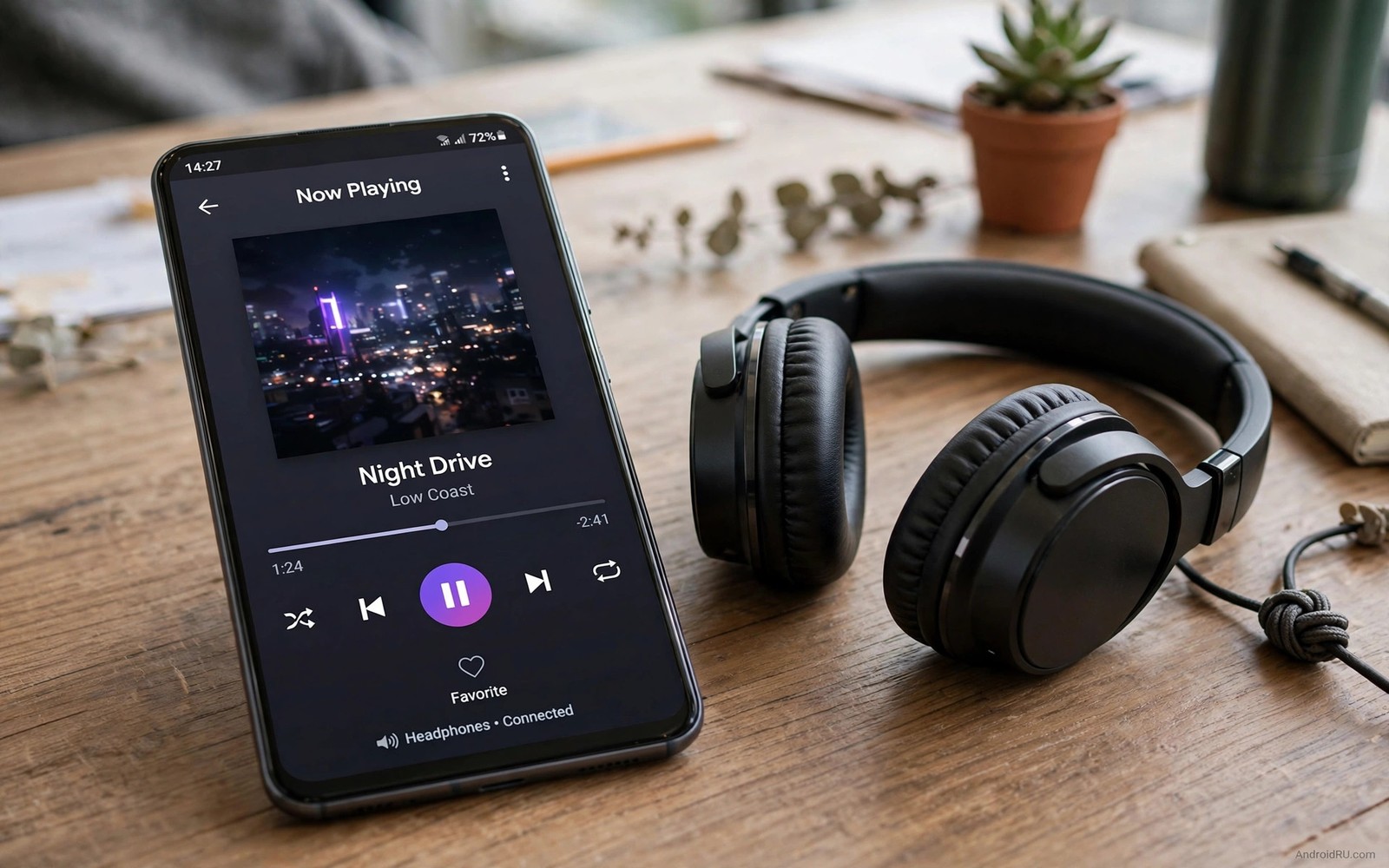
Lossless FLAC files preserve every detail of a recording. A compressed stream discards data to save bandwidth. A FLAC file keeps the full waveform for later playback. The difference matters most on good headphones in a quiet room. It matters less on a noisy commute yet it still gives a cleaner starting point.
Open source players appeal for reasons beyond price. Their code can be inspected and their behaviour is transparent. Many of them avoid ads and tracking and unnecessary background work. A clean player also avoids double processing that can muddy a lossless file before it reaches your ears.
This guide describes seven kinds of open source players rather than ranking one winner for everyone. Each kind serves a different listener. A library focused player suits large collections. A folder player suits people who organise by files. A minimal player suits listeners who want speed above all.
What lossless support really requires
A player must decode FLAC correctly and pass it to Android audio without needless resampling. Resampling can change the sample rate and add artefacts. A good player shows the active sample rate and bit depth during playback. That display lets you confirm that the file plays as stored.
Gapless playback matters for live albums and classical works. A player without gapless support inserts a tiny silence between tracks. That silence breaks a continuous performance. Check gapless support if you listen to live recordings often.
Library handling matters for large collections. A player that scans slowly or misreads tags will frustrate daily use. Test a player with a small folder first. Check that album art and artist names appear correctly before you import a large library.
Library players for large collections
Library players organise music by artist and album and genre. They build a database from file tags. That database makes searching fast even with thousands of tracks. A good library player also handles playlists and favourites cleanly.
Choose a library player if your collection is large and well tagged. Spend time fixing tags before import. Clean tags give clean browsing for years. A messy tag set will haunt every search and playlist you build.
Test library scanning speed with a few hundred tracks. A slow scanner may block playback during import. A good player scans in the background and lets you listen while it works. That behaviour matters when you add new albums often.
Folder players for file organised listeners
Folder players browse by directory structure rather than tags. They suit listeners who organise music in folders by year or mood or source. A folder player respects your structure exactly. It never hides a track because of a missing tag.
Choose a folder player if you download albums as folders and keep them intact. Folder browsing is fast and predictable. It also works well for mixed collections where tags are incomplete. The folder path becomes the organisation system.
Check that the folder player supports FLAC and gapless playback. Some simple folder players focus on speed and skip advanced features. A balance of speed and lossless support is the goal. For systemwide tuning after choosing a player read about a free systemwide sound engine.
Minimal players for speed and battery
Minimal players focus on playback speed and low resource use. They open quickly and they use little battery. Their interfaces are simple and they avoid large album art grids. Minimal players suit older phones and listeners who value responsiveness.
A minimal player may skip a built in equalizer. That omission can be a benefit because it avoids double processing. Use a single system equalizer if you need tuning. A minimal player plus one clean equalizer often sounds better than a heavy player with stacked effects.
Test a minimal player during a commute. A fast player that resumes instantly after a call is more useful than a feature rich player that stutters. Daily reliability beats a long feature list that you rarely use.
Players with strong playlist and queue tools
Some listeners live in queues rather than albums. A strong queue player lets you add tracks quickly and reorder them with drag gestures. It also saves queues for later sessions. That workflow suits shuffle listeners and mood based listening.
Check queue persistence across restarts. A queue that vanishes after a phone restart wastes the time you spent building it. A good player restores the queue and the playback position after a call or a reboot. That reliability matters for long listening sessions.
For high quality wired listening a player with USB audio output helps. A guide to external USB DACs for Android explains how a player and a DAC work together for audiophile playback.
Test a new player with a fair routine
Use the same FLAC album for every player test. Play the same tracks at the same volume on the same headphones. Turn off equalizers in each player during the first test. That clean baseline reveals differences in decoding and output rather than preset tuning.
Check battery use after a day with each finalist. A player that drains battery through constant scanning is a poor daily choice. Check storage permissions as well. A player should access only the music folders you choose.
Test album: one familiar FLAC album
Volume: same level for every player
Equalizer: off during first test
Library test: small folder before large import
Battery test: one day of normal listening
The routine above is an original illustration created for this guide. It uses only general player testing practice. It is meant to keep player comparisons fair and focused on playback rather than presets.
Organise a lossless library for the long term
A lossless library grows quickly and needs organisation from the start. Use a consistent folder structure by artist and album. Add year information to folder names when you collect multiple versions of an album. Consistent names make future migration to a new phone painless.
Back up the library to a second location regularly. Lossless files are large and rebuilding them from streams is slow. An external drive or a home server copy protects years of collecting. A backup routine is part of owning a lossless library rather than an optional extra.
Tag files carefully at import time. Correct artist and album and track number tags make every player work better. A tagging session for a new album takes minutes. Fixing tags for a thousand track library takes days. Early care pays off greatly.
Balance lossless quality with storage
Lossless files use roughly five times the storage of a standard stream download. A phone with limited storage cannot hold a huge lossless library offline. Choose a core collection for offline lossless listening and stream the rest. That balance gives quality where it matters without filling the phone.
Use a memory card when the phone supports one. A card can hold a large lossless library without competing with apps for internal storage. Check card speed because a slow card can stutter during high bitrate playback. A fast card keeps lossless playback smooth.
For wired playback of that library read about how external USB DACs transform Android into audiophile players. A DAC can reveal the detail that a lossless library preserves. That combination is the final step for serious listeners.
Try different players for different moods
Different players suit different listening moods even when they play the same files. A minimal player suits focused work because it stays out of the way. A library player suits exploration because it surfaces forgotten albums. Using two players for different moods is reasonable when each is clean.
Keep player settings consistent across the players you use. A different equalizer in each player creates confusion about sound quality. Turn off equalizers in all players and use one system profile. That consistency lets you judge players by library and speed rather than by hidden processing.
Test player resume behaviour after calls and notifications. A player that loses its place after a call frustrates daily use. A player that resumes instantly feels professional. Resume reliability matters more than a beautiful interface for commuters.
Check offline library handling for travel. A player that handles a large offline library smoothly is valuable on flights. A player that rescans slowly after each restart wastes travel time. Offline smoothness is a practical test that a feature list cannot show.
For personal tuning that works across players read about custom tuning sound profiles for your ears. A personal profile applied systemwide keeps every player sounding consistent. That consistency simplifies player choice.
Common mistakes
The biggest mistake is judging a player by its interface alone. A beautiful interface can hide poor gapless support or resampling. Test playback behaviour first and judge the interface second. Sound quality and reliability outlast visual novelty.
Another mistake is enabling every equalizer at once. A player equalizer plus a system equalizer plus a headphone app equalizer creates muddy sound. Turn off all but one equalizer during testing. That single stage gives the cleanest FLAC playback.
People also import a huge library before testing tags. A large import with bad tags creates a long cleanup job. Test with a small folder and fix tags early. A clean small test prevents a messy large library.
Frequently asked questions
Can I hear the difference between FLAC and streaming?
The difference is easiest to hear on good headphones in a quiet room with familiar music. Quiet passages and acoustic detail reveal it most. On a noisy commute the difference shrinks. A FLAC library still gives a cleaner source for home listening.
Do open source players contain ads?
Most open source players avoid ads by design. Check the specific player description and permissions before installing. A player that shows ads or asks for unrelated permissions deserves a second look. Transparency is a core benefit of open source software.
Should I convert all my music to FLAC?
Converting a lossy file to FLAC does not restore lost detail. It only makes a larger file from the same limited source. Keep original lossless files as FLAC and keep lossy files as they are. Conversion cannot add quality that was never stored.
Conclusion
Open source FLAC players give clean lossless playback without ads or heavy processing. Choose a library player for large collections and a folder player for file based organisation. Choose a minimal player for speed on older phones. Test each finalist with the same album and no equalizer.
Your concrete next step is to pick one player type from this guide and test it today with a single familiar FLAC album. Turn off its equalizer for the first test. If wired quality is your next goal then continue with how external USB DACs transform Android into audiophile players.

