

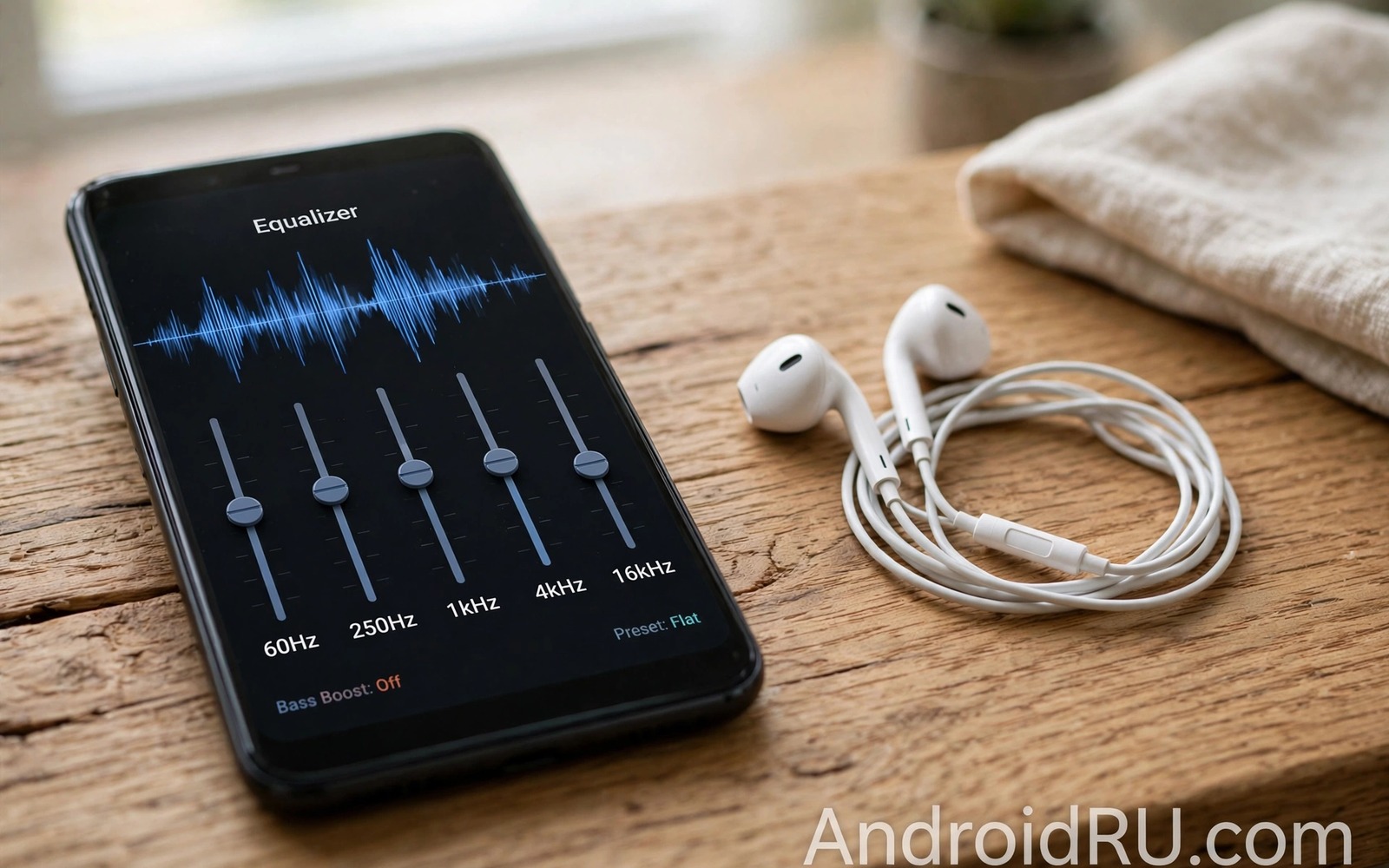
A bad equalizer can make a good phone sound worse. Many free equalizer apps boost the signal too hard or add a harsh digital edge. Some of them work only inside one music app. Others drain the battery while they process sound in the background. A systemwide sound engine avoids those traps by shaping audio once for every app.
Systemwide means the same profile applies to music and video and calls and games. You set the balance once and it follows you from app to app. That consistency matters because switching apps should not change the tone of the sound. A good engine also keeps the output clean by limiting the total boost.
This guide explains how to judge an equalizer before you trust it. You will learn what a flat start should sound like. You will learn how to test bass and voice clarity with real content. You will learn when to walk away from an app that promises extreme loudness at any cost.
Why most equalizer apps disappoint
Many equalizer apps start with a dramatic preset. The preset boosts bass and treble at the same time and the sound feels exciting for a minute. After a longer listen the excitement turns into fatigue. Voices sound thin and bass sounds loose and the whole mix loses focus.
Some apps also add their own volume boost on top of the equalizer. That double boost pushes the signal into distortion on small speakers. The app may hide this behaviour behind a loudness or bass boost switch. Turn those extra switches off during testing so you judge the equalizer alone.
Another problem is app coverage. An equalizer that works only inside its own player cannot help video apps or calls. Check the app description and the permission screen for systemwide audio processing. If the app needs a special accessibility service then read what that service does before you grant it.
Choose a clean free sound engine
Look for an engine that offers a parametric or graphic equalizer with a preamp control. The preamp is the key to clean sound. It lets you lower the overall level before you boost a band. That headroom prevents clipping when a boosted band peaks.
Choose an app with a clear flat preset and a simple save system. You should be able to name a profile for headphones and a profile for the speaker. A profile list that you can switch in seconds is more useful than a hundred dramatic presets you never use.
Check battery use after a day of normal listening. A good engine should add only a small cost. If the battery screen shows the audio app near the top then the processing may be too heavy for your phone. A guide to secret sound codes and tweak apps for high resolution audio can help you compare processing options before you settle on one engine.
Set up one profile for every app
Start with all bands flat and the preamp at zero. Play a well recorded song with vocals and acoustic instruments. Listen for the natural tone of the voice first. That voice is your reference point for every later change.
Make one small move at a time. If the voice sounds muddy then lower the low midrange by one step. If cymbals sound dull then raise the high treble by one step. Keep the total boost low and use the preamp to offset any large boost. A boost of three steps should come with a preamp cut of a similar size.
Test the same profile with a video and a podcast. A profile that works only for music will fail in daily use. Dialogue needs a clear midrange and a controlled bass. A podcast test will reveal harsh sibilance that music can hide behind instruments.
Use presets as starting points only
Presets can teach you what a genre balance sounds like. A rock preset often lifts bass and treble. A vocal preset often lifts the midrange. Treat each preset as a sketch rather than a final answer. Your headphones and your hearing shape the result more than the preset name.
Copy a preset you like into a custom slot and then adjust it. Lower any band that sounds harsh on your gear. Save the result under a name that describes the use such as daily headphones or quiet room speaker. That habit builds a small library of profiles that truly fit your life.
Delete presets that you never use. A long list slows down switching and it tempts you to chase a new sound every day. Three good profiles beat thirty unused ones. A method for custom tuning sound profiles for your ears shows how to refine a profile with listening tests rather than preset names.
Test loudness without distortion
Play a bass heavy track at your normal maximum volume. Listen for rattling on the lowest notes. If rattling appears then lower the bass band or lower the preamp. Do not raise the phone volume further to hide the problem. The distortion will only get worse at higher levels.
Test with the phone speaker and with headphones separately. The speaker profile needs less bass and more midrange clarity. The headphone profile can carry more bass because the drivers are larger and closer to the ear. Saving two profiles avoids a compromise that serves neither output well.
Profile name: daily headphones
Preamp: minus 2 dB
Low bass: plus 1 step
Midrange: flat
Treble: plus 1 step
Test content: song and podcast and video
The profile above is an original illustration created for this guide. It uses only general equalizer terms and it shows a conservative starting point. It is not a preset for a specific app or phone model. Adjust each line for your own headphones and listening room.
Compare engines with a fair test
Comparing sound engines fairly requires the same song and the same volume and the same headphones. Change only the engine between rounds. A fair test reveals whether an engine truly improves clarity or merely plays louder. Loudness alone can trick the ear into preferring a worse engine.
Use a song with a quiet introduction for the comparison. Quiet passages reveal hiss and digital harshness that loud passages hide. Listen for the space around instruments rather than for sheer impact. A clean engine preserves that space while a poor engine flattens it.
Test each engine for a full day before deciding. A first impression after five minutes often favours excitement over balance. A day of varied music and calls and videos shows whether the engine stays pleasant. Long term comfort matters more than a dramatic first listen.
Keep one engine and retire the rest
Running two system engines at once creates confusion and muddy sound. Choose the engine that passed your day test and uninstall the others. A single engine with two saved profiles is easier to manage than three engines with thirty presets. Simplicity protects sound quality.
Back up your profile settings if the engine allows export. An export saves the tuning work after a phone reset or a new phone purchase. A short note with preamp and band values works as a manual backup when export is unavailable. That note takes a minute to write and it saves a full retune later.
For personal hearing based tuning read about custom tuning sound profiles for your ears. That method builds a profile from your own listening tests rather than from preset names. It works well with any clean system engine.
Watch battery use with a new engine
A sound engine that runs constantly can affect battery life over a full day. Check battery settings after the first week with a new engine. A modest increase is normal for active processing. A large increase suggests the engine is working harder than it should on your phone.
Close the engine when you listen through a simple speaker for background music. Background listening rarely needs precise equalization. Turning the engine off for casual sessions saves battery without harming enjoyment. Reserve full processing for focused listening sessions.
Test battery use with the engine on and off for similar listening days. Similar days give a fair comparison. A difference of a few percent is acceptable for better sound. A difference of twenty percent deserves a different engine or a lighter profile.
Keep the phone software updated for audio efficiency. Updates can improve audio processing paths and reduce battery cost. An outdated system may run an engine less efficiently than a current system. Update first and then judge battery cost fairly.
For a personal profile that reduces the need for constant tweaking read about custom tuning sound profiles for your ears. A settled profile needs fewer changes and less background work. That stability helps both sound and battery.
Common mistakes
The worst mistake is stacking two equalizers at once. A system engine plus a music app equalizer plus a headphone app equalizer can triple the processing. The result is often a muddy and distorted sound even when each equalizer looks modest alone. Turn off all but one equalizer before you judge any profile.
Another mistake is trusting a loudness switch. A loudness switch can make a quiet track feel exciting in a shop demo. In daily use it often adds harshness and battery drain. Keep loudness off during your first week with a new engine. Add it back only if a specific quiet recording truly needs it.
People also forget to check the effect on calls. An aggressive music profile can make voices sound thin or boomy during a call. Test a short call after you save a new profile. If the voice sounds wrong then create a separate call friendly profile with a flatter midrange.
Frequently asked questions
Is a systemwide equalizer safe for my phone?
A well designed equalizer that respects the preamp limit is safe for normal use. It shapes the digital signal before it reaches the speaker. Extreme boost without preamp headroom can cause distortion. Keep boosts small and the sound will stay clean.
Why does my equalizer stop working in some apps?
Some apps use their own audio path or a protected playback mode. Those apps may bypass system processing by design. A video app with its own decoder is a common example. Test the engine across your most used apps before you rely on one profile.
Do I need to pay for good sound?
No payment is required for a clean basic profile. Free engines can handle equalization and preamp control well. Paid features usually add extra presets or advanced filters. Start free and pay only if a specific advanced feature solves a real problem for you.
Conclusion
A good sound engine earns trust by staying clean and consistent. Start flat and use the preamp to protect headroom. Build one profile for headphones and one for the speaker. Test with music and video and calls before you call the job done.
Your concrete next step is to turn off every equalizer except one today and reset it to flat. Play one familiar song and make a single small move. If Bluetooth volume is your main problem then continue with the secret setting that fixes low Bluetooth headphone volume next.

