

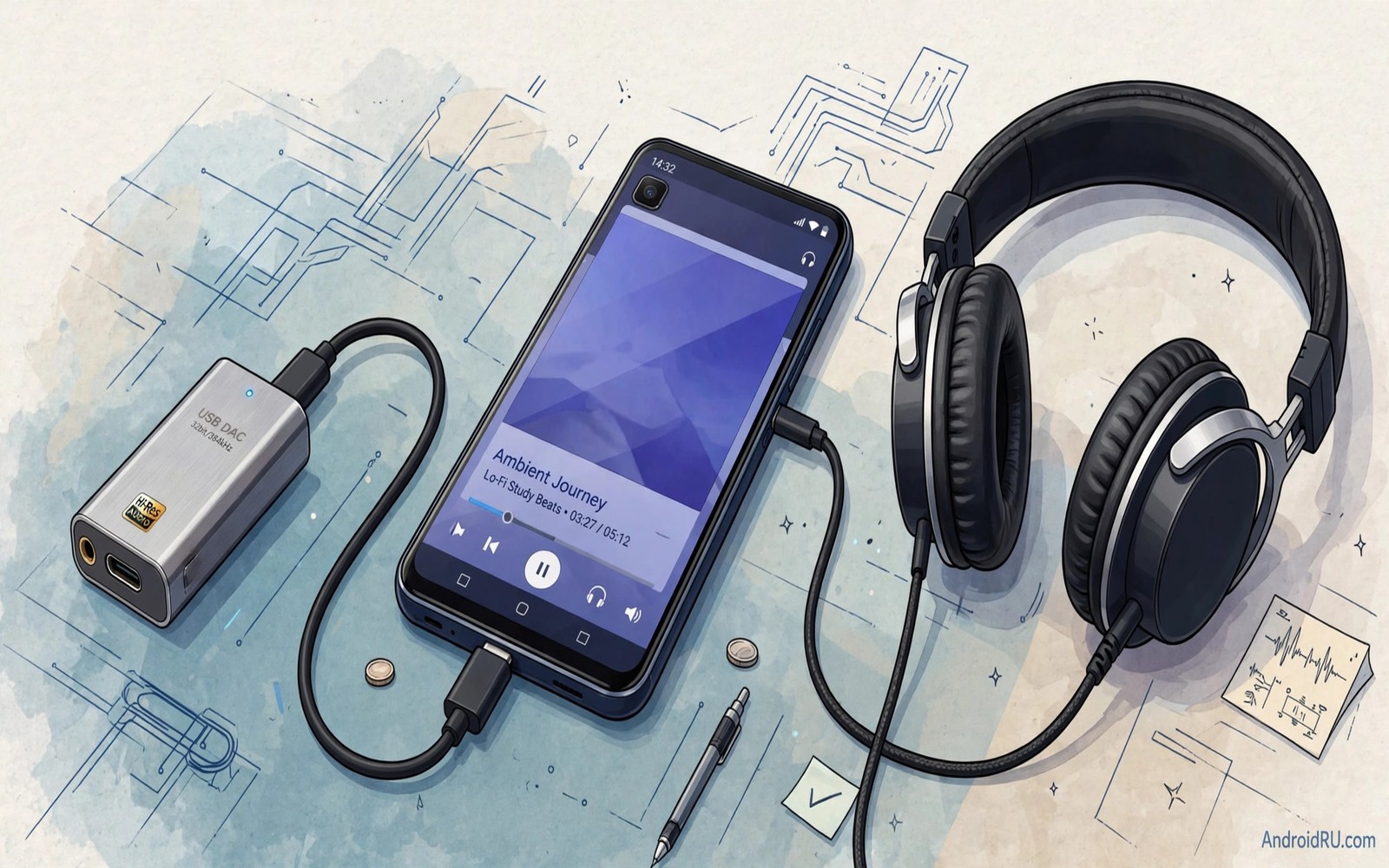
A digital to analogue converter turns digital music files into the electrical signal that headphones play. Every phone contains a small converter for its headphone output. That internal converter must fit in a crowded phone with radios and processors nearby. An external USB DAC moves conversion outside the phone into a cleaner dedicated device.
The benefit is not magic and it is not automatic. A good external DAC reduces electrical noise and gives headphones cleaner power. It also bypasses a weak internal headphone amplifier that may struggle with demanding headphones. The result can be a quieter background and clearer detail at normal volumes.
This guide explains how a USB DAC works with Android. You will learn what to check before buying. You will learn how to connect and test one. You will learn when a DAC helps and when your money is better spent on headphones or music files.
What a USB DAC actually does
Music on a phone lives as digital data. Headphones need an analogue waveform to move their drivers. The DAC performs that conversion and the amplifier then raises the signal to a listening level. A combined DAC and amplifier unit handles both jobs in one small box.
Internal phone converters share power and space with many noisy components. That sharing can add hiss and interference to the output. An external unit uses its own cleaner power path and shielding. The cleaner path matters most for sensitive earphones that reveal background noise easily.
Headphone power also matters. Some headphones need more voltage than a phone jack provides. An external amplifier can drive those headphones to a proper volume without distortion. A phone that sounds thin with large headphones often improves greatly with a capable external unit.
Check Android compatibility before you buy
Most modern Android phones support USB audio output through USB-C. Open the phone specification and confirm USB audio support. A phone without that support may need a special adapter or may not work with a DAC at all. Check the specification rather than assuming every USB-C port carries audio.
Choose a DAC that draws modest power from the phone. A power hungry DAC can drain the battery quickly during long sessions. A DAC with its own battery avoids phone drain yet adds charging complexity. Balance sound benefit against battery cost for your daily use.
Confirm the headphone connector type on the DAC. Some units use a standard 3.5 mm jack. Others use a balanced 2.5 mm or 4.4 mm jack for specific headphones. Buying the wrong connector means buying an adapter later. A guide to studio quality audio on cheap headphones helps you judge whether headphones or a DAC should come first.
Connect and test the DAC step by step
Connect the DAC to the phone with a short quality USB-C cable. Connect headphones to the DAC output. Play a familiar song and set the phone volume to maximum or near maximum. Control listening volume with the DAC volume knob when the unit has one. That order keeps the digital signal clean.
Compare the DAC output with the phone output using the same song and volume. Listen for background hiss during quiet passages. Listen for bass control and vocal clarity. A good DAC should sound cleaner rather than simply louder. Loudness alone is not proof of better conversion.
Test with a high quality file as well as a standard stream. A DAC cannot add detail that a low quality stream never contained. A lossless file reveals the DAC benefit more clearly. Use both sources so you know the benefit in daily streaming as well as in focused listening.
Choose the right DAC for your headphones
Sensitive earphones need a low noise DAC with fine volume control. A coarse volume step can jump from too quiet to too loud on sensitive gear. Look for a DAC with smooth volume control and a low noise floor specification in plain language reviews.
Large over ear headphones need more power and a stronger amplifier section. Check owner reports for your exact headphone model. A DAC that drives earphones well may still struggle with a demanding over ear pair. Power matching matters more than a single headline specification.
Portable use needs a small light unit that fits in a pocket with the phone. Desktop use can accept a larger unit with more power. Choose the size that fits your real listening habit. A large DAC left at home helps no one during a commute.
Balance DAC cost against other upgrades
A DAC is one link in a chain that includes files and headphones and ears. A weak headphone will still sound weak through a great DAC. A low quality stream will still sound limited through a great DAC. Spend first on the weakest link in your own chain.
For many owners better headphones give a larger improvement than a DAC alone. For owners who already own good headphones a DAC can unlock their full potential. Judge your chain honestly before spending. A set of open source music players with lossless FLAC support can improve the file and player link at no cost.
Phone volume: near maximum for clean digital signal
DAC volume: use knob for listening level
Test song: familiar track with quiet passages
Test file: lossless file plus standard stream
Comparison: same song and same volume
The routine above is an original illustration created for this guide. It uses only general DAC testing practice and standard Android audio behaviour. It is meant to keep DAC comparisons fair rather than loudness based.
Listen for DAC differences honestly
Honest DAC comparison needs matched volume and blind switching when possible. Ask a friend to switch between phone output and DAC output without telling you which is active. A blind test removes expectation from the judgement. If you cannot tell them apart consistently then the DAC benefit is small for your gear.
Use quiet passages for blind tests because loud passages hide noise differences. A quiet piano intro reveals background hiss clearly. A loud rock chorus hides hiss behind its own energy. Quiet tests give the DAC a fair chance to show its cleaner background.
Repeat blind tests on different days. Hearing changes with fatigue and mood. A DAC that wins on one day may tie on another day. Consistent wins across days signal a real benefit rather than a momentary preference.
Maintain a DAC setup for daily use
Keep the DAC cable short and protected from bending at the connectors. A damaged cable causes dropouts that sound like a DAC failure. Coil the cable loosely when storing it and avoid sharp bends near the plugs. Cable care extends the life of the whole setup.
Clean the headphone jack and USB port gently when connection becomes unreliable. Dust in a port can cause intermittent audio. Use a dry soft brush and avoid metal tools. A clean port restores a stable connection without new hardware.
For player software that pairs with a DAC read about seven open source music players with lossless FLAC support. Those players deliver clean files to the DAC. A clean player plus a clean DAC gives the best wired result.
Use a DAC with different music sources
A DAC benefits different sources in different ways. Local lossless files show the largest benefit because they carry full detail. Standard streaming shows a smaller benefit because the stream itself limits detail. Test both sources so expectations stay realistic for daily use.
Video audio also benefits from a cleaner DAC output. Dialogue clarity improves when background noise drops. A movie watched through a DAC can feel more cinematic even on modest headphones. That benefit extends DAC value beyond music alone.
Podcast listening gains less from a DAC because speech needs less detail than music. A DAC still reduces hiss during quiet podcast pauses. That small gain may matter for long podcast sessions in quiet rooms. Judge DAC value across all your listening rather than music alone.
Keep the DAC setup simple for travel. A small DAC with a short cable fits a pocket easily. A large desktop DAC left at home cannot help during a commute. Portability decides whether a DAC becomes a daily tool or a desk ornament.
For clean system tuning that supports DAC listening read about a free systemwide sound engine. That engine keeps one profile across sources. Consistent tuning lets DAC differences show clearly.
Common mistakes
The biggest mistake is buying a DAC before checking headphone fit and source quality. A poor ear tip seal or a low bitrate stream limits sound more than conversion. Fix those links first and then judge whether a DAC still helps. That order saves money and it gives a clearer test.
Another mistake is judging a DAC only by loudness. A louder output can feel better in a quick shop test yet it may hide hiss and distortion. Match volumes carefully during comparison and listen for quiet passage cleanliness. True DAC benefit shows in silence as much as in loud passages.
People also forget cable quality and length. A long cheap USB cable can cause dropouts and connection resets. Use a short reliable cable and keep the DAC close to the phone. A stable connection matters more than a fancy cable brand.
Frequently asked questions
Do I need an app for a USB DAC?
Most USB DACs work with standard Android USB audio without a special app. A music player with bit perfect output can help for lossless files. A special app is not required for basic playback. Check the DAC manual for any optional control app.
Will a DAC drain my phone battery fast?
A DAC draws power from the phone unless it has its own battery. The drain is modest for small efficient units. Large powerful units drain faster. Monitor battery use during a long session and choose a unit that fits your listening length.
Can a DAC fix bad headphones?
No DAC can fix a poor driver or a broken seal. A DAC can only deliver a cleaner signal to the headphones you own. Better headphones usually give a larger improvement than a DAC alone. Upgrade the weakest link first.
Conclusion
An external USB DAC can transform Android listening by moving conversion outside the noisy phone body. It reduces hiss and gives demanding headphones proper power. It works best when files and headphones are already good. It cannot rescue weak links elsewhere in the chain.
Your concrete next step is to check your phone specification today for USB audio support and note your headphone connector type. If both check out then borrow or buy a modest DAC and compare it with one familiar lossless track. For free player improvements continue with seven open source music players with lossless FLAC support.

