

An 8 gigabyte limit sounds like a hard wall until you learn that modern phones constantly swap data between storage and memory in ways that blur the line between the two.
Storage swapping confuses buyers because marketing uses storage and memory as separate simple numbers. In reality Android manages memory dynamically and uses storage as an extension when RAM fills. That extension helps but it does not erase real storage limits.
This guide explains swapping clearly. It covers RAM and virtual memory and zRAM and the practical limits that still matter on low storage phones.
RAM Versus Storage in Plain Terms
RAM holds active data for running apps. Storage holds files and apps when they are not active. RAM is fast and volatile while storage is slower and persistent. Phones need both in balance.
When RAM fills the system closes background apps or compresses their data. Compression through zRAM keeps more apps ready without writing everything to slow storage. That technique improves multitasking on phones with modest RAM.
Swap to storage extends memory further but at a speed cost. Flash storage is far slower than RAM. Heavy swapping can make a phone feel sluggish even when it technically keeps apps open.
Why Small Storage Still Hurts
Swapping does not create free storage for photos or apps. A phone with little free storage cannot install large updates or download large files regardless of swap behaviour. System updates need free space to unpack and install safely.
Low free storage also slows the system. Android needs breathing room for caches and temporary files. A phone with almost no free space behaves slowly even when RAM management works well.
App data grows over time. Messaging media and map caches and game updates consume storage steadily. A phone that felt adequate at purchase can feel cramped within a year.
Virtual Memory Tricks and Their Limits
Manufacturers advertise RAM expansion that uses storage as virtual RAM. That feature helps keep more apps in memory on paper. Real benefit depends on storage speed and on how aggressively the system already manages RAM.
Virtual RAM rarely transforms a slow phone into a fast one. Fast storage helps but it remains far slower than real RAM. Users who multitask heavily still benefit more from real RAM than from virtual expansion.
Check real multitasking behaviour rather than virtual RAM claims. Open your five most used apps and switch between them. A phone that reloads apps constantly needs more real RAM regardless of virtual claims.
How to Manage a Low Storage Phone
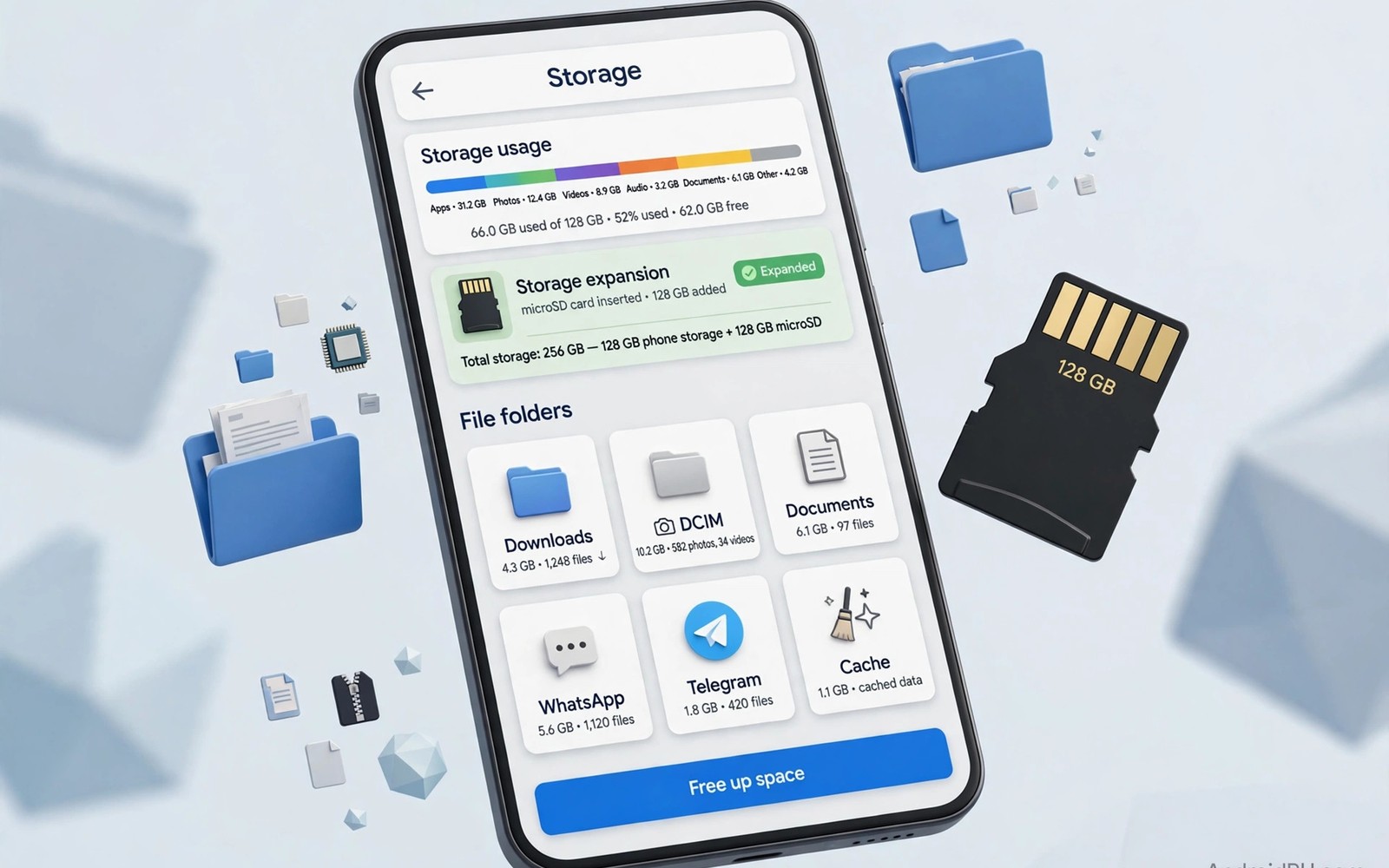
Move photos and videos to a card or to backup regularly when your phone supports expansion. That habit frees the most space fastest. The storage warning about buying phones without SD expansion explains why expansion matters so much for media heavy users.
Clear caches for large apps periodically. Messaging apps and browsers accumulate large caches. Clearing cache frees space without deleting personal data in most cases.
Uninstall apps that you have not opened in months. Large games that you no longer play consume disproportionate space. Reinstalling later costs little compared with daily storage stress.
adb shell cat /proc/meminfo | grep -E "MemTotal|MemFree|SwapTotal|SwapFree"
adb shell dumpsys meminfo | head -20
The commands above are an original illustration based on standard Android developer tools for reading memory and swap totals on a connected phone. They help you see how much memory and swap a phone actually uses.
What Swap Actually Feels Like
Swap feels like a slight delay when switching back to an app that was compressed. The app may reload part of its state rather than opening instantly. That delay lasts a second or two on good phones and longer on slow storage. Users notice swap delays most when multitasking heavily.
Heavy swap use also affects battery life slightly. Reading and writing compressed data consumes processor time and storage activity. That activity adds heat and drain during intense multitasking. Light users rarely notice the effect.
Storage speed determines swap smoothness greatly. Fast internal storage swaps more smoothly than slow storage. That difference explains why two phones with the same RAM can feel different during multitasking. Storage quality matters beyond capacity alone.
App design affects swap behaviour too. Well designed apps restore state quickly after compression. Poorly designed apps reload from scratch and feel slow regardless of swap settings. Judge multitasking by your actual apps rather than by swap claims.
Buying Advice for Low Storage Users
Buyers on tight budgets should prioritise storage over virtual RAM features. A phone with more real storage serves daily needs better than a phone with more virtual RAM claims. Storage affects installs and photos and updates directly.
Check how much storage remains after system and preinstalled apps. That usable number matters more than the advertised capacity. A phone advertised with higher capacity but heavy preinstalled software may offer less usable space than a cleaner phone with lower advertised capacity.
Consider cloud and card options before buying a low storage phone. A reliable backup habit and a card slot can make low storage workable. Without either option low storage becomes a daily frustration quickly.
Plan for two years of app growth when choosing capacity. Apps and system updates grow steadily. A capacity that feels generous today may feel tight after two years of updates and media growth.
Memory Management in Daily Use
Memory management becomes visible when you switch between apps and some apps reload while others resume instantly. That difference reflects how aggressively the system compressed or closed background apps under memory pressure. A phone with generous real RAM resumes more apps instantly while a phone with limited RAM reloads more often. That daily feel matters more than memory numbers alone.
App developers influence memory behaviour through how they save state when the system pauses their app. Well built apps restore quickly even after the system reclaims memory. Poorly built apps lose your place and force you to start over. Judge multitasking by your essential apps rather than by generic memory tests.
System updates can change memory management behaviour noticeably because makers tune background limits to balance battery and performance. An update that improves battery life may close background apps more aggressively. Read update notes and user reports after major updates when multitasking behaviour changes suddenly.
Storage Health and Speed Over Time
Flash storage slows as it fills because the system has less free space for wear levelling and temporary operations. A phone with only a small amount free feels slower than the same phone with ample free space even when processor and RAM remain identical. Keeping free space available preserves storage speed as well as capacity.
Storage health also declines with write cycles over years of heavy use. Phones used for constant video recording and large downloads wear storage faster than phones used mainly for calls and messages. That wear appears gradually as slower installs and occasional stutters rather than sudden failure.
Regular cleanup of large temporary files helps storage speed by freeing space for system operations. Clear caches and delete downloaded files that you no longer need each month. That simple habit keeps a low storage phone feeling responsive longer.
Freeing Space Without Losing Data
Review downloaded files monthly because downloads accumulate silently from browsers and messaging apps. A monthly download review frees surprising space without deleting personal photos. That habit alone keeps many low storage phones usable longer.
Use cloud photo backup with original quality when storage allows because cloud backup lets you delete local copies safely. Verify backup completion before deleting local photos. That verification step prevents tragic losses from premature deletion.
Clear app caches for social and browser apps periodically because caches grow into gigabytes over months. Clearing cache rarely affects personal data and often frees large space instantly. Schedule cache clearing alongside monthly download reviews.
Move large videos to a computer or external drive after editing because finished videos consume space without daily value. A finished video stored externally remains accessible while freeing phone space. That routine suits creators and families alike.
Uninstall games you finished because finished games occupy large space without future use. Reinstalling a finished game later costs only download time. That trade favours storage freedom over keeping every game installed.
Common mistakes
The biggest mistake is believing that virtual RAM replaces real storage. Virtual RAM helps multitasking slightly but it does not install apps or store photos. Free storage remains a separate requirement.
Another mistake is filling a phone to the last megabyte and expecting normal speed. Keep at least ten percent free when possible. That headroom keeps updates and caches working smoothly.
FAQ
Does RAM expansion damage storage?
Frequent swapping writes more data to flash storage. Modern flash handles normal use well but heavy constant swapping can contribute to wear over many years.
Is 8GB RAM enough in 2026?
8GB RAM suits most daily users for browsing and messaging and light gaming. Heavy multitaskers and gamers benefit from more real RAM.
Can I increase storage with swap settings?
No swap settings increase usable file storage. They only change how memory is managed. File storage needs a larger capacity or external expansion or backup.
Conclusion
Storage swapping blurs the line between RAM and storage but it does not fake away real limits. Free storage and real RAM both matter for smooth daily use. Your concrete next step is to check free storage and memory use in settings today and free ten percent if you sit below that level. Buyers should also read the storage warning on buying phones without SD expansion and the clean software guide on which brand has the cleanest bloatware free operating system and the value ranking of smartphone brands ranked from worst to best value before choosing a low storage model.

