

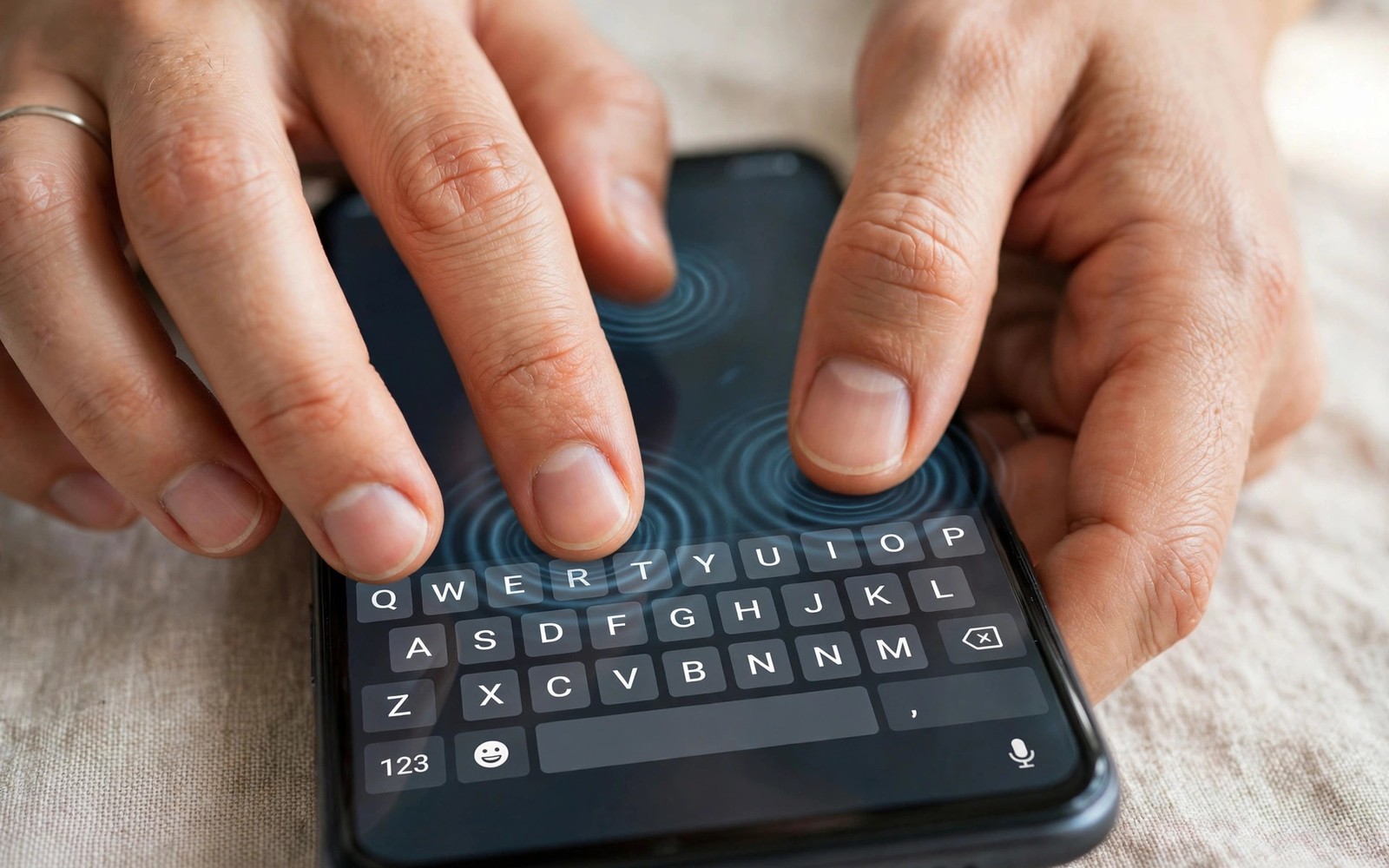
Typing on glass should feel like pressing a real key. On most phones it feels like a dull buzz instead. The difference comes from a tiny motor hidden inside the phone. A good motor delivers a short crisp tap for each key. A weak motor delivers a long muddy rumble that blurs keys together. This guide compares how brands handle that motor and it shows you how to test typing feel before you buy.
Haptic quality matters more than most spec sheets admit. You type thousands of keys every day. Each key should confirm itself instantly under your thumb. Crisp feedback reduces typos because your brain registers each press without looking. Muddy feedback forces you to stare at the screen to confirm every word. Over a long message that extra checking slows you down and tires your eyes.
Brands differ because motors differ in size and type and tuning. A large linear motor can stop and start in milliseconds. A small rotating motor spins up slowly and stops slowly. Software tuning then shapes each tap into a short click or a soft thud. Hardware sets the ceiling. Software decides how close a phone gets to it. Both must be good for typing to feel right.
How Vibration Motors Actually Work
Older phones used a rotating mass motor. A small weight spun off centre and shook the phone. That design is cheap and simple. It also starts slowly and stops slowly. A key tap becomes a buzz that lingers after your finger lifts. Fast typing turns into a continuous vibration because each buzz overlaps the next. Accuracy suffers because you cannot feel separate keys.
Modern flagships use a linear motor instead. A magnet moves back and forth along one axis in a tight snap. It starts in a few milliseconds and stops just as fast. That snap feels like a key click. It also allows varied effects for different actions. A key press can feel light. A long press can feel deeper. A delete action can feel sharper. That range makes the whole interface feel more physical.
Motor size still matters within linear designs. A larger motor moves more mass and produces a stronger yet still short tap. A smaller linear motor feels weaker and thinner. Placement matters too. A motor near the bottom of the phone feels stronger under the thumbs during typing. A motor near the top can feel distant. Makers rarely publish motor size or placement. You must judge the result with your hands rather than a spec line.
What Makes Typing Feedback Feel Crisp
Crispness comes from a fast rise and a fast fall. The tap should peak quickly and end cleanly. If it lingers then fast typing blurs. If it peaks slowly then keys feel mushy. The best typing motors produce a tap that lasts only a few tens of milliseconds. Your thumb feels a distinct tick for each letter even at high speed. That tick should stay consistent across the whole keyboard. A weak corner of the screen should not feel deader than the centre.
Strength tuning matters as much as speed. A tap that is too strong feels like a jolt and tires your hand. A tap that is too weak vanishes when you type fast or when the phone sits in a case. The best phones offer a strength slider that actually changes the feel in fine steps. Test that slider in a shop. Set it low and type a sentence. Set it high and type the same sentence. The change should be obvious but never harsh at the top end.
Sound also plays a role. A good motor is nearly silent. A poor motor rattles against the frame and produces an audible buzz. That buzz annoys people near you in quiet rooms. It also makes the phone feel cheap. Hold the phone to your ear while you type in a quiet shop corner. A clean tick is a good sign. A rattling buzz is a warning sign that the motor or its mounting is weak.
Brand Approaches Compared
Apple set the modern standard for phone haptics years ago. Its large linear motor delivers short precise taps across the whole system. Keyboard taps feel consistent and quiet. Long presses and system gestures feel distinct from typing. That consistency is why many reviewers use Apple phones as the reference point. The motor is large and well mounted and the software tuning is careful. The result feels premium even on older models.
Google Pixel phones have improved steadily and now sit close behind on recent flagships. Pixel typing taps feel crisp and well timed. The strength sits slightly below the best Apple feel but the character is clean. Pixel software also ties haptics to gestures in a thoughtful way. A swipe back feels different from a key press. That distinction helps you navigate without looking. Midrange Pixel models use smaller motors and feel noticeably thinner.
Samsung flagships vary more by model than by brand promise. Top Galaxy models use a capable linear motor with good tuning. Typing feels firm and short. Some midrange Galaxy models fall back to weaker motors that buzz longer. That gap means you cannot judge Samsung haptics from the brand name alone. You must test the exact model you plan to buy. The same warning applies to other large makers with wide ranges.
Chinese flagships split into two camps. Premium models from makers focused on gaming and photography often include large linear motors with strong tuning. Their typing taps can rival the best phones. Value models from the same makers often cut the motor first to save cost. A buyer who reads only the chip name will miss that cut completely. Always test typing on the exact storage and price variant in the shop.
How To Test Typing Feel In A Shop
Open the notes app on each demo phone. Turn keyboard haptics on and set strength to the middle. Type the same pangram sentence three times at your normal speed. Notice whether each key feels separate. Notice whether your thumbs tire or feel jolted. Notice whether the phone rattles on a hard table. A good motor feels like light key clicks. A poor motor feels like a phone call vibration cut short.
Next type fast for twenty seconds without looking at the keyboard. Count your errors after each run. Crisp feedback often cuts errors because each press confirms itself. Then test with the case you plan to use if the shop has one. A thick case dulls weak motors badly while strong motors still punch through. If you always use a rugged case then test with that case on. A motor that feels great naked but vanishes in a case will disappoint you daily.
Also test other haptic events for consistency. Long press an app icon. Swipe back from an edge. Scroll to the end of a list. Each event should feel distinct yet related. A phone that nails typing but buzzes harshly on gestures has uneven tuning. A phone that feels consistent everywhere has a well tuned system. That consistency predicts long term satisfaction better than any single tap test.
Keyboard app choice can change the feel too. Some keyboards let you tune tap duration and strength finely. Others offer only on or off. If you love a particular keyboard then test with that keyboard installed where the shop allows it. A great motor with a poor keyboard setting still feels mediocre. A detailed guide on features that are not worth paying extra for can help you keep the motor in perspective against other specs.
haptic_strength = 60
tap_duration_ms = 15
key_click = short
long_press = deep
# lower duration means crisper typing
# raise strength only until taps stay quiet
The snippet above is an original example written for this guide. It shows generic haptic settings you can adapt to your own device. It does not copy code from any outside source.
Use the numbers as a starting point for your own tuning. Short duration matters more than high strength for typing accuracy. Raise strength slowly until taps feel clear without rattling. If taps start to sound loud then you have passed the sweet spot. Save that setting and test it for a full day before changing it again.
Keyboard apps add another layer of tuning on top of motor hardware. Some keyboards let you change vibration duration in small steps. Others offer only a weak or strong preset. A keyboard with fine duration control can rescue a mediocre motor partly. Shorten duration until each key feels like a tick rather than a buzz. Test the change with a long paragraph rather than a single word. Long typing reveals blur that short tests hide.
Motor feel also changes as a phone ages. A motor mounted loosely can develop a rattle after drops. A phone that once ticked cleanly may buzz harshly after a hard fall. That change signals a mounting fault rather than a software fault. A repair shop can reseat or replace a loose motor in many models. Do not accept a new rattle as normal ageing when the phone felt crisp before the drop.
Common Mistakes
Many buyers test haptics by triggering one long vibration from settings. That test tells you nothing about typing. Typing needs short repeated taps. A second mistake is testing only without a case. Cases change the feel a lot. A third mistake is assuming a flagship chip guarantees a flagship motor. Makers cut motors quietly on some variants.
A fourth mistake is leaving keyboard haptics off entirely after one bad phone. A good motor changes typing comfort a lot. A fifth mistake is judging haptics from a video review. Sound recordings distort vibration badly. You must feel the phone in your own hand. A sixth mistake is ignoring strength sliders. A motor set too high feels harsh and a motor set too low feels dead.
Frequently Asked Questions
Question: Can a software update improve haptic feel?
Answer: Yes within limits. An update can retune tap length and strength. It cannot turn a small rotating motor into a large linear motor. Hardware still sets the ceiling.
Question: Does a strong motor drain battery fast?
Answer: No in normal typing. Short taps use tiny energy bursts. A long gaming vibration session uses more. Daily typing haptics have a negligible effect on battery life.
Question: Which brand wins for typing overall?
Answer: Apple flagships still lead on consistency. Recent Pixel flagships sit close behind. Top Samsung and premium Chinese flagships can match them on specific models. Test the exact model before you decide.
Conclusion
The best typing motor delivers short quiet crisp taps that stay distinct at speed. Apple leads on consistency and Pixel follows closely. Samsung and Chinese flagships vary by exact model so brand alone cannot decide. Your concrete next step is to visit a shop and type the same sentence on three shortlisted phones with your case on. Count errors and listen for rattle. Pick the phone whose keys feel like real clicks. Then sanity check the rest of the package with which brand offers the best software update promise and compact phones that fit comfortably in one hand before you buy.

