

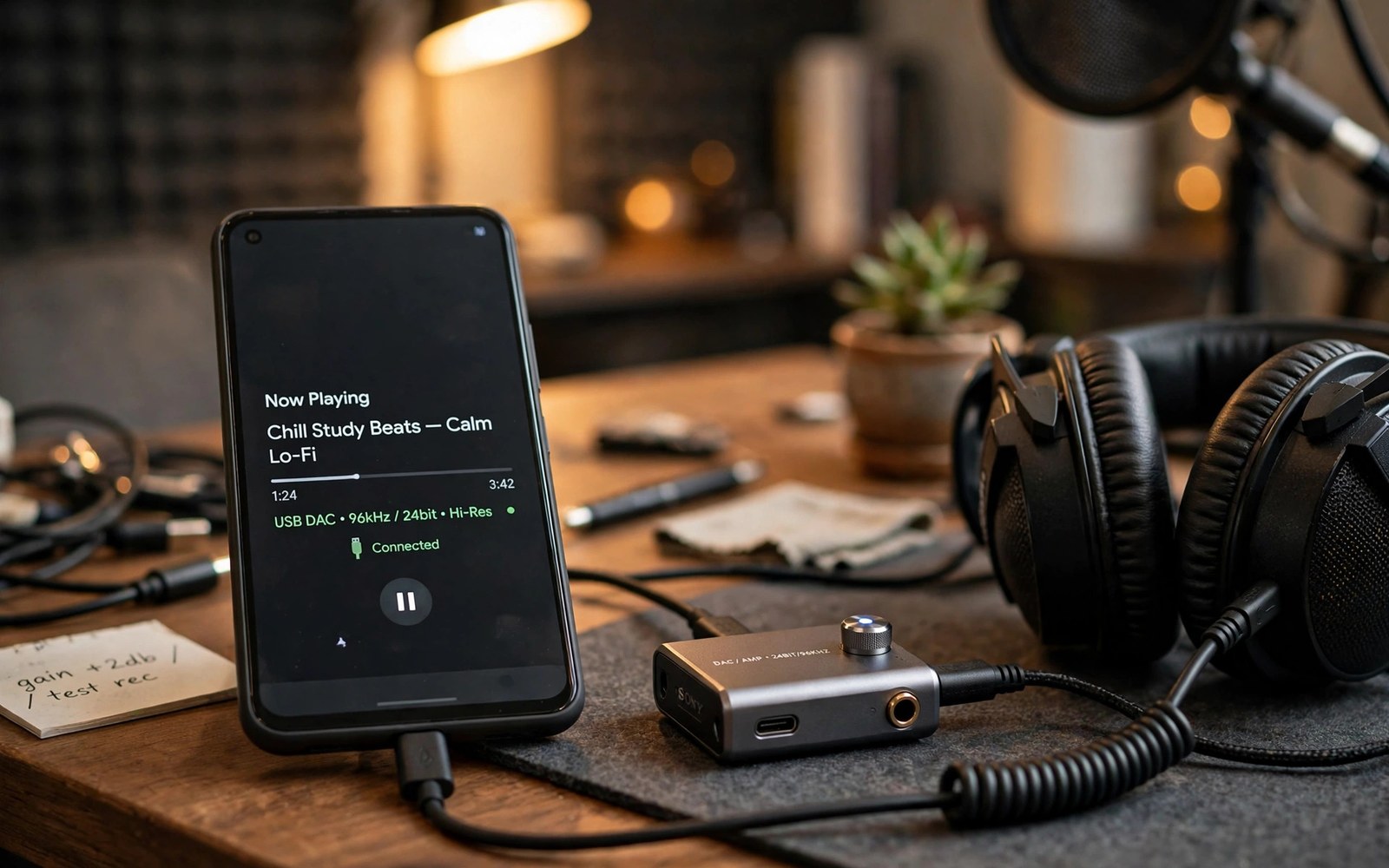
Phone speakers and cheap earphones hide how good mobile audio can be. The real limit is often not the hardware. It is the audio chain that the stock system forces every sound through. A sound driver module replaces parts of that chain with a higher quality path. It can lift detail and widen the sound stage and give wired headphones the clean signal they deserve.
Think of the module as a studio desk squeezed into your phone. It takes the raw audio stream before the stock effects touch it and it applies its own processing with better precision. That processing can include a convolution engine and a parametric equaliser and a limiter that guards against clipping. The result is not louder audio for its own sake. The result is audio that keeps its detail when the volume rises and keeps bass tight instead of muddy.
Not every phone benefits equally and that honesty matters. A phone with a weak audio chip will still have a weak audio chip after the module. The module shines on phones with decent hardware that the stock tuning holds back. If you care about system level audio control then the ideas here pair well with installing a surround sound framework on a rooted phone because both projects teach you how Android routes sound before it reaches your ears.
Understand the audio chain before you install
Android audio travels through several layers before it becomes sound. An app produces a stream and the system mixer blends it with other streams and the audio policy decides which output it uses. Effects sit in that path and they can resample the audio or compress its range without telling you. A driver module inserts itself at a point where it can take over processing with higher quality math. That is why it can beat a simple equaliser app that only tweaks the already processed output.
Check your current chain before you change it. Play a familiar track on wired headphones and note the bass control and the vocal clarity and the background hiss at medium volume. Write those notes down. After the module install play the same track at the same volume and compare. Without a before note your brain will praise any change simply because it is new. A written note keeps the test honest.
Install the driver module in the right order
Install through your root manager and follow the module notes for your Android version. Some modules need a specific SELinux state or a specific audio policy patch. Others need the stock equaliser disabled first so two processors do not fight over the same stream. Reboot after the install and open the companion app to confirm the driver reports an active state. A driver that reports inactive is not processing anything no matter how impressive its settings look.
Grant only the permissions the companion app truly needs. It may need storage access for impulse files and it may need permission to run at boot. It does not need contact access or location access or full device control. If the companion app demands unrelated permissions then treat that as a warning sign. Good audio software earns trust by asking for little and doing one job well.
Tune with a light hand and a reference track
Start with every effect off and enable one effect at a time. Set the equaliser flat and raise one band by a small amount and listen to a track you know by heart. Big boosts across many bands create distortion and listening fatigue even when the first minute sounds exciting. A small cut in a muddy low mid band often cleans a mix more than a large bass boost ever will. The goal is a natural sound that you can enjoy for hours without ear strain.
su
dumpsys media.audio_flinger
dumpsys audio
getprop ro.audio.samplerate
ls /data/adb/modules
Attribution: the commands above use the standard shell syntax of the platform toolset and the audio service inspection tools and they are shown here so you can read every step before you run it on your own device.
Impulse files deserve a special warning. A convolution file shapes the sound with a captured acoustic fingerprint and a bad file can make everything sound hollow or distant. Use only impulse files made for headphone listening and test each one on a quiet track before you judge it. Keep a backup of your working profile inside the companion app and export it to your computer. A module update can reset profiles and rebuilding a tuned profile from memory is a frustrating chore.
Watch for conflicts with other audio tools
Two audio processors on the same stream create strange results. The volume may jump or the bass may double or one app may sound fine while another sounds broken. Disable the stock sound enhancer and disable any other equaliser app before you judge the new driver. Test music and calls and video separately because each path can use a different output route. A profile that sounds superb for music may make voice calls sound thin and that trade off should be a conscious choice.
Battery and heat matter too. Heavy convolution processing uses processor cycles on every second of audio. That cost is small on a modern chip and noticeable on an older phone during long listening sessions. If the phone warms up during music playback then reduce the processing load or disable the heaviest effect. Great audio should not cost you a dead battery before the end of the day.
Common mistakes
The most common mistake is chasing maximum loudness. A limiter pushed too hard crushes dynamics and makes every track sound flat and tiring. Leave headroom in the output and let the headphones do their job. The second mistake is copying a stranger profile without understanding it. A profile tuned for one headphone model can sound awful on a different model because frequency response differs wildly between headphones.
The third mistake is installing the module on a phone that still needs its stock audio features for calls. Test a real phone call after install and test a video call too. If call audio breaks then the module settings need adjustment or the module does not suit your device. A music upgrade that breaks calls is a downgrade for a daily phone no matter how good the music sounds. For the wider root audio picture also consider recording internal audio across the whole system because it shows how the same audio path can be captured as well as processed.
Frequently asked questions
Does a sound driver module work over Bluetooth?
It often works only on the wired path or on the internal speaker path because Bluetooth audio follows a different codec chain. Check the module notes for Bluetooth support before you buy headphones for this project. Wired listening remains the best test of what the module can do.
Will the module damage my headphones?
A sane profile will not damage headphones. Extreme boosts and a disabled limiter can push distortion and heat into small drivers over time. Keep boosts modest and keep the limiter on and your headphones will stay safe.
Do I need root for better phone audio?
Root gives the deepest control because the driver sits in the system audio path. Without root you can still use good equaliser apps and high quality files and better headphones. Those steps alone improve most phones a lot and they carry zero system risk.
Build a listening test you can repeat
A repeatable listening test protects you from placebo upgrades. Choose three tracks that cover bass and vocals and complex instrumentation. Play them at the same volume on the same headphones before and after every module change. Write a short note for each track about clarity and bass control and background hiss. Those notes become your evidence when a new profile claims an improvement. Without notes every change sounds better for a day because novelty flatters the ear. The same evidence habit guides removing preinstalled apps that refuse normal uninstall where a written list prevents forgotten changes from becoming mystery bugs.
Test the module in the places you actually listen. A quiet room flatters detail that a busy street hides completely. A commute test reveals whether the profile survives real noise and whether the volume stays safe. A long session test reveals listening fatigue that a five minute demo never shows. A profile that sounds exciting for one track and tiring after an album is a failed profile no matter how impressive its first minute feels. Judge audio by the hour and not by the moment.
Keep one known good profile exported outside the phone at all times. Module updates can reset profiles without warning and rebuilding a tuned sound from memory wastes an evening. Export the profile after every successful tuning session and label it with the headphone model and the date. That exported file is the audio equivalent of a system backup. The module discipline in systemless modules every root specialist requires applies here too because a small documented set of profiles beats a drawer full of forgotten experiments.
Compare the module against a high quality wired baseline once a year to confirm it still earns its place. Headphone preferences change and hearing changes and new Android versions change the audio path. A yearly comparison with the module disabled reminds you what stock audio sounds like now. Sometimes the stock path improves enough that the module adds little. Sometimes the module still wins clearly and the comparison renews your confidence in it. Either result is valuable because it replaces habit with evidence. A tool kept by evidence serves you better than a tool kept by inertia.
Protect your hearing while you chase better sound because louder is not better and fatigue is a warning sign. Keep listening volume at a level where you can still hear someone speaking nearby. Take a short break every hour during long listening sessions. A profile that demands high volume to sound good is a profile that needs retuning rather than louder playback. Good audio should sound detailed at moderate volume. Hearing damage accumulates silently and no module can restore it. Enjoyment and safety share the same volume knob so use it wisely.
Conclusion
A sound driver module can turn a capable phone into a genuinely enjoyable listening device. The win comes from a clean install and a light tuning hand and honest before and after tests on tracks you know well. Skip the hype profiles and build your own sound one careful change at a time.
Your concrete next step is to write down your before notes tonight and play one reference track on wired headphones. Install the module tomorrow and compare the same track at the same volume. If you want to explore the wider audio world then continue with installing a surround sound framework on a rooted phone as your next audio project. Owners who like careful system work will also value fixing a boot loop without wiping personal files as a safety skill for any module experiment.

