

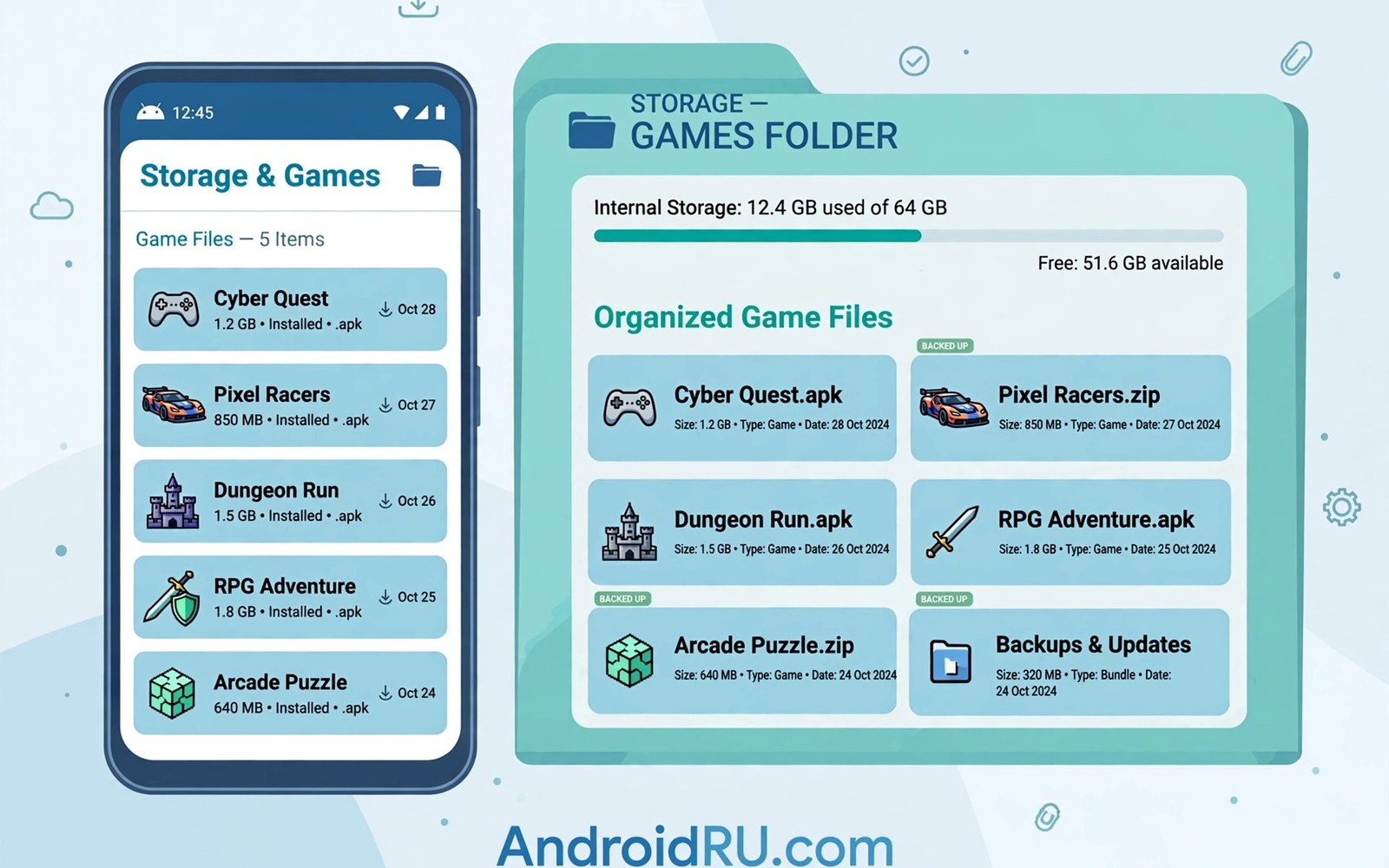
This guide covers ROM collection storage management in plain steps. A retro library grows faster than most players expect. New systems add folders and large disc images pile up. Storage management for large ROM collections keeps that growth under control. A tidy library loads faster and backs up more easily. This article gives you a system that scales.
The core rule is simple: one folder per system and clear names everywhere. Clear names help emulators scan correctly. They also help you find a game without searching. A library that is easy to browse is a library you actually play. Chaos hides good games.
Plan storage before the library gets huge. A small plan now prevents a painful cleanup later. Decide where games live and where backups live. A frontend launcher browses a tidy folder plan beautifully. The folder plan comes first and the launcher second.
Plan the folder layout
Create a top folder called Games on internal storage or on a memory card. Inside it create one folder per system. Use short system names that sort well in a file browser. Keep game files directly inside their system folder. Avoid deep nesting that hides games from scanners.
Separate disc images from small cartridge files if a system uses both. That split is optional for small libraries. It becomes useful when a library passes a hundred titles. A clear split speeds up manual browsing. It also makes size checks easier per format.
Internal storage versus memory cards
Internal storage is faster for loading games. Memory cards offer more space at a lower price. Large disc systems benefit most from internal speed. Small cartridge systems run fine from a card. Split the library by size and speed needs when space gets tight.
Memory cards vary in speed more than players expect. A slow card can cause stutter in disc games. Test a demanding game from the card before you move the whole library. A fast card costs a little more but it pays off daily. Speed ratings on the packaging give a rough guide.
Naming files for scanners
Scanners match games by file name in many apps. A clean name with the game title works best. Remove random codes and tags from file names when you can. Keep a region tag only if you own multiple versions. Consistent names make box art matching far more reliable.
Rename files in small batches and test scanning after each batch. A bad rename batch is easy to undo when it is small. A huge rename batch can break many entries at once. Work in batches of twenty games or fewer. Patience protects the library.
Backups that actually work
A backup must be tested or it is only a hope. Copy the Games folder to a computer or to cloud storage regularly. Test the backup by restoring one game to a test folder. A tested backup gives real confidence. An untested backup may fail when you need it most.
Save files deserve their own backup schedule. Saves are small but they hold hours of progress. Back up save folders weekly if you play often. Keep two backup copies in different places when you can. Two copies protect against one failed drive.
Cleanup without regret
Remove games you never play only after a backup exists. A backup turns deletion into a reversible choice. Delete in small batches and test the library after each batch. A library that shrinks stays fast and focused. Keeping every game ever found is not a goal.
Check for duplicate files before you delete anything. Duplicates hide under different names in different folders. A size check finds the largest duplicates first. Free space from duplicates is the safest space to reclaim. Your favourite games stay untouched.
Using cloud storage wisely
Cloud storage offers a safe second home for a game library. Upload the library in small batches to avoid timeouts. Large disc images need a stable connection for upload. A failed large upload wastes time and bandwidth. Split large uploads across quiet hours when the connection is free. A completed batch is worth more than a rushed full upload. Verify each batch after upload with a file count check.
Cloud storage costs grow with library size over time. Small cartridge libraries cost little to store online. Large disc libraries may need a paid plan eventually. A local computer backup avoids recurring cloud costs. Use cloud storage for saves and small libraries first. Use local drives for huge disc collections. That split balances safety and cost sensibly. Saves matter most and they cost almost nothing to store.
Encryption adds privacy to cloud backups for personal files. Some cloud services offer encryption options built in. Enable encryption when the service supports it easily. A private library deserves private storage habits. Keep the encryption key safe if you set one yourself. A lost key can lock you out of your own backup. Balance privacy against recovery risk honestly. Simple password protection suits most personal libraries well.
Finding games quickly in a huge library
Search beats browsing once a library passes a few hundred titles. A frontend with search finds a game in seconds. Folder browsing becomes slow at that scale. Use search for specific titles and browsing for discovery. Both modes serve different moods and needs. A good frontend supports both modes cleanly. Learn the search shortcut in your frontend of choice. Seconds saved per search add up across a large library.
Tags and favourites create shortcuts through a huge collection. Tag games by genre or by completion status. A tag for unfinished games reminds you what to play next. A tag for favourites highlights the best titles instantly. Tags turn a flat list into a personal guide. Build tags slowly as you play rather than all at once. Tags that reflect real play stay useful over time.
Regular pruning keeps a huge library feeling manageable. Remove games that failed three separate play tests. Remove duplicates that hide under different file names. A smaller library with only playable games feels richer. Size alone never made a library enjoyable. Quality and playability define a collection worth keeping. Prune with a backup so every removal stays reversible.
Sorting games by completion status
Completion status turns a huge library into a playable plan. Mark games as unplayed and in progress and finished. A status system shows what deserves attention next. Unplayed games wait for discovery at the right moment. In progress games need a return visit soon. Finished games can rest in the archive proudly. Status tracking prevents the paralysis of too much choice. A plan beats a pile for large libraries.
Review completion status during monthly library maintenance. Move stalled games back to unplayed if interest faded. A stalled game should not guilt you from the list. Honest status reflects real interest rather than aspiration. Aspirational lists grow stale and demotivating over time. A living status system follows actual play habits. Update status right after finishing a game session. Immediate updates stay accurate without extra effort.
Completion notes add context beside simple status labels. A note can record why a game stalled. Difficulty or boredom or time pressure may explain a stall. Notes help future you decide whether to return. A game stalled by difficulty may suit a later skill level. A game stalled by boredom may never deserve return. Notes turn status into a thoughtful record. Thoughtful records guide better future choices.
Share completion lists with friends for motivation and discovery. Friends may recommend games from your unplayed list. Shared lists spark conversations about favourites and hidden gems. A friend finishing the same game creates a shared topic. Shared progress adds social joy to solo play. Keep shared lists simple to avoid maintenance burden. Simplicity keeps sharing fun rather than bureaucratic. A shared list should inspire play and not paperwork.
Common mistakes
The most common storage mistake is letting one folder hold everything. A single mixed folder confuses every scanner. It also makes backups messy and slow. Split by system before the library grows. Early structure beats late cleanup every time.
Another mistake is deleting games without a backup. Deletion feels quick and final. A later wish to replay a deleted game turns into a search. Back up first and delete second. That order keeps every choice reversible.
Do not fill the phone storage to the last megabyte. A full phone slows down and leaves no room for saves. Keep at least ten percent free if you can. Free space protects both speed and save files. A lean library is a healthy library.
A practical example you can try
du -sh ~/Games/* | sort -h
# find the largest system folders first
# back up before deleting any large folder
This snippet is an original example written for this article. It shows the idea in a compact form that you can adapt to your own setup and change as you learn what works best on your phone.
Frequently asked questions
Should games live on internal storage or a card?
Use internal storage for large disc games that need speed. Use a fast card for small cartridge games. A save backup habit matters on both locations. Test a demanding game from each location before you decide.
Internal storage suits large disc games that need loading speed. A fast card suits small cartridge games well. A save backup habit protects progress on both locations. Test a demanding game from each location first. Real loading times decide the split better than theory.
How often should I back up my library?
Back up saves weekly when you play often. Back up the full library after a large import. A multi system setup benefits because one backup covers many systems. Set a simple monthly reminder for the full copy.
Back up saves weekly when you play often. Back up the full library after any large import. A multi system setup benefits because one backup covers many systems. Set a monthly reminder for the full library copy. Reminders turn good intentions into real backups.
What if a scanner misses many games?
Check file names first because scanners match by name. Clean names with the game title work best. Test scanning on one small folder before a full rescan. A small test reveals naming problems fast. Fix names in batches and rescan that folder only.
Scanners match games by file name in most apps. Clean names with the game title work best. Test scanning on one small folder before a full rescan. A small test reveals naming problems fast. Fix names in batches and rescan only that folder.
Conclusion
Your concrete next step is a one hour library tidy today. Create one folder per system and move games into their homes. Back up the save folders before any deletion. Delete duplicates only after the backup test passes. That tidy library will feel like a new collection.
Schedule a monthly library maintenance hour from now on. Check backups and prune duplicates and fix names in that hour. A monthly habit prevents the slow slide into chaos. After three months the library will feel permanently tidy. Maintenance is the quiet skill behind every great collection.

