

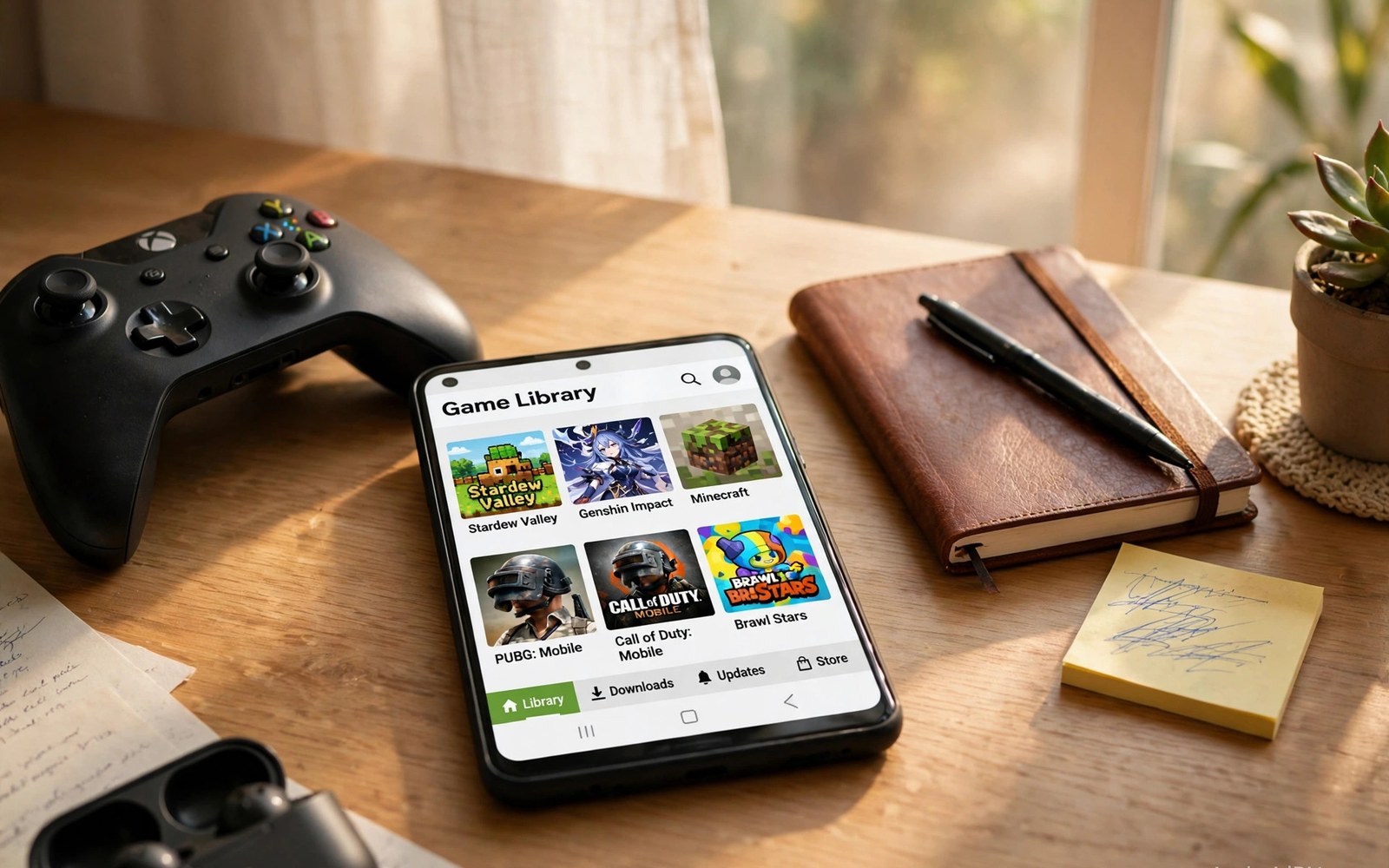
This guide covers frontend launchers for ROM libraries in plain steps. A large game library needs a good front door. Frontend launchers to organize your Android ROM library provide that door. They turn folders of files into a browsable collection. Box art and game details make browsing enjoyable. Launching a game becomes one tap instead of a file hunt.
A frontend sits in front of your emulators. It shows your games and passes the chosen game to the right emulator. That separation keeps the library view clean. Emulators stay focused on running games. The frontend stays focused on browsing and launching.
Start with a tidy folder plan before you install a frontend. Frontends scan folders to build their lists. Clean folders produce clean lists. A planned storage layout is the foundation here. The launcher polishes what the folders already organise.
What a frontend actually does
A frontend scans your game folders and builds a database. It matches files to game titles and art. It groups games by system for browsing. It stores your play history and favourites. All of that turns raw files into a collection you can enjoy browsing.
Launching from a frontend passes the game file to the emulator. The emulator still runs the game itself. Settings and saves remain in the emulator. The frontend only starts the process. That division keeps each tool simple and reliable.
Choosing a frontend for your library
Pick a frontend that supports the systems you actually play. Extra systems you never use add clutter. Check that it supports your favourite emulators for launching. A frontend that cannot launch your emulator is only a picture browser. Launch support is the core feature.
Test the frontend with a small library first. Import two systems and check art matching. A small test reveals scanning problems fast. Fix folder names before a full import. A full import with bad names creates a mess to clean later.
Box art and metadata
Box art makes a library feel like a real collection. Frontends download art from online databases when names match. Clean file names match far more often. Rename problem files before you blame the frontend. A small rename effort yields a beautiful library.
Metadata adds descriptions and release details to each game. It helps you rediscover forgotten titles. It also helps guests pick a game on a shared setup. Keep metadata downloads optional if storage is tight. Art matters more than long descriptions for browsing.
Favourites and collections
Favourites turn a huge library into a short playable list. Mark the games you return to most often. A favourites list is perfect for short sessions. It removes the paradox of too much choice. Ten great games beat a thousand unplayed files.
Custom collections group games by mood or theme. A collection for co-op games suits game nights. A collection for short games suits travel. Build collections slowly as you discover what you play. Collections grow naturally from real habits.
Keeping the frontend fast
Large libraries slow down frontends with heavy art. Limit art size if browsing feels sluggish. A smaller art cache loads faster on modest phones. Disable art for systems you rarely browse. Speed matters more than decoration for daily use.
Rescan only folders that changed since the last scan. A full rescan of a huge library wastes time. Targeted rescans keep the database fresh without delay. Add new games in small batches. Small batches keep scanning quick and errors easy to spot.
Frontend themes and customisation
Frontend themes change colours and layouts across the library view. A clean theme helps browsing on a small phone screen. A busy theme can hide game titles behind decoration. Pick a theme that keeps titles readable first. Beauty should never cost readability in a library. Test a theme with your longest game titles. Long titles reveal layout problems quickly. A readable theme serves daily browsing best.
Custom backgrounds add personality to a frontend. A favourite game artwork makes a nice menu backdrop. Dark backgrounds suit evening browsing better than bright ones. Bright backgrounds can strain eyes in dark rooms. Choose a background that keeps menu text legible. Text legibility outranks artwork beauty in menus. A menu is a tool before it is a poster. Keep the tool usable above all else.
Font size settings matter more than theme colours for many users. Larger fonts help players with low vision browse comfortably. Smaller fonts fit more titles per screen for large libraries. Adjust font size to your eyes and library size. A comfortable font reduces browsing fatigue noticeably. Test font changes with a full system list open. Real lists reveal font problems that empty menus hide. Comfort settings deserve regular review as libraries grow.
Frontends on television setups
Television frontends need larger text and simpler navigation. A phone frontend layout looks tiny on a television. Television mode increases font size and spacing automatically in good apps. Check for a television mode before judging a frontend on TV. A television friendly frontend transforms game nights. Guests can browse the library from the couch easily. Couch browsing needs controller navigation without touch. Test controller navigation before a shared television session.
Controller navigation should move smoothly between games and systems. A laggy menu frustrates guests before play begins. Keep the frontend database lean for television use. Favourites lists speed up television browsing hugely. A favourites list avoids scrolling through hundreds of titles. Guests pick from a short curated list instead. Curation is the secret to pleasant shared browsing. A short list beats a huge list for guests.
Game details on television should stay brief and clear. Long descriptions become unreadable from couch distance. Short summaries and clear ratings work better there. Hide detailed metadata behind a details button when possible. Couch browsing favours quick decisions over deep reading. Save deep browsing for phone sessions alone. Each screen size deserves its own browsing style. Adapt the frontend to the display in use.
Importing a library from another device
Moving a frontend library to a new device needs a plan. Export the frontend database when the app offers export. A database export carries favourites and play history. Game files themselves need a separate copy process. Copy game folders to the new device carefully. Verify file counts after copying each system folder. A count check catches incomplete transfers early. Complete transfers prevent missing game mysteries later.
Box art may need redownloading on the new device. Art caches do not always transfer with databases. A fresh art scan after import restores most images. Clean file names make the fresh scan succeed. Rename problem files before the new scan begins. A prepared library scans cleanly on any device. Preparation on the old device pays off on the new one. Tidy folders travel better than messy ones always.
Controller profiles may not transfer with frontend data. Emulator profiles live in emulator storage separately. Back up emulator profiles before switching devices. Restore profiles after installing emulators on the new device. Test one game per system after restore completes. A test confirms profiles and games work together. Device migration ends only after a successful game test. A tested migration is a completed migration.
Play history and completion status add personal value to a library. Losing history feels like losing part of the hobby. Export history data whenever the frontend allows it. Keep a simple text backup of favourites as well. A text list restores favourites manually if export fails. Manual restoration takes time but preserves the essentials. Essentials matter more than perfect metadata during migration. A favourites list is the heart of a personal library.
Common mistakes
The biggest frontend mistake is importing a messy library first. A messy import creates wrong art and duplicate entries. Cleaning the mess takes longer than planning ahead. Tidy folders first and import second. That order saves hours of cleanup.
Another mistake is chasing perfect art for every game. Some obscure games lack art in databases. Accept a missing image for rare titles. Perfect art for a thousand games is a project of its own. Play time matters more than a perfect gallery.
Do not forget to test launching after import. A beautiful list that fails to launch is useless. Test one game per system after import. Fix launch settings before you import more systems. Launching is the whole point of a frontend.
A practical example you can try
find ~/Games -maxdepth 2 -type d | sort
# review system folders before a frontend scan
# fix folder names first for clean art matching
This snippet is an original example written for this article. It shows the idea in a compact form that you can adapt to your own setup and change as you learn what works best on your phone.
Frequently asked questions
Do I need a frontend for a small library?
No. A small library works fine inside emulators directly. A frontend earns its place as the library grows. A multi core app already groups many systems in one place. Add a frontend when browsing feels slow or messy.
A small library works fine inside emulators directly. A frontend earns its place as the library grows. A multi core app already groups many systems. Add a frontend when browsing feels slow or messy. Growth decides the frontend moment naturally.
Why is box art missing for some games?
Art matching needs a file name that matches the database. Renamed or tagged files often fail to match. Check the expected name for the game. A consistent naming habit fixes most art gaps. Manual art fills the remaining gaps.
Art matching needs a file name matching the database entry. Renamed or tagged files often fail to match. Check the expected name for the game carefully. A consistent naming habit fixes most art gaps. Manual art fills the remaining gaps.
Can a frontend replace my emulators?
No. A frontend launches games through emulators. It does not run games itself. A working emulator setup must exist first. Think of the frontend as a smart menu for tools you already own.
A frontend launches games through emulators and runs none itself. It does not replace emulator software at all. A working emulator setup must exist first. Think of the frontend as a smart menu. The menu serves tools you already own.
Conclusion
Your concrete next step is a small frontend trial today. Import two systems from tidy folders. Test launching one game per system. Fix any art or launch problem before you add more. That working trial is the safe base for a full library import.
Audit your frontend favourites list once a month from now on. Remove games you no longer play and add new discoveries. A fresh favourites list keeps browsing exciting. Monthly audits take ten minutes and pay off daily. A living favourites list reflects your real taste over time.

