

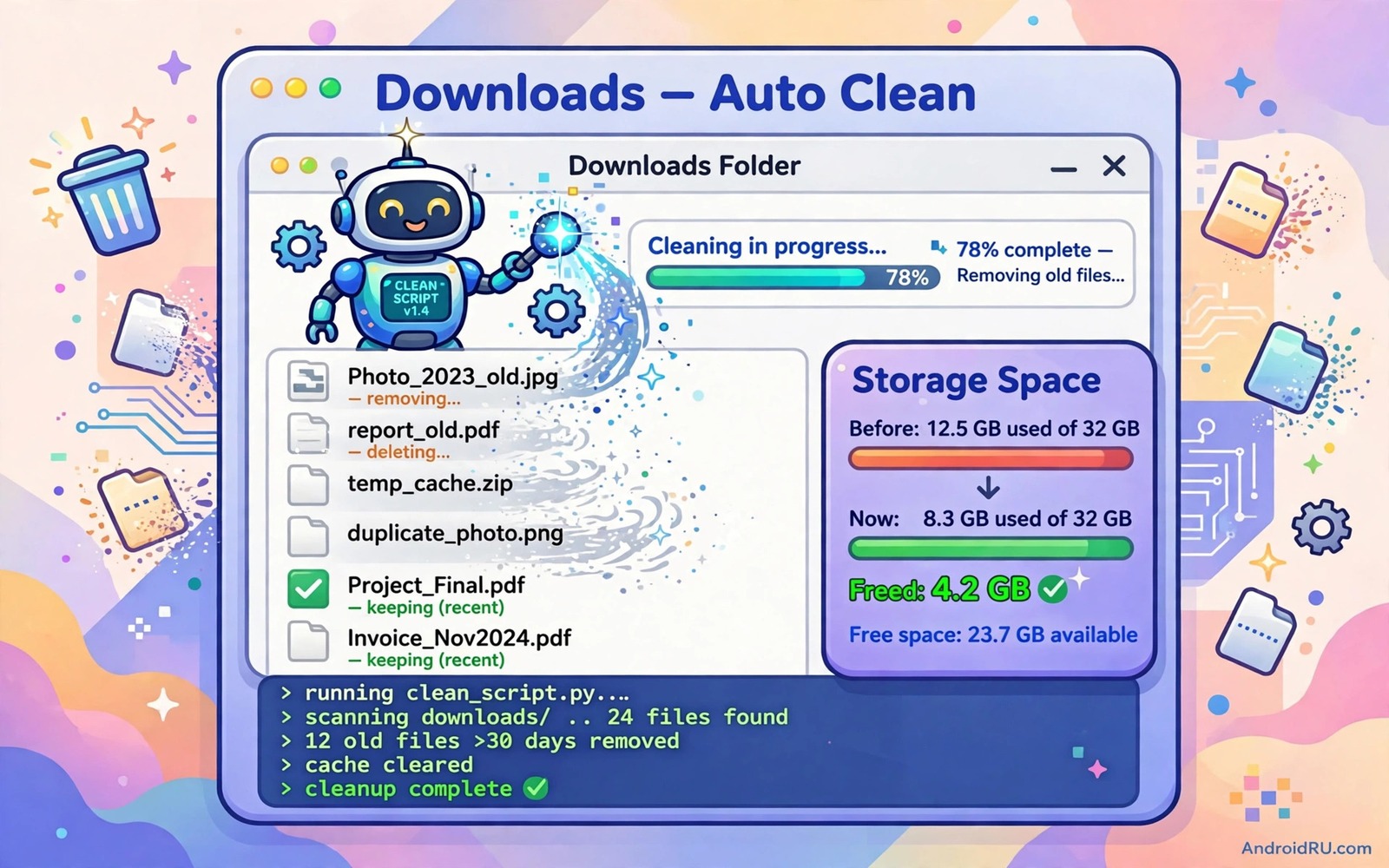
A downloads folder grows silently until it holds installers and PDFs and images that you no longer need. A large downloads folder wastes storage and it slows file searches. Manual cleanup feels tedious because the folder mixes useful files with junk. An auto clear script solves that waste by removing old files on a schedule. It keeps recent downloads and it removes stale files without a weekly chore.
Auto clear works best with a clear age rule. A rule such as delete files older than thirty days gives recent downloads a safe window. A rule such as delete files larger than a set size can target bulky installers first. A rule based on age alone is simple and predictable. A rule based on type alone can delete a useful PDF that happens to be old. Age plus a keep list gives the safest balance for most owners.
Auto clear pairs well with tagging and naming because a clear folder is easier to clean safely. tag file folders for instant retrieval shows how a tag can mark a file to keep. A keep tag or a keep folder can protect important downloads from an auto clear rule. Use a keep mechanism for files that must survive any age rule. That protection is the safety net for automation.
Choose An Age Rule And A Keep List
Pick an age that matches how long you actually need downloads. Thirty days suits most owners because a download that you have not opened in thirty days is rarely urgent. Ninety days suits owners who download reference files for a long project. Seven days suits a phone with very little storage. Choose an age by looking at your oldest useful download rather than by guessing. A real example beats a generic number.
Build a keep list for file types or names that must never auto delete. A tax PDF and a ticket PDF and a contract file belong on a keep list even when they sit in downloads. A keep list can use a folder name such as Keep or a name prefix such as keep. Move important downloads to that keep folder at once rather than leaving them in the main downloads folder. A keep folder is clearer than a keep list that lives only in a script.
Test the age rule on a copy of the downloads folder first. Copy the folder to a test location and run the clear logic there. Check which files the logic would delete and which files it would keep. A test run reveals a keep file that the rule would wrongly delete. Fix the keep rule before you run it on the real folder. A test run is the most important safety step.
Build A Safe Clear Script
A safe script should list files before it deletes them. A dry run mode that prints files without deleting is ideal for a first test. Run the dry run and read the list carefully. Check for a file that you still need and add it to the keep list. Run the dry run again after the keep fix. A second dry run should show only files that you truly no longer need.
A safe script should also log each delete with a date and a file name. A log lets you check what vanished after a run. A log without file names is useless for a later question. A log with names lets you confirm that a missing file was deleted by the script rather than by another app. Keep logs for a month and then rotate them to save space.
A safe script should move files to trash first when the system supports it. A trash move gives a recovery window after a mistake. A direct delete gives no recovery. Use trash when possible and empty trash manually after a week of no complaints. That two stage delete is slower but far safer than an instant delete for a large folder.
A Downloads Cleanup Script Example
The script below is a small developer example that lists files older than thirty days in a downloads folder. It prints each old file name without deleting it. It is a dry run example for learning only. It does not delete anything and it does not replace a tested cleanup tool. Use it in a test folder first and read the output before you add any delete step.
find Downloads -type f -mtime +30 -printAttribution: the code above is an original example written for this guide. It follows the standard command interface shipped with the Android platform tools and it uses only public commands that work on a normal developer setup.
After the dry run you can add a delete step only when the list looks correct. A delete step should still log each file and it should still respect a keep folder. Never add a delete step to a script that you have not dry run tested. A script that deletes on first run without a list check is a risk that no storage saving justifies. Test first and delete second every time.
Schedule Cleanup Without Surprises
Schedule cleanup at a time when you can check the result. A weekly run on a weekend morning works well because you can review the log after it runs. A daily run can delete a file that you downloaded yesterday and still need tomorrow if the age rule is too short. A weekly run with a thirty day age gives a comfortable buffer. A comfortable buffer prevents most surprise deletes.
Notify yourself after each cleanup run with a short summary. A summary with a count of deleted files and freed space is enough. A summary with no detail can hide a wrong delete. A summary with a full list can overwhelm. A count plus a log file link gives the right balance. Check the log only when the count looks unusual.
Pause cleanup during a busy project when downloads matter daily. A project week can create many downloads that you need for a short burst. A pause toggle in the script or in the automation app can stop cleanup for that week. Resume cleanup after the project ends and the downloads have been sorted. A pause is a normal part of a safe automation routine.
Protect Important Downloads
Important downloads need a home outside the downloads folder. Move a ticket or a contract or a tax file to a documents folder at once. A documents folder should never auto clear. That move takes seconds and it removes the file from cleanup risk entirely. A file that stays in downloads relies on a keep rule and a keep rule can fail. A file moved to documents relies on no rule at all.
A keep folder inside downloads is a second best option when a move feels like extra work. Name it Keep and exclude it from the cleanup script. Test the exclusion with a test file in the Keep folder. A test file that survives a dry run proves the exclusion. A test file that appears in the delete list proves a bug in the exclusion logic. Fix the logic before a real keep file depends on it.
A backup of downloads before the first real cleanup run is cheap insurance. Copy the whole downloads folder to an external location and keep it for a month. A first run that deletes a wrong file can be undone from that backup. After a month of clean runs you can delete the backup. A first run backup is a one time cost for a lasting routine.
Recover From A Wrong Delete
A wrong delete from trash can be undone by restoring from trash. Check trash first and restore the file at once. A wrong delete from a direct delete needs a backup copy. Check the backup folder for the file and copy it back. A wrong delete with no trash and no backup may need a recovery tool and recovery is never certain. That uncertainty is why trash plus backup matter so much.
After a recovery review the rule that caused the wrong delete. Add the file type or name to the keep list or lengthen the age rule. A recovery without a rule fix will repeat the same delete next week. A rule fix after a recovery turns a mistake into a lasting improvement. Write the fix in a note so a future phone setup repeats it.
A recovery test is also useful before a real mistake happens. Delete a test file with the script and try to recover it from trash or backup. A recovery test that succeeds proves the safety net. A recovery test that fails reveals a gap while no real file is at risk. Test recovery once after setup and once after any script change. The same test habit helps other automation and auto sync that keeps specific folders matched across devices needs a tested recovery path too.
Common Mistakes
One common mistake is to run a delete script without a dry run first. A dry run list catches a keep file before it vanishes. Another mistake is to use a very short age such as three days for a busy folder. A short age can delete a file that you still need. A third mistake is to auto clear without a keep folder. A keep folder protects important files from any age rule.
A further mistake is to schedule cleanup daily with no log review. A daily run with no review can hide a wrong pattern for weeks. Review the log after each run for the first month. A further mistake is to trust sync as a backup for downloads. Sync can spread a delete to other devices. Keep a separate backup for important downloads.
A final mistake is to copy a cleanup script from a random post without reading it. A script with a wrong path can delete the wrong folder. Read every line and test on a copy first. The same reading rule protects all shell work and batch rename that gives hundreds of files clear names needs the same careful reading before a bulk run.
Frequently Asked Questions
How old should a file be before auto clear deletes it?
Thirty days suits most owners. Ninety days suits a long project with reference downloads. Seven days suits a phone with very little storage. Look at your oldest useful download to choose an age that fits your real use.
Can auto clear delete files that I still need?
It can when a keep rule is missing or an age is too short. Use a keep folder for important files and dry run test every script change. A trash stage plus a backup gives a recovery path when a mistake still happens.
Should I schedule cleanup daily or weekly?
Weekly cleanup with a thirty day age gives a comfortable buffer and an easy log review. Daily cleanup suits only a very small storage phone with a short age. Start weekly and move to daily only if storage pressure demands it.
Conclusion
Copy your downloads folder today and dry run a thirty day age rule on the copy. Read the list and add a keep folder for files that must survive. That dry run test proves the rule before any real delete happens.
After the dry run passes schedule a weekly cleanup with a log and a trash stage. Move important downloads to a documents folder at once. Those two habits keep downloads tidy without risking a needed file.
Review the cleanup log for the first month and fix any keep rule that fails. A month of clean logs turns auto clear into a trusted routine. That trust is the real payoff of a safe cleanup script.

