

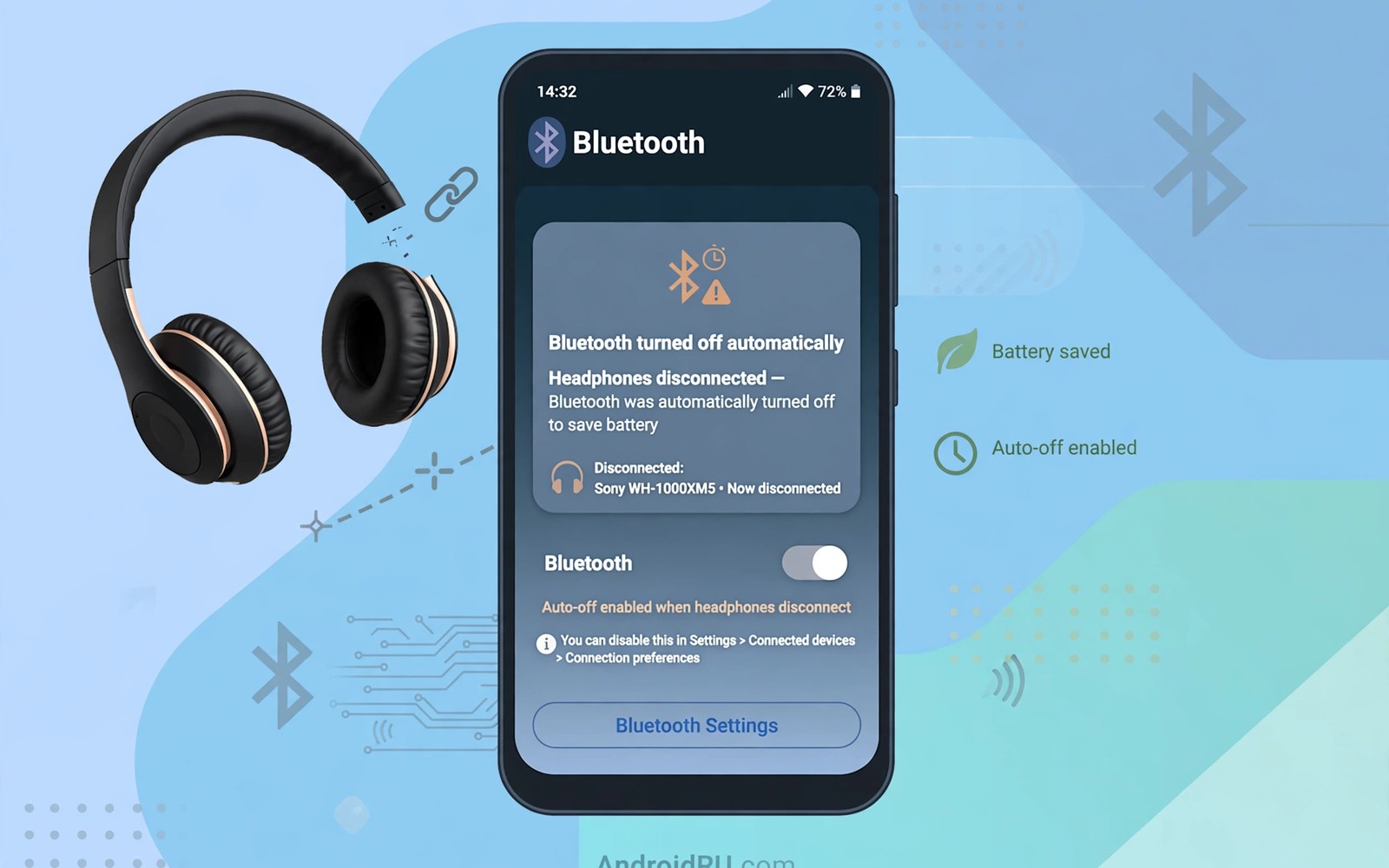
Bluetooth left on drains battery and invites unwanted connections. A phone with Bluetooth always on scans constantly for devices. A phone that stays discoverable can attract pairing attempts in crowded places. Many users forget to turn Bluetooth off after disconnecting headphones. Automation can turn it off the moment a device disconnects. This guide shows how to auto disable Bluetooth when disconnected. It saves battery and it closes a quiet security gap.
Bluetooth power use is modest for a single device but it adds up across a day. Scanning for new devices uses more power than maintaining a connection. A phone that scans all day in a busy area works harder than a phone at home. A phone that scans in a pocket also heats slightly during long scans. Turning Bluetooth off after use removes that background work. A small saving repeated daily becomes meaningful across a month. A routine that handles the task removes the need to remember it.
Security also improves when Bluetooth turns off after use. A Bluetooth radio that stays on can respond to nearby devices. A radio that is off cannot be probed at all. A phone in a crowded train or airport benefits from an off radio. A phone at home with trusted devices nearby faces less risk. An automatic off rule adapts to both situations without manual effort. Automation turns a security habit into a default state.
Understand Disconnect Events Before Automating
Bluetooth disconnects happen for several reasons. A headphone battery can die mid walk. A speaker can move out of range. A user can manually disconnect a device. A phone can drop a connection due to interference. An automation rule should treat a deliberate disconnect and an accidental drop similarly for a first version. A simple rule that turns Bluetooth off after any disconnect is easy to understand. A complex rule that distinguishes drop reasons is harder to test. Start simple and refine only if the simple rule annoys you.
Some devices disconnect briefly and reconnect within seconds. A headphone that passes through interference may drop for a moment. A rule that turns Bluetooth off instantly will break that reconnection. A delay of two minutes prevents a hasty shutdown. A two minute window allows a brief drop to recover. A device that stays disconnected for two minutes is truly gone. A delay balances responsiveness against stability. Patience in the rule prevents frustration.
Some users keep Bluetooth on for a smartwatch that stays connected all day. A rule that turns Bluetooth off after a headphone disconnect would break the watch connection. Check which devices stay connected before building the rule. A rule should trigger only when no Bluetooth device remains connected. A last device disconnect is the correct trigger. A single device disconnect while another remains connected should not trigger shutdown. Last device logic protects multi device setups.
Build The Auto Disable Routine
Use a native Bluetooth setting if your phone offers an automatic off option. Some phones offer a timeout for Bluetooth when no device is connected. Search Bluetooth settings for a timeout or auto off option. A native timeout is the most reliable method. It runs inside the system without an extra app. A native option also survives updates better than a workaround. Native first remains a sound rule.
Build an automation routine when no native timeout exists. Create a trigger for Bluetooth device disconnected. Add a condition that no other Bluetooth device is connected. Add a delay of two minutes before the action. Add an action that turns Bluetooth off. Add a notification that confirms the shutdown. Test the routine by disconnecting headphones and waiting two minutes. A notification after two minutes confirms the routine works. A missing notification reveals a trigger or condition error.
Test the routine with a smartwatch connected to confirm last device logic. Disconnect headphones while the watch stays connected. Bluetooth should remain on for the watch. Disconnect the watch next and wait two minutes. Bluetooth should then turn off. A two stage test proves the condition works. A single stage test with only headphones cannot prove last device logic. Multi device testing matters for real households.
Trigger: Bluetooth device disconnected
Condition: No Bluetooth device connected
Delay: Wait 2 minutes
Action: Turn Bluetooth off
Action: Notify Bluetooth turned off
The routine above follows standard Bluetooth automation practice for personal Android devices and it is presented here as a practical template for automatic shutdown rather than as a claim about any single automation app. Each entry in that routine stands for a setting you can confirm inside the automation tool you pick. Keep the two minute delay during the first month. A delay that feels long during testing feels right during real use. A hasty shutdown annoys more than a patient shutdown.
Live With Automatic Bluetooth Off
Reconnecting Bluetooth manually takes one swipe and one tap. A user who expects instant reconnection may feel friction at first. A user who values battery and security accepts that tap. The tap also serves as a conscious choice to enable a radio. A conscious enable is safer than a forgotten always on radio. Friction that creates awareness is useful friction. A tap that reminds you of the radio state is a good tap.
Some routines need Bluetooth at a predictable time. A morning run routine needs headphones connected quickly. A car routine needs Bluetooth for hands free calls. Schedule a Bluetooth on action for those routines if needed. A morning routine can enable Bluetooth at run time. A car routine can enable Bluetooth when the car connects. On routines paired with off routines create a complete system. A complete system handles both directions of the radio lifecycle.
Monitor battery use for a week after enabling the off routine. A phone that previously scanned all day should show a small improvement. A phone that rarely left home may show little change. Battery data tells you whether the routine matters for your habits. A routine that saves little for a homebound user still adds security value. A routine that saves noticeably for a traveller adds both values. Personal data decides the routine worth.
Common Mistakes
One common mistake is turning Bluetooth off instantly on any disconnect. An instant shutdown breaks brief reconnections and frustrates users. A two minute delay solves most of that frustration. A delay is a simple addition with a large benefit. Patience in automation design prevents annoyance. Instant is not always better for a radio rule.
Another mistake is ignoring a connected smartwatch when building the rule. A rule without a last device condition breaks watch connectivity. A broken watch connection defeats the purpose of a wearable. Always test with all connected devices present. A multi device test reveals condition errors early. Last device logic is essential for wearable users.
A third mistake is forgetting to re-enable Bluetooth for a scheduled routine. A morning run without headphones feels wrong when Bluetooth stays off. Pair an on routine with the off routine for predictable needs. A paired system handles both directions. A one direction system creates a new manual task. Complete lifecycle design avoids that trap.
Frequently Asked Questions
Will auto off break my smartwatch connection?
A rule with a last device condition will not break a watch connection. The rule triggers only when no device remains connected. A watch that stays connected keeps Bluetooth on. Test the rule with the watch connected to confirm. A correct condition protects wearables completely. A missing condition breaks them quickly.
Does turning Bluetooth off really save battery?
Savings depend on scanning activity and device density around you. A phone in a busy area saves more than a phone at home. A phone that scans all day saves more than a phone that rarely scans. Monitor battery statistics for a week to measure your own saving. A small saving plus a security gain still justifies the routine. Battery plus security together make a strong case.
Can I exempt a specific device from auto off?
An automation tool can add a condition that keeps Bluetooth on when a specific device is connected. A car system that should stay ready can serve as an exemption. A home speaker that stays nearby can serve as another exemption. Exemptions should stay narrow to preserve the benefit. A broad exemption list defeats the off rule. Keep exemptions to one or two truly important devices.
Handle Travel And Public Places Differently
Public places increase both scanning activity and security exposure for Bluetooth. A phone in an airport scans many devices and receives many pairing prompts. An automatic off rule helps most in those crowded places. A phone that turns off after a headphone disconnect in an airport closes exposure quickly. A phone that stays on in an airport remains visible to strangers. Travel is the strongest case for automatic Bluetooth off. Crowded places reward a closed radio.
Home use presents a different balance because trusted devices surround the phone. A home speaker that reconnects frequently may trigger the off rule repeatedly. A home routine that re-enables Bluetooth on arrival can balance the off rule. A home arrival routine plus an off routine creates a location aware system. A location aware system turns Bluetooth on at home and off elsewhere. Location awareness tailors the radio to the environment.
A car presents a third environment with its own needs. A car Bluetooth system expects a phone ready to connect on entry. An off rule that triggers after leaving the car is correct. An on routine triggered by car location or by a car device can prepare the phone. A car on routine plus a disconnect off routine covers driving cleanly. Environment specific routines beat a single universal rule for Bluetooth. Tailoring by place improves both convenience and security.
Conclusion
Build a last device Bluetooth off routine today with a two minute delay. Test it by disconnecting headphones while a watch stays connected. Confirm Bluetooth stays on for the watch and turns off after the watch disconnects. Readers who manage connections may also like automatic battery saver below twenty five percent for another saving routine, and easier automation apps for daily routines for building routines faster, plus automatic SIM switching for data for connectivity control. Your next step is one routine and one two minute test.

