

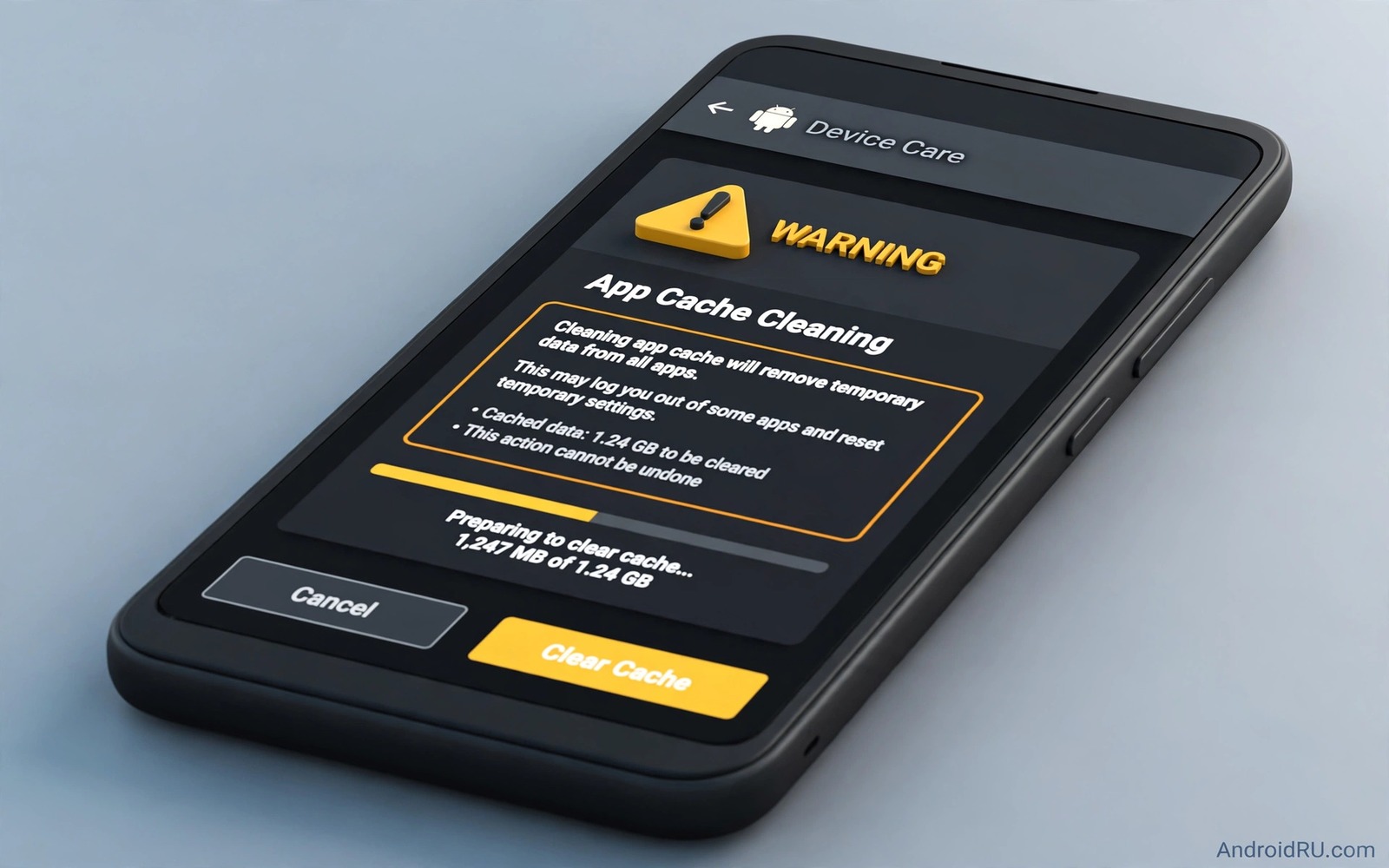
Clear cache buttons appear everywhere in storage advice. Many guides present cache clearing as a harmless cure for a full phone. The reality is more nuanced. Cache clearing usually helps but it can also remove offline content and slow an app and in some cases delete data you thought was safe. Understanding cache before clearing it prevents a quick fix from becoming a recovery chore.
Cache is temporary data an app stores to work faster. A browser cache stores images from sites you visit so they load quicker next time. A map cache stores tiles for areas you viewed so they display offline. A music cache stores songs you played so they play without streaming again. Deleting cache forces the app to rebuild that data which costs time and data.
This guide explains what cache actually contains for different app types. You will learn when clearing helps and when it hurts and how to clear selectively. You will also learn the crucial difference between cache and data which many cleanup guides blur. A careful cache strategy frees space without breaking the apps you rely on daily.
What cache really contains
Cache contains copies of content the app has already fetched. It does not usually contain your account or your settings. A cleared browser cache does not log you out of most sites although it may require re-login on some sites that store session data in cache. A cleared map cache does not delete your saved places but it does delete offline map tiles you downloaded for a trip.
Some apps blur the line between cache and offline content. A streaming app may store downloaded episodes in a cache-like area that looks temporary but behaves like saved content. Clearing cache in such an app may delete downloads you planned to watch offline. Check the app download section before clearing cache for any media app. A download you delete by cache clear may need a fresh download over limited data.
Games also store large caches for levels and textures. Clearing a game cache may force a large re-download on next launch. That re-download can take time and data and it may delay play. For a game you play daily cache clearing rarely makes sense unless the game misbehaves. For a game you abandoned cache clearing is a safe large win.
When clearing cache actually helps
Cache clearing helps when an app misbehaves due to corrupted temporary files. A browser that shows an old version of a site may load correctly after cache clear. An app that crashes on a specific screen may recover after its cache is cleared. In those cases cache clear is a troubleshooting step rather than a storage routine.
Cache clearing also helps when a single app cache has grown unusually large. A social app cache that reaches several gigabytes may contain stale media that no longer serves a purpose. Clearing that one cache can free significant space. Target the largest cache rather than clearing every app cache blindly. Selective clearing gives the benefit without the cost.
Cache clearing helps before a major update when an app needs clean temporary space. A fresh cache after an update can prevent old files from conflicting with new code. Even then a single app cache clear suffices. A system wide cache clear is rarely needed for an update to succeed.
When clearing cache hurts
Clearing cache hurts most when you need offline access soon. A traveller who clears map cache before a flight loses offline maps. A commuter who clears music cache before a subway ride loses offline songs. A worker who clears document cache before a meeting loses offline files. Timing matters as much as the action itself.
Clearing cache also hurts when data is expensive or slow. Rebuilding a large cache over mobile data costs money and time. A cache clear at home on Wi-Fi is less costly than a cache clear on a mobile connection. Plan cache clears for Wi-Fi and for times when rebuilding will not disrupt your day.
Repeated cache clearing can also hurt performance. An app that must rebuild its cache every day loads slower and uses more battery. A cache exists to save time and data. Clearing it daily defeats its purpose. A monthly selective clear beats a daily blanket clear for both speed and storage.
A safer selective cache routine
Start by ranking app caches by size in Settings. Pick the top one or two caches that are clearly stale. Check whether those apps hold offline content you need this week. If not then clear those caches and note the space gained. Leave smaller caches alone because their gain does not justify the rebuild cost.
For media apps open the app first and review downloads. Delete finished downloads inside the app rather than clearing cache blindly. An in app delete targets the exact content you no longer need. A system cache clear is a blunt tool by comparison. Readers who clean media apps will benefit from how WhatsApp quietly uses storage because chat media follows a similar cache versus content logic.
After a cache clear test the app immediately. Open its main screens and confirm it loads normally. If a feature fails then you know the cache clear caused it and you can rebuild the needed content while on Wi-Fi. A quick test after clearing prevents a surprise failure later when you need the app urgently.
A small script to track cache growth
The script below tracks cache size values you record over time. It helps you see which apps regrow cache fastest. Enter sizes from your storage screen on different dates and the script prints growth per app.
before = {"Browser": 420, "Social": 1800, "Maps": 900}
after = {"Browser": 480, "Social": 2400, "Maps": 910}
for name in before:
    growth = after[name] - before[name]
    print(f"{name}: grew by {growth} MB")
The code above was written for this guide as an original cache growth tracker. It uses example sizes in megabytes and it prints growth for each app. Replace the example values with sizes from your own storage screen. The script never accesses your phone and it never clears any cache.
Keep a cache diary for troublesome apps
A cache diary helps you learn which apps actually benefit from clearing. Note the app name and the cache size before clearing and whether the app improved after clearing. A diary over a month reveals patterns. An app that improves after every clear may have a bug worth reporting. An app that never improves does not need regular clearing.
A diary also prevents repeated clearing of the same app out of habit. An app with a small stable cache does not need monthly attention. An app with a rapidly growing cache needs a settings change such as limiting offline content. A diary turns cache clearing from a ritual into a diagnostic tool.
Share diary findings with a friend who uses the same app when a bug pattern emerges. A shared pattern helps support teams reproduce a problem. A single report may be ignored while several similar reports prompt a fix. A diary therefore helps both your phone and other owners.
Some apps store login tokens in a way that cache clearing can disrupt. If an app asks you to log in again after a cache clear then note that app as sensitive. Future clears for that app should happen only on Wi-Fi at home where re-login is easy. A sensitive list prevents a cache clear from locking you out while travelling.
Common mistakes
The biggest mistake is confusing clear cache with clear data. Clear data removes accounts and settings and offline content. Clear cache removes only temporary files in theory but some apps store downloads in cache areas. Read the button label and check the app download section before tapping either button. A mistaken data clear is far harder to undo than a cache clear.
Another mistake is clearing cache for every app at once to chase a storage number. A blanket clear forces every app to rebuild cache simultaneously. That rebuild uses data and battery and slows the phone for hours. Selective clearing of the largest stale caches gives most of the space gain with a fraction of the cost.
People also clear cache while troubleshooting without noting which app they cleared. A troubleshooting log helps you know what changed. Note the app and the time of a cache clear when fixing a bug. A log lets you reverse the change or repeat it deliberately if it helped.
Finally avoid cache cleaner apps that clear cache automatically every day. Automatic daily clearing defeats the purpose of cache and it may delete offline content repeatedly. Manual selective clearing on a monthly schedule keeps the benefit without the daily cost.
Frequently asked questions
Will clearing cache log me out of apps?
Usually no. Cache clearing removes temporary files rather than account data. Some apps may require re-login if they store session tokens in cache. Banking and messaging apps usually keep login data separate from cache. Test a cache clear on a less important app first if you worry about logins.
Does clearing cache delete my photos?
No. Photos in your gallery are not app cache. A gallery cache clear only removes previews that rebuild later. Photos stored inside a chat app may behave differently because chat media can sit in app storage. Use the chat app own media management for those photos rather than a system cache clear.
How often should I clear app cache?
Monthly selective clearing is enough for most owners. Clear a cache when an app misbehaves or when its cache grows unusually large. Daily blanket clearing wastes time and data. A targeted approach keeps apps fast while still controlling storage growth.
Conclusion
Cache clearing is a useful tool when used selectively and with timing awareness. It helps corrupted apps and oversized stale caches. It hurts offline access and data budgets when used blindly or daily. The difference between cache and data and between temporary files and offline downloads determines whether a clear helps or harms. A selective monthly routine with a quick post clear test gives you the benefit safely.
Your concrete next step is to rank app caches in Settings today and clear only the largest stale cache for an app you do not need offline this week. Test that app immediately after clearing. If it works normally then adopt the selective routine monthly. Readers who want to find large caches will also like storage analyzer apps that find giant files and cleaning the Android Other storage category as follow-ups.

