

Most people plug in at night and unplug at full charge. That habit feels natural and convenient. It also stresses lithium batteries in a quiet way. High voltage at full charge ages battery chemistry faster. Heat during long charging adds more stress. Over two years the difference becomes clear in daily battery life.
The secret rule is simple in concept. Keep charge between roughly twenty and eighty percent for daily use. Avoid long periods at full charge. Avoid deep discharges to zero when possible. Charge in smaller top ups during the day. This pattern reduces voltage stress and heat stress together. It can extend useful battery life by many months.
You do not need to follow the rule perfectly to benefit. Even avoiding full charge most nights helps. Even avoiding zero percent helps. Small improvements compound over hundreds of cycles. This guide shows practical ways to apply the rule. It also shows when full charge is still the right choice.
Why full charge stresses a battery
Lithium batteries age fastest at high voltage and high heat. Full charge holds the battery at its highest voltage. That voltage drives unwanted chemical reactions inside the cell. Those reactions reduce capacity over time. A battery that once lasted a day may last only part of a day. The phone itself still works but the battery cannot keep up.
Heat accelerates the same ageing process. Fast charging creates more heat than slow charging. Gaming while charging creates even more heat. A phone left in sunlight while charging suffers double stress. Cool charging preserves capacity better than fast hot charging. Slow overnight charging at a low rate is gentler when done right.
Deep discharge also stresses battery chemistry. Running to zero forces the cell to a low voltage state. Repeated deep cycles wear capacity faster than shallow cycles. A phone that dies daily ages faster than one topped up often. Shallow cycles between moderate levels are the kindest pattern. That pattern suits most daily routines well.
Apply the twenty to eighty rule daily
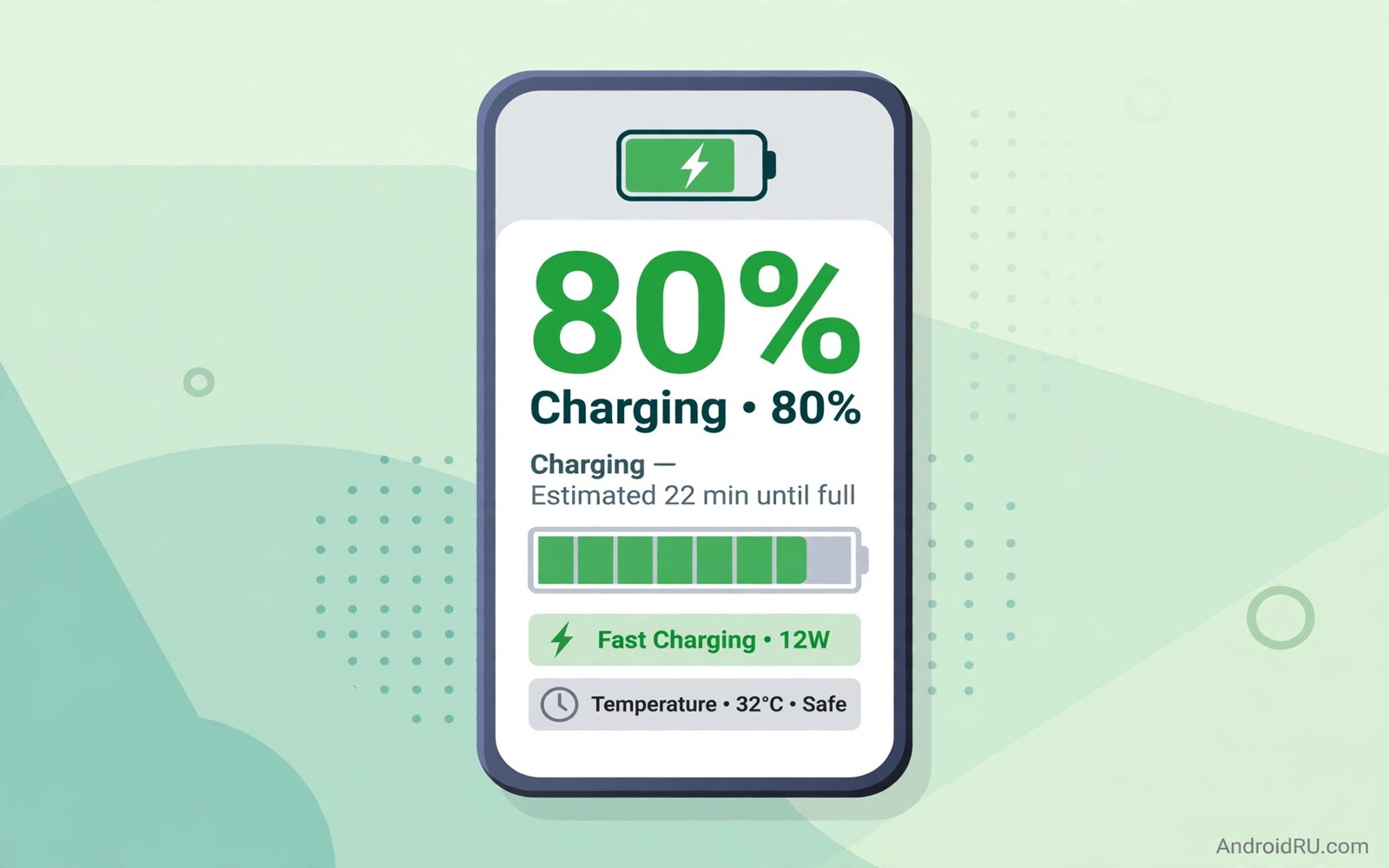
Charge when the battery falls near twenty percent. Unplug near eighty percent during normal days. Use a charge alarm app or a smart plug timer to remind you. Some phones include a battery protection setting that caps charge at eighty percent. Turn that setting on if your phone offers it. It automates the rule without daily effort.
Top up during natural breaks in your day. Charge while you work at a desk for an hour. Charge while you eat lunch. Charge in the car on a short drive. Short top ups keep the battery in a healthy middle range. They also avoid the long heat soak of a full overnight charge. A desk charger makes this habit easy.
Full charge still makes sense before long travel days. Charge to full before a flight or a long hike. Use full capacity when you truly need it. Return to the middle range rule after that day. Occasional full charges cause little harm. Daily full charges cause cumulative harm over years.
Battery care connects to display and power habits. Learning about battery saving toggles hidden deep in settings helps you reduce drain between charges. Less drain means fewer full cycles per week. Fewer cycles mean slower ageing overall. The two habits reinforce each other nicely.
Control heat while charging
Remove thick cases during fast charging when the phone feels warm. Cases trap heat against the battery. Place the phone on a hard cool surface while charging. Avoid charging on a bed or sofa where heat builds. Keep the phone out of direct sunlight during charging. A cool phone charges more efficiently and ages slower.
Avoid heavy gaming and video calls while charging. Those tasks heat the processor and the battery together. Let the phone charge undisturbed for faster and cooler results. If you must use it then use light tasks like reading. Light tasks add little heat to the charging process. Heavy tasks should wait until after charging.
Choose a slower charger for overnight or desk charging. A standard charger creates less heat than a super fast charger. Use fast charging only when you need a quick top up. Keep a slow charger at your desk for daily use. Keep the fast charger for travel emergencies. That split protects battery health without losing speed when needed.
Use battery protection settings
Many brands now include battery protection modes. Samsung offers Protect battery with an eighty five percent cap on some models. Other brands offer adaptive charging that finishes just before wake time. Pixel phones offer adaptive charging for overnight use. Check Battery settings for your brand option. Turn on the option that fits your routine best.
Adaptive charging learns your wake time over days. It charges slowly overnight and finishes near morning. That pattern avoids hours at full charge while you sleep. It still gives you a full battery at wake time. Adaptive charging is a good compromise for night chargers. It protects health without changing your morning routine.
Monitor battery health over months rather than days. Check settings for battery health or capacity estimates where offered. Note screen on time at a given charge level. A slow decline over a year is normal. A sudden drop signals a failing battery or a rogue app. Investigate sudden drops promptly before they worsen.
Settings > Battery > Battery protection > Limit to 80 percent
Settings > Battery > Adaptive charging > On
Charger > Use slow charger for desk charging
Phone > Remove case while fast charging
This snippet shows a standard Android settings path pattern for battery lifespan care. It lists protection settings before charging habits. Use it as a checklist while you set up a healthier routine. Menu names can differ slightly by phone brand. The core ideas stay the same across Android devices.
Test the eighty percent cap for two weeks. Note battery level at bedtime each night. Note whether you ever run out during the day. Most people find eighty percent lasts a full normal day. Heavy travel days may need a full charge exception. Adjust the cap only when real use proves it necessary.
Charging habits also affect old device reuse. Learning about storage hacks that instantly free up gigabytes helps you clean a phone before giving it a second life. A healthy battery plus clean storage makes an old phone useful longer. Both habits extend device lifespan together.
Track battery health over months
Battery health tracking turns vague worries into clear data. Note full charge capacity estimates monthly where offered. Note screen on time at twenty percent remaining. Note sudden shutdowns and their charge levels. A simple notebook or spreadsheet holds this data well. Monthly notes reveal trends that daily feelings miss.
Compare battery performance across seasons. Summer heat can reduce apparent capacity temporarily. Winter cold can cause sudden drops in outdoor use. Seasonal effects often reverse when temperature normalises. Permanent capacity loss does not reverse. Distinguishing temporary effects from permanent loss prevents unnecessary battery replacement.
App updates can change battery drain patterns suddenly. A social app update may add background features. A system update may change power management. Note update dates beside battery notes. A drain spike right after an update points to that update. Rolling back or restricting the app may restore normal drain.
Charging accessories affect long term health too. A damaged cable can cause unstable charging. A cheap charger can deliver noisy power. Use certified cables and chargers for daily use. Replace frayed cables at once. A good cable protects both phone and battery over years.
Consider battery replacement when capacity falls below a useful level. A phone that dies before lunch needs attention. Replacement costs far less than a new phone. A fresh battery can restore a phone for years. Choose a reputable repair service for replacement. A poor replacement can create safety risks.
Battery saving toggles support health tracking. Learning about hidden settings that change daily use helps you reduce cycles between charges. Fewer cycles mean slower ageing. Combine cycle reduction with monthly tracking. Together they give a clear picture of battery life.
- Record capacity and screen time monthly.
- Note seasonal heat and cold effects separately.
- Track drain spikes after app updates.
- Use certified cables and chargers daily.
- Consider replacement when lunch time death occurs.
Common mistakes
- Charging to full every night and leaving it plugged in for hours.
- Running the battery to zero daily before charging.
- Gaming while fast charging and overheating the battery.
- Charging on a soft bed where heat cannot escape.
- Ignoring a built in battery protection setting.
- Using only a super fast charger for every charge.
FAQ
Will eighty percent last a full day?
Eighty percent lasts a full day for most normal users. Heavy gaming and navigation days may need more. Top up at lunch on heavy days. Use full charge only for travel days.
Does slow charging really help battery life?
Slow charging creates less heat than fast charging. Less heat means slower chemical ageing. Use slow charging for desk and overnight use. Reserve fast charging for urgent top ups.
Should I ever charge to one hundred percent?
Yes charge fully before long trips or emergencies. Occasional full charges cause little harm. Daily full charges over years cause more wear. Return to the middle range after the trip.
Quick check before you finish
Turn on battery protection in settings if your phone offers it. Set the cap to eighty or eighty five percent for daily use. Charge with a slow charger tomorrow and note bedtime battery level. Repeat the note for seven days. Most users find the capped level lasts a full normal day. Heavy travel days remain the exception where full charge makes sense.
Conclusion
Battery lifespan depends on voltage and heat more than brand luck. Keeping charge in a middle range reduces voltage stress. Slow cool charging reduces heat stress. Built in protection settings automate much of the work. Occasional full charges for travel cause little harm. Daily full charges over years cause clear capacity loss.
Your concrete next step is to turn on battery protection today if your phone offers it. Set the cap to eighty or eighty five percent. Charge with a slow charger at your desk tomorrow. Note bedtime battery level for a week and judge the habit by real use.

