

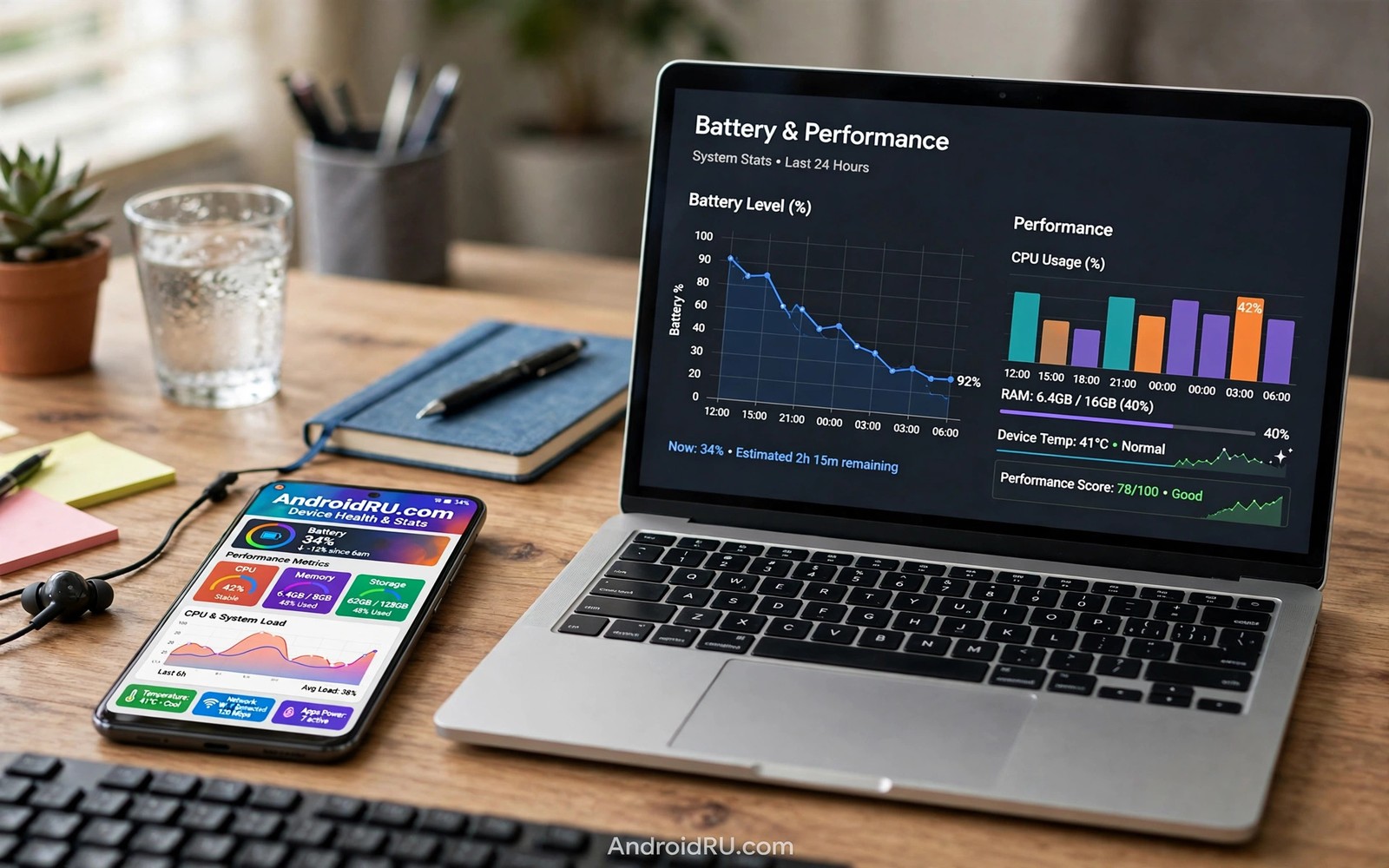
Dynamic themes and system performance raise a fair question for every themed phone. Does recoloring the system cost battery or speed? Does a bold wallpaper slow animations? Users deserve an honest answer based on tests and not on guesses. This guide gives that answer with fair methods you can repeat.
The short answer is reassuring for most phones. Dynamic color work happens mainly when the theme changes and not during every frame. The system caches theme values and apps read cached roles during normal use. Battery and frame costs from theming alone are small on modern hardware. If you want the theme theory first then read about dynamic color engine basics so the performance picture connects to the pipeline.
Real performance costs come from neighbors of theming rather than theming itself. Live wallpapers and heavy widgets and constant sync cost far more than a palette change. A phone that feels slow after theming usually suffers from one of those neighbors. Testing each factor separately reveals the true culprit.
Where theme work actually happens
Theme generation runs at wallpaper change time and it samples the image and scores seeds and builds tone tables. That work lasts a short burst and then it stops. The burst may warm the phone slightly on an old device but it does not run continuously. Once tables are built the system stores them for apps to read.
Normal app use reads cached color roles and it draws with the same GPU paths as any fixed theme. A themed button costs the same draw work as an unthemed button. Animation smoothness depends on GPU load and layout complexity far more than on palette values. A complex widget layout can drop frames under any palette while a simple layout stays smooth under any palette.
Battery impact follows the same pattern because color values do not drive display power directly. Screen brightness and screen on time dominate battery use. OLED power varies slightly with pixel colors but the difference between palettes is small next to brightness effects. Dark themes save more on OLED screens through darker pixels and not through palette magic.
Test theme performance fairly
Isolate one factor at a time so the test blames the right cause.
- Charge the phone fully and note battery level and screen on time baseline.
- Use a static wallpaper with a dynamic palette for one normal day.
- Note battery drain and any animation stutter during that day.
- Switch to a fixed default theme with the same static wallpaper next day.
- Compare battery drain and stutter across the two days with similar use.
- Repeat the test with a live wallpaper to isolate live wallpaper cost.
- Remove heavy widgets for one day if stutter persists under both themes.
- Keep the setup with the best balance of beauty and smoothness for daily use.
Practical tips for a fast themed phone
Prefer static wallpapers over live wallpapers when smoothness matters most. A static image themes just as richly and it costs nothing after the initial generation. Live wallpapers render continuously and they tax GPU and battery all day. The visual gain rarely justifies the daily cost on mid range hardware. You can also explore light and dark theme behavior because a dark static theme can save OLED battery without any live cost.
Limit widget refresh rates for weather and news widgets that poll often. A widget refreshing every fifteen minutes costs more than any palette ever will. Hourly refresh still feels fresh for weather and it cuts background work sharply. Check each widget settings screen for a refresh control.
Restart the launcher after a major theme change if animations feel off. A restart clears stale cached layouts and it forces a clean theme read. The fix takes seconds and it resolves many post change stutters. Treat a launcher restart as routine theme maintenance.
// Simple frame timing check concept in Kotlin
val startTime = System.nanoTime()
// ... theme change or animation runs here ...
val elapsedMs = (System.nanoTime() - startTime) / 1_000_000
println("Elapsed: $elapsedMs ms")
The snippet above follows the pattern shown in the official Android developer documentation for performance measurement and in the Material Design guidelines for motion timing. It shows a basic elapsed time check and you should use proper profiling tools for any serious performance claim.
Common mistakes
Performance blame usually lands on the theme when a neighbor is the true cost.
- Blaming palette for live wallpaper cost. Live rendering runs all day while palette generation runs once. Test static versus live separately.
- Testing one day with different use. Different app use invalidates battery comparisons. Keep usage similar across test days.
- Ignoring widget refresh. Frequent widget polls drain battery quietly. Check refresh settings before blaming the theme.
- Judging from a hot phone. A phone hot from charging or gaming stutters for unrelated reasons. Test performance at normal temperature.
- Stacking heavy launchers and themes. A heavy launcher plus live wallpaper plus many widgets compounds cost. Isolate one factor at a time.
FAQ
Do dynamic themes drain battery?
Palette generation costs a short burst at theme change time. Ongoing battery cost from a static dynamic theme is negligible on modern phones.
Can themes cause animation lag?
A palette alone does not cause lag. Complex layouts and live wallpapers and heavy widgets are the usual lag sources.
Should older phones avoid dynamic themes?
Older phones can use static dynamic themes comfortably. They should avoid live wallpapers and heavy widget stacks for smoothness.
A seven day routine
Performance truth emerges from controlled comparisons with similar use across test days.
- Day one: record battery and screen time with a static dynamic theme.
- Day two: repeat the same usage pattern with a fixed default theme.
- Day three: compare drain and stutter notes between the two days.
- Day four: test a live wallpaper day with otherwise identical use.
- Day five: remove heavy widgets for a day if stutter persists.
- Day six: restart the launcher after theme changes and retest smoothness.
- Day seven: keep the setup with the best beauty and smoothness balance.
Troubleshooting quick answers
Performance blame lands on themes when neighbors cause the real cost.
- Phone stutters after theming. Complex widgets or live wallpaper likely cause it. Isolate each factor on separate days.
- Battery drops fast. Brightness and screen time dominate drain. Compare days with similar use before blaming palette.
- Launcher lags after change. Stale cached layouts can lag. Restart the launcher to force a clean theme read.
- Old phone feels slow. Old hardware suffers more from live effects. Use static themes and lean widgets for smoothness.
Putting it all together
Fair testing protects users from myths because theme fear spreads faster than theme facts. A controlled two day test replaces anxiety with numbers. Numbers show that static dynamic themes cost almost nothing daily. That evidence frees users to enjoy theming without guilt.
Neighbors deserve the scrutiny because live wallpapers and chatty widgets run continuously. Palette generation runs once at change time and then rests. Continuous costs always beat one time costs over a day. Blame should follow runtime and not reputation.
Keep the test habit for future changes because updates and new apps shift costs silently. A quick comparison after a major update catches new drain early. Early catches stay easy to fix while late catches become mysteries. Test briefly and often.
Real world scenarios
A skeptic runs the two day test and finds dynamic themes cost nothing measurable. Battery drain matches the fixed theme day within normal variation. Animation smoothness matches too. Skepticism converts to confidence through numbers.
A mid range phone owner fears themes will slow an already modest device. Static dynamic themes run smoothly while live wallpapers lag noticeably. The owner keeps dynamic color and drops live wallpaper. Evidence separates theme cost from wallpaper cost.
A gamer worries that theming will hurt frame rates during play. Games render independently of system palette values. Frame rates stay identical under themed and fixed themes. The gamer keeps a favorite palette without performance anxiety.
Checklist before you finish
Performance conclusions are trustworthy when the test followed these rules.
- Test days used similar app usage for fair comparison.
- Static theme day was compared against fixed theme day separately.
- Live wallpaper was tested as its own factor on its own day.
- Battery and stutter notes were recorded for each test day.
- Heavy widgets were isolated when stutter persisted.
- Launcher was restarted after theme changes before retesting.
- Phone temperature was normal during performance tests.
- Kept setup balances beauty and smoothness for daily use.
What changes after a month
After a month of fair testing the user trusts dynamic themes without anxiety. Numbers replaced myths about battery and lag. Confidence frees the user to enjoy theming fully. Evidence based comfort beats rumor based fear every time.
Hardware ages and theme costs stay negligible while other costs grow. Battery wear and storage pressure matter far more than palettes. Users should direct optimization effort toward real costs. Palette worry wastes attention better spent elsewhere.
Updates occasionally change theme performance through launcher or system changes. A quick retest after major updates catches regressions early. Early catches stay easy to diagnose and fix. Testing habits protect long term smoothness.
Friends ask why the phone stays smooth despite heavy theming. The answer cites static wallpapers and lean widgets and cached roles. Sharing the method spreads calm theming to others. Knowledge sharing beats myth sharing in every community.
Looking further ahead
Benchmark culture often exaggerates tiny performance differences into buying decisions that ignore real experience. A theme that costs one percent of battery cannot determine phone satisfaction. Screen brightness and app choice and network conditions dominate real battery life. Users should focus optimization on large factors and ignore tiny ones. Theme anxiety is a classic case of misplaced optimization effort that benchmarks encourage.
Software efficiency improves over time as systems cache theme values more aggressively. Early dynamic color implementations may have cost more than modern ones. Current systems generate palettes once and reuse them everywhere efficiently. Judging modern themes by early implementation costs misleads users. Fresh tests on current software provide the only fair verdict for current devices.
Conclusion
Dynamic themes are cheap where it counts and expensive only at change time. Static wallpapers plus cached roles keep daily use smooth. Live wallpapers and chatty widgets deserve the performance blame far more often. You may also enjoy theme customization steps when you want another angle on the same theme.
Your next step is to run the two day static test from this guide on your own phone. Compare battery and smoothness with similar use. Keep the dynamic theme when the numbers confirm what theory predicts.

