

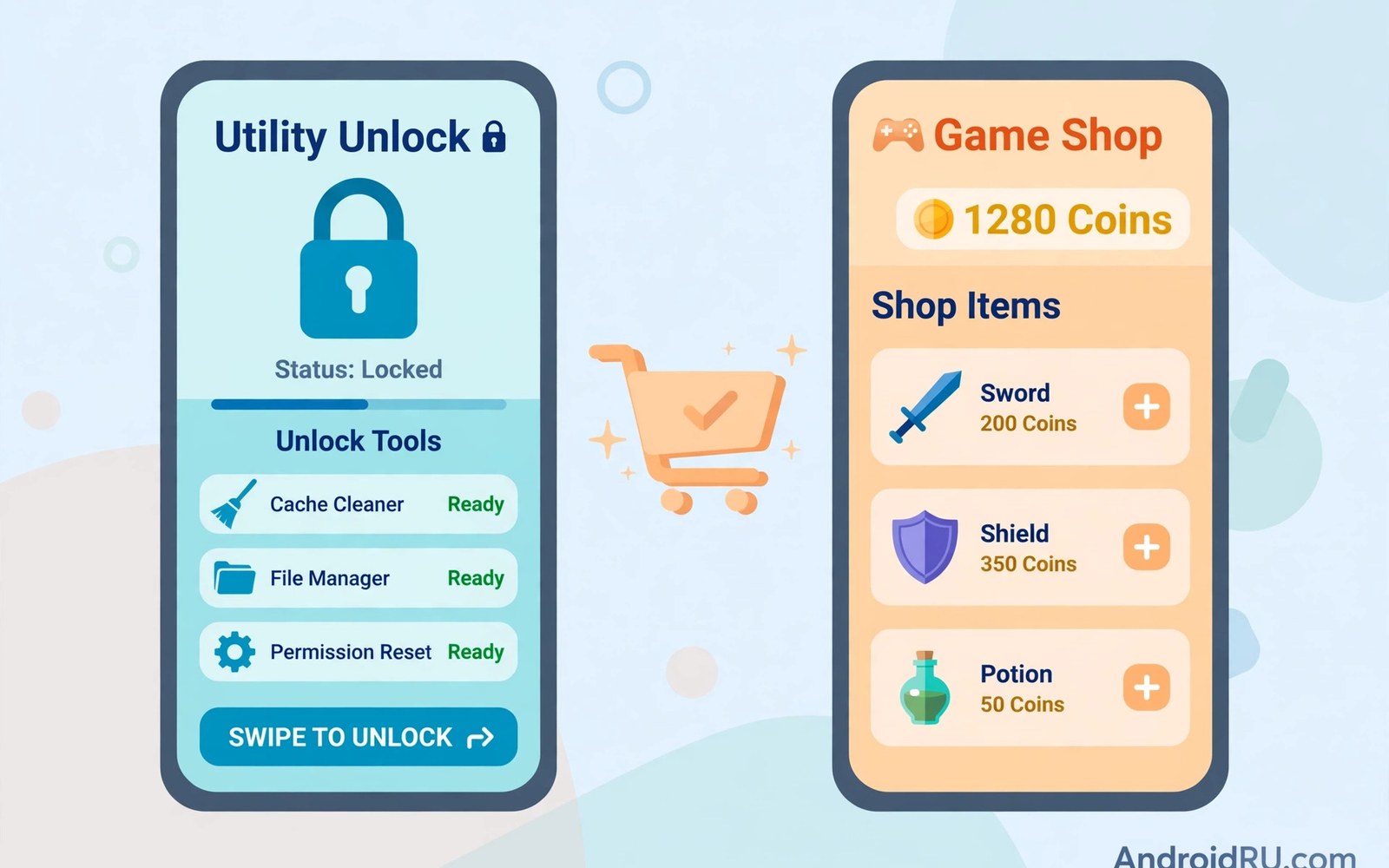
In-app purchases look the same on every store page. You tap a button and pay inside an app you already own. But the reality differs sharply between app types. A utility app sells a permanent upgrade. A mobile game sells temporary boosts and currency and cosmetic items. Understanding that difference protects your wallet.
This guide compares in-app purchases across utility apps and mobile games. It explains the main purchase types and the psychology behind them. It also gives practical rules for deciding when an in-app purchase is worth the money. The same button can mean very different things in different apps.
The Four Main Types of In-App Purchases
Stores define four broad purchase types. Consumables are used up and bought again like game currency or extra lives. Non-consumables are bought once and kept forever like a premium unlock. Subscriptions renew on a schedule and grant ongoing access. Free trials convert into subscriptions unless cancelled in time.
Utility apps lean heavily on non-consumables and subscriptions. Games lean heavily on consumables and subscriptions. That split explains most of the difference in user experience. A utility purchase usually ends the spending. A game purchase often starts a spending habit.
Utility Apps: Paying for Permanent Features
A utility app sells tools that solve a real problem. A photo editor sells advanced filters and export options. A file manager sells cloud access and extra themes. A note app sells sync and unlimited devices. Each purchase adds a lasting feature to a tool you use daily.
These purchases are usually easy to evaluate. You know exactly what you gain before paying. The price is shown clearly and the feature stays yours. If the feature saves time every day then the purchase often pays for itself within weeks. That clarity makes utility purchases the safest kind of in-app spending.
Mobile Games: Paying for Progress and Style
Games sell a different mix entirely. Consumable currency buys faster progress and extra attempts. Cosmetic items change how characters look without changing gameplay. Energy systems limit play sessions unless you pay to continue. Each purchase targets emotion rather than productivity.
Game purchases are designed to feel small and repeatable. A tiny payment removes a short wait. Another tiny payment buys a chance at a rare item. Those small payments accumulate far beyond the cost of a premium game. Players often discover the total only when they review months of statements.
Why Games Use Consumables So Heavily
Consumables create repeat revenue from the same player. A one-time unlock ends the revenue stream. A consumable currency never ends because players always want more. Developers balance free currency against paid currency to keep the pressure steady. The game stays fun but progress slows just enough to tempt a purchase.
This design is not always hostile. Many free games genuinely entertain without any spending. But the business model rewards designs that nudge players toward paying. Recognizing the nudge helps you resist it. Play for fun and pay only when a purchase adds real enjoyment rather than removing frustration.
Subscription Purchases Inside Apps
Subscriptions appear in both utilities and games but they work differently. A utility subscription funds cloud features and ongoing updates. A game subscription often grants daily rewards and removes ads and boosts progress. Both renew automatically and both demand regular review.
Game subscriptions sometimes stack with consumable purchases. You may pay monthly and still buy currency on top. That double layer catches many players by surprise. Check whether a game subscription truly replaces other purchases before assuming it covers everything. Readers exploring game monetization should also read how battle passes versus monthly subscriptions interact in modern titles.
Price Transparency Compared
Utility apps usually show one clear price for each feature. You see the unlock and its cost before tapping buy. Games often hide real costs behind virtual currency. You buy gems or coins first and spend them later. That two-step process distances you from the real money involved.
Virtual currency also uses odd bundle sizes. A bundle of 550 gems for five dollars makes per-item math awkward. That awkwardness is intentional in many designs. Convert every currency price back to real money before buying. If the conversion feels confusing then skip the purchase until it feels clear.
Refund Rules Differ by Purchase Type
Refunds depend on the purchase type and the store policy. Non-consumable unlocks sometimes qualify for refunds within a short window. Consumables are harder to refund once spent in game. Subscriptions follow their own cancellation and refund rules. Always check the policy before a large purchase rather than after.
Accidental purchases by children are a special case. Stores sometimes refund those when reported promptly. Set up purchase authentication to prevent them entirely. A fingerprint or password requirement stops most accidental buys before they happen. Details on the refund process live in Google Play refund policies for users who need to act quickly.
How Developers Price Each Category
Utility developers price against competing tools. A note app competes with other note apps on features and price. That competition keeps prices grounded. Game developers price against player willingness to pay. A rare cosmetic item can cost far more than any utility feature because status drives its value.
That difference explains why game prices feel inflated. You are not buying a tool. You are buying status or speed or convenience inside a social world. Those values are real to players but they are harder to compare. Set a personal monthly gaming budget and treat it as a hard limit.
Spotting Manipulative Purchase Design
Several patterns signal manipulative design. Timers that pressure you to buy before a deal expires. Flashing offers that appear after a failure. Currency bundles that never match item prices exactly. Social pressure from leaderboards tied to paid items. Each pattern pushes spending rather than informing choice.
Utility apps rarely use these patterns. Their purchases sit quietly in a settings menu. Games place purchase buttons at moments of frustration or excitement. Noticing the placement helps you pause. A purchase made calmly is usually wiser than one made mid-game.
Setting Spending Rules That Work
Set a monthly cap for game purchases and a separate cap for utility purchases. Utility spending usually stays low because purchases are rare and permanent. Game spending needs a firm cap because purchases are frequent and tempting. Review both caps against your statements every month.
Use platform tools to enforce your caps. Purchase authentication adds friction to every buy. Family controls limit spending on shared devices. Some banks let you set alerts for app store charges. Friction is your friend when spending feels too easy. The broader picture of hidden game costs appears in hidden microtransaction costs for players who want the full breakdown.
When an In-App Purchase Is Worth It
A utility purchase is worth it when it saves time daily. A game purchase is worth it when it adds joy without regret. Both tests are personal. Neither test is answered by the app marketing. Answer them honestly before paying and most bad purchases disappear.
Wait twenty four hours before any purchase above a small threshold. The delay kills impulse buys while preserving purchases you truly want. If you still want the item tomorrow then buy it with confidence. If you forgot about it then you just saved money.
The Future of In-App Purchases
Regulators now push for clearer pricing and easier refunds. Some regions require odds disclosure for random item purchases. Others require clearer subscription cancellation. These rules gradually improve transparency for all users. But personal vigilance remains the strongest protection.
Developers also experiment with fairer models. Some games now sell complete editions with no consumables. Some utilities offer lifetime unlocks beside subscriptions. Support those fair models with your purchases. The market follows the money and your choices shape what gets built next.
Family Sharing and In-App Purchases
Most in-app purchases stay tied to the buying account. Family sharing rarely extends to items bought inside an app. A premium unlock bought by a parent usually does not unlock the same app for a child. Check sharing rules before buying with family use in mind.
Some apps offer their own family plans inside the app. Those plans cover several accounts under one payment. They cost more than a single unlock but less than separate purchases. Compare the family in-app price against individual purchases before choosing.
Random Item Purchases and Odds
Some games sell random item boxes with undisclosed or disclosed odds. You pay for a chance at a rare item rather than the item itself. That mechanic resembles gambling and deserves extra caution. Several regions now require odds disclosure for these purchases.
Set a strict rule for random purchases. Decide a monthly limit before opening the game. Never chase a rare item beyond that limit. The odds do not improve because you already spent money. Each purchase is independent and the next one can fail just like the last.
In-App Purchases on Tablets and Shared Devices
Shared tablets multiply in-app purchase risk. A child playing on a parent tablet can buy items with a stored payment method. Purchase authentication blocks most of these accidents. Enable it on every shared device without exception.
Also review in-app purchase history monthly on shared devices. Small charges hide easily among other spending. A monthly review catches patterns early. It also starts useful money conversations with younger users in the household.
When Developers Change Purchase Terms
Developers sometimes change what a purchase includes after you buy it. A lifetime unlock may lose features in a later redesign. A subscription tier may split into higher priced tiers. These changes frustrate users who paid under older terms.
Keep purchase receipts and screenshots of the original offer. That evidence supports refund requests when terms change unfairly. Regulators in many regions also protect buyers against retroactive downgrades. Documentation turns a complaint into a credible case.
Subscription Tiers Inside Utility Apps
Utility apps often split features across tiers. A basic tier unlocks core tools. A premium tier adds cloud sync and team features. That tiering lets casual users pay less while power users pay more. Read tier comparisons carefully before choosing.
Tier creep happens when features migrate upward over time. A feature once in the basic tier moves to premium in a later update. That migration frustrates users who paid for the lower tier. Watch update notes for tier changes that affect features you rely on.
Teaching Kids About In-App Purchases
Children encounter in-app purchases early through games. Explain that virtual currency costs real money from a parent account. Show them a receipt after a purchase so the connection feels concrete. That lesson prevents both accidental spending and entitlement toward paid items.
Set a small monthly game budget for older children. Let them choose how to spend it within the limit. That choice teaches trade-offs better than a blanket ban. When the budget empties the lesson lands naturally without conflict.
Purchase Tracking Script
The snippet below shows a simple way to track in-app spending by category. It totals utility purchases and game purchases separately each month. Replace the sample entries with your real purchases from your store receipts. The comparison reveals which category actually consumes your budget.
purchases = [
    {"category": "utility", "amount": 4.99},
    {"category": "game", "amount": 1.99},
    {"category": "game", "amount": 9.99},
]
totals = {}
for item in purchases:
    totals[item["category"]] = totals.get(item["category"], 0) + item["amount"]
print(totals)
The snippet above is a simple organizational example. It does not connect to any store account. Use it only as a personal budgeting aid alongside your official purchase history.

