

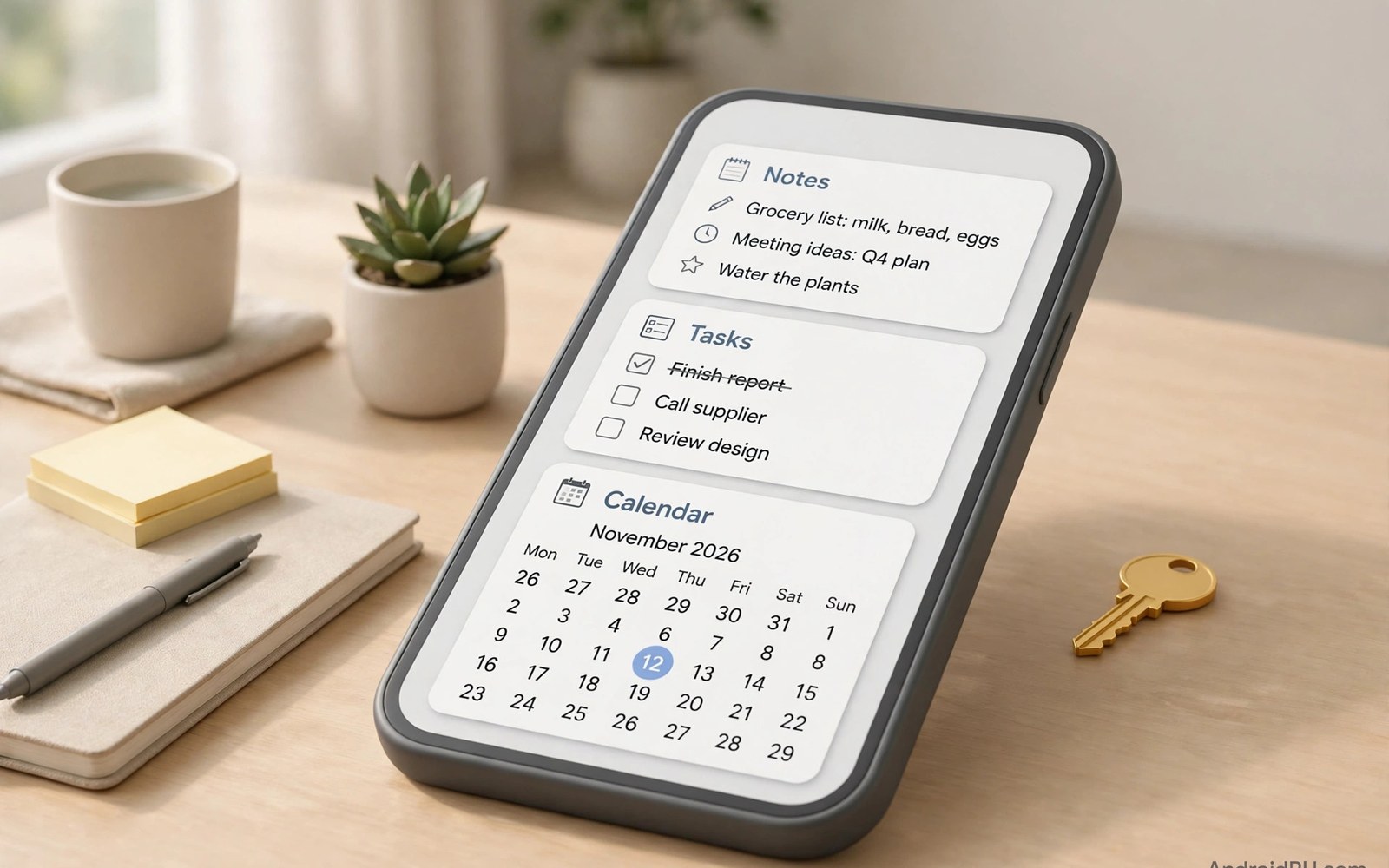
Productivity apps are where subscription fatigue hurts most. Your notes and tasks and files live inside these tools. Losing access because a payment failed feels unacceptable. That is why many users still hunt for lifetime purchase options. Pay once and the tool stays yours.
Lifetime deals still exist but they are harder to find. Some developers hide them behind subscription screens. Others offer them only on their own websites. This guide explains where to look and what to check. It also names the categories where lifetime purchases make the most sense.
Why Productivity Tools Deserve a Lifetime Option
Productivity apps hold your work and your plans and your ideas. That data deserves stability. A subscription ties access to your data to an endless payment stream. A missed payment or a cancelled card can lock you out of your own notes. A lifetime purchase removes that risk entirely.
Many productivity tools also work fine without constant updates. A note app or a task manager or a habit tracker does not need weekly content drops. It needs reliability and speed and a clean interface. Those qualities do not require a monthly fee to maintain at a basic level.
Notes and Writing Apps
Note apps are the top lifetime purchase category. A good note app organizes thousands of notes with search and tags and folders. Offline access matters because ideas strike without internet. Many independent note apps still sell a one-time unlock for full features.
When evaluating a note app check export options first. You should be able to export all notes in a standard format at any time. Check whether sync is included or sold separately. Some lifetime deals cover the app only while sync costs extra. Read the full offer before paying.
Task Managers and To-Do Lists
Task managers live or die on daily habit. You open them every morning to plan your day. A subscription for a simple list feels hard to justify. Many task apps still offer a lifetime tier for users who want every feature without monthly billing.
Look for lifetime deals that include future updates for the current major version. Ask whether a future major version would require a new purchase. Honest developers state this clearly on their pricing page. Vague wording is a warning sign worth heeding.
File Managers and Document Tools
File managers and PDF tools are classic one-time purchase territory. They work locally on your device with no servers involved. Paying monthly for a local file tool makes little sense. The best file managers still sell a single pro unlock that lasts for years.
Document scanners follow a similar pattern. Scanning and organizing documents is a local task. Cloud backup may justify a small extra fee but the core scanner should not demand one. Compare the lifetime price against two years of subscription fees. The lifetime deal usually wins by a wide margin.
Calendars and Planning Tools
Calendar apps sync with your accounts and show your schedule at a glance. Basic calendar functions are free on every phone. Premium calendar apps earn their price through smarter views and natural language input and task integration. Some still offer lifetime access for those premium features.
Before buying check how the app handles your existing calendars. It should read your current accounts without forcing a migration. It should also keep working if the developer slows updates. A calendar that locks your schedule behind a subscription is a risk you should avoid.
Focus and Habit Apps
Focus timers and habit trackers help build daily routines. Their features are simple by design. A timer and a streak counter and a few statistics cover most needs. Subscriptions for such simple tools often cost more than the value they add over a year.
Many focus apps offer a lifetime unlock at a fair price. That single payment buys a tool you may use every day for years. The cost per use drops to nearly zero over time. That is the exact math that makes lifetime deals attractive for habit tools.
Where to Find Hidden Lifetime Deals
Some developers hide lifetime options deep in their settings. Open the app and look for a restore purchases screen or a pricing page with multiple tabs. The lifetime option may sit beside monthly and yearly plans. On the web the developer site often lists it more openly than the app store page does.
Another route is the pro key model. Some apps sell a separate unlock key as a one-time purchase. That key activates premium features in the main app forever. Readers can compare that approach with modern billing in pro keys versus in-app billing before choosing which path to take.
What to Verify Before You Pay
Read the lifetime terms word by word. Confirm whether future major versions are included. Confirm whether cloud sync is included or extra. Confirm whether the license covers all your devices or just one platform. A lifetime deal that covers only one phone is far less valuable than it first appears.
Also check the refund window for your store. If the app disappoints you after purchase then a prompt refund saves the loss. Test every premium feature during that window. A quick test now prevents regret later. Users weighing the broader market may also benefit from a value analysis of paid versus subscription pricing across app types.
When a Subscription Still Makes Sense
Some productivity apps genuinely need subscriptions. Team collaboration tools sync data for whole organizations. AI powered writing assistants pay per use for cloud processing. Apps with heavy server costs cannot survive on one-time fees alone. In those cases a subscription funds a real service.
The key is honesty about what the fee covers. A subscription should fund something that runs every month. If the app works fully offline then question the monthly charge. If it syncs and collaborates and processes in the cloud then the fee may be fair. Supporting small teams matters too and supporting independent developers outside subscriptions offers other ways to fund the tools you love.
Building a Lifetime Productivity Kit
Start with your most used category. Replace that subscription first with a lifetime alternative. Then move to the next category when you feel ready. Replacing everything at once overwhelms most users and leads to abandoned tools.
Keep your data portable throughout the switch. Export from the old app before cancelling the old subscription. Import into the new app and verify everything arrived intact. Only then cancel the old billing. That order protects your notes and tasks from any migration mishap.
Final Thoughts on Paying Once
Lifetime purchases reward developers who build durable tools. They give users certainty about access and cost. They remove the anxiety of monthly billing from your daily work. Not every app can offer them but many still do.
Search patiently and read terms carefully. The right lifetime deal pays for itself within a year. After that every day of use is effectively free. That is a satisfying feeling for any tool you rely on daily.
Password Managers and Security Tools
Password managers guard credentials for every account you own. Losing access to a password vault is a serious problem. That is why many users prefer a lifetime license for their password tool. A single payment removes billing risk from a security critical app.
Some password managers charge subscriptions for cloud sync across devices. A lifetime deal may cover local use while sync costs extra. Decide whether you truly need cloud sync or whether local storage plus manual backup suffices. Many users find local storage plus a backup routine works perfectly well.
Email and Communication Apps
Email clients and messaging tools shape your daily communication. Premium email apps offer smarter sorting and snoozing and templates. A few still sell lifetime access to those premium features. That deal suits users who keep the same email workflow for years.
Check whether the lifetime license includes future protocol updates. Email standards evolve and an app must keep pace to stay useful. A developer who promises updates for the current major version should state that promise clearly. Clear promises deserve your trust more than vague lifetime claims.
Reading and Research Tools
Reading apps and research tools collect articles and papers for later study. They hold highlights and notes that grow over years. A subscription that locks that archive behind monthly billing feels risky. Lifetime options protect long term research collections from billing interruptions.
Look for reading apps with open export formats. Your highlights should leave the app in a readable file whenever you choose. Pair that portability with a lifetime license and your research stays yours permanently. That combination is the gold standard for any knowledge tool.
Automation and Integration Tools
Automation apps connect your tools and move data between them. They save minutes every day once configured. Many automation tools charge subscriptions because they run cloud workflows around the clock. A few still offer lifetime deals for local automation on a single device.
Local automation deserves a lifetime license because it runs on your hardware alone. Cloud workflows may justify a subscription when they process data on remote servers. Match the price model to where the work actually happens. That single question resolves most automation pricing debates.
Evaluating Developer Trust Before Buying
A lifetime purchase is a bet on the developer future. You pay today for years of access ahead. Research the developer before making that bet. Check how long the app has existed and how often it receives updates. Read recent reviews for signs of abandoned development.
Prefer developers with a public roadmap and a responsive support channel. A developer who answers questions openly is more likely to honor a lifetime deal. Avoid lifetime offers from brand new apps with no track record. A cheap lifetime deal from a disappearing developer is no deal at all.
Open Source Productivity Tools
Open source tools offer another path beyond lifetime purchases. They cost nothing and their code is public for anyone to inspect. Many open source note apps and task managers rival paid tools in quality. Their communities keep them updated without any billing at all.
Open source tools still need support to survive. Consider donating to the projects you rely on daily. A donation of the price of a coffee helps maintainers keep improving the tool. That support model combines free access with fair funding for developers.
Lifetime Value Calculator
The snippet below compares a lifetime price against subscription costs over five years. It shows the break-even month where the lifetime deal starts saving money. Adjust the numbers to match any productivity app you are considering. The result helps you decide with numbers instead of guesses.
lifetime = 49.99
monthly = 4.99
for year in range(1, 6):
    paid = monthly * 12 * year
    print("Year", year, "subscription total:", paid)
print("Lifetime price:", lifetime)
The snippet above is a simple illustration of lifetime value math. It uses sample prices only. Substitute the real prices of the app you are evaluating for an accurate personal estimate.

