

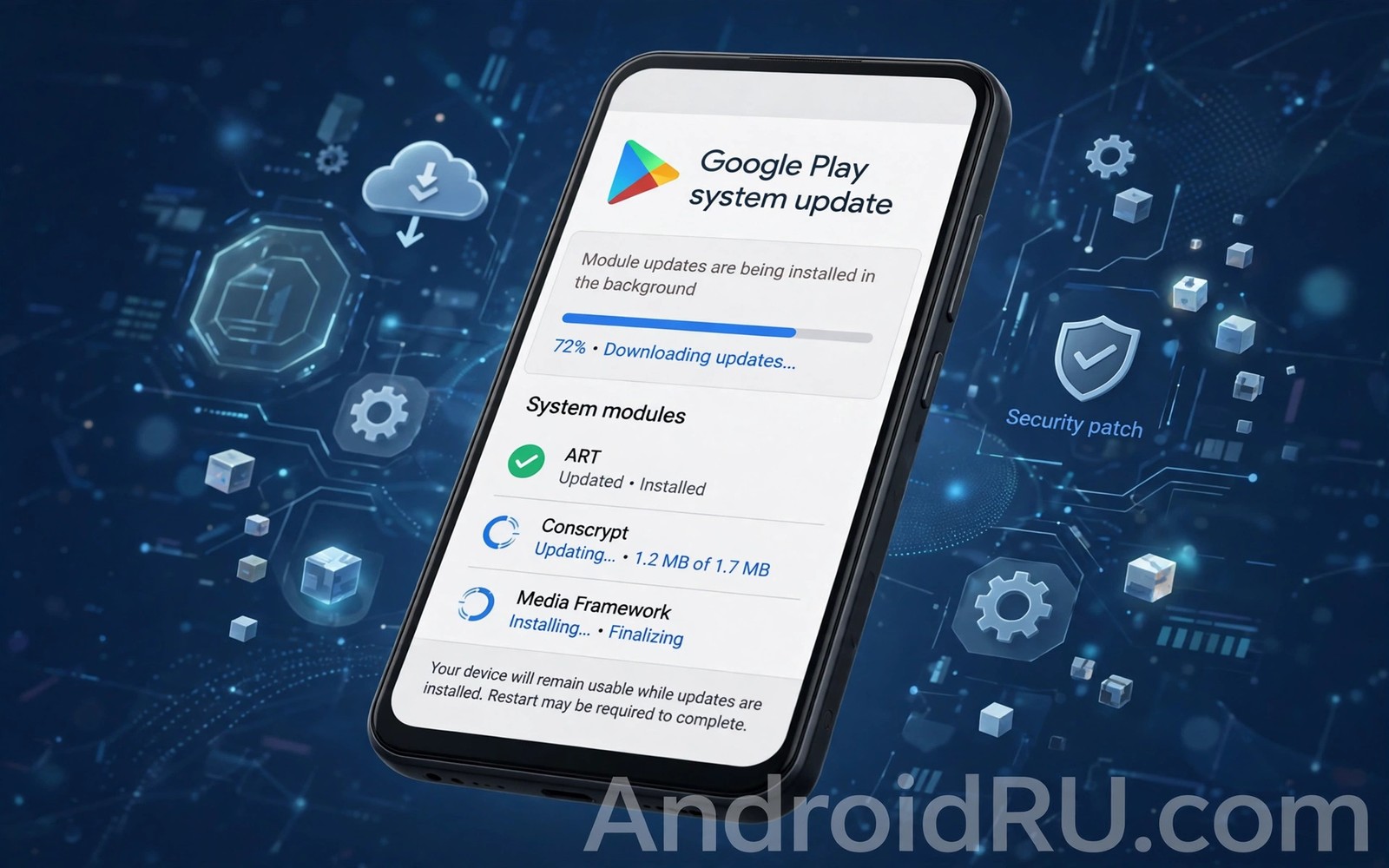
How Android system updates managed via Google Play system services work is a quiet success story. These updates fix core system components without a full Android version upgrade. They arrive through the Play Store system and they often install without a restart. Many owners notice them only as a changed security date in settings.
Play system updates use a modular design called Mainline. Core components live as modules that Google can update directly. That design reduces dependence on brand and carrier schedules for certain fixes. If you track full system versions then will old devices support new AI integration shows where Play updates reach their limits.
What Mainline modules cover
Mainline modules cover media and networking and security components and other core parts of Android. Each module is a self contained package with a clear job. Google can update a media module to fix a playback bug without touching the whole system. That precision reduces the risk of breaking unrelated features.
Modules also cover permissions and privacy components in some cases. Updating those modules can improve security behaviour across many phones at once. Brands still control full system updates but Mainline gives Google a faster path for selected core fixes. That balance keeps the system both flexible and stable.
How Play system updates install
Play system updates download in the background and install with minimal interruption. Many install without a restart because they update components that can reload safely. Some need a restart when they touch deeper system parts. The phone shows the update status in Settings under Security or System depending on brand.
The Google Play system update date in settings shows the latest Mainline level. That date differs from the Android version and from the monthly security patch date. Owners should track all three dates for a full picture of update health. A recent Play date with an old patch date still leaves some flaws unpatched.
Why this system exists
Before Mainline many core fixes waited for a full brand update. That wait could last months for some models. Security flaws in media or networking code stayed open during that wait. Mainline shortens that window by letting Google ship module fixes directly to many phones.
adb shell dumpsys package com.google.android.gms | grep -i version
adb shell cmd package list packages | grep -i mainline
adb shell settings get global auto_time
These commands follow the approach described in the official Android developer documentation for inspecting Play services and system packages on a device.
Mainline also helps older phones stay safer for longer. A phone that no longer receives major versions may still receive Play system updates for a period. That extra coverage extends useful life without requiring a full brand build. It does not replace major updates but it softens their absence.
Limits of Play system updates
Play system updates cannot replace a full Android version upgrade. They cannot add major features that need deep system changes. They cannot fix hardware drivers or brand interface bugs. Those areas still need brand updates and carrier approval where applicable.
Play updates also depend on a signed in Google account and Play services working correctly. A phone without Play services cannot receive them in the normal way. Reading about preparing your device for a major upgrade helps you prepare for the full updates that Play modules cannot replace.
How to check and troubleshoot
Open Settings and look for Security or System and then Google Play system update. Tap the entry to check for a new module update. The phone contacts Google servers and reports the current level. Install any available update over Wi-Fi when possible.
If the check fails then confirm that Play services are updated and that the date and time are automatic. Restart the phone and try again. Learning why manufacturers drop update support after three years explains why even Play coverage eventually ends for very old models.
Mainline modules and security response speed
Security response speed improves dramatically when a flaw lives inside a Mainline module. Google can ship a module fix to many phones within days rather than waiting months for brand updates. That speed matters for serious flaws that attackers actively exploit. A fast module fix closes the window before most attackers can build reliable exploits. Brands that support Mainline therefore offer stronger practical security than brands that rely only on full updates.
Module fixes also reduce the risk of breaking unrelated features. A full system update touches many components and it can introduce new bugs. A module fix touches a narrow component with a clear job. That precision makes testing faster and safer. Owners therefore receive module fixes with less risk of new problems. Precision is a key advantage of the modular design beyond speed alone.
Not every security flaw lives inside a module. Kernel flaws and driver flaws still need full brand updates. Those flaws affect deeper system layers that modules cannot reach. Owners should therefore not assume Mainline covers all security needs. Full patch dates remain important alongside Play system dates. Both layers together provide complete protection when both stay current.
Security teams inside companies track module levels as part of device compliance. A phone with an outdated Play system level may fail a compliance check even if its Android version looks current. IT teams therefore push Play updates alongside full updates. Employees should install Play updates promptly when prompted. Compliance protects both the employee device and the company data it accesses.
Play system updates and app developers
App developers benefit from Mainline modules because core behaviour becomes more consistent across phones. A media module update can fix playback behaviour on many models at once. Developers then face fewer device specific bugs. That consistency reduces testing burden and it improves app quality for owners. Modular updates therefore help the whole ecosystem rather than only Google and owners.
Developers also receive clearer documentation for module behaviour compared with brand specific system changes. A module change follows Google documentation that all developers can read. Brand changes may remain undocumented or vary by model. Clear documentation helps developers adapt apps faster. Owners benefit through apps that work correctly sooner after a module update.
Module updates can still break an app in rare cases when the app relied on buggy behaviour. An app that depended on a media bug may fail when the bug is fixed. Developers should test against beta module builds where available. Owners who encounter such a failure should update the app promptly because the developer likely ships a fix quickly. Reporting the issue with module level details helps the developer diagnose it faster.
Future Mainline expansion may bring more components under direct Google update control. That expansion could further improve security response speed. It could also raise questions about brand customisation because modules limit brand freedom in covered areas. Balancing Google control against brand differentiation remains an ongoing tension in Android design. Owners will likely see gradual expansion rather than a sudden takeover of all components.
Owners who want to follow Mainline progress should check their Play system date monthly and compare it with the latest level reported for Pixel phones. A large gap between those dates may indicate a brand that delays module updates. A small gap indicates a brand that keeps modules current. That comparison gives owners a practical metric for brand update quality beyond marketing claims. Over time the metric helps owners choose brands that prioritise fast module delivery.
Mainline modules and future Android design
Future Android design may expand Mainline coverage to more components as Google seeks faster security response. Each expansion reduces brand update burden for covered components. Brands can then focus testing on their own interface and hardware drivers. That division of labour could improve update speed across the ecosystem. Owners would benefit from faster fixes without losing brand features that differentiate phones.
Expansion also raises questions about brand identity because modules standardise behaviour across brands. A brand that wants a unique media feature may find module behaviour constraining. Google must balance standardisation against brand freedom carefully. Too much standardisation could make phones feel identical. Too little standardisation leaves security gaps. Finding that balance will shape Android design for years.
Owners can influence Mainline direction indirectly through purchase choices. Buying phones that receive prompt Play system updates rewards brands that support Mainline well. Avoiding phones with stale Play dates signals that module freshness matters. Market signals therefore encourage brands to prioritise Mainline support. Owner awareness of Play dates turns a hidden metric into a purchase factor.
Developers should prepare for Mainline expansion by testing apps against module beta builds where available. Early testing reveals compatibility issues before wide release. Developers who test early can ship fixes alongside module updates. Owners then experience smoother transitions. That proactive testing habit benefits the whole ecosystem as modules expand.
Common mistakes
Many owners confuse the Play system update date with the full security patch date. Those dates track different things and one recent date does not guarantee the other. Another mistake is ignoring Play updates because they look small. Those small updates often fix serious media and network flaws.
- Confusing the Play system date with the security patch date hides gaps in full patch coverage.
- Ignoring Play system updates because they look small misses fixes for serious core component flaws.
- Assuming Play updates replace major versions overstates what module updates can change.
Frequently asked questions
Do Play system updates need a restart?
Many install without a restart. Some need a restart when they touch deeper components. The phone will prompt you when a restart is required.
Do all Android phones get Play system updates?
Most phones with Google Play services receive them. Phones without Play services follow a different update path. Check your settings for the Play system update entry to confirm.
Can Play updates add new features?
They can refine core component behaviour but they do not add major version features. Major features still arrive through full system updates from the brand.
Conclusion
Play system updates deliver Mainline module fixes directly from Google without waiting for a full brand release. They improve security and core behaviour with minimal interruption. They complement major updates but they cannot replace them.
Your next step is to open Settings and check your Google Play system update date today. Install any pending module update over Wi-Fi. Then note your security patch date as well for a complete update health check.

