

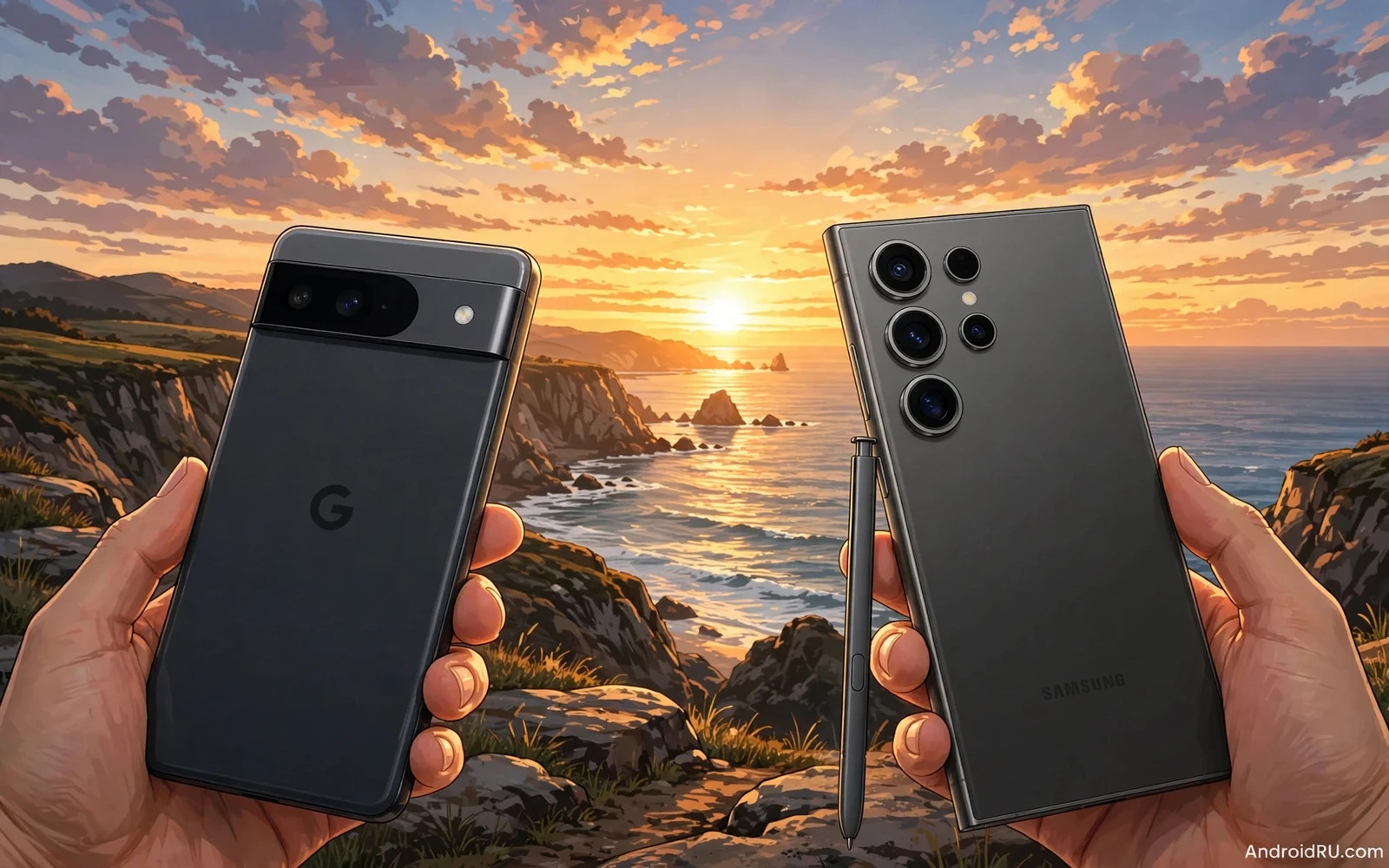
Pixel cameras win praise for smart processing and natural color. Samsung Ultra cameras win praise for zoom reach and rich detail. Both phones take excellent photos in good light. The differences appear in night scenes and zoom shots and video. This shootout compares the cameras by scene type. It helps you pick by your shooting habits rather than by brand loyalty.
Camera quality depends on sensor and lens and software together. A large sensor gathers more light. A good lens keeps detail sharp across the frame. Smart software balances exposure and color and noise. Pixel leans heavily on software intelligence. Samsung leans on versatile hardware and rich modes. Neither approach wins every scene. Your scenes decide the winner.
Daylight Photos And Color Style
Daylight photos look strong on both phones. Pixel photos tend toward balanced and natural color. Skin tones look realistic in portraits. Landscapes look clean without heavy saturation. Samsung photos tend toward vivid and punchy color. Skies look deeper blue. Greens look richer. Food photos look more appetizing at first glance. Color taste is personal. A user who edits photos may prefer Pixel natural files. A user who shares straight from the phone may prefer Samsung vivid files.
Detail in daylight also differs subtly. Pixel processing preserves fine texture well. Samsung processing can sharpen detail more aggressively. Aggressive sharpening can look crisp on a phone screen. It can look harsh on a large screen or in print. Pixel files often hold up better under cropping. Samsung files often impress more at first view. Judge daylight photos on a large screen when possible. A phone screen hides small processing differences.
Night Low Light And Portraits
Night photography separates the two cameras clearly. Pixel night mode produces bright and clean images with controlled noise. It balances street lights and shadows well. It keeps moving subjects reasonably sharp. Samsung night mode produces bright images with vivid color. It can overbrighten a dark scene and lose mood. It handles static scenes well. It can struggle more with moving subjects in very low light. A night shooter who values natural mood may prefer Pixel. A night shooter who values brightness may prefer Samsung.
Portraits show a similar contrast in processing. Pixel portraits offer natural skin texture and smooth background blur. Edge detection around hair looks reliable. Samsung portraits offer stronger beautification options. Skin can look smoother by default. Background blur can look more dramatic. Users who dislike heavy smoothing should check Samsung settings. Users who want ready-to-share portraits may enjoy Samsung defaults. Portrait taste varies widely so test with your own face and light.
Zoom Reach And Versatility
Zoom is the clearest Samsung Ultra advantage. Ultra models offer long optical zoom and strong hybrid zoom. Distant subjects stay detailed at high magnification. Wildlife and concerts and sports benefit greatly. Pixel zoom relies more on software cropping and smart processing. It performs well at moderate zoom levels. It falls behind at extreme zoom levels. A user who shoots distant subjects often needs Samsung reach. A user who shoots mostly wide and standard views does not need it.
Versatility also covers ultrawide and macro and video modes. Samsung offers a wide mode set for creators. It offers manual controls and pro video tools. Pixel offers a simpler mode set with smart automation. It offers strong video stabilization and clear audio. A creator who tweaks settings will enjoy Samsung depth. A casual shooter who wants one-tap results will enjoy Pixel ease. Extra modes have value only when you open them often.
Video Stabilization And Audio
Video quality matters more each year for many buyers. Pixel video offers smooth stabilization and natural color. It handles walking shots well. It keeps exposure stable in changing light. Samsung video offers rich detail and versatile frame options. It offers strong zoom during video recording. It offers pro controls for serious creators. Both phones record high resolution video well in good light. Low light video still favors the phone with better processing for that scene.
Audio quality often decides video satisfaction. Both phones capture clear speech in quiet settings. Wind noise and crowd noise challenge both systems. Samsung offers more audio control options in pro modes. Pixel offers simpler audio that works well by default. Test video in your real settings before you decide. Record a walking clip outdoors. Record a clip in a busy room. Play the result on a large screen with sound. That test reveals more than any spec list.
Software Features And Editing
Photo software extends the camera beyond the shutter. Pixel offers smart editing tools that remove objects and fix blur. It offers magic tools that reframe and enhance shots. These tools work with little effort. Samsung offers a rich gallery editor and AI tools too. It offers object removal and photo remaster options. It offers deeper manual editing for enthusiasts. Both suites improve with updates. Check which tools work on the exact model you plan to buy.
Cloud backup and sharing also shape camera life. Pixel integrates closely with Google Photos tools. Samsung integrates with its own gallery and cloud options. Both paths allow sharing to social apps. Storage limits differ by plan and by model. A heavy shooter should check storage costs early. A large photo library needs a backup plan from day one. Do not let a full phone storage ruin a shooting day.
Which Camera Should You Choose
Choose Pixel when natural color and night quality matter most. Choose Pixel when you want smart photos with little effort. Choose Pixel when portraits and clean processing define your style. Choose Samsung Ultra when zoom reach matters most. Choose Samsung Ultra when you want versatile modes and pro controls. Choose Samsung Ultra when vivid ready-to-share photos suit your taste. Both cameras serve daily photography at a high level.
Test both cameras with your own scenes before paying flagship money. Shoot a portrait in dim light. Shoot a distant subject at high zoom. Record a walking video clip. Compare the results on a large screen. A processor guide such as Snapdragon 8 series against 7 series differences explains part of the processing power behind these cameras. A software guide such as Samsung One UI and Pixel UI features explains how camera apps differ in daily use. A value check such as flagship cost against mid-range value keeps the flagship price in perspective. The best camera is the one that captures your life the way you like to see it.
Editing And Sharing Workflow
Editing workflow differs between the two camera systems. Pixel editing tools feel automatic and smart. A tap can remove an object or fix a blurry face. Samsung editing tools feel deeper and more manual. Sliders and layers give finer control. A casual editor will finish faster on Pixel. A detailed editor will enjoy Samsung control. Both workflows produce strong social results. The faster workflow for your habits wins daily.
Sharing workflow also matters for social users. Pixel shares smoothly into Google Photos and social apps. Samsung shares smoothly into its gallery and social apps. Both paths support direct sharing from the camera app. Storage backup settings decide long term safety. Set automatic backup over Wi-Fi from day one. A lost phone should never mean lost photos. Backup discipline matters more than brand choice here.
Printing and large screen viewing reveal processing differences. Pixel files often print with natural color and clean detail. Samsung files often print with vivid color that pops on paper. Taste decides the print winner. View test prints when possible for a serious photography buyer. A small phone screen hides print differences. A large print reveals them clearly. Your output medium should guide your camera choice.
Shooting Tips For Either Phone
Good technique beats brand differences in many scenes. Hold the phone steady with both hands. Tap to focus on the main subject. Lock exposure when light changes fast. Clean the lens before important shots. These habits improve photos on either phone. A clean lens alone can transform a hazy photo. A steady hold alone can sharpen a night shot greatly. Technique is free and it works on every phone.
Light direction shapes photos more than any camera brand. Shoot with light behind you for clear faces. Shoot during golden hour for warm landscapes. Avoid harsh midday sun for portraits when possible. Move the subject rather than accepting bad light. A few steps can change a photo completely. Learn light basics and both cameras will reward you. Brand debates fade when light works in your favor.
Video technique also matters for both phones. Walk slowly and smoothly for stable footage. Avoid fast pans that create judder. Record in good light when possible. Capture clean audio by moving closer to the subject. These tips improve video on any flagship. A stable and well-lit clip beats a shaky clip from a better camera. Skill and patience remain the best camera upgrades available.
Low Light Technique For Both Phones
Low light technique starts with stability. Brace the phone against a wall or a table. Hold your breath during the shot. Use the night mode and wait for it to finish. Rushing a night shot creates blur on either phone. A stable night shot on a mid-range sensor can beat a shaky shot on a flagship sensor. Stability is the cheapest camera upgrade available.
Low light portraits need a nearby light source. Move the subject closer to a lamp or a window. Avoid backlight that turns faces into shadows. Tap to focus on the face before shooting. Lock exposure when the phone keeps changing brightness. These steps improve portraits on both brands. Good light direction beats brand processing in most night portraits.
Low light video needs realistic expectations on any phone. Video uses faster shutter speeds than night photos. Noise appears sooner in video than in stills. Add light when possible for video scenes. Move slowly to help stabilization work. Accept some noise in very dark video rather than chasing a perfect clip. A usable clip with clear sound beats a noisy clip with no story.

