

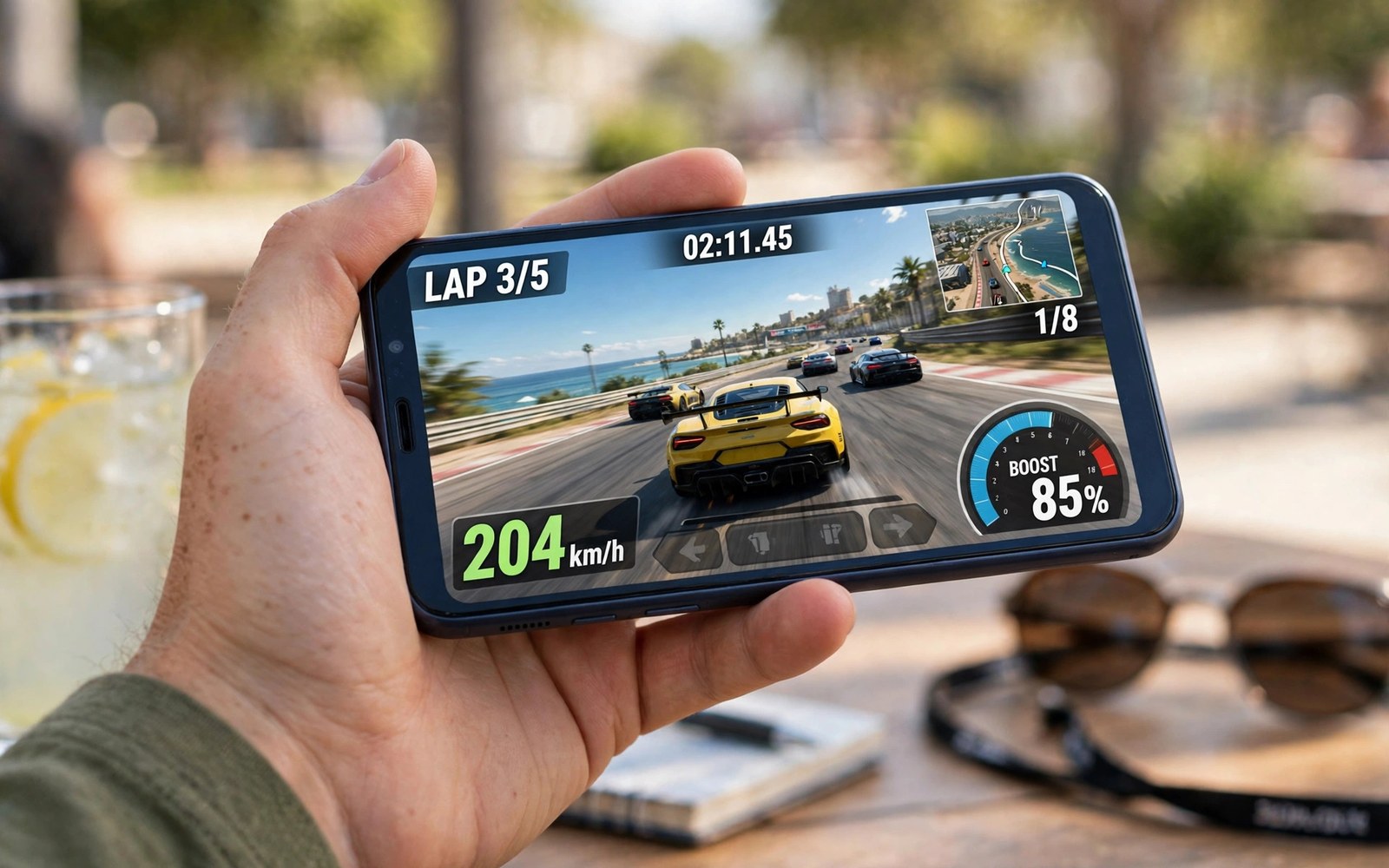
Cloud gaming budget phones bring high-end PC games to cheap devices. That promise matters for millions of players. A cheap phone cannot run a modern PC title locally. It can decode a video stream with ease. The server carries the heavy work. The phone shows the result. Price no longer blocks access to big games.
Budget phones still face real limits. Screens are smaller and dimmer. Batteries are modest. Wi-Fi chips are weaker. Storage is tight. Cloud play eases storage and processing limits. It cannot fix a weak radio or a dim screen. This article gives honest guidance for budget play.
Why budget phones suit cloud play
Video decoding is light work. Even modest phone chips handle 720p and 1080p streams well. The processor never renders complex 3D scenes. Heat stays lower than native gaming. Battery lasts longer per session than heavy local games. These traits fit budget hardware perfectly.
Storage pressure vanishes too. Budget phones often ship with limited space. Big native games fill them fast. Cloud games install nothing large. You can try many titles without deleting apps or photos. This freedom is a major quality of life gain on cheap devices.
Cost math favors cloud play for budget players. A cloud subscription costs far less than a gaming phone upgrade. A player can enjoy big titles on a phone they already own. That access narrows the gap between budget and flagship players in a real way.
Real limits to expect
Screen quality limits enjoyment first. Budget screens show less color range and lower brightness. Outdoor play suffers most. Dark game scenes lose detail on dim panels. Play indoors with moderate light for the best budget experience. Lower stream quality slightly to match the screen. The panel hides the difference anyway.
Wi-Fi weakness is the second limit. Budget phones may use older Wi-Fi chips with weaker antennas. Signals drop sooner at distance. Play near the router. Use the 5GHz band when the phone supports it. A weak link hurts cloud play more than any other factor on budget hardware.
RAM limits multitasking during play. Budget phones run fewer background apps smoothly. Close other apps before a session. A clean phone devotes RAM to the stream decoder. This habit prevents stutters that look like network lag but come from memory pressure.
Setup tips for budget phones
Start at 720p stream quality. The budget screen shows little difference from higher settings. Data use drops too. Battery lasts longer. Raise quality only if the stream stays smooth and the screen rewards it. Many budget players never need more than 720p.
Use a controller rather than touch for action games. Budget touchscreens can lag slightly under fast input. A Bluetooth controller bypasses that weakness. It also keeps thumbs off the small screen. Visibility improves at once on a compact display.
Keep the phone cool and charged. Budget batteries drain faster under sustained radio use. Play near a charger for long sessions. Remove thick cases if the phone warms up. Heat throttles budget chips sooner than flagship chips. Cool play stays smooth play.
A script to check budget phone readiness
The script below scores readiness factors you rate yourself. It helps you spot the weakest link in a budget setup before you subscribe.
def readiness(wifi, screen, battery, ram):
    score = wifi * 3 + screen * 2 + battery * 2 + ram * 2
    return score

setup = readiness(wifi=7, screen=6, battery=6, ram=5)
print("Readiness score:", setup, "out of 90")
if setup >= 60:
    print("Ready for regular cloud play")
elif setup >= 40:
    print("Playable. Fix Wi-Fi first for best results")
else:
    print("Fix several factors before subscribing")
print("Wi-Fi counts most. Rate it honestly")
This snippet is an original scoring helper written for this article. It is included here so you can judge your own budget setup with clear priorities.
Common mistakes
Many budget players stream at maximum quality and blame the phone for stutter. The screen cannot show that quality anyway. Lower settings to match the hardware. Another mistake is playing far from the router on a weak budget radio. Move closer before judging the service.
Some players run many background apps during play. Budget RAM cannot cope. Close apps first. Others buy a cloud subscription before testing the free tier. Test free play on your exact phone first. Your own test beats any review of a different model.
A final mistake is expecting flagship feel from budget hardware. Cloud play narrows the gap but cannot erase screen and radio differences. Enjoy the access. Accept modest visual limits. The games themselves remain the same great titles.
Finding a good budget phone for cloud
Choosing a budget phone for cloud gaming starts with the screen, because you will stare at it for every session. Look for a bright panel with decent color even at low prices. A dim panel ruins dark game scenes outdoors and indoors alike. Check brightness ratings in reviews rather than trusting store displays, because store lighting flatters every screen. A panel that reviewers praise for brightness will serve cloud play well for years.
Wi-Fi quality ranks second for budget buyers, because a weak radio ruins streams regardless of screen quality. Newer budget phones carry improved Wi-Fi chips that hold signals better at distance. Older budget models may use weaker antennas that drop sooner. Read wireless performance notes in reviews before buying. A phone praised for Wi-Fi range gives cloud play a real advantage that specs alone never show.
Battery size and charging speed complete the budget checklist. A large battery extends sessions away from power. Fast charging rescues short breaks between sessions. Both matter more than processor speed for streamed play. A budget phone with a big battery and a bright screen and strong Wi-Fi beats a budget phone with a faster chip but weaker essentials. Buy for streaming strengths, not benchmark scores.
School and family budget play
Families on tight budgets gain the most from cloud gaming, because one subscription can serve several children at different times. Each child plays on their own budget phone without needing expensive hardware per child. Shared subscriptions stretch family entertainment budgets dramatically. Set time limits per child so one player does not monopolize the shared subscription all evening. Fair schedules keep peace in busy households.
Schools and community centers also benefit from budget cloud play, because computer labs can offer big games without gaming PCs. A set of budget tablets plus one subscription tier can run game clubs and coding workshops. Students learn game design by playing real titles rather than reading about them. Educators should check age ratings and content filters before offering cloud games to students. Proper filters make school play safe and enriching.
Refurbished phones offer another budget path for cloud players, because last year flagship models often cost less than new budget models. A refurbished phone may bring a better screen and stronger Wi-Fi than a new cheap phone at the same price. Check battery health before buying refurbished, because a worn battery limits sessions. Reputable sellers report battery health clearly. A healthy refurbished flagship can outplay a new budget phone for cloud streaming.
Trade in programs reduce budget costs further when upgrading from an old phone. Carriers and makers offer credit for working old devices. That credit can fund a better screen or a controller for cloud play. Compare trade values across sellers before committing, because offers vary widely for the same device. A little comparison shopping stretches a tight budget noticeably.
Budget play without a subscription
Free tiers let budget players enjoy cloud gaming without monthly fees, though queues and session limits require patience. Play during off peak hours to shorten queues. Early mornings and late nights offer the fastest free access. Save progress often because free sessions end sooner than paid sessions. Patient players enjoy many great games free by planning around limits rather than fighting them.
Trial rotations offer another free path, because services run free weekends and trial weeks throughout the year. Watch for trial announcements and plan play around them. A trial week can finish a short story game completely free. Keep a list of games you want to try, and match trials to that list. Strategic trial use turns free access into a real library sampler.
Ad supported options may grow for budget players as services seek wider audiences. Ad breaks between sessions cost time but not money. Short ads before a session bother players far less than ads during play. Future budget tiers may trade pre session ads for free access. Players who accept that trade gain free play without queues. Watch service announcements for budget friendly tiers each year.
Protecting a budget phone
Protecting a budget phone matters more than protecting a flagship, because replacement costs hurt tighter budgets harder. A sturdy case and a tempered glass screen protector prevent the most common damage. Falls and scratches end budget phones early when unprotected. A ten dollar case can save a two hundred dollar phone. Protection is the cheapest insurance available for any device.
Water resistance on budget phones is usually limited, so keep phones away from rain and sinks during outdoor play. A cheap waterproof pouch protects phones during wet commutes and beach trips. Cloud gaming on a rainy train platform risks water damage without a pouch. Small precautions preserve devices that budgets cannot easily replace.
FAQ
Can a cheap phone really play AAA games through the cloud?
Yes for streamed play. The server renders the game. The phone only decodes video. Screen and Wi-Fi quality shape the experience more than chip speed.
What internet speed does a budget phone need?
A steady 15 to 25 Mbps suits 720p and 1080p play. Stability matters more than peak speed. Play near the router for the best link on budget hardware.
Will cloud gaming drain a small battery fast?
Less than heavy native games in most cases. The screen and radio still drain power. Lower brightness and moderate quality stretch play time well.
Budget play improves further with storage habits and data discipline. The notes on cloud gaming battery and storage savings total the space streamed games save. The guide to stream resolution and data consumption shows why 720p fits budget screens well. The guide to bandwidth needs for lag free cloud gaming explains how to test a budget phone radio honestly.
Conclusion
Cloud gaming accessibility truly brings high-end games to budget phones. Processing and storage barriers fall away. Screen and Wi-Fi limits remain but stay manageable. Start at 720p. Play near the router. Close background apps. Use a controller for action games. Your next step is easy. Run a free tier session on your own budget phone tonight at 720p near your router. That test will show you exactly how good budget cloud play can feel.

