

Two Ways To Hold Your Files
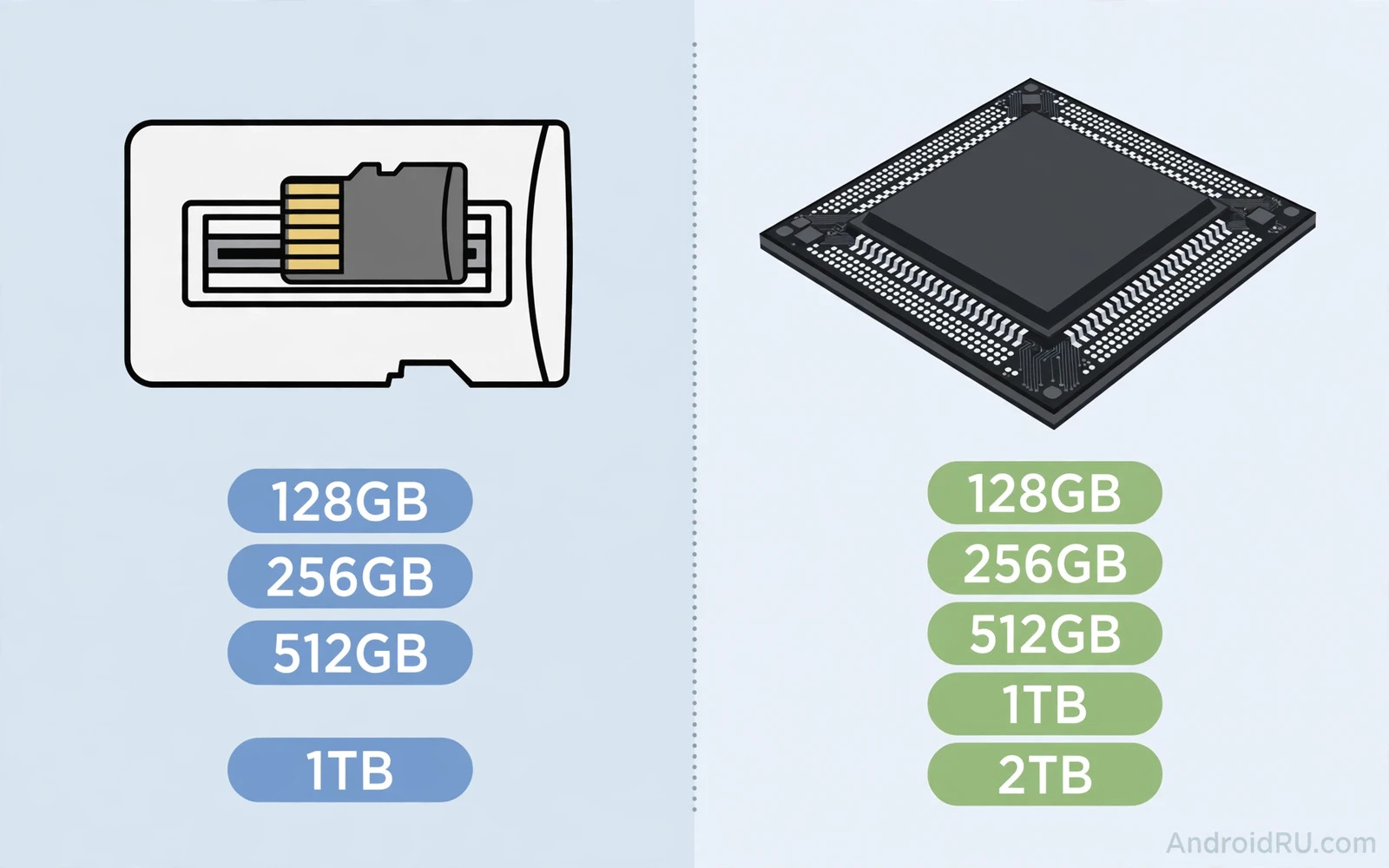
Phone storage forces a choice that lasts for years. Expandable memory lets you add a card later when space runs low. Large internal storage gives you a big fast pool from day one with no extra purchase. Both paths can work beautifully and both paths can frustrate you when mismatched to your habits. A photographer who shoots huge video files needs different storage than a streaming fan who keeps little on device. A traveller who visits places without reliable internet needs different storage than a city user who streams everything.
The market has shifted toward large internal storage on flagships. Many premium phones dropped the card slot entirely. Mid range phones and rugged phones kept the slot more often. That split means budget and mid range buyers still enjoy real choice while flagship buyers often must pay upfront for a larger tier. Understanding speed and flexibility and failure risk will help you pay for the right tier rather than the largest tier by default.
Speed Differences That Matter
Internal storage is fast. It reads and writes at speeds that support instant app launches and smooth 4K video recording and quick photo bursts. A good microSD card is slower in most cases. The gap matters most for apps and for video recording. Apps installed on a card can load slower and can stutter under heavy use. Video recording to a card can struggle at very high bitrates on a slow card. Photos and music and documents rarely show a meaningful gap because their access patterns are lighter.
Card speed classes help but they confuse many buyers. A card labelled for video use still trails internal storage for random access tasks that apps demand. Treat the card as media storage rather than app storage. Keep apps and the system and the camera cache on internal storage when possible. Keep photos and videos and music and offline maps on the card where speed demands stay modest. That split gives you flexibility without sacrificing daily responsiveness.
Flexibility And Upgrade Path
Expandable memory wins on flexibility. You can start with a cheaper phone and add storage later when a trip or a project demands it. You can swap cards between devices or move a media library to a new phone by moving the card. You can carry a second card for a specific media collection. That freedom appeals to travellers and to media collectors and to users who dislike paying flagship tier prices upfront.
Large internal storage wins on simplicity. No card to buy and no card to format and no card to lose. No worry about card quality or card failure. No decision about which files live where. For users who want a phone that simply works the simplicity premium can be worth it. Internal storage also survives phone changes less gracefully because moving hundreds of gigabytes takes time and a cable or a cloud transfer. Card users move media in seconds by moving the card itself.
Failure Risk And Data Safety
Cards fail more often than internal storage. A cheap card can corrupt files after heavy writes. A card removed during a write can lose data. A card exposed to heat or moisture can degrade faster than sealed internal chips. These risks are manageable with good habits. Buy cards from reputable makers and avoid suspiciously cheap high capacity cards. Keep a backup of card contents on a computer or in cloud storage. Never remove a card while the phone writes to it.
Internal storage failure is rarer but more catastrophic when it happens. A dead internal chip can take the whole phone down and recovery becomes difficult. A dead card usually leaves the phone working and only the card files at risk. That asymmetry favours cards for replaceable media and favours internal storage for critical app data. Backups remain the real safety net for either path. Cloud backup protects both paths and the cloud storage pricing breakdown explains how subscription value changes when a family shares one pool.
Camera And Video Workloads
Camera workloads separate the two paths clearly. Casual photographers will notice no difference between card and internal storage. Enthusiasts who shoot long 4K clips or high speed bursts will notice card limits sooner. Some phones restrict high bitrate video recording to internal storage for reliability reasons. Check the camera settings on a phone you consider because a card slot does not guarantee card recording at every quality level.
Photo libraries also grow differently. A phone that saves every photo to a card keeps internal space free for apps and updates. A phone without a card needs a larger internal tier to hold years of photos comfortably. Cloud photo backup changes the math again because photos can leave the device after upload. Users with fast internet and automatic backup need less local space than users who keep everything on device for offline access.
Budget Math That Changes The Answer
Budget math often decides this debate. A phone with a card slot plus a mid tier card can cost far less than the next internal storage tier on a flagship. The saving grows when you compare a 128 gigabyte phone plus a large card against a 512 gigabyte flagship tier. The gap shrinks when card prices rise or when you need top tier card speed. Compare total cost rather than phone price alone.
Mid range buyers gain the most from card slots because mid range internal tiers stay modest. Flagship buyers gain less because flagship base tiers already hold generous space. Students and travellers and outdoor workers often gain the most because their media libraries grow fast and their budgets stay tight. Budget context also appears in the phones under 500 value comparison where storage tier choices affect total value strongly.
App Storage Rules On Modern Android
Modern Android treats card storage more restrictively than older versions did. Apps cannot freely move fully to a card in many cases. Adoptable storage exists on some devices but it encrypts the card to one phone and it removes the swap freedom that makes cards attractive. Most users should assume the card serves media only. That assumption keeps expectations honest and it prevents disappointment when an app refuses to move.
Scoped storage rules also affect file managers and backup apps. A file manager may need extra permission to write to a card. A backup app may need specific folder access. These steps are manageable but they add friction for casual users. Internal only phones avoid this friction entirely. Users who enjoy file management will tolerate it gladly. Users who never open a file manager may prefer to avoid it.
Which Storage Style Fits You
- Choose expandable memory when you collect large media libraries on a budget
- Choose expandable memory when you travel offline and need media without internet
- Choose large internal storage when you want maximum app speed and zero file juggling
- Choose large internal storage when you record high bitrate video regularly
- Buy a reputable card and keep a backup regardless of which path you pick
- Compare total cost including card price before you call one path cheaper
Final Verdict
Expandable memory wins for flexibility and for budget media collectors. Large internal storage wins for speed and for simplicity and for heavy app users. Most buyers should pick based on their largest file type rather than on abstract preference. Media collectors should chase the slot. App heavy users and video creators should chase fast internal tiers. Either choice works when paired with a real backup habit. Storage peace of mind comes from backups and from honest habit matching rather than from a single specification number. The tablets for students guide reinforces the same lesson because student devices also balance local space against cloud space for study files.
Card Care And Long Term Reliability
MicroSD cards reward careful handling with years of reliable service. They punish careless handling with sudden corruption that feels unfair. Heat is a quiet enemy because cards left in hot cars or in direct sun degrade faster. Physical bending is another enemy because a card flexed during insertion can crack internal connections invisibly. Always insert a card straight and fully and never force a card that resists. A card that needs force is either upside down or damaged or incompatible with the slot.
Formatting habits affect reliability strongly. Format a new card in the phone that will use it rather than on a computer with different allocation settings. Phone formatting aligns the card file system with phone expectations and reduces weird errors later. Avoid removing a card while the phone shows a writing indicator or while a camera app saves a burst. Eject the card through system settings when the phone offers that option because safe ejection flushes pending writes. These small rituals prevent most corruption cases that users blame on card quality.
Card quality tiers confuse buyers because capacity numbers dominate packaging while endurance ratings hide in small print. High endurance cards suit dashcams and security cameras that write constantly. Standard cards suit phones that write photos intermittently. Video focused cards suit 4K recording better than bargain cards that claim high capacity at suspiciously low prices. Buy from reputable sellers because counterfeit cards with fake capacity labels remain common online. A counterfeit card may report huge capacity while overwriting old files silently once its real capacity fills.
Backup discipline ultimately decides whether card failure matters. A card that holds the only copy of baby photos is a risk regardless of brand. A card that holds a copy synced to cloud storage or to a computer is a convenience rather than a danger. Schedule a monthly card backup to a computer or to cloud storage during a quiet evening. Verify the backup by opening a few random files from it. That habit turns card failure from a tragedy into a minor purchase of a replacement card.
When To Pay For More Storage
Paying for a larger internal tier makes sense when your largest file type grows steadily and you dislike managing files manually. Photo libraries grow every month for parents and travellers. Video projects grow during holidays and events. Offline music and maps for travel grow before every trip. A larger tier absorbs that growth without monthly cleanup sessions. The upfront cost often beats the frustration cost of constant storage warnings during important moments. Compare the tier price against a year of cloud subscription plus the time cost of file juggling before deciding.

