

Why Android Needs Its Own Trackers
Losing keys wastes time and creates stress that a small tag can prevent. A Bluetooth tracker attaches to keys or a wallet or a bag and it talks to your phone when separation happens. Your phone can ring the tag when it sits nearby. A finding network can locate the tag when it travels far away. Android users need tags built for Google Find My Device rather than tags built only for a rival ecosystem. A tag that works beautifully on another platform may work poorly or not at all on Android.
The Android finding network uses participating Android devices to report tag locations privately. That network grows stronger as more devices join. Coverage matters more than any single specification because a tag in a busy city benefits from many nearby reporting devices. A tag in a rural area benefits less regardless of brand. Understand network coverage in your area before you judge a tag on range alone. A tag is only as good as the network that hears it.
Bluetooth Range In Real Life
Bluetooth range claims describe open air conditions without walls or bodies or interference. Real life range is shorter. Walls absorb signal. Pockets absorb signal. Crowded wireless environments add noise. A tag that claims a long range may still connect reliably only within a room or two indoors. That reality is normal and it still solves most lost item problems because most losses happen at home or at work or in a car.
Proximity finding works best within a few metres. Your phone shows signal strength as you walk closer. Some tags add ultra wideband precision finding on supported phones which guides you with direction and distance. Ultra wideband helps enormously for a tag buried in a sofa or a bag. Check phone support before paying for ultra wideband because the feature needs compatible phone hardware. Without that hardware the tag falls back to standard Bluetooth proximity guidance.
Battery Types And Replacement Reality
Tracker batteries fall into two camps. Replaceable coin cells last many months and cost little to swap. Rechargeable batteries avoid coin cell purchases but need periodic charging. Replaceable cells suit tags attached to rarely checked items such as luggage or a spare key set. Rechargeable cells suit tags you handle daily where charging becomes routine. Check battery life claims against real use because frequent ringing and frequent movement reports drain power faster.
Water resistance matters for tags on keys and bags that face rain. A tag with solid splash resistance survives daily weather. A tag without sealing can fail after one heavy downpour. Size and weight matter too because a bulky tag defeats the purpose on a slim wallet or a light key ring. A tag should disappear into daily carry until the moment you need it. Loudness matters at that moment because a quiet tag hidden inside a bag may stay unheard.
Finding Network And Privacy
Finding networks raise privacy questions fairly. A tag network must locate your items without exposing your movements to strangers. Modern networks encrypt location reports and rotate identifiers to prevent tracking of people. Unknown tracker alerts warn you when an unfamiliar tag travels with you. That protection matters because tracker misuse harms real people. Choose tags from makers that support unknown tracker alerts on Android and that publish clear privacy practices.
Sharing adds family value. A shared tag lets family members find shared keys or a shared bag or a pet collar. Check sharing limits and check whether shared members can ring the tag and view its location. Check whether sharing requires every member to use the same app or the same platform. A tag that shares easily within a household saves arguments. A tag that locks sharing to one account frustrates families quickly. Car centred users also benefit from tracking plus navigation and the Android devices for car drivers guide covers mounts and navigation beside tracking accessories.
Sound Loudness And Speaker Design
Ring loudness decides whether proximity finding succeeds. A tag buried under clothes in a bag needs a loud and clear tone. A tag on a key hook needs only a modest tone. Test loudness in a realistic hiding spot rather than on an open table. Speaker placement matters because a tag pressed flat against fabric sounds quieter. Some tags offer a louder ring mode that drains battery faster. Use loud mode only when searching because daily standby does not need it.
Button design matters for manual ringing and for pairing. A tag with a clear button pairs quickly and rings reliably. A tag with a recessed button may resist accidental presses but can frustrate pairing. A tag that doubles as a camera remote or a phone finder adds value for some users. Pressing the tag to ring a lost phone reverses the usual search and it saves time when the phone hides in the house. That reverse finding feature deserves weight for users who lose phones often.
Attachment Options For Keys Wallets Bags
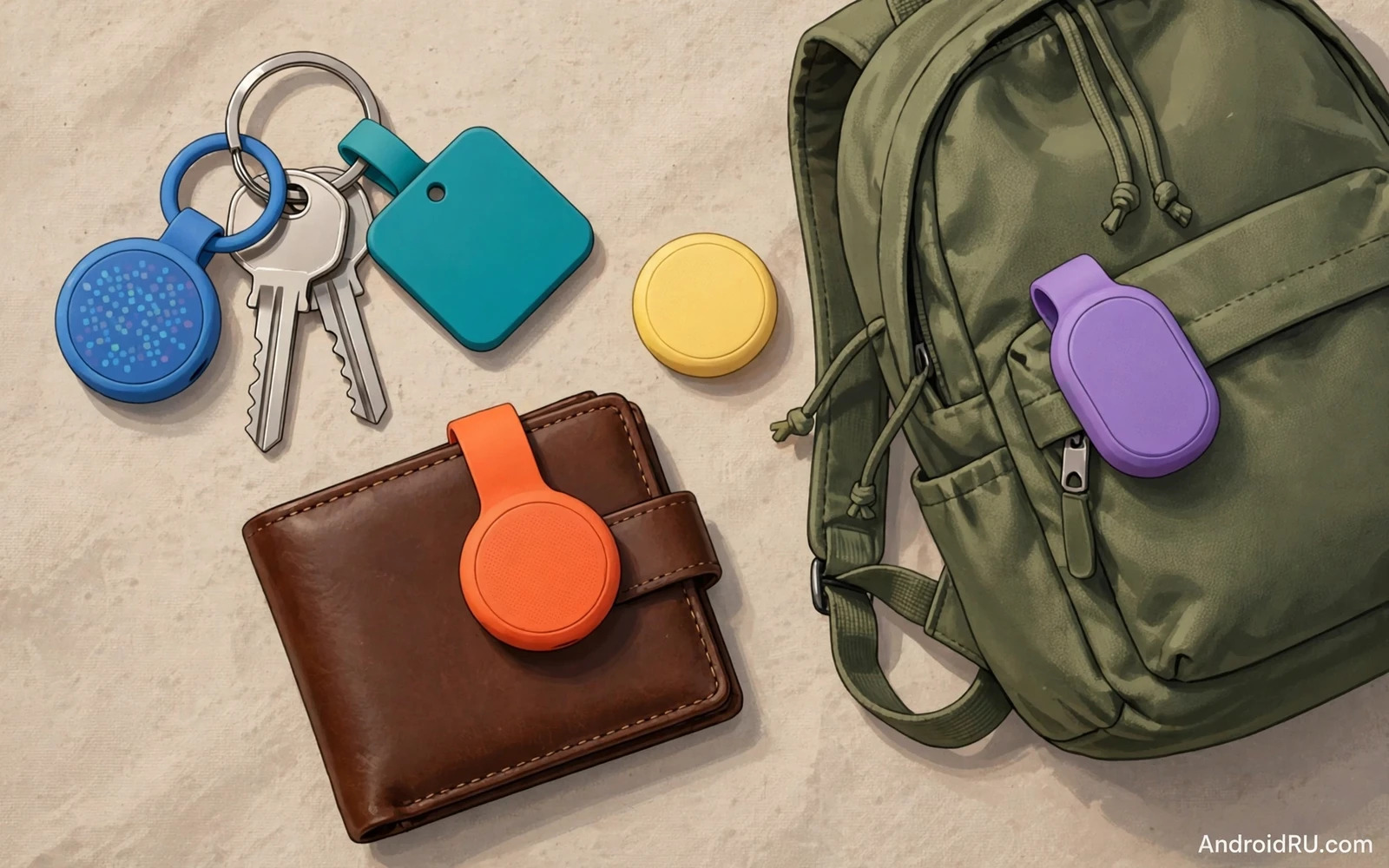
Attachment design decides daily usability. A tag with a built in hole fits key rings directly without an extra holder. A tag with a flat card shape fits wallets without bulk. A tag with an adhesive mount sticks inside a bag pocket or onto a remote control. A tag that needs an expensive holder for basic use costs more than its headline price suggests. Compare total cost including holders before you rank tags by price.
Durability of holders matters as much as tag durability. A weak key ring loop can break and lose both tag and keys. A sturdy holder keeps the tag attached through daily tugs. Check holder material and check whether the holder blocks the speaker or the button. A holder that muffles sound defeats proximity finding. Ecosystem accessories share this total cost logic and the Android ecosystem accessories guide shows how small accessories combine into a coherent daily setup.
Anti Stalking Protections To Verify
- Confirm unknown tracker alerts work on your Android phone model
- Confirm the tag plays a sound when separated from its owner for a long time
- Check whether location reports use encryption and rotating identifiers
- Check sharing controls so only trusted people can view tag location
- Never attach a tracker to a person or a vehicle without clear consent
- Report an unknown tag alert through the official finding app promptly
Which Tracker Fits Which Item
Choose a loud tag with a key ring hole for everyday keys. Choose a slim card tag for wallets and for passport holders. Choose a rugged tag with strong sealing for luggage and for outdoor bags. Choose an ultra wideband tag when your phone supports precision finding and you often lose items inside furniture. Choose a replaceable battery tag for items you check rarely. Choose a rechargeable tag for items you handle daily.
Refurbished phone buyers often rebuild a whole carry setup at once and the refurbished versus new phones comparison covers value tradeoffs that also apply to accessory budgets. A tracker purchase should follow the same value logic. Spend more on tags for irreplaceable items such as house keys and spend less on tags for easily replaced items. The best tracker system is the one you maintain with fresh batteries and updated apps and sensible sharing. Lost items become minor interruptions rather than day ruining events when the system works quietly in the background.
Battery Alerts And Finding Etiquette
Low battery alerts decide whether a tracker system stays trustworthy over months. A tag that dies silently leaves you believing an item is protected when it is not. Good tracker apps warn weeks before a coin cell dies so replacement happens calmly. Check alert settings during setup because some apps bury battery warnings under general notifications that users silence. Treat a tracker battery alert as urgent rather than as background noise because a dead tag protects nothing.
Replacement timing varies by tag placement. A tag on daily keys deserves a fresh battery at the first warning because daily use drains remaining power faster. A tag on seasonal luggage can wait longer after a warning because it sits idle between trips. Keep spare coin cells at home for tags you rely on daily. A small stock of correct cell types prevents a week of unprotected keys while you remember to shop. Note the exact cell type for each tag because similar looking cells differ in capacity and fit.
Finding etiquette matters when a shared tag moves between family members. Agree who can view location and when location sharing pauses for privacy. A teenager may accept a shared bag tag but reject constant location visibility. A partner may accept shared key tracking but want clear boundaries around personal bags. Discuss these boundaries before sharing rather than after a disagreement. Tracker systems work best when every participant understands and consents to visibility.
Public finding behaviour deserves care as well. Ringing a tag loudly in a quiet office or library disturbs others even when the search is legitimate. Use proximity guidance silently first and ring only when close. Return found items promptly when a community finding feature identifies an owner. Respect unknown tag alerts from others by checking your belongings honestly when an alert appears. Good etiquette keeps finding networks trusted and useful for everyone.
Tracker Networks In Crowds And Rural Areas
Crowded places supercharge finding networks because many participating phones pass near a lost tag within minutes. A tag left in a busy station may report its location quickly through strangers phones without those strangers ever knowing. That density advantage makes city tags feel almost magical. A tag left on a quiet rural road may report rarely because few participating devices pass by. Rural users should therefore rely more on proximity ringing and on last known location than on live network updates.
Last known location deserves understanding because it often confuses new users. A tag app shows where the tag was last seen by your phone or by the network. That location may be hours old when the tag sits beyond Bluetooth range in a quiet area. Treat last known location as a starting search zone rather than as a live position. Walk that zone slowly with proximity guidance active and listen for the ring. Patience beats repeatedly refreshing a stale map pin that cannot update until another device passes near the tag.

