

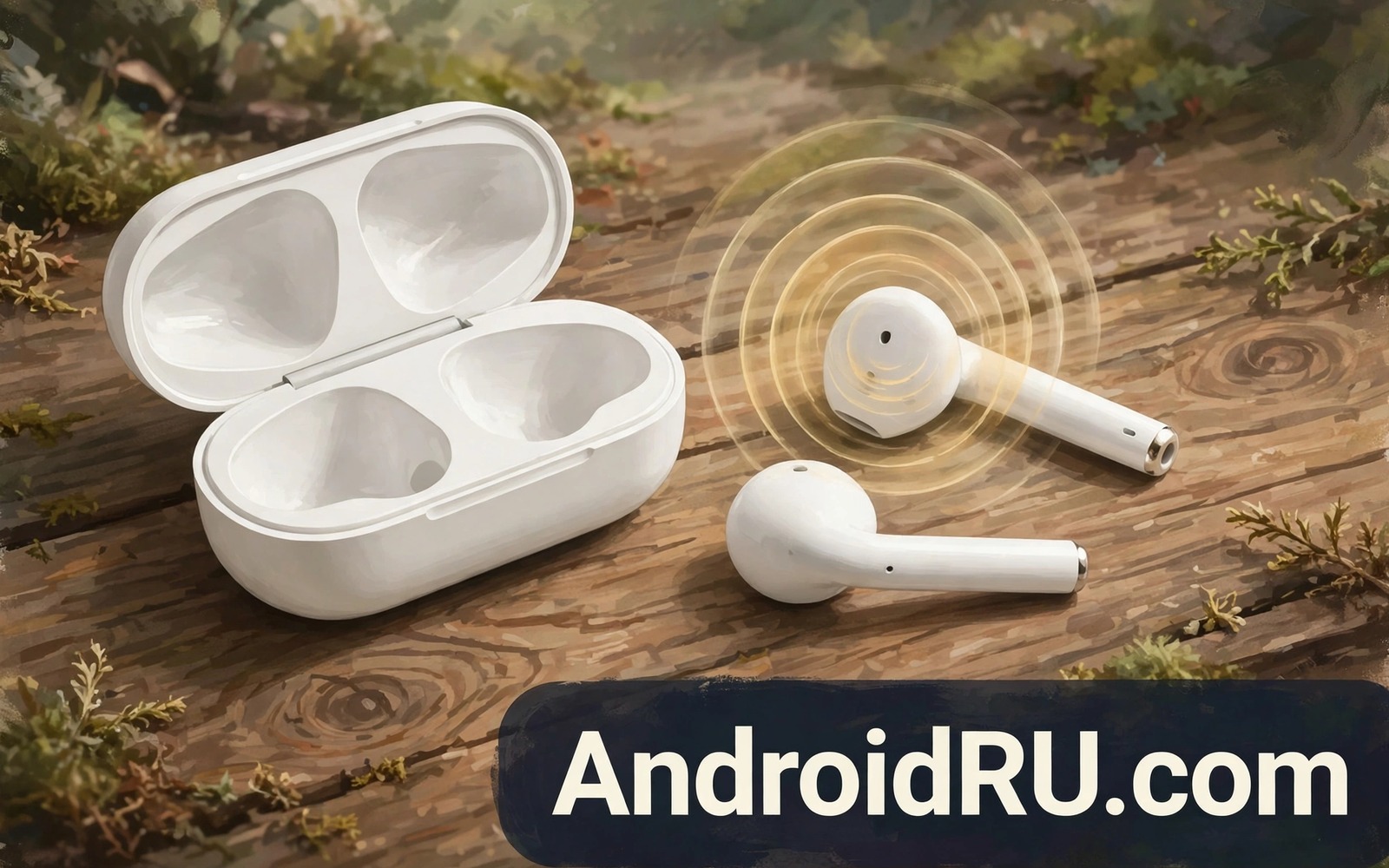
A caller who constantly asks you to repeat yourself is hearing a muffled earbud microphone. The problem feels mysterious because music through the same earbuds can sound excellent. Music uses the speaker drivers while calls use tiny microphones that sit farther from your mouth. Those microphones pick up wind and clothing noise easily. This guide separates fit problems from software problems. It shows the checks that restore clear call audio without buying new earbuds.
Start by understanding where earbud microphones actually sit. Most earbuds place microphones on the outer stem or on the outer shell. Sound must travel from your mouth around your cheek to reach them. A loose fit lets the earbud shift and changes that path constantly. A tight seal for music does not guarantee a good microphone path for calls. Wind across the microphone holes can overwhelm your voice entirely. Those physical facts explain why a simple fit change often helps more than a settings change.
Check Fit And Microphone Holes
Try different ear tip sizes before you change any setting. A tip that seals well for music may sit too deep or too shallow for clear calls. Test each tip size with a short voice recording. Listen back on another device if possible because your own perception while wearing earbuds is unreliable. Choose the tip that gives the clearest recording rather than the deepest bass. A balanced tip often serves both music and calls well.
Clean microphone holes gently with a dry soft brush. Wax and dust can block a tiny hole and muffle voice dramatically. Do not push sharp objects into microphone holes because they can damage the mesh inside. Do not use liquid cleaner on earbuds because liquid can enter the microphone chamber. After cleaning test a call in a quiet room. A clean microphone hole often restores clarity instantly.
Reduce Wind And Background Noise
Wind is the worst enemy of earbud microphones during outdoor calls. A light breeze that you barely notice can roar through a microphone. Turn your back to the wind when possible during an important call. Use a hand as a wind shield near the earbud if you must face the wind. Some earbuds offer a wind reduction mode in their companion app. Enable that mode for outdoor calls and disable it indoors where it can dull your voice unnecessarily.
Background noise settings also shape call clarity. Noise reduction can remove steady background hum but it can also clip the edges of your voice. Test calls with noise reduction on and off in the same room. Choose the setting that keeps your voice natural while reducing background sound. A natural voice with slight background noise beats a robotic voice with no background noise. Callers understand a natural voice more easily.
Adjust Phone And App Settings
Check call audio settings on your phone before blaming the earbuds. Some phones offer a call clarity enhancement that can help or hurt depending on the earbud. Test a call with enhancement on and then off. Note which setting gives clearer voice to the other caller. Ask the other caller to rate clarity because you cannot judge your own microphone sound reliably. Their rating is the only honest test.
Check the calling app settings as well because some apps apply their own noise processing. A video meeting app may enable aggressive noise removal by default. Disable that processing for one test call if your voice sounds muffled only in that app. If clarity improves then the app setting was the cause. Keep a note of which apps need custom settings so you can restore them after updates.
Test Bluetooth Connection Quality
A weak Bluetooth link can degrade microphone audio before it reaches the phone. Keep the phone in a front pocket rather than a bag during test calls. Remove other Bluetooth devices from the area during the test. A crowded Bluetooth environment can cause packet loss that sounds like muffling. Test a call with the phone on a desk close to you. If clarity improves then distance or interference was the cause.
Test with a second phone if possible to separate earbud faults from phone faults. Pair the earbuds to another phone and make a test call. If voice stays muffled then the earbuds are the likely cause. If voice becomes clear then your original phone settings are the likely cause. That single test saves a long search through settings. For a related wireless topic explore LDAC versus aptX HD audio codecs and how Bluetooth modes affect sound.
Plan For Different Call Environments
Indoor calls and outdoor calls need different earbud settings. Indoor calls benefit from full noise reduction off or low because the room is quiet. Outdoor calls benefit from wind reduction on and a closer phone position. Create a mental routine for switching settings when you step outside. That routine takes seconds once it becomes habit. Test the routine with a friend who can rate your voice in both environments.
Busy streets need extra care because traffic noise competes with your voice. Speak slightly louder and slower during traffic noise. That simple change helps the other caller more than any processing setting. Move away from the roadside when possible for important calls. A few steps into a quieter side street can transform call clarity instantly.
Keep Settings Stable After Updates
Earbud firmware updates can reset microphone settings and noise modes. Check companion app settings after every firmware update. Confirm that wind reduction and noise modes still match your preferences. Test a call after the update before an important meeting. That short test prevents a muffled call at the worst moment. Record your working settings once you discover them.
Phone system updates can also reset Bluetooth audio settings. Revisit call enhancement settings after a major update. Test with a friend who can confirm clarity. A short post update check keeps your call setup stable over time. Keep a note of the winning combination for quick restoration.
adb shell dumpsys bluetooth_manager
adb shell settings get system volume_voice_call
The snippet above shows a standard Android Bluetooth and call volume check and it was adapted for this earbuds guide so you can verify the call path safely.
Share Call Feedback Clearly
When you report muffled audio to support give concrete details rather than vague complaints. Note the earbud model and the phone model and the calling app. Note whether the problem happens indoors and outdoors. Note whether cleaning helped. Concrete details help support identify a pattern faster. Vague reports lead to generic advice that you already tried. A clear report saves time for everyone.
Record a test clip with the earbuds and keep it for support if needed. A recording proves the problem better than a description. Play the recording on another device to confirm it captures the muffling. Keep the recording short and focused on a single sentence. That evidence helps support decide whether repair or replacement is appropriate.
Plan For Important Calls
Important calls deserve a backup plan when earbuds are unreliable. Keep a wired headset nearby for calls that cannot fail. Test the wired headset before the important call so switching is smooth. Know how to switch audio output during a call in your meeting app. Practise the switch once during a test call. That preparation turns a potential failure into a brief pause.
Charge earbuds fully before important calls and check battery in the companion app. Low battery can affect microphone performance on some models. A fully charged earbud performs more consistently. Keep the charging case nearby during long calls for a quick top up between meetings. That habit prevents a dead earbud mid conversation.
Keep Call Habits For Daily Use
Daily call habits shape microphone performance over time. Store earbuds in their case when not in use to protect microphone holes from dust. Clean holes weekly if you use earbuds daily in dusty environments. Check fit each morning because ear tip wear changes fit gradually. A worn tip that once sealed well can loosen and muffle calls. Replace tips when they feel loose or deformed.
Rotate earbud use with a wired option on very long call days. Long earbud sessions can cause fit fatigue that shifts the earbud and muffles voice. A wired break restores comfort and clarity. That rotation also extends earbud battery life across the day. Small habits like these keep daily calls clear without constant troubleshooting.
Common Mistakes
The biggest mistake is buying new earbuds before cleaning microphone holes and testing fit. Cleaning and fit tests cost nothing and they often solve muffling. Another mistake is judging microphone quality by listening to yourself through the earbuds. Your own voice sounds different to you than to the caller. Always ask the caller to rate clarity. A third mistake is enabling every noise reduction feature at once. Stacked processing can make voice sound robotic.
People also forget that wind affects earbuds far more than wired headsets. A windy call needs position changes not just settings. For a related topic explore phone as a wireless microphone and how placement affects voice capture.
Frequently Asked Questions
Why does music sound great but calls sound muffled?
Music and calls use different hardware paths in earbuds. Music uses speaker drivers near your ear canal. Calls use microphones farther from your mouth that pick up wind and room noise. A fit that suits music may not suit microphone capture. Test fit with voice recordings rather than music alone.
Can a case cause muffled microphone audio?
A case does not affect earbuds directly but a phone case can affect Bluetooth antenna performance slightly. More importantly a phone in a bag far from earbuds can weaken the link. Keep the phone close during calls. That proximity improves microphone audio reliability.
Should I use only one earbud for calls?
Using one earbud can improve call clarity in noisy places because the other ear stays open to your own voice. Some people speak more naturally when they can hear themselves. Test one earbud versus two earbuds with a friend rating clarity. Choose the mode that gives the clearest result for your voice.
Before your next call clean the microphone holes and test a voice recording. For another audio topic explore car stereo Bluetooth audio quality and how Bluetooth environments shape sound.
Conclusion
Muffled earbud microphones usually come from fit or blocked holes or wind or stacked processing. Clean gently and test tip sizes and ask callers to rate clarity before spending money. Your concrete next step is a two minute test today. Record your voice with your current earbuds and listen back on another device. If that recording sounds muffled then work through the fit and cleaning steps in this guide.

