

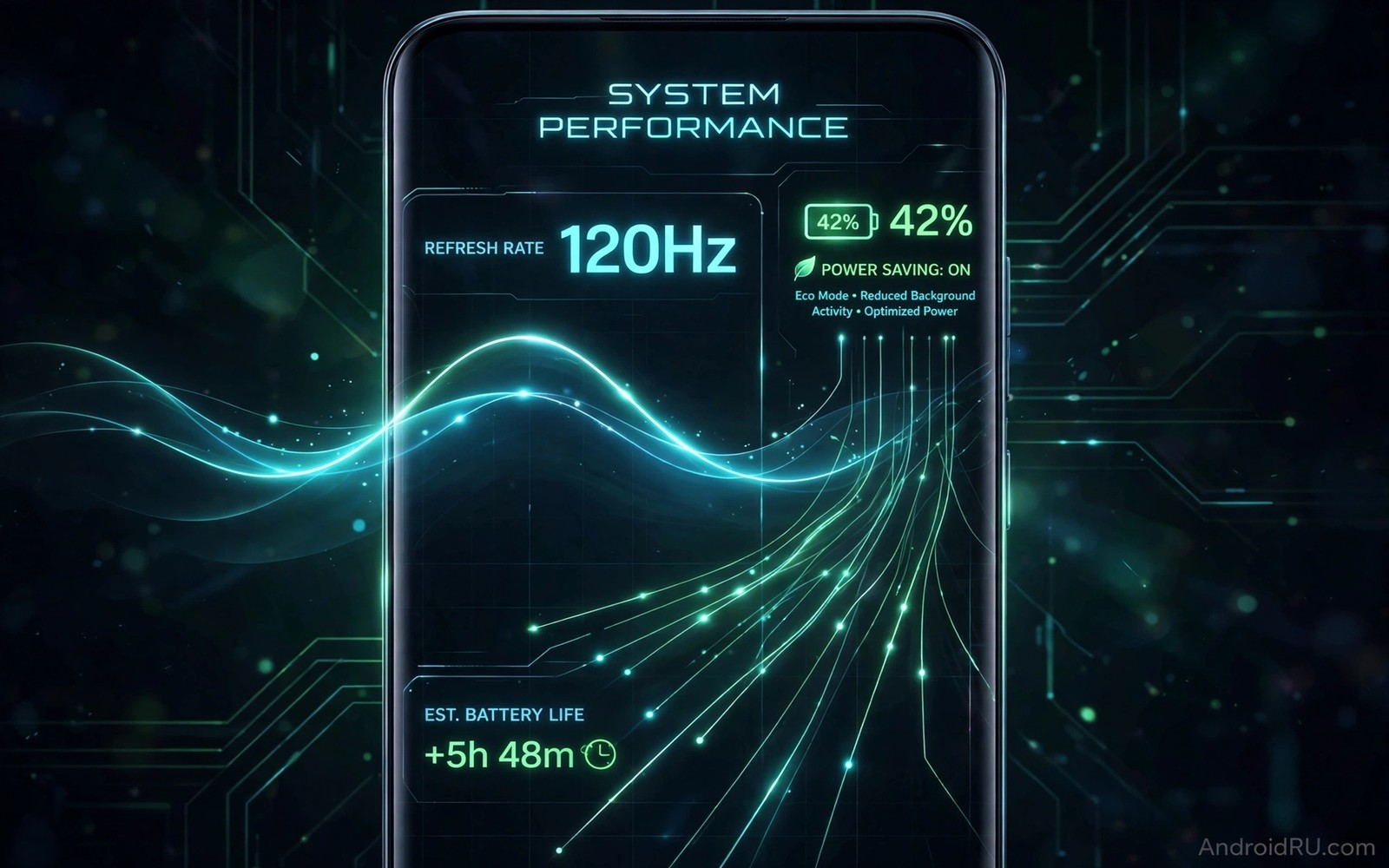
A display refresh rate tells how many times a screen updates each second. A 120Hz screen updates 120 times per second and feels smoother than a 60Hz screen. That smoothness costs power because the display and processor work harder. Dynamic refresh rate solves that tradeoff by changing the rate based on what is on screen. A still photo can use a low rate. A fast game can use a high rate.
Early dynamic displays switched between only two or three rates. A phone might use 60Hz for reading and 120Hz for scrolling. That simple switching already saved battery compared with a fixed high rate. Newer displays use variable rates that adjust in small steps. A display that can drop to 1Hz for a clock face uses far less power than a display stuck at 60Hz for the same still image.
How adaptive refresh works in practice
Adaptive refresh relies on a display controller that tracks content changes and touch input. When a user scrolls, the controller raises the rate for smooth motion. When a user stops, the controller lowers the rate to save power. That decision happens many times per second without user intervention. Good software makes the change invisible so that motion stays smooth and battery lasts longer.
Apps also influence the rate because a video at 24 frames per second does not need 120Hz. A smart system can match the display rate to the video frame rate. That matching reduces judder and saves power at the same time. A system that ignores content and always uses the maximum rate wastes energy for no visible benefit.
Low rates for always on displays
Always on displays benefit most from very low refresh rates because they show a clock and notifications for hours. A display that updates once per second uses far less power than a display that updates sixty times per second for the same static image. That saving lets a phone keep an always on display active without a large battery penalty.
Low rates also help e-reader style tasks where a page stays still for minutes. A user reading a long article does not need a high rate until the page changes. A display that recognises still content can stay at a low rate and only spike briefly during a page turn. That behaviour feels natural and it extends reading time significantly.
High rates for gaming and scrolling
High refresh rates matter most for fast motion because the eye notices stutter during scrolling and gaming. A 120Hz or 144Hz display makes a fast game feel more responsive and makes long feeds feel smoother. Touch latency also improves because the screen samples input more often at higher rates. Competitive players notice that difference even if casual users do not.
High rates should not stay on forever because they drain battery during idle moments. A good system raises the rate only while motion continues. As soon as motion stops, the rate should fall quickly. That fast fall is the key to saving power without losing smoothness. A system that stays high for seconds after scrolling ends wastes energy.
Software and app cooperation
Display hardware alone cannot save power if apps force a high rate unnecessarily. An app that requests maximum refresh for a static screen defeats the purpose of adaptive technology. Android provides tools for apps to declare their preferred rate and frame rate. Developers who use those tools help the system choose the right rate for each scene.
Users can also help by choosing adaptive mode rather than forcing a fixed high rate in settings. Forced high rate feels smooth but it ignores battery savings. Adaptive mode offers most of the smoothness with far less drain. A user who wants maximum smoothness for a game can set a per app exception rather than forcing high rate for every app.
Future display materials and controllers
Future displays will use more efficient backplanes and controllers that switch rates faster and with less overhead. A controller that changes rate in one frame avoids a visible flicker during transition. A backplane that holds a pixel state longer reduces the need for frequent refresh. Those hardware advances will make low rates more useful and high rates more efficient.
Future software will also predict user intent better. A system that knows a user is about to scroll can raise the rate just before motion starts. A system that knows a video is about to pause can lower the rate early. Prediction reduces the lag that sometimes appears when a system reacts after motion begins. That proactive control will make adaptive displays feel even smoother.
Choosing a phone with a good adaptive display
A buyer should look for a display that supports a wide range from very low to high rates. A range from 1Hz to 120Hz offers more savings than a range from 60Hz to 120Hz. A buyer should also check reviews that measure battery life in adaptive mode rather than only in forced high mode. Real world battery tests reveal whether adaptive software works well or merely exists as a marketing label.
Check the settings menu for adaptive options and per app controls. A phone with clear adaptive settings gives a user control without complexity. A phone with only a forced high or forced standard option misses the benefit of dynamic technology. The best phone offers adaptive by default and lets power users override it for specific games.
Refresh rate and eye comfort
Eye comfort depends on flicker and brightness and content motion as well as refresh rate. A high rate display with poor brightness control can still strain eyes during long reading. A lower rate display with stable brightness and good text rendering can feel comfortable for hours. Users should test a display for eye comfort during a real reading session rather than judging it by rate alone.
Dark mode and blue light filters also affect comfort because they reduce glare at night. A display that combines adaptive rate with adaptive brightness offers a better overall experience. That combination matters because a phone is used in many lighting conditions during a single day. A system that adapts to light and motion together feels more natural than a system that only adapts one factor.
Refresh rate for video creators
Video creators benefit from displays that match common frame rates such as 24 and 30 and 60 frames per second. A display that can switch to those rates exactly will show video without judder. A display stuck at 120Hz must convert 24 frame video through frame repetition that can look uneven. That difference matters for creators who review footage on a phone.
Creators should check whether a phone offers a video mode that locks the display to the source frame rate. That mode may save battery as well as improve smoothness. A phone that ignores source frame rate will waste power and may show motion artefacts that mislead editing decisions.
Common mistakes
People often force maximum refresh rate on every app and then complain about battery life. That choice defeats the purpose of adaptive technology. A smarter choice is adaptive mode with exceptions for games that truly benefit from high rates.
- Forcing 120Hz or higher for reading and static apps that do not need it.
- Judging a display only by its maximum rate without checking its minimum rate.
- Ignoring app frame rates and expecting a display alone to fix a low frame rate game.
- Assuming that a higher refresh rate always means better video quality.
- Disabling adaptive mode because of one app that behaves poorly instead of fixing that app setting.
A balanced user lets the system adapt and only overrides it where a real benefit exists. That habit preserves smoothness where it matters and battery where it counts.
Frequently asked questions
Does a higher refresh rate always drain battery faster?
A higher refresh rate usually drains battery faster when it stays fixed at maximum. Adaptive refresh reduces that drain by lowering the rate during still content. A phone with a good adaptive system can offer high smoothness without a large battery penalty.
Forced high rate will still drain faster than adaptive mode. Users who prioritise battery should choose adaptive mode as the default.
Can I notice the difference between 60Hz and 120Hz?
Most users notice smoother scrolling and animations at 120Hz compared with 60Hz. The difference is clearest during fast scrolling and gaming. Still images and slow video show little difference because content does not change quickly.
Some users are more sensitive to motion than others. A demo in a shop with scrolling and gaming reveals the difference better than a still photo.
Will future displays go beyond 120Hz for phones?
Future phones may offer higher rates for gaming but the benefit shrinks beyond 120Hz for most users. Battery cost rises with rate. Adaptive systems that use high rates only for fast motion will make higher peaks more practical.
For most users, a wider adaptive range matters more than a higher maximum. A display that drops to 1Hz saves more power than a display that peaks at 240Hz but never drops low.
Conclusion
Dynamic refresh rate displays will evolve toward wider ranges and faster switching and smarter prediction. Those advances will let phones feel smooth during motion and sip power during still moments. The key for buyers is a wide adaptive range and software that actually uses it. A display that adapts well offers the best of both worlds without forcing a choice between smoothness and battery life. Readers can explore related display progress in next generation display technologies and custom silicon processing chips and evolution of Android interfaces for context on screen design.
Take one concrete next step today. Open display settings on your phone and switch to adaptive refresh if it is available. Use the phone for a full day and note whether scrolling still feels smooth while battery lasts longer.
A final check helps a buyer avoid a marketing trap. Ask whether a display range includes a very low rate for still content. If it only switches between 60Hz and 120Hz, then its power saving potential is limited compared with a true variable display.
# Check display refresh rate settings on a connected Android device
adb shell dumpsys display | grep -i -m 5 refresh
adb shell settings get system peak_refresh_rate
The commands above were written for this guide to show a simple way to check display refresh information on a connected device. They are general diagnostic examples and they do not modify the phone.

