

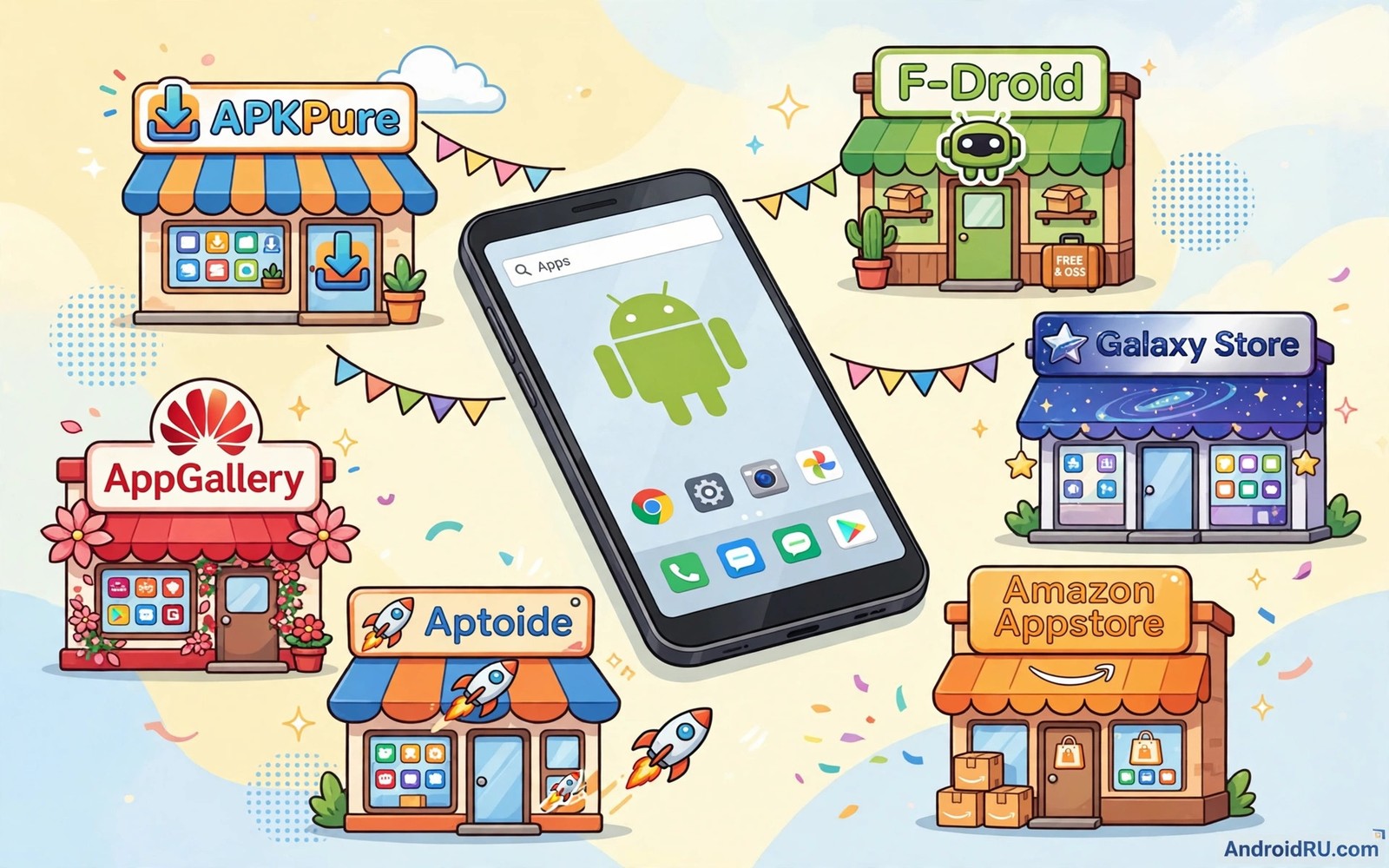
Google Play covers most Android needs but it is not the only way to find good apps. Some users want apps that never reach the official store. Others want stronger privacy or older versions or open source software. A good alternative store can meet those needs without forcing you to accept weaker safety checks.
The best alternative depends on what you value most. One store may focus on open source software and careful review. Another may mirror official apps for users without a Google account. A third may serve a specific region or a specific device brand. Choosing by that priority matters more than choosing by the size of the catalogue. A huge catalogue with poor checks creates more risk than a smaller catalogue with clear rules.
This guide compares five strong options and explains who each one suits. Each option works as a normal Android app or as a store you install once and then use for updates. Read the tradeoffs carefully before you switch your main source. You may also want to pair this choice with a careful approach to whether sideloading APKs is safe so your new store does not become a new blind spot.
What makes an alternative store trustworthy
A trustworthy store shows its rules in public. It explains how apps are reviewed and how developers prove identity and how users can report problems. It publishes update histories that you can read. It does not hide paid apps behind free labels. Those signs matter because a store is only as safe as its review process.
Update behaviour is another strong signal. A good store delivers updates promptly and it keeps old versions available when a new version breaks something. It warns you when a signature changes. It lets you see what changed in each release. A store that silently replaces files or blocks downgrades deserves suspicion even when its catalogue looks attractive.
Privacy policy matters as well. Some stores require an account and track every download. Others let you browse and install without signing in. If privacy is your main reason for leaving the official store then an account heavy alternative defeats the purpose. Pick a store whose account rules match the reason you switched.
Open source first stores
Open source stores focus on apps whose code anyone can inspect. That transparency is their main strength. A developer cannot easily hide tracking code when the source is public and when the community can build the app from that source. The catalogue is smaller than a general store because many commercial apps are closed source. The apps that are present tend to be focused tools rather than flashy commercial products.
These stores suit users who want utilities and privacy tools and simple apps that do one job well. You will find file managers and note apps and media players and privacy browsers. You will not find every popular social app or every banking app. That limit is a feature rather than a flaw because it keeps the catalogue honest about what it can offer.
Installation is straightforward. You install the store app once and you allow installs from that store only. Updates then flow through the same channel. Keep the store itself updated because an old store app may miss new security checks. Treat the store app as a trusted component and protect it accordingly.
Official app mirrors without a Google account
Some users need official apps but do not want a Google account on the phone. Mirror stores solve that problem by fetching the same official packages through a different front end. They let you search and download without signing in to Google services. That convenience comes with a tradeoff. You must trust the mirror to deliver unmodified official files.
Check how the mirror proves file integrity before you rely on it. A strong mirror shows version codes and signatures and lets you compare them with the official release. A weak mirror only shows a download button and a star rating. The difference matters because a mirror is a middleman and middlemen can be compromised. Use mirrors that publish verification details and that have a long public record.
Account free access also helps on degoogled phones and on test devices. You can install a mapping app or a messaging app without restoring a full Google profile. Keep expectations realistic though. Apps that depend deeply on Google services may still fail after install. The mirror can deliver the file but it cannot replace missing services on the device.
Brand and regional stores
Phone brands run their own stores for their own devices. These stores often carry apps tuned for that brand and they offer local payment methods and regional content. They can be a good second source when the official store is slow to approve a regional app. They also help when a brand specific feature needs a companion app that is not on Google Play.
Regional stores carry a different risk profile. Rules and review quality vary by region and by brand. A store from a major brand with a large user base usually has stronger review than a small regional portal. Check whether the store requires developer verification and whether it publishes a removal policy. Those details tell you more than the number of apps on offer.
Use brand stores as a supplement rather than as a replacement. Keep your main apps on your primary trusted source. Use the brand store for brand tools and regional apps that you cannot get elsewhere. That split limits your exposure if one store has a weaker review process.
Community and beta testing hubs
Beta hubs let developers share early builds with willing testers. These hubs are valuable for users who enjoy testing new features and reporting bugs. They are also riskier than stable stores because early builds may contain unfinished code and new flaws. Only join a beta hub when you accept that tradeoff and when you test on a device that does not hold sensitive data.
A good beta hub labels builds clearly as test versions. It shows the developer name and the release date and the changes in each build. It lets testers leave feedback that other users can read. A hub that presents test builds as stable releases is misleading users. Avoid hubs that blur that line.
Keep beta apps separate from your daily tools. If a beta messaging app fails then you lose contact with people. If a beta file tool corrupts data then recovery may be hard. Test one beta app at a time and keep a stable alternative installed until the beta proves reliable for at least two weeks.
adb install alternative-store.apk
adb shell pm list packages | grep store
adb shell pm grant store.app android.permission.REQUEST_INSTALL_PACKAGES
The code block above uses the standard Android Debug Bridge command pattern to confirm a store package and its install permission state. It is included so you can confirm the store package installed correctly and check its install permission state before you use it as a source.
How to switch without losing your apps
Switching stores does not mean reinstalling everything at once. Start by listing the apps you actually use every week. Install the new store and search for those apps first. Keep the old source until the new store covers your core set. A rushed switch creates gaps that push you toward random downloads.
Watch for signature conflicts during the switch. Android will refuse an update when the new file carries a different signature from the installed app. That refusal protects you. Do not work around it by deleting data blindly. Instead check whether the new store offers the same signer or whether you need to uninstall and reinstall cleanly after backing up your data.
Back up app data before any reinstall. Export notes and chats and settings where the app allows it. Copy local files to a safe folder. A clean reinstall is safe only when you can restore what matters. Plan that step before you tap uninstall.
Check the update cadence before you commit
A store that updates rarely will leave you with old app versions that miss security fixes. Check the newest releases in the store before you commit to it as your main source. Look at dates rather than version numbers alone. A store with fresh releases every week shows active maintenance. A store whose newest release is months old may have stalled moderation or a broken pipeline. You can also compare one popular app across two stores to see which one tracks the official release more closely. That comparison takes five minutes and it tells you more than any marketing page. Choose the store that keeps pace with developers rather than the store that simply looks modern.
Common mistakes
The biggest mistake is treating every alternative store as equal. Stores differ sharply in review quality and in privacy rules and in update honesty. A store with a pretty interface can still have weak checks. Judge the review process and the verification tools rather than the design.
Another mistake is installing several alternative stores at once. Each store adds a new trusted source to your phone. More sources mean more chances for a weak link. Pick one primary alternative and add a second only for a specific need. Remove stores you stopped using.
A third mistake is enabling installs from every new store permanently. Allow only the store you actively use. Turn the permission off for stores you test once and then abandon. Old permissions are easy to forget and hard to audit later.
Frequently asked questions
Do alternative stores work without Google Play Services?
Many alternative stores work without Google services because they are designed for that use case. The store app itself usually runs fine. Individual apps may still need Google services for maps or payments or push notifications.
Can I use an alternative store alongside Google Play?
Yes you can use both sources on the same phone. Android tracks installs by package and by signature. Conflicts only appear when the same app comes from two sources with different signers. Keep one source per app to avoid update conflicts.
Are free paid apps on alternative stores legal?
No store can legally give away a paid app without the developer permission. A store that offers paid apps for free is distributing pirated copies. Avoid those stores even when the downloads appear to work.
Conclusion
The right alternative store matches your reason for switching and it proves its safety through public rules and verification tools. Start with one store and test it with a small set of apps before you move your whole setup. Your concrete next step is to list your ten most used apps and check which alternative covers at least eight of them with matching signatures. If no single store covers that core set then keep Google Play for those apps and use the alternative only for the gap it fills. Further reading that helps this decision includes the F-Droid guide for open source apps and how Aurora Store works without Google login and third party stores without Google Play Services.

